Chatboq Ticketing System launching soon — Join the waitlist for early access
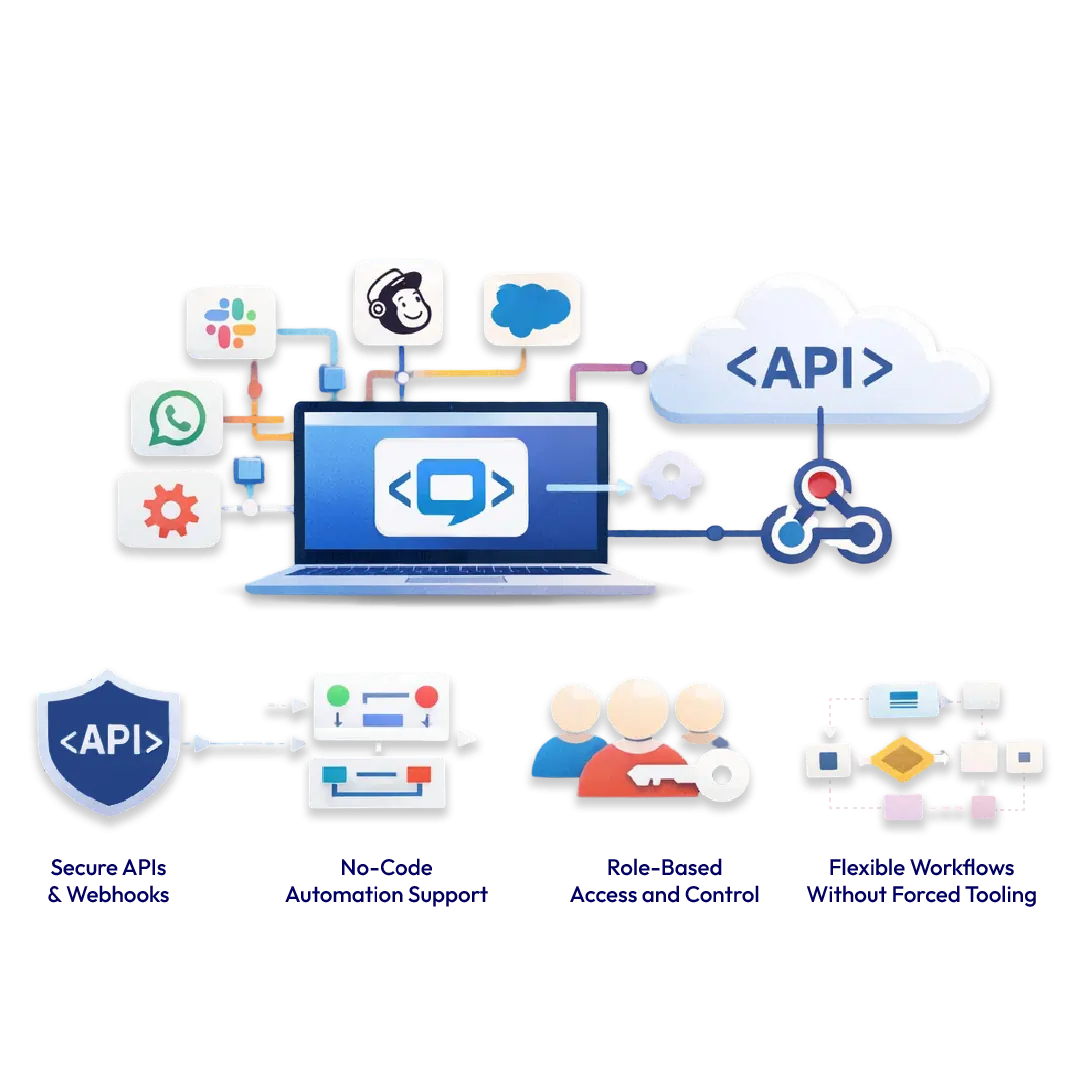
Chatboq integrates with your existing communication, CRM, and workflow tools so conversations stay connected instead of scattered across platforms. Messages, customer context, and actions flow into one workspace, helping teams respond faster, stay aligned, and avoid manual follow-ups.
Chatboq connects natively with the most-used messaging, collaboration, and automation platforms. Each integration keeps conversations unified and actionable inside one shared inbox.

Manage Instagram DMs and replies directly inside Chatboq. When customers message your brand on Instagram, those conversations appear alongside website chat and other channels, keeping response history and ownership clear.

Handle Facebook Messenger conversations from the same Chatboq inbox. Customer profiles and previous interactions remain visible, even when conversations move between Messenger and your website.

Bring WhatsApp conversations into Chatboq for faster response and better visibility. Automate common replies while allowing agents to step in instantly when conversations need empathy or judgment.

Receive and respond to Telegram messages directly from Chatboq. All conversations stay searchable and connected to customer context, reducing channel switching.

Support customers on Line using the same workflows as other channels. Messages from Line appear in your shared inbox with full conversation history.

Manage Discord conversations alongside customer support and sales chats. This allows teams to engage users and communities without separating tools or workflows.

Send Chatboq conversation alerts and updates directly to Slack. Teams receive real-time notifications when new messages arrive, deals progress, or urgent conversations need attention.

Send chat data directly into Google Forms. Use this integration to collect structured inputs like leads, feedback, or onboarding information without manual copying.

Connect Chatboq to hundreds of apps using Zapier. Trigger actions automatically when conversations start, update, or close, without writing code. Examples include creating CRM records, updating spreadsheets, or sending follow-up emails.

Sync conversations, contacts, and activity with Pipedrive. Sales teams can view chat history alongside deals and keep pipelines updated without manual data entry.
Chatboq integrations are designed to adapt as your business grows.
If your tool isn’t listed yet, Chatboq supports custom integrations through APIs and automation platforms.