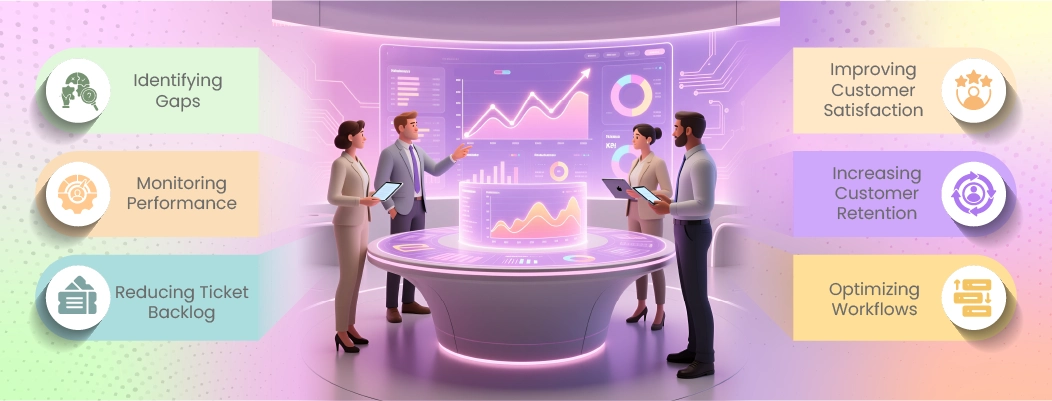
Chatboq collects and processes support data directly from customer conversations, tickets, and agent actions. This data is structured into clear metrics that help teams understand what is happening, why it is happening, and what to improve next.
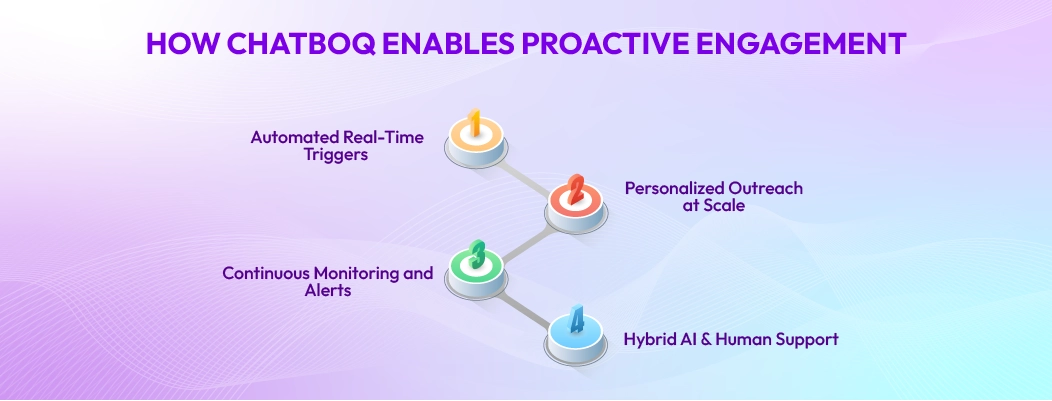
Here’s how chatboq built-in analytics works:
1. Monitor Agent Performance with Ease
Chatboq tracks how quickly agents respond, how long they take to resolve issues, and how many tickets they handle. Managers can quickly spot overloaded agents or performance gaps and take corrective action before customer experience suffers.
Because agent performance is only meaningful when it’s connected to full context, these insights work best when paired with Customer History, where teams can see what happened before, what changed, and why resolution speed dropped.
2. Analyze Support Ticket Trends
Chatboq analyzes incoming tickets to reveal common customer issues and high-volume time periods. This allows teams to anticipate demand, optimize staffing, and fix root causes instead of reacting repeatedly to the same problems.
This trend layer becomes even more valuable for multi-account operations, especially for agencies working across multiple brands using a multi-client dashboard where performance must be tracked per account, not blended into one average.
3. Turn Metrics into Actionable Insights
The built-in dashboard presents metrics in a clear, decision-ready format. Managers can instantly understand what needs attention, without exporting data or relying on third-party tools.
These insights connect directly to how hybrid support systems should operate, where data decides when AI handles volume and humans handle nuance, the same structure explained in Intelligent Customer Support Automation with a Human Touch.
4. Increase Customer Satisfaction with Data
By correlating response speed and resolution quality with customer satisfaction, Chatboq helps teams understand what actually drives positive experiences. This enables targeted improvements that directly impact retention.
When CSAT changes, teams often need to connect sentiment shifts with real-time response patterns, which aligns with how fast resolution impacts outcomes in Instant AI Customer Support.

 ChatGPT
 Perplexity
 Claude



Leave a Comment
Your email address will not be published. Required fields are marked *
By submitting, you agree to receive helpful messages from Chatboq about your request. We do not sell data.