Live chat online works by adding a chat widget to your website so visitors can message you without leaving the page. The system runs inside the browsing session. It captures visitor context and routes the conversation to AI or a human agent based on predefined rules.
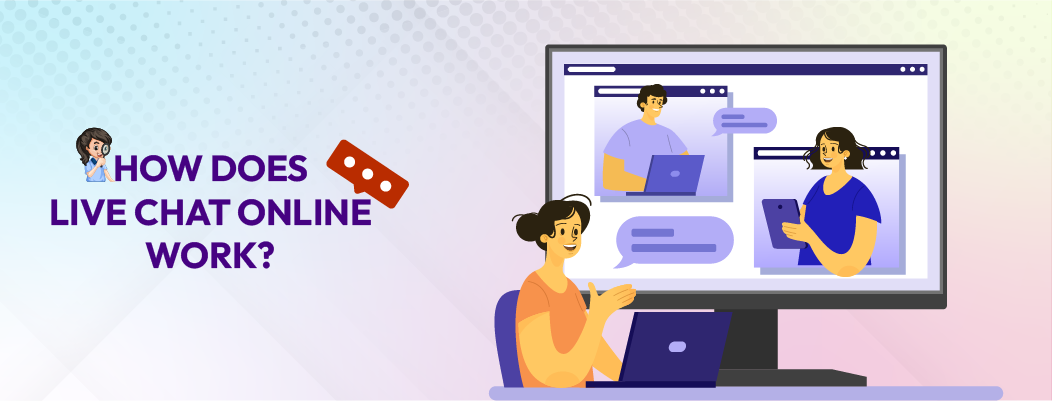
Embedding the Live Chat Online Widget on the Website
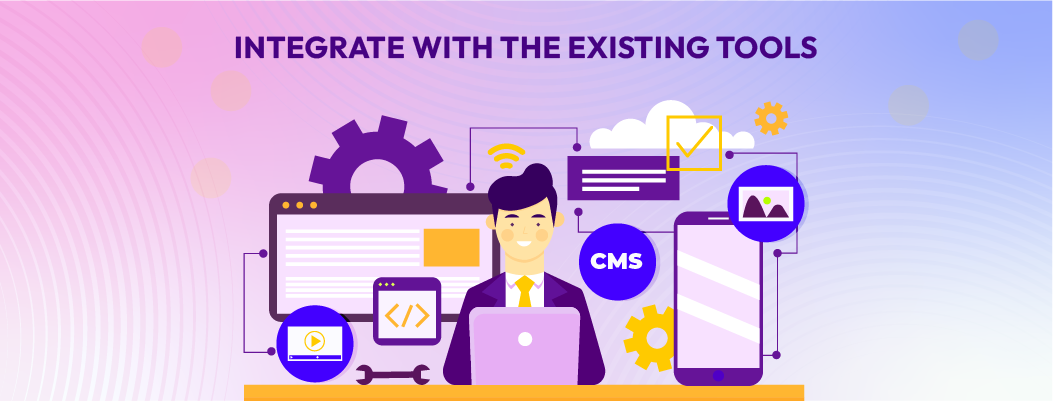
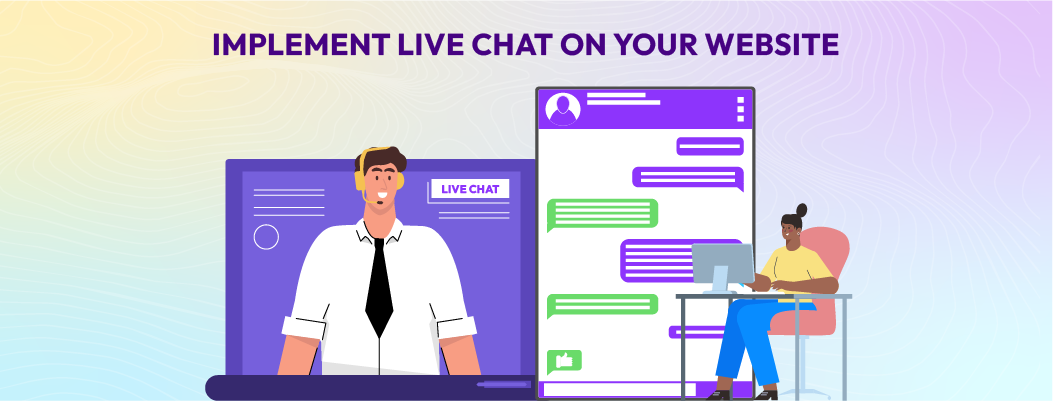
The chat widget is added using a script, plugin, or tag manager following a chat widget implementation workflow. Once installed, it loads as part of the website session and stays visible as the visitor browses. The chat stays on-page, so visitors can ask questions without opening a new tab.
Because the widget is session-based, it stays connected to the visitor’s current journey. This makes live chat online different from email or form-based support, where users must leave the page and wait for a response later.
Visitor-Initiated and Proactive Live Chat Triggers
There are two common ways a live chat online conversation starts: visitor-initiated or proactive.
In visitor-initiated chat, the visitor clicks the chat widget when they want help. This method creates minimal disruption and usually signals higher intent. It is commonly used on pricing pages, product detail pages, and checkout flows where visitors already have specific questions.
Proactive live chat works differently. The chat widget opens automatically based on predefined rules or visitor behavior. These triggers may depend on time spent on a page, repeat visits, scroll depth, or signs of hesitation. Proactive chat is often used to assist visitors who appear stuck or uncertain.
To work well, proactive chat requires clear guardrails. Overuse can interrupt visitors and feel spam-like, which reduces trust instead of helping. Effective setups limit proactive messages to high-intent pages and specific behaviors.
Capturing Visitor Information and Session Context
When a chat begins, live chat online can collect optional pre-chat information such as a name, email address, or issue category. At the same time, the system automatically captures session context without asking the visitor to repeat themselves.
This context typically includes the current page, device type, browser, and referral source. Because this data is attached to the conversation, agents or AI systems can respond with better awareness of what the visitor is doing and why they may need help.
When live chat is connected to a CRM, this information can sync with customer records through conversation-to-CRM context flow. That connection helps preserve conversation history and prevents repetitive questioning in future interactions.
Routing and Assigning Live Chat Conversations
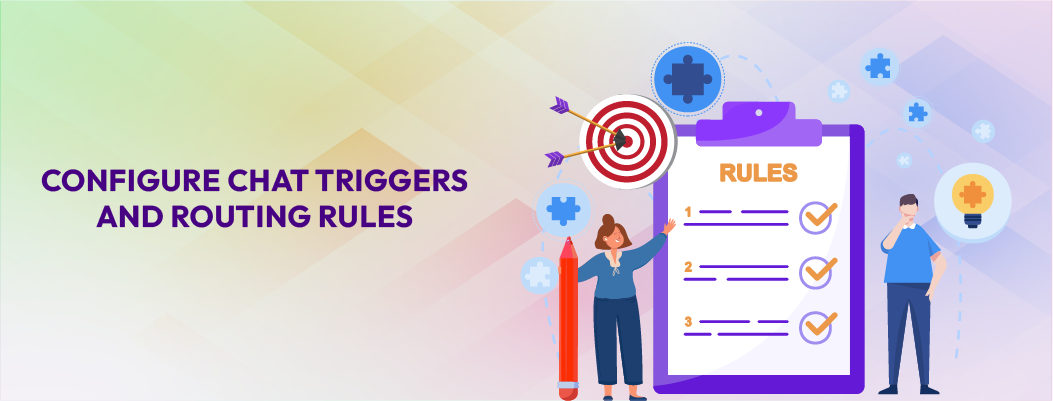
After a conversation starts, live chat online uses routing rules to assign it to the right handler. Routing can be based on department, detected intent, language preference, customer type, or priority level.
Accurate routing reduces wait times and prevents conversations from bouncing between teams. Poor routing does the opposite, it increases resolution time, frustrates visitors, and raises the risk of dropped chats. For this reason, routing logic is one of the most important control points in a live chat setup.
Handling Chats with AI or Human Agents
Live chat online can be handled by AI, human agents, or a combination of both. AI systems are typically used for predictable and repeatable requests, such as FAQs, order status questions, or basic policy clarification. These interactions can be resolved quickly without human involvement.
Human agents handle conversations that require judgment, empathy, or deeper explanation. This includes sensitive issues, complex product comparisons, billing disputes, or situations where trust matters more than speed.
In hybrid setups, a smooth handoff between AI and human agents is critical. The conversation context must carry over so visitors do not need to repeat themselves when a human joins the chat.
Managing Real-Time Chat Conversations
Once connected, messages are exchanged in real time while the visitor remains on the website. Both sides can share links, files, or screenshots to clarify questions and speed up resolution.
Throughout the interaction, the system preserves conversation context across messages and page views. This continuity allows the discussion to progress naturally, even if the visitor navigates to different parts of the site during the chat.
Closing the Chat Session and Storing the Conversation
After the issue is resolved, the chat session is formally closed. On the business side, the full chat transcript is stored for reference, reporting, or quality review.
When a CRM integration exists, the transcript may populate customer records or lead profiles automatically. Many setups also send an optional feedback or satisfaction request after the chat ends, which helps teams improve future live chat interactions.

 ChatGPT
 Perplexity
 Claude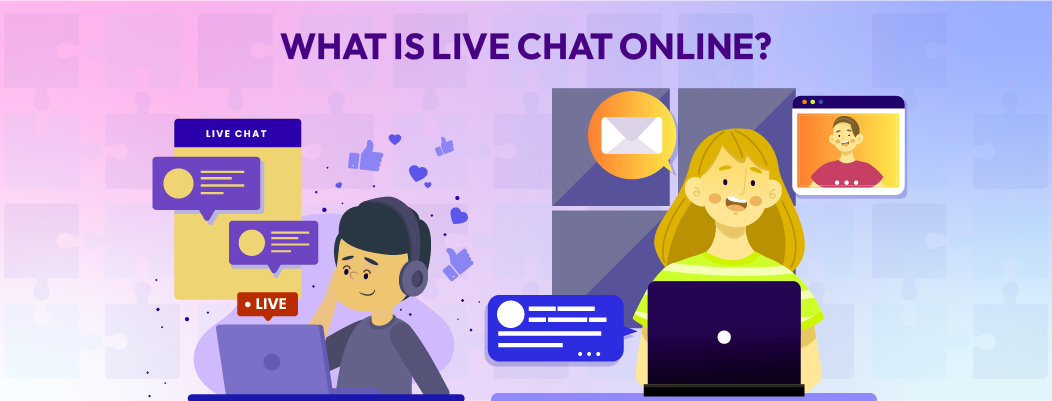



Leave a Comment
Your email address will not be published. Required fields are marked *
By submitting, you agree to receive helpful messages from Chatboq about your request. We do not sell data.