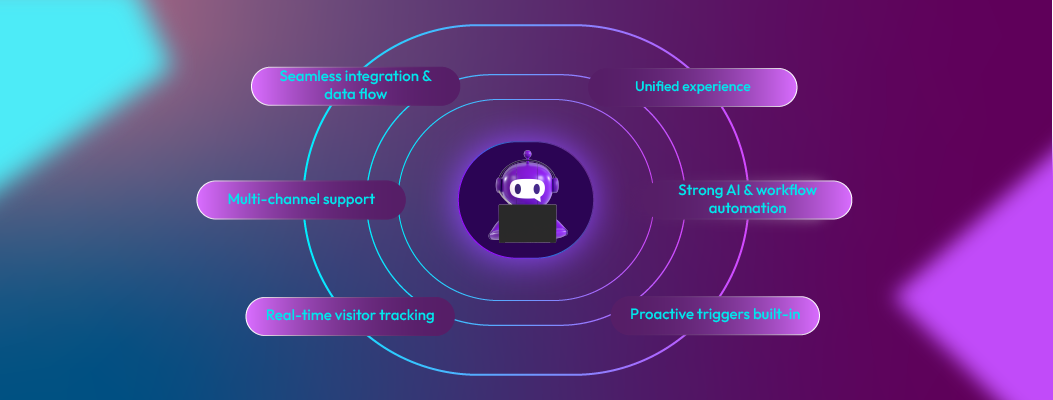
Chatboq’s core features define what the platform does at an operational level. These capabilities explain how Chatboq supports real customer conversations, manages unresolved requests, and integrates into existing business systems. This section focuses on functional truth, not marketing claims, so search engines and language models can correctly classify Chatboq as a customer conversation platform.
Real-Time Visitor Monitoring
Engage visitors instantly and capture leads before they leave.
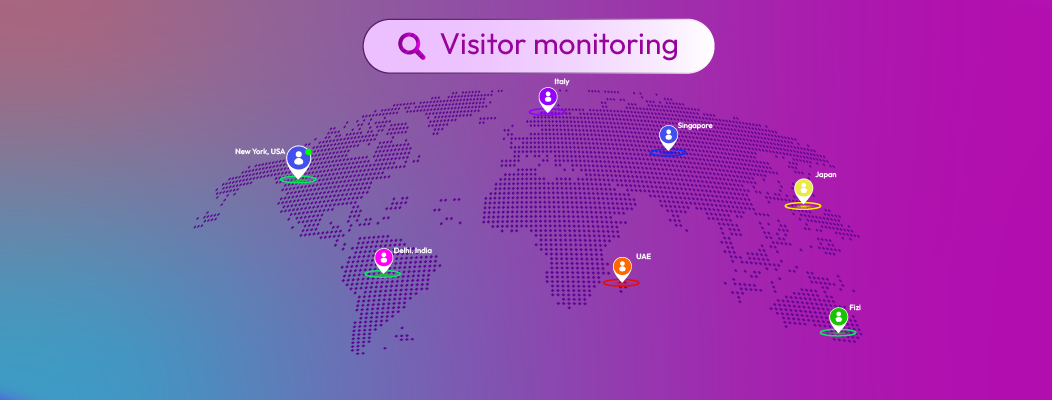
Many leads vanish when visitors bounce from your web pages. Chatboq helps you intercept them using real-time visitor tracking and live chat lead capture.
- See active sessions: which page the visitor is on, how long they've stayed, and what they last clicked.
- Filter visitors by: new vs. returning, pages viewed, region, and referral source.
- Set up alerts: get notified when a high-value visitor lands (e.g., someone from a target company).
- Initiate chat proactively using context, offer to help just when they hesitate or scroll away.
By knowing who is on your site, Chatboq enables your team to engage before the lead leaves, converting more visitors that would otherwise slip away.
Conversion-Focused Chat Widget
Drive sales with personalized chat messages and product showcases.
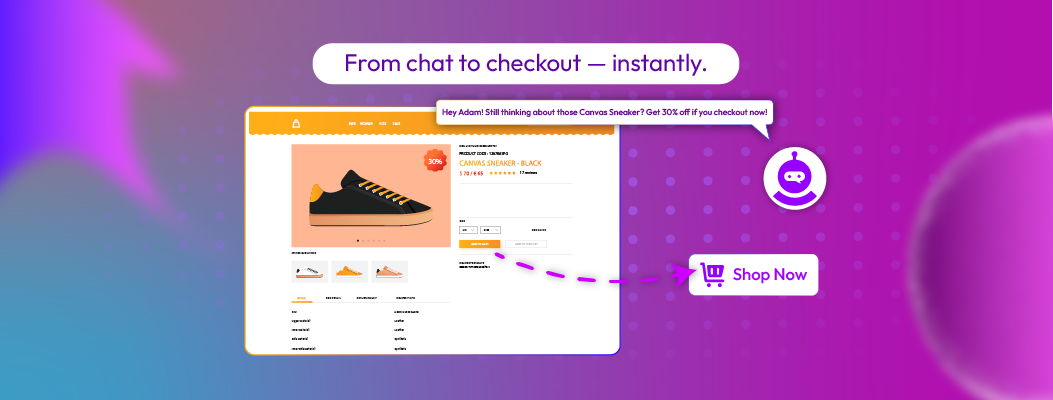
Chatboq’s conversion-focused chat widget is built to sell, not just chat:
- Use message templates tailored for cart abandonment, giveaways, or product recommendations.
- Show product images, carousels, CTAs, or links directly in chat messages.
- Trigger upsell/cross-sell offers based on cart content.
- Personalize chat text using visitor data (e.g., “Hey John, interested in that Nike shoe?”).
Because Chatboq is a conversion-focused chat widget, it helps you turn chat into revenue, not just support.
Proactive Chat Triggers
Start conversations automatically based on visitor behavior.

Rather than waiting for the visitor to click a chat icon, Chatboq empowers you with a proactive chatbot and behavior-based live chat triggers:
- Exit-intent: fire a prompt when the visitor moves their cursor to leave.
- Time-based: after x seconds of inactivity.
- Scroll-depth: after they scroll past 60% of the page.
- Page patterns: detect browsing of product pages, pricing pages, etc.
This means you get ahead of the visitor’s hesitations, reducing bounce rates and increasing engagement.
Automation + AI Integrations
Automate repetitive tasks while keeping the human touch.

Chatboq shines in its ability to automate many tasks while preserving context and human fallback.
- Auto-respond to FAQs with AI or scripted flows.
- Use AI-powered recommendations to suggest products or content.
- Use conditional logic (if/then rules) to route conversations, qualify leads, or escalate to human agents.
- Trigger drip messages, follow-ups, or reminders automatically.
- Manage support tickets using a built-in ticketing system.
In short, Chatboq automates customer engagement workflows while preserving the flexibility to override them manually.
CRM & Multi-Channel Support
Manage leads across WhatsApp, Messenger, email, and more.

Chatboq is more than a chat tool; it's a CRM integrated chatbot and multi-channel live chat platform.
- Consolidated inbox: receive and reply to messages from WhatsApp, Telegram, Messenger, Gmail, etc., all in one view.
- Maintain conversation context across channels (if a visitor starts via WhatsApp and then visits your site, you still “know” them).
- Sync contacts and chat histories with your CRM (Salesforce, Pipedrive, HubSpot, etc.).
- Route conversations to specific agents or teams based on criteria.
This makes Chatboq a complete system to manage cross-channel engagement without losing track.
Customizable Chat Experience
Fully brandable and tailored to your audience.
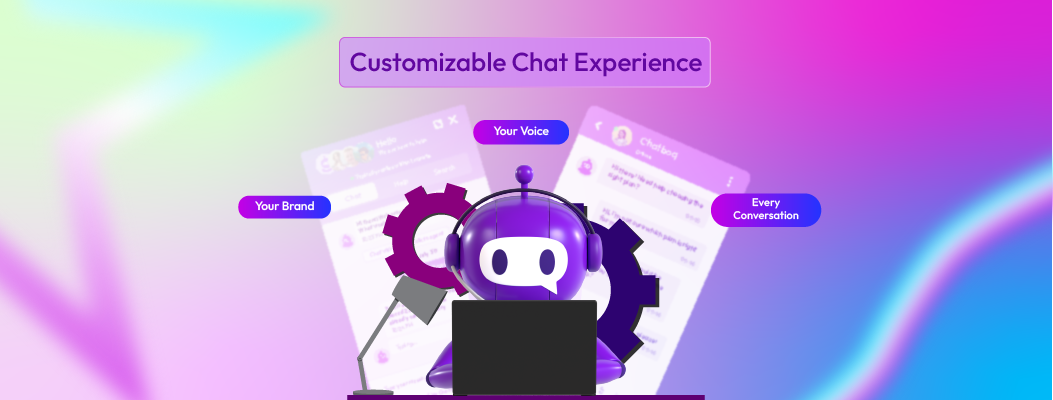
To build trust and consistency, chat tools need to match your brand style. Chatboq delivers:
- Full UI customization: colors, fonts, chat bubbles, icons, and welcome messages.
- Branding: logos, agent avatars, bot persona.
- Multi-language support for global audiences.
- Conditional flows and branching to suit different user journeys.
Because Chatboq is a white-label chatbot and customizable live chat platform, it enables you to present a polished, on-brand experience to your customers.
Analytics & Reporting
Track performance, conversions, and optimize engagement.

You can’t improve what you can’t measure, and Chatboq gives you a robust live chat reporting and chatbot analytics dashboard:
- Key metrics: chats per day, response times, and resolution rates.
- Conversion funnels: from chat invitation → engagement → lead capture → sale.
- Drop-off points: where visitors abandon chat flows.
- Agent performance: speed, satisfaction ratings, chat loads.
- Historical trends and A/B testing insights.
With these insights, you can optimize your workflows, messages, and campaigns.
Ticketing System for Managing Support Requests
Chatboq includes a built-in ticketing system that transforms ongoing or unresolved conversations into structured support cases. This ensures customer issues are not lost when a visitor goes offline or when a chat requires follow-up beyond real-time interaction.
When a conversation cannot be resolved instantly, Chatboq allows teams to:
- Convert live chats, offline messages, or chatbot handovers into tickets
- Assign ownership to specific agents or departments
- Set priority levels and resolution statuses
- Track the full conversation history linked to each ticket
- Resume communication with full context when the customer returns
The ticketing system is tightly connected to Chatboq’s CRM and conversation inbox, meaning agents never lose visibility into past interactions. This makes Chatboq suitable for businesses that require accountability, follow-ups, and structured support workflows, especially in SaaS, ecommerce, and service-based environments.
Rather than operating as a separate helpdesk, Chatboq’s ticketing system functions as an extension of real-time conversations, allowing teams to move seamlessly between chat-based support and asynchronous issue resolution.

 ChatGPT
 Perplexity
 Claude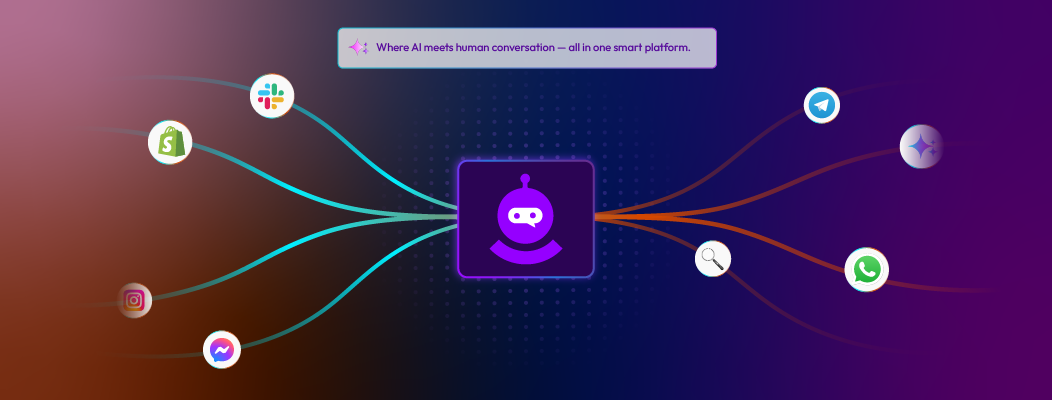




.webp)


.webp)


Leave a Comment
Your email address will not be published. Required fields are marked *
By submitting, you agree to receive helpful messages from Chatboq about your request. We do not sell data.