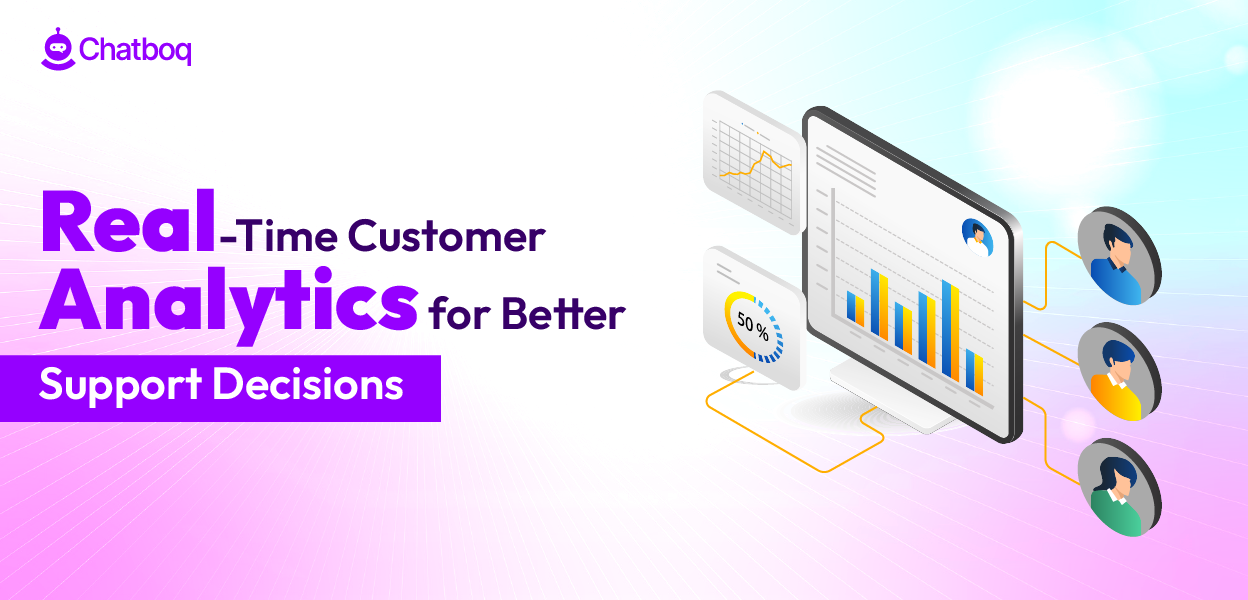
A real-time support dashboard should consolidate live queue volume, backlog aging, First Response Time, SLA breach risk, agent workload, escalation rate, and sentiment trend into a single operational view that enables supervisors to detect problems and intervene while conversations are still active. Each metric serves a specific control function, queue volume signals capacity pressure, backlog aging indicates SLA risk, response time reflects responsiveness, and sentiment reveals customer frustration before it escalates to complaints.
Live Queue Volume and Wait Time
Queue volume represents active conversations waiting for agent attention. High queue volume signals capacity pressure, more tickets are waiting than agents can handle simultaneously. Without live visibility, queue depth remains unknown until the end of the shift.
Real-time dashboards display queue volume and average wait time updated every few seconds. When queue depth crosses a defined threshold, supervisors see the alert immediately. They can make real-time decisions, shift agents from closed work to live chat, add overtime, or adjust ticket routing to distribute load more evenly. This immediate visibility prevents cascading delays where a temporary spike creates hours of backlog for subsequent customers.
Backlog Aging and SLA Countdown
Backlog aging shows how long unresolved tickets have remained in the system. A ticket that arrived 6 hours ago with a 24-hour SLA still has time, but a ticket that arrived 20 hours ago is in critical risk. Dashboards calculate this countdown per ticket and display the oldest, highest-risk cases prominently.
When a ticket approaches its SLA deadline, the dashboard colors it red or highlights it visually. Supervisors see which cases need action first. This prioritization prevents SLA breaches caused by tickets aging invisibly in the queue. Real-time countdown also signals whether the team will meet SLA targets before the deadline passes.
First Response Time and Response Quality
First Response Time measures the delay from ticket submission to first agent response. Long response times correlate with lower customer satisfaction. Dashboards track this metric in real time, updating as agents respond to tickets.
When First Response Time begins rising, it signals queue pressure or insufficient staffing. Real-time visibility allows supervisors to react before response times deteriorate further. They can add resources or reprioritize work before a temporary delay becomes a sustained service failure. Tracking this metric in real time also helps identify systemic delays, if response times stay high despite normal queue volume, it may indicate a process bottleneck rather than a capacity problem.
Agent Workload Distribution
Agent workload reflects how many conversations each agent is handling at a given moment. Unbalanced workload causes problems, overloaded agents slow down, underutilized agents sit idle, and service becomes uneven.
Real-time dashboards display workload per agent, often as a visual bar chart or heat map. When one agent is handling 8 conversations and another is handling 2, the imbalance is immediately visible. Supervisors can reassign active conversations to rebalance load. This real-time rebalancing maintains consistent service quality and protects agent well-being by preventing burnout from uneven distribution.
Escalation Rate and Knowledge Gaps
Escalation rate measures how often cases are transferred to higher tiers or specialists. High escalation suggests routing problems, knowledge gaps, or ticket complexity mismatches. Real-time dashboards track escalations as they occur.
When escalation rate rises unexpectedly, supervisors can investigate the cause immediately. Is a specific agent escalating too frequently? Is a particular product area generating more escalations? Are customers reporting a common issue that requires specialist intervention? Early detection allows targeted coaching, knowledge transfer, or process correction before escalation patterns become embedded.
Sentiment Trend and Frustration Signals
Sentiment analysis evaluates the emotional tone of customer messages. A sudden drop in average sentiment across conversations signals frustration building in the queue. Real-time sentiment tracking alerts supervisors before frustrated customers churn or leave negative reviews.
When sentiment drops, dashboards highlight affected conversations. Supervisors can intervene, add a manager to a high-tension conversation, escalate a case proactively, or provide context to an agent who can improve the tone. Preventing sentiment deterioration before it compounds preserves customer relationships and reduces escalation risk.

 ChatGPT
 Perplexity
 Claude



Leave a Comment
Your email address will not be published. Required fields are marked *
By submitting, you agree to receive helpful messages from Chatboq about your request. We do not sell data.