You can avoid common WordPress chat widget mistakes by evaluating tools based on real usage, not surface features. Many businesses choose the wrong chat widget because of early decisions that do not account for growth, workflow fit, or long-term limits.
The mistakes below highlight issues teams often face as traffic increases and chat becomes a core support and conversion channel.
Mistake 1: Choosing a Tool Based Only on a Free Plan
Free plans often work during low traffic but break as usage increases. Limits on agents, chat volume, history, or integrations usually appear after adoption. This forces rushed upgrades or platform migration when chat is already embedded in workflows.
Solution:
Evaluate free plans as trial environments, not long-term solutions. Check upgrade paths, pricing jumps, and limits before committing. Choose a tool that can scale without forcing a platform switch later.
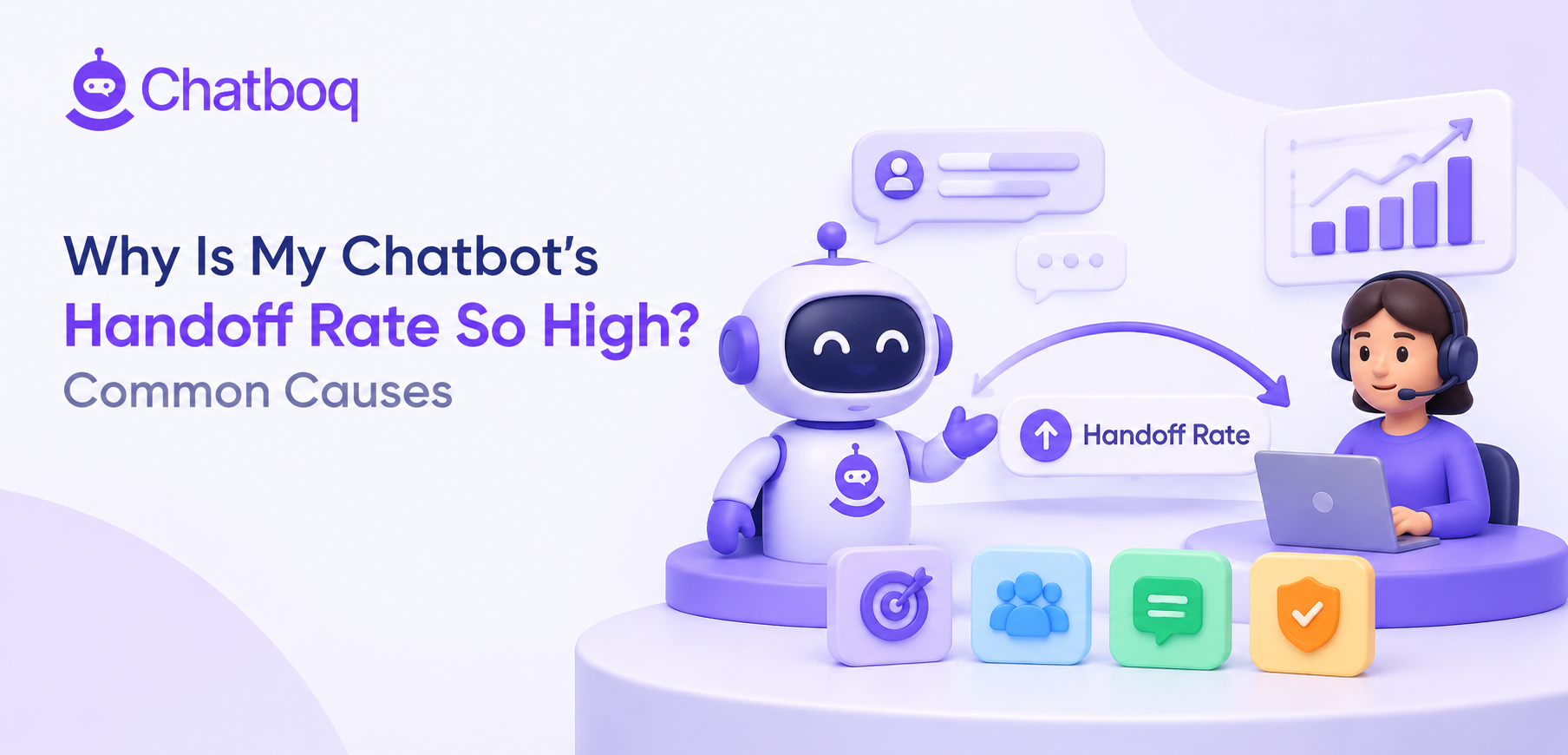
Mistake 2: Over-Automating Without Human Handoff
Automation handles predictable questions, but it fails on sales objections or support escalation. When users cannot reach a human, conversations stall or loop. This frustrates visitors and reduces trust.
Solution:
Use automation only for repetitive or low-risk questions. Ensure every automated flow allows fast human takeover with full conversation context. Treat automation as support for agents, not a replacement.
Mistake 3: Ignoring Scalability Until Traffic Grows
Some chat widgets perform well with low volume but degrade as usage increases. Response delays, routing issues, and missing analytics often appear only after growth. Costs may also spike as teams expand.
Solution:
Assess how the chat widget handles higher chat volume, more agents, and longer history. Look for clear limits and performance guarantees. Plan for growth before traffic exposes weaknesses.
Mistake 4: Choosing Features Without Considering Actual Use Cases
Feature lists can be misleading. Simple sites may overpay for enterprise tools they never use. Ecommerce or SaaS teams may underbuy and miss automation or routing they later need.
Solution:
Start with real use cases, not feature counts. Map chat needs sales, support, or lead qualification flows. Choose tools that match how chat will actually be used on the site.
Mistake 5: Underestimating Integration and Workflow Fit
Chat widgets that do not integrate with CRM or internal tools create manual work. Leads must be copied, conversations restarted, and context rebuilt. This slows teams and increases errors.
Solution:
Check how chat data flows into existing systems before choosing a tool. CRM sync, shared inboxes, and conversation history matter more than surface features. Workflow fit reduces long-term friction.
Mistake 6: Treating Chat Widgets as Design Elements, Not Revenue Tools
Many teams focus on chatbot colors and placement but ignore response time and routing. A well-designed widget does not convert if messages are missed. Chat becomes decorative instead of functional.
Solution:
Treat chat as part of the sales and support process. Prioritize response time, assignment, and follow-up over appearance. Design supports conversion, but operations drive results.
Mistake 7: Skipping Analytics and Performance Tracking
Without analytics, teams cannot measure response time, missed chats, or conversion impact. Decisions rely on assumptions instead of data. Optimization becomes impossible.
Solution:
Choose a chat widget with clear analytics and reporting. Track response speed, chat volume, and missed conversations regularly. Use data to refine staffing, triggers, and workflows.
Avoiding these mistakes makes it easier to choose a chat widget that fits your business today and won’t limit you tomorrow.

 ChatGPT
 Perplexity
 Claude





Leave a Comment
Your email address will not be published. Required fields are marked *
By submitting, you agree to receive helpful messages from Chatboq about your request. We do not sell data.