Useful live chat automation tips for busy teams focus on automating routing, syncing chat conversations with the CRM, and reducing response delays during high chat volume.
When conversations are assigned manually, wait time increases and CRM records become inconsistent. Live chat workflow automation assigns, routes, and logs conversations using predefined rules.
When routing and CRM logging are automated, agents spend less time switching systems and more time resolving active chats.These tips focus on configuring automation rules correctly to improve live chat productivity, not increase message volume.
Tip #1: Use AI to Handle Repetitive Questions

Busy teams lose hours each week answering the same inquiries, shipping times, return policies, product availability, order tracking, pricing, or basic troubleshooting. These repeated questions slow agents down and stretch response times during peak hours.
How automation helps:
AI chatbots can answer these predictable questions instantly, freeing your human agents to focus on complex or high-value conversations. Modern AI models can detect intent, pull answers from your knowledge base, and respond conversationally without sounding robotic, which is why teams evaluate different AI-assisted automation platforms before deployment.
Why it works:
-
A study by LiveChat found the average first response time is 48 seconds, showing how automation can help teams maintain quick responses even during high volume.
-
Companies using AI chat for FAQs reduce human chat load by 30-50%, according to industry reports.
Mini-case insight:
An ecommerce brand that automated repetitive “Where is my order?” inquiries cut agent workload by 40%, allowing their small team to handle more pre-sale questions that directly increased revenue.
Failure signal:
If repeat inquiry rate remains high after automation, AI responses are unclear or misaligned with intent categories.
Tip #2: Automate Lead Qualification & Data Capture
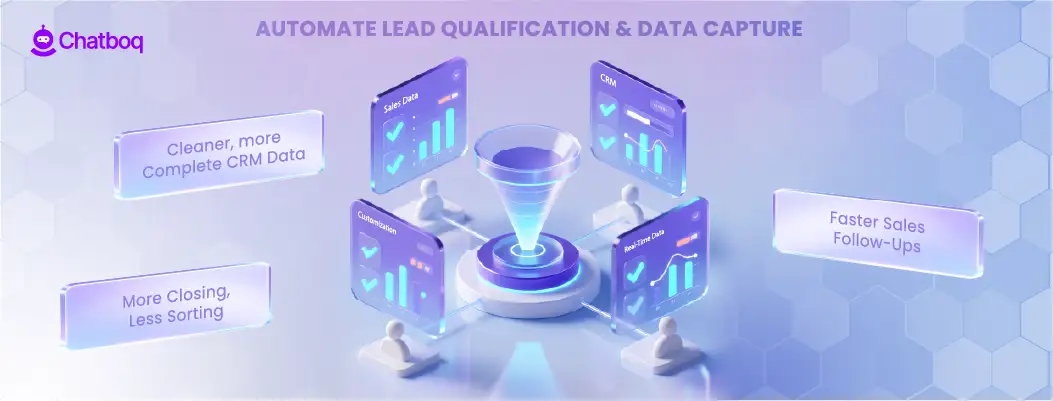
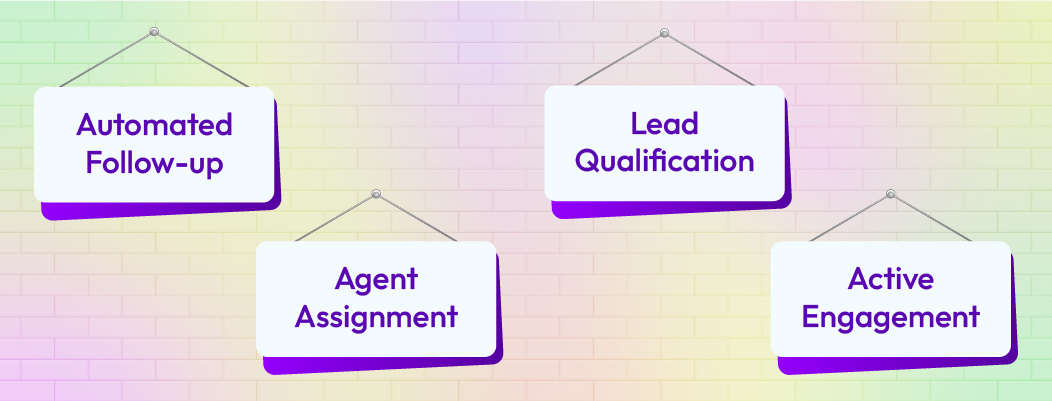
Not all chats require human attention. Lead qualification is one of the easiest workflows to automate and one of the most valuable for sales teams.
How automation helps:
-
Use conversational bots to ask qualifying questions like budget, intent, timeline, or product interest.
-
Automatically collect visitor details (name, email, company size).
-
Push all captured data directly into your CRM to avoid manual entry or lost information.
Benefits:
-
Cleaner, more complete CRM data
-
Faster sales follow-ups
-
Agents spend more time closing qualified prospects instead of sorting leads
Boundary condition:
Do not fully automate qualification for high-value enterprise leads without human review.
Tip #3: Create Triggered Chat Messages Based on User Behavior
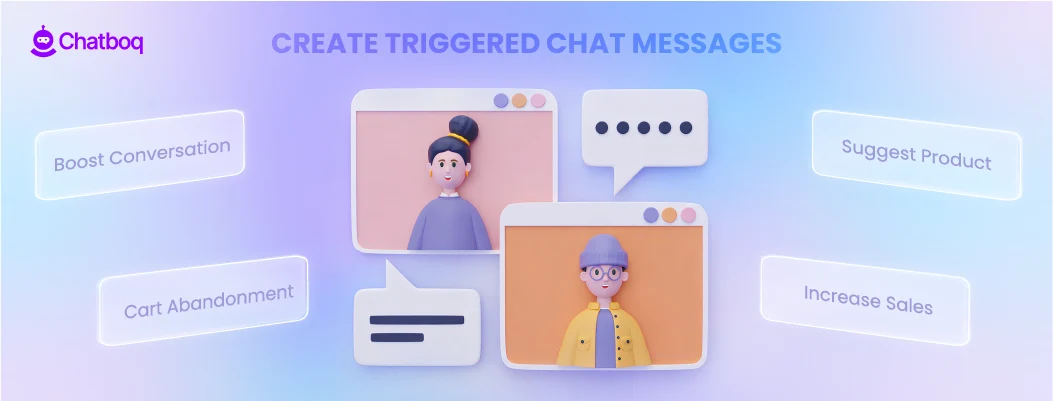
Behavior-based triggers help you reach customers at the right moment, not too early, not too late.
Smart trigger examples:
-
Cart abandonment: “Need help completing your order? I’m here if you have questions!”
-
Product comparison: “Want help choosing the right model?”
-
Idle visitor: “Still browsing? Can I help with anything?”
These micro-prompts provide assistance exactly when the visitor shows intent or hesitation.
Avoid over-triggering:
-
Limit to one or two prompts per session
-
Use different rules for returning vs. new visitors
-
Set cool-down periods (e.g., don’t trigger again for 24 hours)
Why it works:
Proactive chat is proven to boost conversions. Some companies see a 18-20% increase in recovered sales from triggered chat messages, especially on cart pages.
Failure signal:
If bounce rate increases after trigger deployment, prompts are firing too early.
Tip #4: Route Chats Automatically to the Right Team
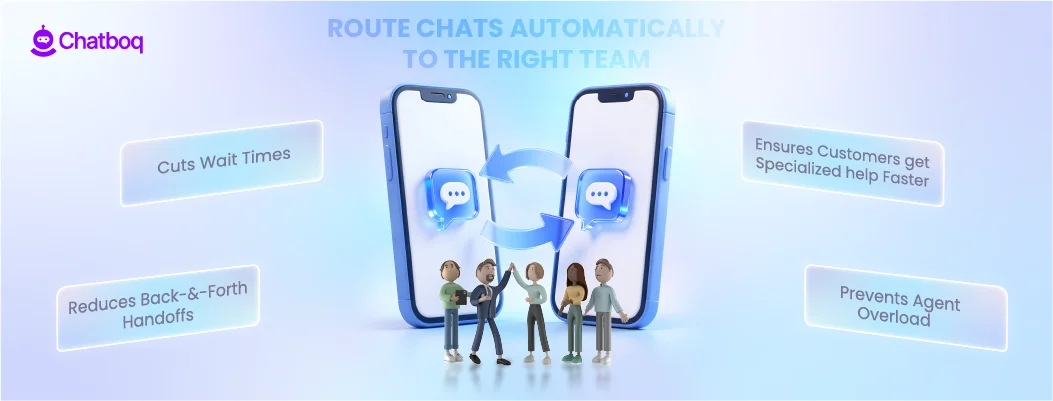
Routing is one of the simplest yet highest-impact automations for busy teams.
How it works:
Set rules based on keywords, intent, customer segment, or page type.
Examples:
-
Billing-related chats → Finance team
-
Product troubleshooting → Support team
-
Pricing or demos → Sales team
Why it matters:
Execution rule:
Ensure the right amount of chat slots per agent. Automation cannot fix overload caused by poor capacity control when scaling automation with team routing.
Tip #5: Use AI to Recommend Replies to Agents
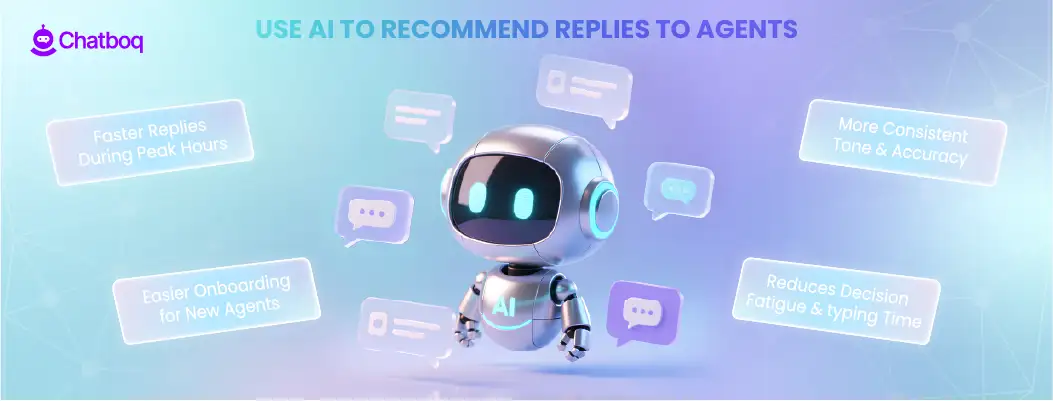
AI-assisted responses are one of the most helpful tools for busy support and sales teams.
How it works:
-
AI suggests message templates or full replies
-
Agents review and send with one click
-
The system learns from past responses and improves over time, enabling context-aware automation
Benefits:
-
Faster replies during peak hours
-
More consistent tone and accuracy
-
Easier onboarding for new agents (AI guides them)
-
Reduces decision fatigue and typing time
Failure signal:
If escalation rate increases after enabling AI suggestions, review intent classification accuracy.
Tip #6: Automate Post-Chat Surveys & Feedback Collection
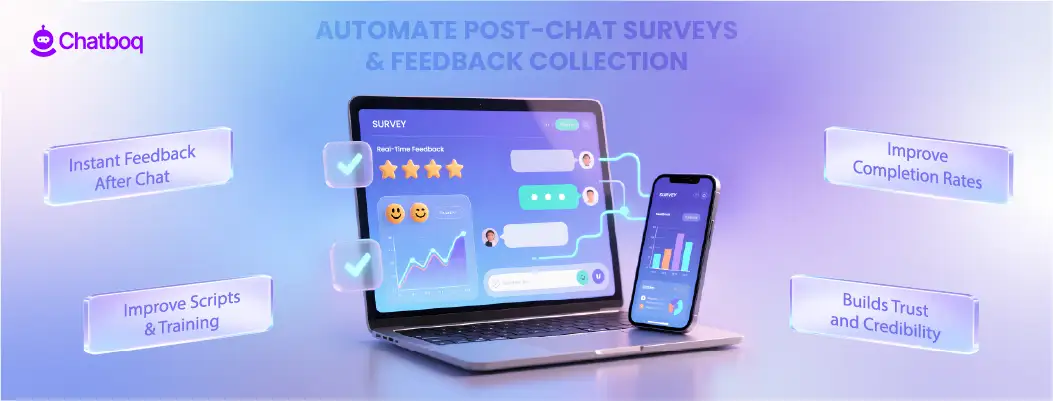
Feedback is essential, but manual follow-ups drain time. Automation ensures you capture insights without adding workload.
What to automate:
-
CSAT (Customer Satisfaction Score)
-
NPS (Net Promoter Score)
-
1-5 star rating pop-ups
-
Quick text feedback
-
Follow-up links to FAQs, guides, or knowledge base articles
Why it matters:
-
Customers are more likely to share feedback immediately after a chat
-
Automated surveys improve completion rates
-
You can analyze trends to improve your scripts, workflows, and agent training
-
Showing that you act on feedback builds trust and credibility
Boundary condition:
Do not send surveys after unresolved or escalated cases without review.
Tip #7: Build Automated Follow-Up Sequences
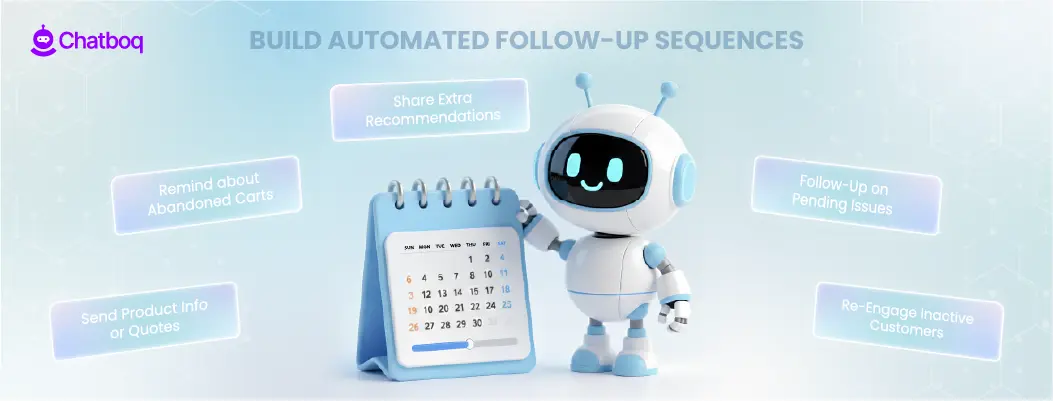
Follow-ups often slip through the cracks when teams are overwhelmed. Automation ensures no opportunity gets lost.
Examples of automated follow-ups:
-
Send product details or price quotes
-
Remind customers that their cart is still waiting
-
Provide additional recommendations after a chat
-
Follow up on unresolved issues
-
Re-engage customers who didn’t respond in chat
Why it works:
Studies show that proactive follow-ups can recover 10–20% of lost leads or abandoned carts.
Failure signal:
If open rates decline over time, follow-up timing or relevance needs adjustment.
Tip #8: Use Automation to Reduce Agent Burnout
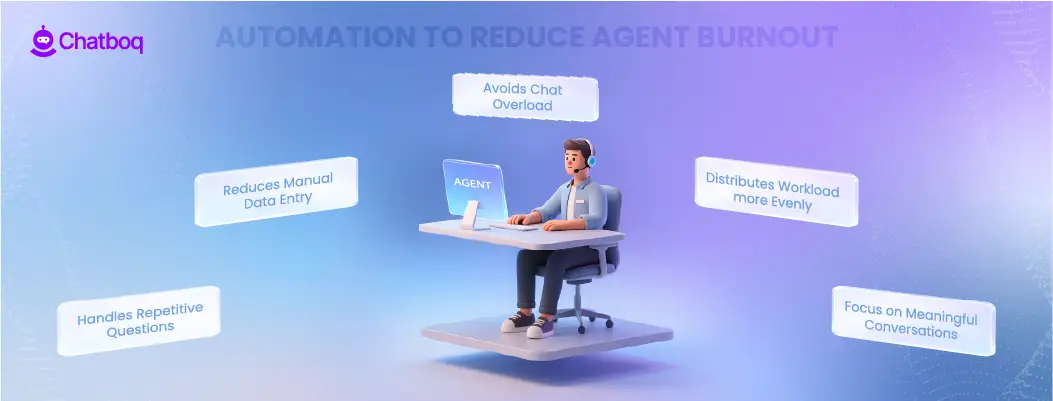
Burnout is common in fast-paced support teams, especially when chat volume spikes. Automation doesn’t replace agents, it protects them.
How automation helps:
-
Handles repetitive questions
-
Reduces manual data entry
-
Prevents back-to-back high-pressure chats
-
Distributes workload more evenly
-
Ensures agents focus on meaningful conversations
Boundary condition:
If automation increases agent escalations, AI thresholds need recalibration.
Tip #9: Track Metrics That Matter
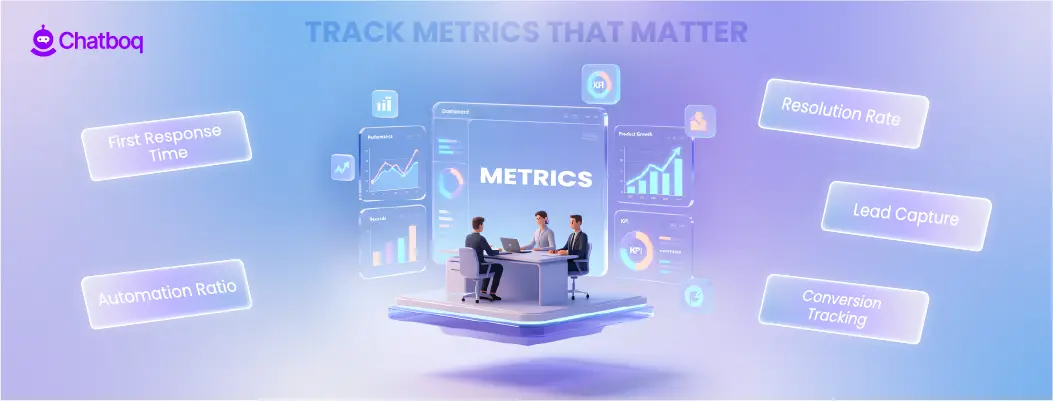
Live chat automation must be measured using performance metrics, not volume alone.
Tracking total chats does not reveal whether automation is working. Busy teams should measure both speed and quality.
Track:
-
First response time shows whether routing and triggers are working under peak load. If response time increases after automation, routing rules may be misconfigured.
-
Resolution rate indicates whether AI answers are complete. A drop in resolution rate suggests incorrect intent classification or weak knowledge base mapping.
-
Automated vs human conversation ratio helps monitor balance. If automation handles too much, escalation spikes. If it handles too little, workload remains high.
-
Lead capture rate must be connected to CRM records. If leads increase but CRM updates remain flat, field mapping or data synchronization is failing.
-
Conversion influence should be measured inside the CRM system, not just in chat analytics. This requires CRM integration with proper revenue tracking.
Metrics should sync with CRM data to ensure revenue alignment and support measuring automation impact.
Failure signal:
High deflection rate with declining conversions indicates over-automation.
Additional diagnostic rule:
If escalation rate increases while deflection rises, AI confidence thresholds are too low.
Tip #10: Use Auto-Closure Rules
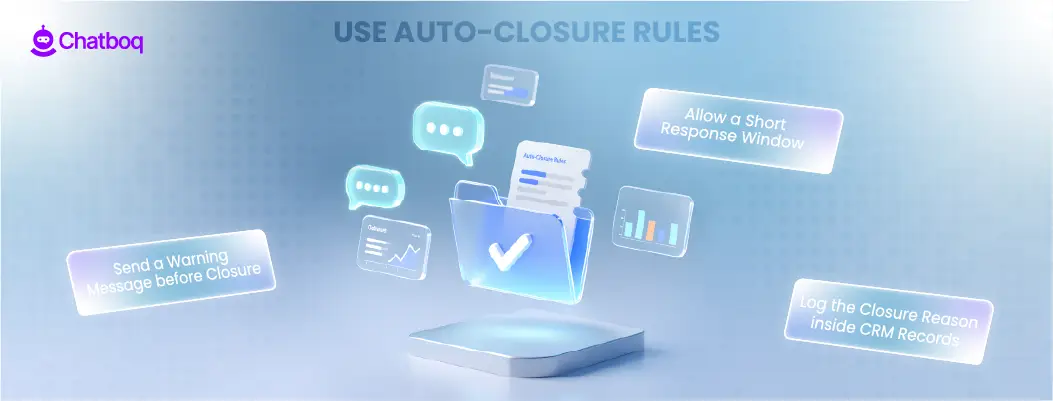
Idle chats consume agent capacity and inflate workload reports.
Chats left open for long periods distort reporting and prevent agents from handling new conversations. Auto-closure rules maintain queue control.
Auto-closure rules should activate after defined inactivity periods. Always notify the visitor before closing.
Best practice:
-
Send a warning message before closure
-
Allow a short response window
-
Log the closure reason inside CRM records
Execution guideline:
Escalate high-value conversations before applying closure rules.
High-value conversations may include:
-
Pricing discussions
-
Enterprise leads
-
Refund disputes
Closure rules should not interrupt these cases.
Failure signal:
If reopened tickets increase, auto-close timing is too aggressive.
Operational boundary:
Do not apply auto-closure during checkout or payment flow.
Tip #11: Continuously Optimize Using Chat Logs
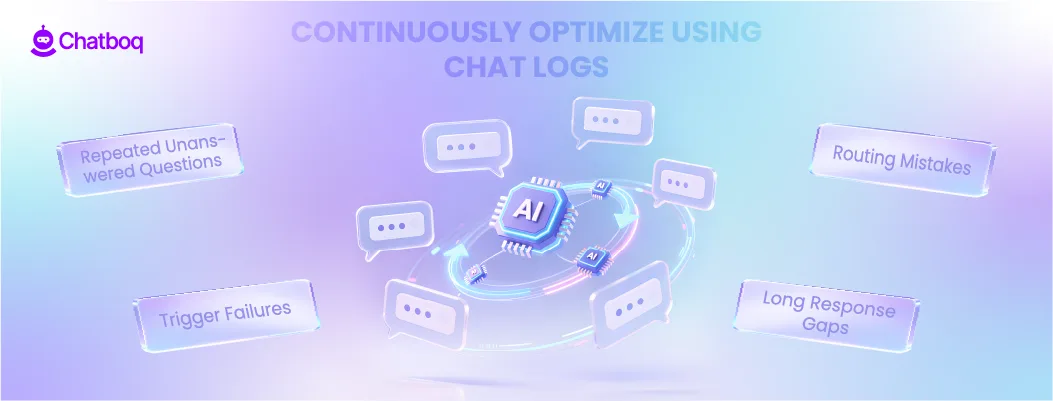
Chat transcripts reveal operational gaps.
Dashboards show numbers. Chat transcripts show behavior.
Review transcripts weekly to identify:
-
Repeated unanswered questions indicate missing automation rules.
-
Trigger failures reveal incorrect timing or misaligned behavior rules.
-
Routing mistakes show intent classification problems.
-
Long response gaps expose agent overload or capacity imbalance.
Use these insights to adjust workflows and improve intent mapping.
Chat transcripts populate CRM records automatically, allowing teams to review historical patterns across time periods.
Failure signal:
If similar issues repeat weekly, workflows are not being updated.
Execution rule:
Assign ownership for transcript review. Without ownership, optimization stops.
Tip #12: Keep Improving Over Time
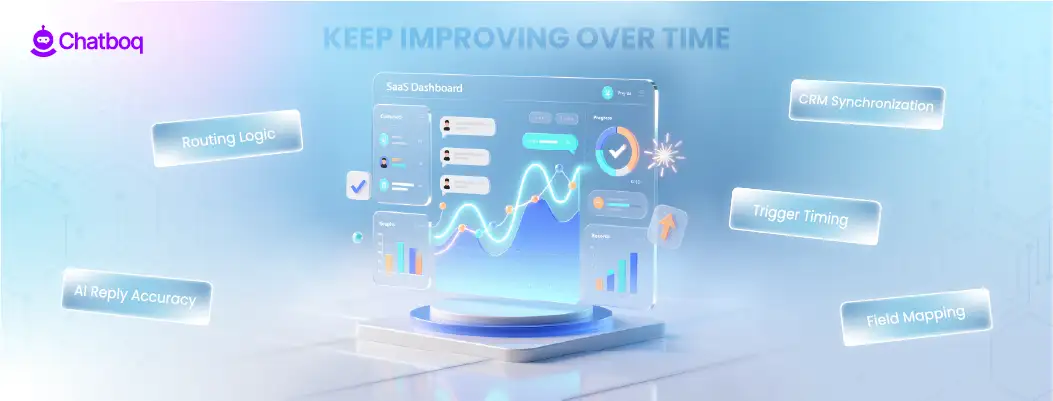
Live chat automation is not a one-time setup. Traffic patterns, product changes, and customer expectations evolve.
Automation that worked six months ago may fail after pricing updates or product expansion.
Review regularly:
-
Routing logic must reflect current product structure.
-
Trigger timing must match updated customer journeys.
-
Field mapping must be checked after CRM system updates.
-
CRM synchronization must be tested whenever APIs or middleware change.
-
AI reply accuracy must be validated after major product or policy changes.
Continuous refinement prevents automation decay as volume grows.
Failure signal:
If manual intervention increases over time, automation rules are outdated.

 ChatGPT
 Perplexity
 Claude

.webp)



Leave a Comment
Your email address will not be published. Required fields are marked *
By submitting, you agree to receive helpful messages from Chatboq about your request. We do not sell data.