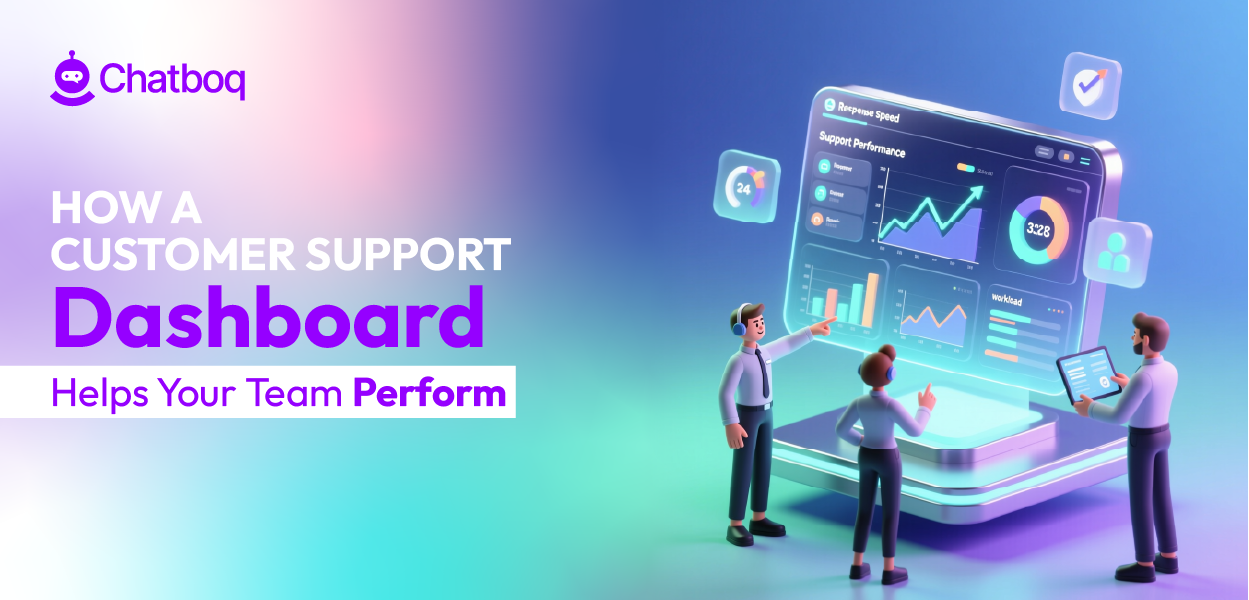
A customer support dashboard improves performance in daily operations by turning daily support activity into measurable signals you can act on immediately. It helps you monitor workload, response times, resolution speed, and service deadlines in real time. Most service issues build gradually. A dashboard helps you detect them before customers feel the impact.
Here is how that improvement happens in practice.
What changes when performance becomes visible in real time?
1. Prevents Workload Overload
When ticket volume increases, workload pressure builds fast. If backlog is not monitored closely, queue health weakens and response times slow down.
A real-time dashboard tracks ticket volume, backlog, and workload distribution across agents inside focused call center dashboards. This allows managers to rebalance assignments before delays grow. Uneven workload often reduces agent productivity and increases error rates.
By monitoring trends instead of isolated numbers, you can:
Workload distribution improves agent productivity when balanced correctly. Balanced queues lead to faster resolution and more stable support team performance.
2. Speeds Up Ticket Handling
Performance declines when tickets wait without clear prioritization.
A customer support dashboard highlights aging tickets, high-priority requests, and slow response times. Monitoring first response time (FRT) and resolution trends helps teams act earlier.
Response times affect customer satisfaction (CSAT). When FRT increases, CSAT often declines. By tracking response times in real time, teams can adjust immediately.
Clear prioritization helps:
-
Reduce idle time
-
Improve first contact resolution (FCR)
-
Shorten resolution cycles
-
Improve consistency across shifts
When first contact resolution (FCR) increases, customer experience (CX) improves because customers avoid repeat follow-ups.
3. Reduces Escalations and SLA Breach Risk
Escalations usually happen when tickets sit unnoticed.
Service level agreements (SLAs) define promised response or resolution times. SLA compliance measures whether those promises are kept.
A dashboard tracks SLA timers and highlights tickets at risk. Dashboard alerts reduce SLA breach risk by notifying managers before deadlines are missed.
Early detection helps you:
SLA compliance is not only about deadlines. It reflects operational discipline.
4. Creates Clear Daily Performance Targets
Structured KPI tracking creates clarity by making support team performance measurable and comparable over time.
When agents can see their output, response times, and quality scores, expectations become measurable. This reduces ambiguity.
Managers can benchmark performance across shifts and monitor trends over time. Agent performance dashboards make it easier to compare individual output, quality indicators, and workload distribution consistently. Clear benchmarks reduce dependence on assumptions and replace reactive corrections with structured coaching.
Instead of asking, “What went wrong?”, managers can diagnose:
-
Which ticket categories slow resolution
-
Which shifts experience higher backlog
-
Where CSAT trends decline
-
Where QA score drops
Performance stabilizes when issues are detected before they escalate.
5. Enables Data-Driven Improvement, Not Guesswork
Without a performance dashboard, teams rely on delayed reports. By the time trends are visible, service gaps may already affect customer interactions.
A customer service dashboard consolidates support data into a single operational view. It surfaces workload, response times, and service stability in one place.
A customer service dashboard shows support team performance metrics clearly, helping managers understand workload, response times, and service stability. It allows you to filter by ticket categories, analyze trends, and use drill-down capability to diagnose root causes.
This shifts support operations from delayed reporting to structured improvement.
A customer support performance dashboard does not improve performance by adding more reports. It improves performance when you act on what the data shows before service quality declines.

 ChatGPT
 Perplexity
 Claude




Leave a Comment
Your email address will not be published. Required fields are marked *
By submitting, you agree to receive helpful messages from Chatboq about your request. We do not sell data.