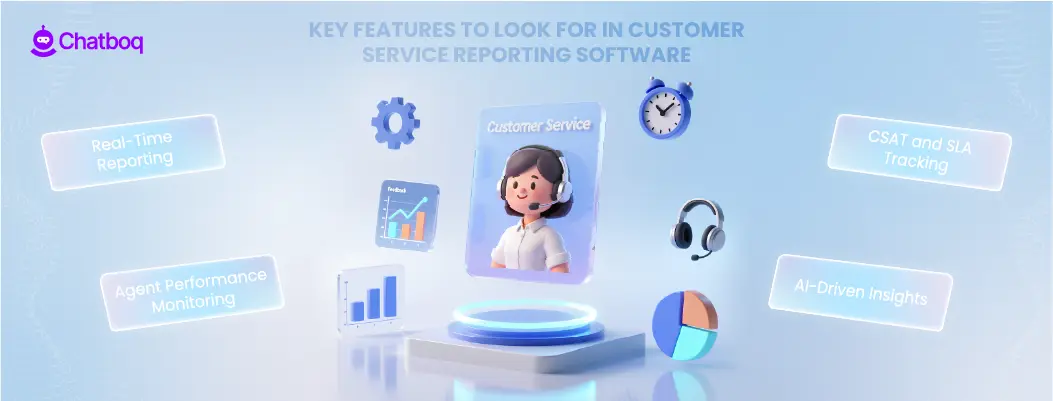
The best reporting software does more than collect data. It turns support activity into actionable insights.
A strong reporting solution should include real-time dashboards that show live performance across all channels. Managers should be able to see ticket spikes, rising backlog, or SLA risks instantly rather than waiting for weekly summaries, which is where structured performance dashboards become critical for operational control.
Advanced tools also provide automated reports. Instead of manually building spreadsheets, teams receive daily or weekly summaries with key performance indicators already calculated. AI-driven reporting adds another layer. Smart systems detect unusual trends, identify potential churn risks, and highlight performance drops before they become serious problems by leveraging advanced analytics tools to interpret support data accurately.
This is where many traditional tools fall short. They display numbers, but they do not explain what those numbers mean.
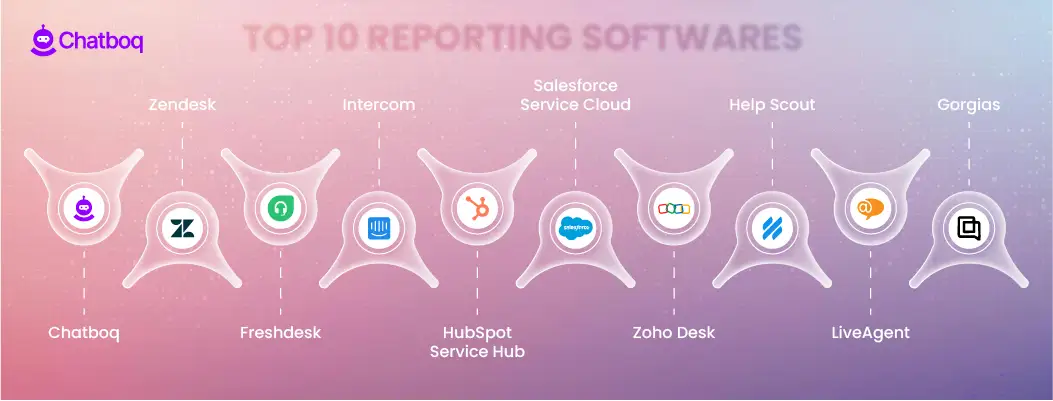
1) Chatboq
Chatboq is an all-in-one live chat and AI chatbot platform built around a shared inbox, real-time visitor visibility, and human-controlled automation. It fits teams that want reporting tied to message handling and automation outcomes, not only ticket totals.
Chatboq reporting is strongest when your support operation depends on web chat, automated flows, and agent follow-up inside one workspace. You can use reporting to review response timing, workload distribution, automation coverage, and where conversations require escalation. Because automation is controlled, teams can measure what the system handled versus what agents handled, and adjust rules without losing operational oversight.
Best for: Ecommerce, SaaS, and service teams using chat + automation as primary channels
Reporting fit: Conversation performance + automation impact + SLA-style oversight (when configured)
Watch-outs: If you need a legacy ITSM-style reporting stack for internal IT operations, a service-management suite may fit better
Pricing model (typical): Plan-based subscription (not strictly per-agent)
2) Zendesk
Zendesk is a ticket-first helpdesk with mature reporting and dashboarding for teams that run support as a structured queue system. It fits environments where managers need consistent operational reporting across channels and want flexible dashboard configuration.
Zendesk reporting is useful for tracking backlog health, SLA performance, agent activity, and ticket lifecycle behavior. It tends to work best when your taxonomy (tags, categories, forms) is well-maintained, because reporting quality depends on structured inputs. Teams with complex routing and multiple brands also use Zendesk reporting to separate performance by group, channel, and priority.
Best for: Structured support orgs with established ticket operations
Reporting fit: KPI dashboards, SLA monitoring, channel performance, queue health
Watch-outs: Reporting becomes less meaningful if your ticket fields and tagging discipline are inconsistent
Pricing model (typical): Per-seat tiers, often with add-ons for advanced reporting
3) Freshdesk
Freshdesk is a helpdesk designed for small to mid-sized teams that want standard support reporting without heavy administration. It fits teams that need clear operational dashboards quickly, with predictable reporting around core KPIs.
Reporting is typically strongest around day-to-day execution: response and resolution timing, ticket volume patterns, agent workload, and SLA compliance. Freshdesk also works well when you want managers to self-serve dashboards without needing deep configuration. For many teams, the value is not “more analytics,” but fewer reporting gaps and less manual spreadsheet work.
Best for: SMB support teams building consistent reporting habits
Reporting fit: Core KPI dashboards, SLA monitoring, productivity and workload reporting
Watch-outs: Advanced reporting depth and automation analytics often depend on plan tier
Pricing model (typical): Per-agent tiers
4) Intercom
Intercom is a conversation-first support platform with strong messaging analytics for teams that run support inside chat and in-app flows. It fits SaaS teams that treat support as part of the product experience and want reporting that connects conversation handling to engagement.
Intercom reporting is useful when you care about conversation volume, deflection/containment patterns (where applicable), response behavior by channel, and how automation influences agent workload. It’s also a practical option when support leadership wants to evaluate how proactive messaging or bots change queue pressure, not just how many tickets closed.
Best for: SaaS and product-led support teams using in-app messaging
Reporting fit: Conversation insights, automation impact visibility, engagement-oriented support reporting
Watch-outs: Costs can scale with seats and usage; reporting interpretation depends on consistent conversation labeling
Pricing model (typical): Per-seat plus usage-based components
5) HubSpot Service Hub
HubSpot Service Hub is a CRM-connected support platform that makes reporting strongest when you need service metrics tied directly to contact and account context. It fits teams where support reporting is reviewed alongside sales and lifecycle data.
Reporting works well for teams that want to measure ticket handling while seeing customer history in the same system. You can segment reporting by lifecycle stage, customer type, or pipeline context without stitching multiple systems together. This is especially useful when leadership wants service reporting to influence retention work, renewals, or customer success programs.
Best for: Teams already operating inside HubSpot CRM
Reporting fit: Ticket KPIs with CRM context, customer history-linked reporting, lifecycle segmentation
Watch-outs: Flexibility is highest when your processes are aligned to HubSpot objects and workflows
Pricing model (typical): Tiered bundles, commonly seat-based at higher levels
6) Salesforce Service Cloud
Salesforce Service Cloud fits large operations that treat support reporting as part of enterprise governance. It is strongest when reporting must align with complex roles, approval paths, compliance constraints, and deep CRM data models.
Reporting can go beyond basic KPIs when the underlying case structure is well-designed. Teams use it to model performance by product line, region, entitlement, contract terms, and escalation layer. The tradeoff is implementation overhead: reporting accuracy depends on correct data architecture, consistent case classification, and admin ownership.
Best for: Enterprise support orgs with complex governance and CRM dependence
Reporting fit: Deep segmentation, compliance-driven reporting, complex service operations analytics
Watch-outs: Setup and ongoing administration are heavier than typical helpdesks
Pricing model (typical): Per-user enterprise tiers
7) Zoho Desk
Zoho Desk is a practical option for teams that want structured helpdesk reporting while staying inside a broader Zoho ecosystem. It fits cost-conscious teams that still need dashboards for SLA performance and operational control.
Reporting typically covers standard service KPIs, agent workload, and ticket categorization trends. It performs best when your support operation uses consistent fields and workflows, and when integrations within the same ecosystem reduce missing context. For many teams, the advantage is balanced capability without enterprise-level cost structure.
Best for: Teams already using Zoho apps or wanting a cost-controlled helpdesk stack
Reporting fit: Standard KPI dashboards, SLA reporting, category-based performance analysis
Watch-outs: Deep customization and cross-ecosystem integration can require more configuration work
Pricing model (typical): Per-agent tiers
8) Help Scout
Help Scout is a lightweight customer support platform that fits teams that value clean operations reporting without overengineering. It works best when your reporting needs are straightforward: speed, workload, quality signals, and customer experience consistency.
Reporting is usually most useful for small teams monitoring volume trends, response quality, and operational consistency across shared inbox workflows. It’s a strong fit when you want reporting that supports coaching and workload balance, not a complex analytics program that requires heavy taxonomy management.
Best for: Small teams running support through shared inbox workflows
Reporting fit: Core KPIs, team workload visibility, support quality trend monitoring
Watch-outs: If you need deep multi-department routing analytics or heavy governance reporting, a more structured suite may fit better
Pricing model (typical): Per-user tiers
9) LiveAgent
LiveAgent is suited for teams that need reporting across multiple channels including live chat and voice-style workflows, with a focus on operational throughput. It fits support environments where reporting must include channel mix, queue pressure, and agent handling patterns.
Reporting value is highest when you need a unified view of how different channels affect backlog and resolution timing. It helps teams monitor where volume concentrates and whether certain channels produce longer resolution cycles. This is useful for staffing decisions and for deciding where automation or self-service should be expanded.
Best for: Multichannel support teams that include chat and voice operations
Reporting fit: Channel-based workload analysis, queue pressure monitoring, productivity reporting
Watch-outs: AI-driven reporting depth is typically lighter than AI-first platforms
Pricing model (typical): Per-agent tiers
10) Gorgias
Gorgias fits ecommerce teams that want support reporting linked to store operations. It is most valuable when reporting needs to reflect order-related work: shipping issues, refunds, delivery failures, and repetitive “where is my order” inquiries.
Reporting is strongest when your goal is to understand which ticket categories are driven by store processes and product catalog behavior. Teams use it to spot volume spikes tied to fulfillment problems, product page confusion, or policy misunderstandings. That makes reporting more actionable because it connects support volume to operational causes.
Best for: Ecommerce support teams, especially store-led workflows
Reporting fit: Category-driven volume analysis, operational issue detection tied to commerce workflows
Watch-outs: Less suited for non-ecommerce service orgs that need complex, cross-department governance reporting
Pricing model (typical): Often conversation/volume-based tiers
Explore how Chatboq transforms customer service reporting into a proactive decision system.

 ChatGPT
 Perplexity
 Claude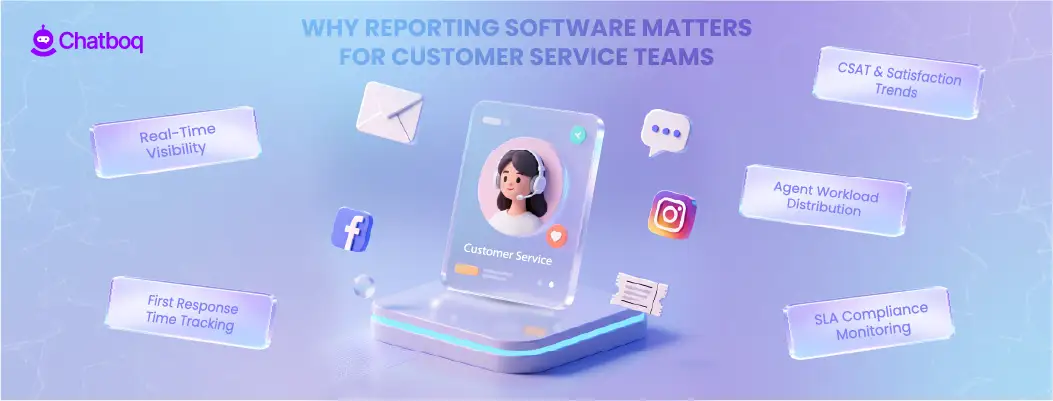



Leave a Comment
Your email address will not be published. Required fields are marked *
By submitting, you agree to receive helpful messages from Chatboq about your request. We do not sell data.