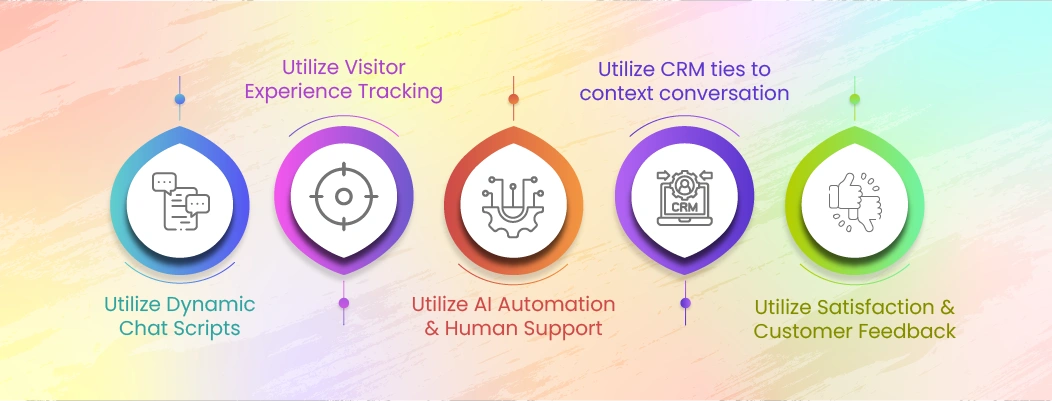
Live chat personalization works best when teams apply context rules to common situations. The strategies below show how teams use behavior, context, and history effectively.
1. Utilize Dynamic Chat Scripts
Dynamic chat scripts are rule-based chat message variations that adapt in real time based on page type, visitor stage, and intent signals.
Dynamic chat scripts personalize live chat by activating specific message versions when defined triggers are met. Page type determines the assistance type, visitor stage refines message depth, and behavior signals select the appropriate script variant. Scripts change greeting style, question framing, and CTA while keeping brand voice and policy language fixed.
Dynamic scripts fail when they trigger too early, repeat across unrelated pages, or assume intent instead of confirming it, which disrupts automation with human tone. Controlled triggers and variation limits prevent robotic or intrusive experiences.
2. Utilize Visitor Experience Tracking
Visitor experience tracking is the collection and use of real-time behavior signals to infer visitor intent during a chat session.
Visitor experience tracking personalizes live chat by converting behavior signals into chat triggers, tone adjustments, and routing decisions. Exploration signals delay engagement, hesitation signals prompt assistance, and decision signals trigger direct support. Each signal category maps to a specific chat action.
Tracking fails when signals are collected without mapping logic or when chat is triggered without clear intent. Session-based signals should be prioritized to avoid intrusive engagement.
Utilize AI Automation and Human Support
AI automation and human support is a hybrid chat model where automation handles predictable requests and human agents manage contextual or emotional issues.
AI automation personalizes live chat by resolving repetitive questions quickly and escalating when complexity or sentiment increases. Transactional questions remain automated, while contextual or emotional interactions trigger handoff based on confidence thresholds and escalation rules.
Personalization is preserved when handoffs include page context, detected intent, and recent conversation history. Automation fails when context is lost or conversations restart.
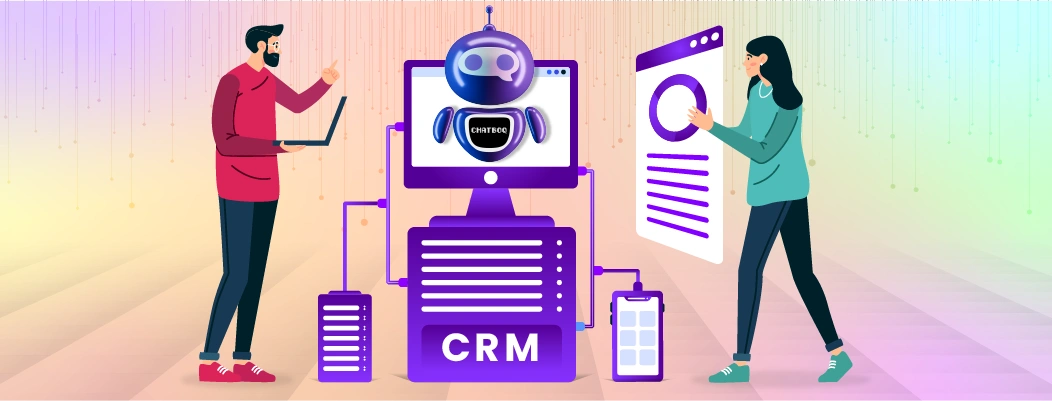
Utilize CRM Ties to Context Conversation
CRM ties to context conversation is the use of customer history to inform live chat responses and maintain continuity across sessions.
CRM context personalizes live chat by surfacing high-impact data such as recent tickets, lifecycle stage, and relevant purchase history to enable personalization via customer context. This information shapes greetings, follow-up questions, and resolution flow without assuming intent.
CRM-based personalization fails when outdated data is treated as current intent. CRM data should support context, not override real-time behavior.
Utilize Customer Satisfaction and Feedback
Customer satisfaction and feedback is the use of post-chat signals to refine personalization rules and reduce generic responses.
Customer feedback personalizes live chat by revealing where intent detection or execution fails. Transcript reviews identify generic replies and missed signals, while CSAT trends expose routing or timing gaps and help with measuring personalization impact. These insights must directly update scripts, triggers, or routing logic. Feedback loops fail when insights are reviewed but not operationalized.
Utilize Smart Routing Based on Intent
Smart routing based on intent is the assignment of live chat conversations using detected visitor purpose instead of agent availability.
Smart routing personalizes live chat by detecting intent before assignment using page context, opening messages, and behavior signals to support assignment based on context. Routing logic then matches the conversation to the correct skill, urgency level, and language.
Personalization improves because the first response is relevant and requires fewer clarifications.
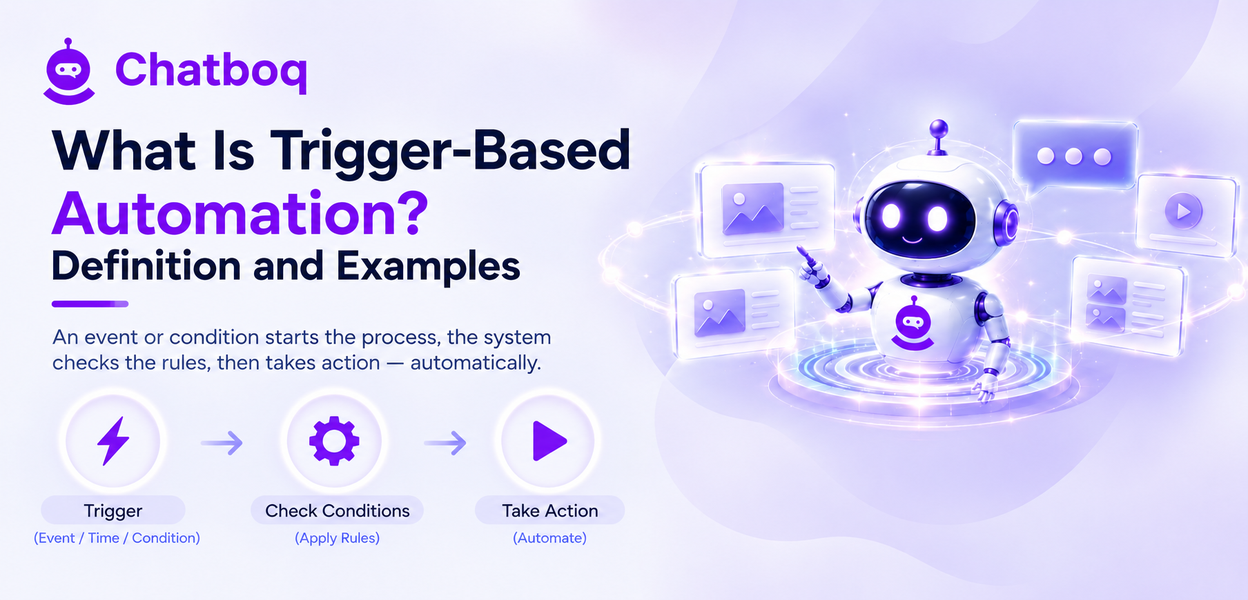
Utilize Timing and Proactive Engagement
Timing and proactive engagement is the use of behavior-based rules to initiate chat only when visitors show readiness for assistance.
Timing personalizes live chat by triggering engagement based on hesitation signals such as idle time, repeated scrolling, or revisits. These signals indicate when assistance is needed.
Proactive engagement fails when triggered immediately or repeatedly. Delay thresholds and frequency caps prevent interruption and protect trust.

 ChatGPT
 Perplexity
 Claude






Leave a Comment
Your email address will not be published. Required fields are marked *
By submitting, you agree to receive helpful messages from Chatboq about your request. We do not sell data.