This guide shows how to set up a multi-agent chatbot system for e-commerce support teams. It covers choosing a platform, assigning agent roles, defining flows, automating routing, integrating systems, testing, and monitoring performance for smooth, efficient customer support.
Step 1: Select Your Chatbot Platform
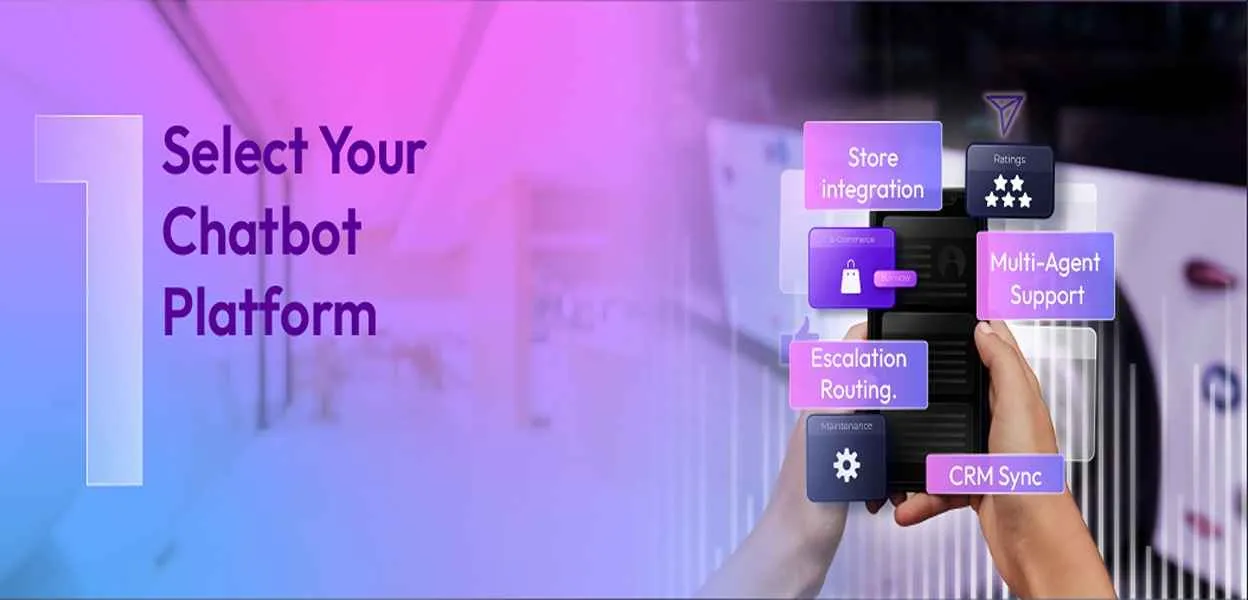
Choose a platform that supports multiple agents, integrates with your e-commerce store and CRM, and allows real-time data sharing. Check for features like analytics dashboards, message customization, escalation support, and scalability to ensure smooth operation across all agents.
Step 2: Map Agent Roles and Define Conversation Flows
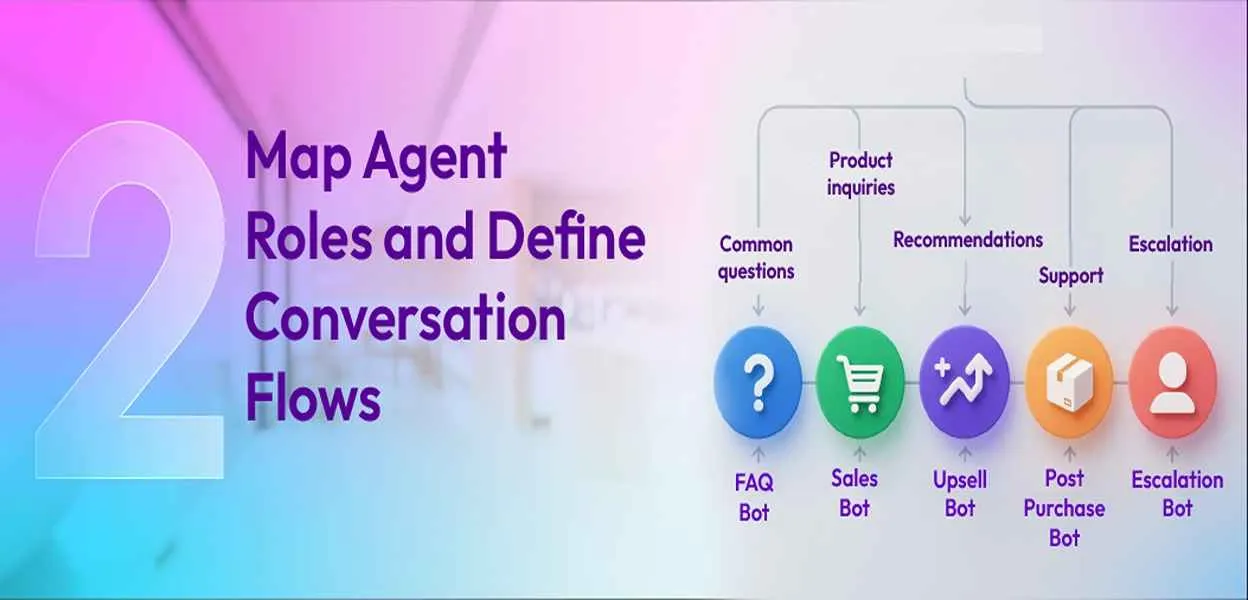
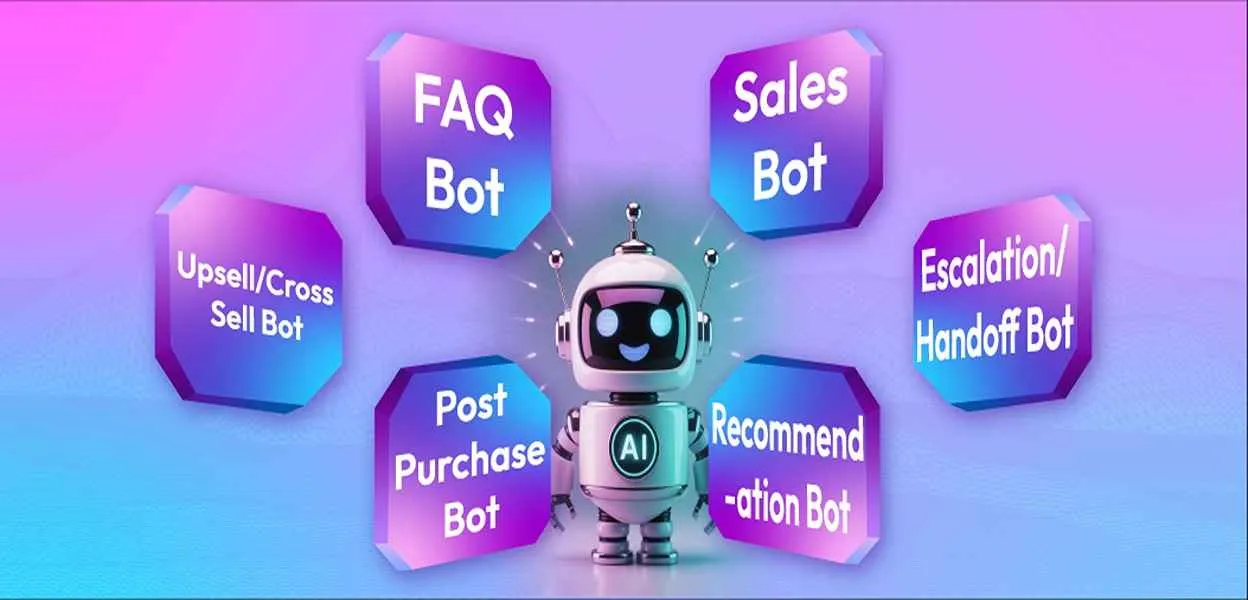
Assign clear roles to each bot, such as FAQ Bot, Sales Bot, Upsell/Cross-sell Bot, Post-Purchase Bot, and Escalation Bot. Define intents, common questions, and conversation paths for each agent using flowcharts or decision trees to prevent overlaps and ensure clear guidance for customers.
Step 3: Build Routing Automation

Set up triggers to determine when conversations switch from one bot to another, define hand-offs that transfer context smoothly, and establish escalation rules for complex issues that require human intervention within a hybrid chatbot model.
Step 4: Integrate with Underlying Systems
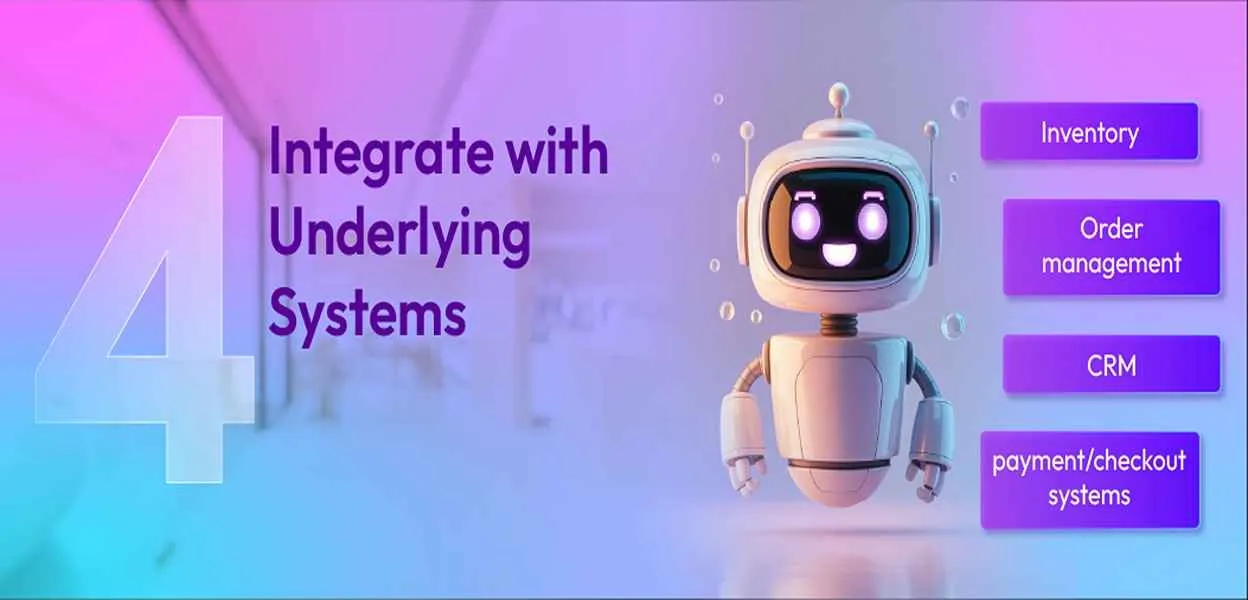
Connect your bots to inventory, order management, CRM, and payment or checkout systems. This allows them to provide accurate product information, order updates, personalized messages, and relevant recommendations during conversations.
Step 5: Test Your System

Simulate user interactions across all agents to check conversation flows, complex hand-offs, and fallback responses. Test for errors or gaps in understanding to ensure every scenario is covered before going live.
Step 6: Deploy and Monitor
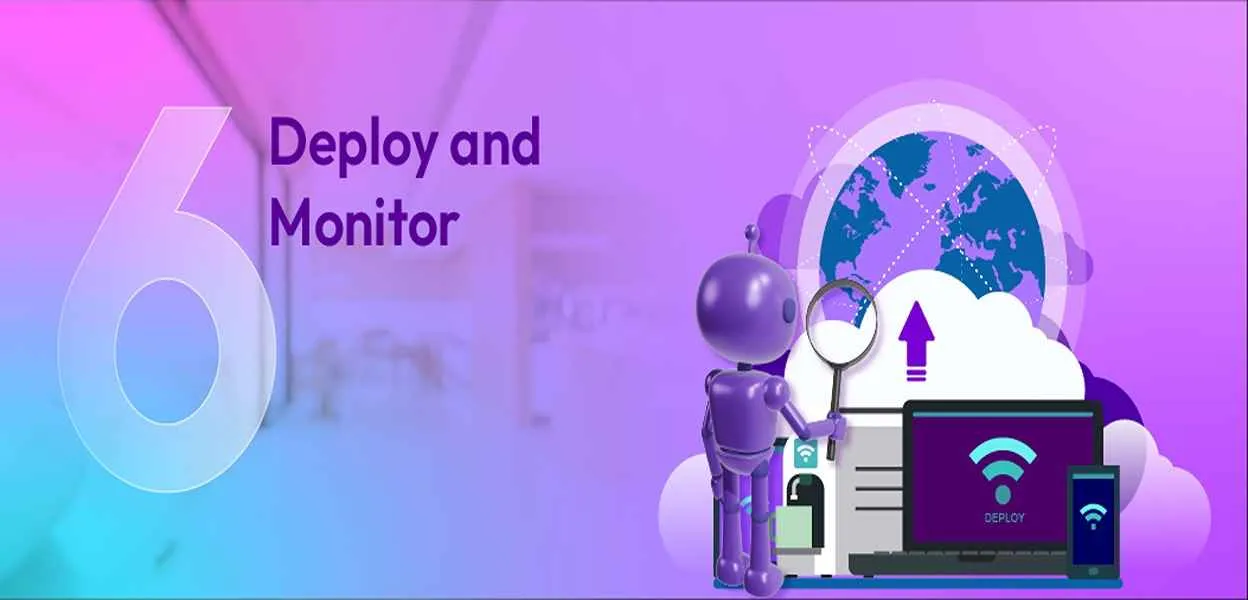
Launch your chatbot and track key metrics like response time, routing accuracy, engagement, bounce rates, and conversions using clear agent performance metrics.
Continuously adjust conversation flows, agent roles, and routing rules based on performance data to improve user experience.
Github example
A suitable example platform for setting up a multi-agent chatbot system is detailed in the GitHub project"
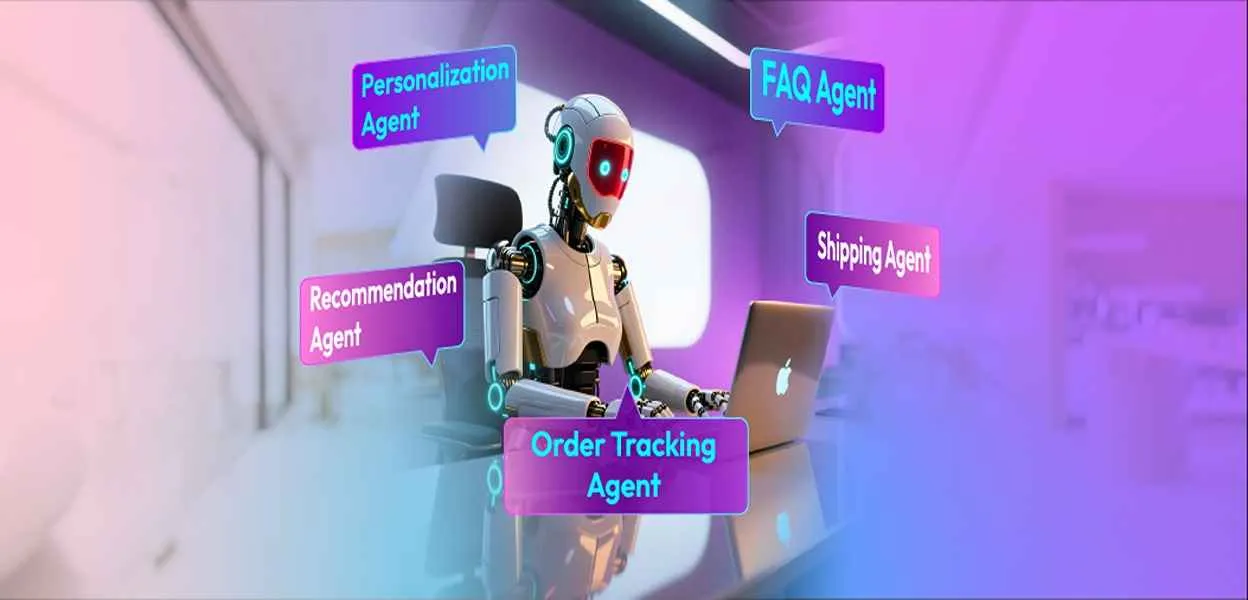
Multi-Agent Customer Service Chatbot" for e-commerce, which uses multiple specialized agents such as a Guard Agent, Classification Agent, Order Taking Agent, Details Agent, and Recommendation Agent.
Basic Setup Process on This Platform:
-
Select Your Chatbot Platform: Use a modular, multi-agent architecture supporting specialized roles, integrated with e-commerce and CRM systems.
-
Map Agent Roles and Define Flows: Assign tasks like guarding messages, classifying intent, taking orders, retrieving product details, and recommending products.
-
Build Routing Automation: Agents pass the conversation context seamlessly between each other (e.g., Guard filters, then Classification routes to Order Taking or Recommendation).
-
Integrate with Systems: Connect with inventory, order management, and customer data stores for real-time personalized responses.
-
Test Your System: Simulate interactions, handoffs, and fallback responses across multiple agents.
-
Deploy and Monitor: Launch with tracking for response times, accuracy, and engagement metrics, optimizing continuously.
This platform uses a Python backend (FastAPI), React frontend, and PostgreSQL database, providing both code and infrastructure examples for multi-agent ecommerce chatbots.

 ChatGPT
 Perplexity
 Claude



Leave a Comment
Your email address will not be published. Required fields are marked *
By submitting, you agree to receive helpful messages from Chatboq about your request. We do not sell data.