-
Free chat widgets almost always include hidden limits.
-
The best free chat widget depends on your workflow needs.
-
Chatboq is built for teams that need operational control.
-
Tawk.to offers unlimited free live chat and agents.
-
Tidio is best for testing AI chatbot automation.
-
HubSpot Live Chat focuses on CRM-based lead capture.
-
Crisp suits small teams that want a shared inbox.
-
JivoChat works well for multilingual websites.
-
LiveAgent connects live chat with ticketing workflows.
-
Free-plan limits often force upgrades or migration.
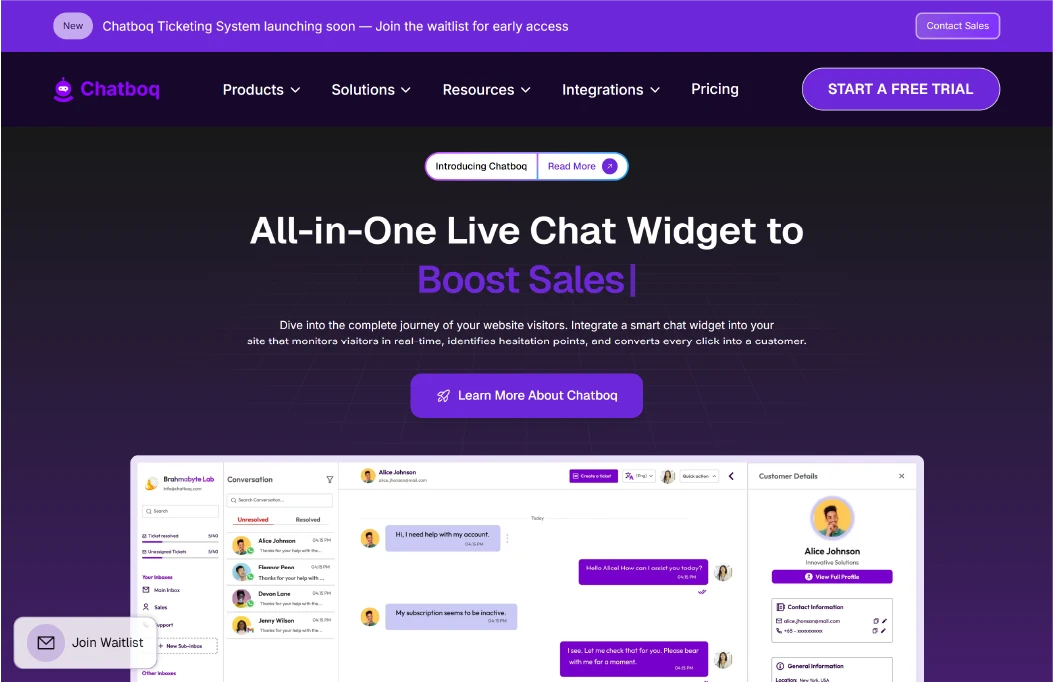
Chatboq is a free chat widget designed for websites that need operational control over routing, missed chats, visitor context, and proactive engagement.
Widget & Messaging Capabilities
Chatboq enables two-way chat between admins and website visitors with seen status and typing indicators on both sides. Agents can send files and voice messages, edit or delete inbox messages, and mark conversations as resolved or unresolved. Message sound alerts, spam handling, VIP tagging, and IP banning help teams stay responsive and organized.
Agent & Team Operations
Chats can be assigned to agents, switched when needed, or made selectable by visitors. Missed messages trigger notifications to multiple users to avoid silent drops. Separate admin and agent views, along with time-based rules and role permissions, support controlled team workflows, especially when a multi-operator chat workflow is required.
Triggers & Campaigns
Chatboq supports proactive chat based on time on page, pages visited, referral source, or URL match. AND/OR logic, first-time visitor detection, delays, and frequency caps conversion control when chats appear. Campaign scheduling, targeting, fallback messages, and inbound or outbound triggers help manage conversion-focused outreach through better conversation trigger design.
Visitor Context & Tracking
Teams can see live visitors, IP data, country views, landing pages, and map-based location signals. Agents can start chats directly from the visitor list to respond with context instead of generic questions.
Widget Settings & Controls
The chat widget can be customized using appearance settings, default messages, and behavior controls. Teams can choose required fields, allow or block file and voice messages, configure inbox sounds, and set missed-message timing.
Integrations & Tickets
Chatboq integrates with messaging platforms like Instagram, Messenger, WhatsApp, Telegram, Line, Discord, and Slack, along with tools such as Zoho CRM, Pipedrive, Notion, and Google Forms. Optional ticketing supports assignment, priorities, SLA tracking, Kanban views, and email-based ticket creation, while supporting customer record synchronization via chat.
Best for
Chatboq is best for teams who actually need fewer missed chats, better routing, proactive triggers, visitor context, and integrations to support real operations.
Limitations
Chatboq offers more structure than ultra-basic chat widgets, and advanced workflows benefit from initial setup. This makes Chatboq a stronger fit for teams that actively manage conversations instead of treating chat as a passive contact box.
2. Tawk.to
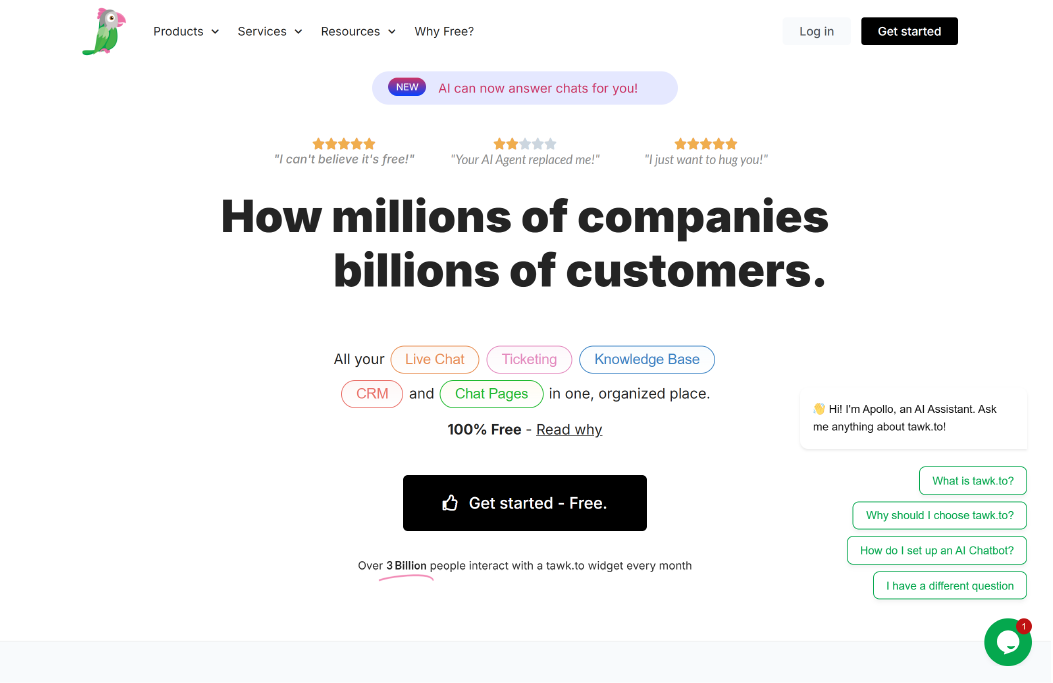
Tawk.to is a tool designed for users who want a completely free chat widget and are worried about hidden caps. The core value is simple and clear: unlimited live chat conversations and unlimited agents on the free plan. This makes it appealing for websites that want to stay available without monitoring chat volume, agent limits, or usage caps.
The chat widget supports real-time, two-way messaging between agents and website visitors. Chats are delivered instantly and stored as chat transcripts, allowing teams to review past customer conversations. Agents can see active visitors on the site, which adds basic context during conversations even without advanced visitor tracking or triggers.
Setup is straightforward and fast, requiring only a plugin install or a simple code snippet, with basic customization for appearance and greetings. Basic customization options allow teams to adjust the chat widget’s appearance and greeting message so it fits the website design.
Best for
Tawk.to is best for bootstrapped sites and small teams that need dependable live chat with unlimited agents and conversations, without automation or workflow complexity.
Limitations
Tawk.to focuses on human-led live chat, so advanced automation, proactive triggers, and complex routing are limited compared to freemium AI tools. Vendor branding remains visible on the widget unless upgraded.
3. Tidio
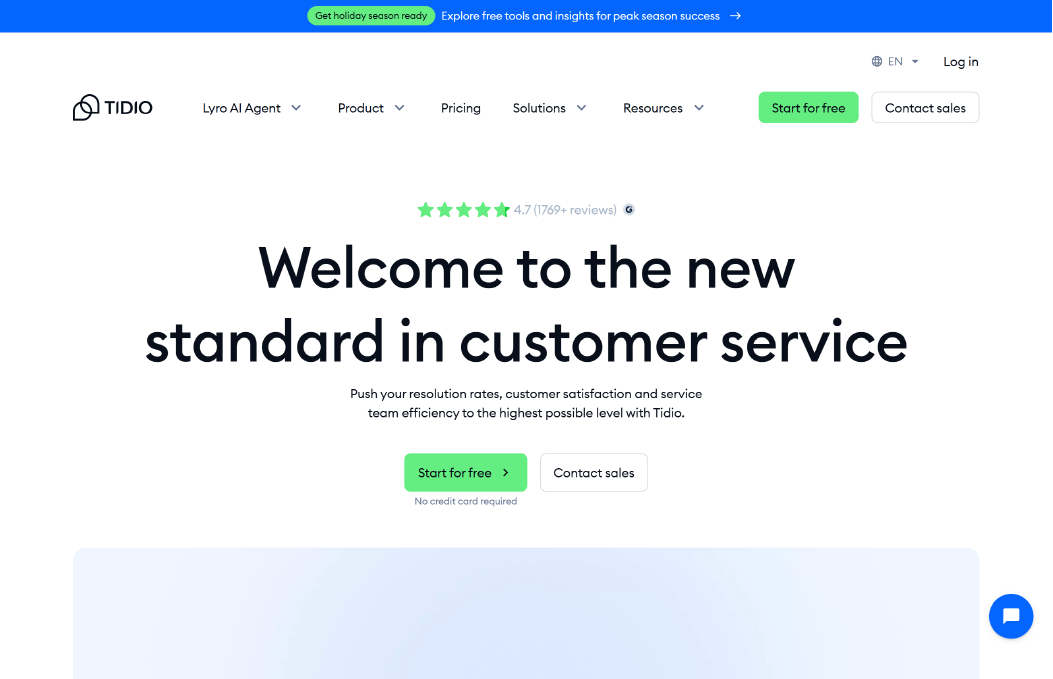
Tidio is a tool designed for users who want basic AI automation without paying upfront. Its free tier includes an AI chatbot that can answer simple questions and handle common interactions, but the number of chatbot conversations is capped. This makes Tidio suitable for testing chatbot automation on low traffic, rather than running AI-driven conversations at scale.
The platform is popular with ecommerce websites because it integrates easily with online stores and product catalogs. These integrations allow the chatbot to respond to common ecommerce questions, such as order status or shipping details, which reduces repetitive support requests.
Tidio works best for handling FAQs and simple customer questions on a budget. It combines live chat with chatbot automation, allowing humans to step in when the bot reaches its limits.
Best for
Tidio is best for small businesses and ecommerce sites that want to automate repetitive FAQs using an AI chatbot, without committing to a paid plan yet.
Limitations
The free plan includes strict caps on AI chatbot conversations and keeps branding visible. Advanced automation, deeper chatbot logic, and higher usage limits are locked behind paid plans.
4. HubSpot Live Chat
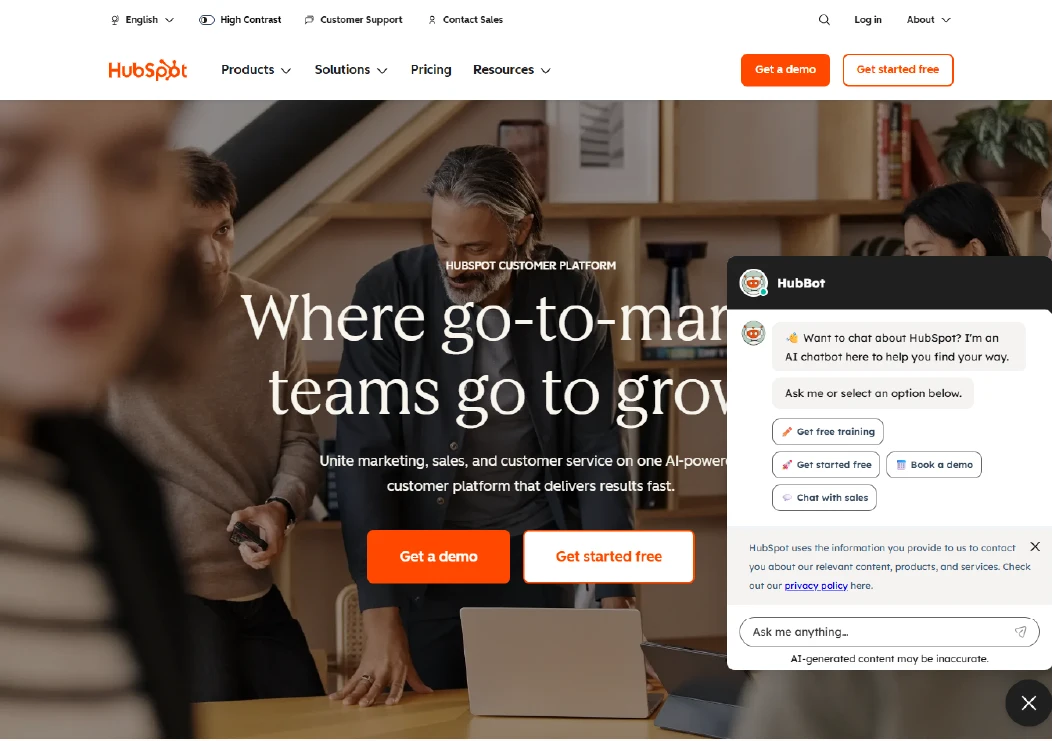
HubSpot Live Chat is a live chat widget built for users who want free chat primarily for lead capture and follow-up, not complex chat operations. Every chat conversation is automatically logged inside HubSpot’s CRM, which makes it easy to track contacts, conversations, and follow-ups in one place.
The chat widget connects directly with HubSpot’s marketing and sales tools. When a visitor starts a chat, their details and chat history are stored in the CRM, allowing teams to continue conversations through email or sales pipelines without losing context. This makes the widget useful beyond customer support by turning chat conversations directly into CRM-tracked leads.
HubSpot Chat works best when chat is part of a broader marketing or sales process rather than a standalone support channel. The focus is on capturing visitor intent and moving conversations into sales or follow-up workflows.
Best for
HubSpot Chat is best for marketing and sales teams that want free live chat tightly connected to CRM pipelines, contact records, and follow-up workflows.
Limitations
The free chat widget offers basic chatbot flows and limited chat logic. Advanced automation, customization, and more complex conversation handling require higher-tier HubSpot plans.
5. Crisp
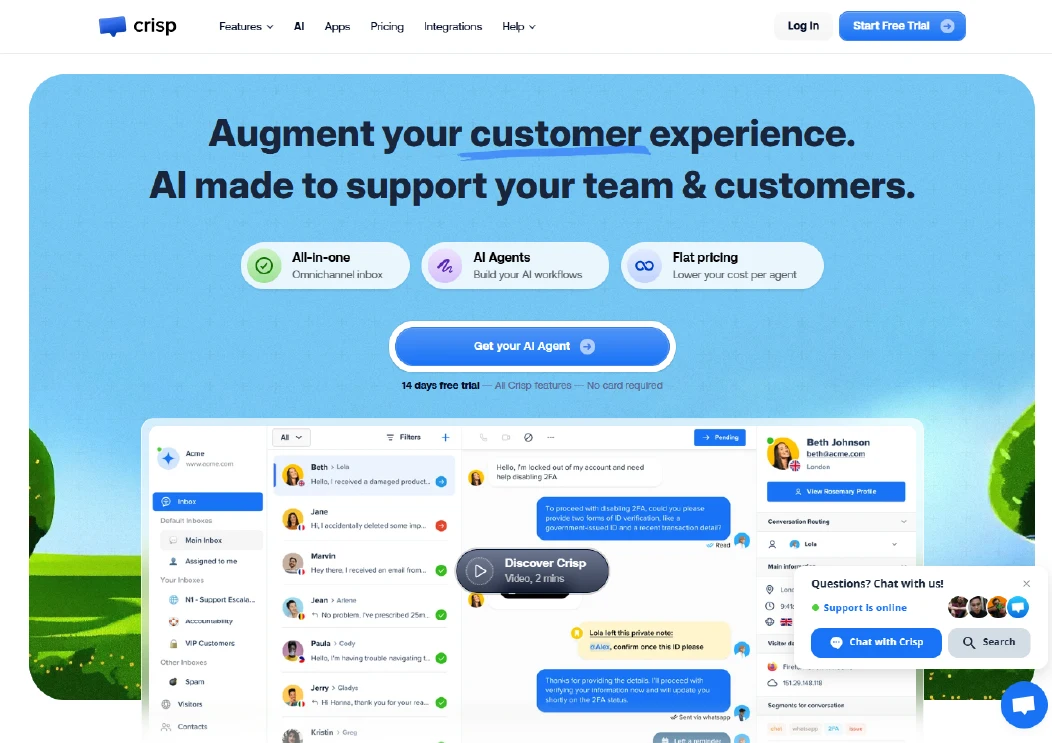
Crisp is a tool designed for teams that value speed, clarity, and a clean interface over complex workflows. The free chat widget centers on a shared inbox where team members can see and reply to conversations together, making it easy to collaborate without learning new systems.
The widget supports real-time chat between agents and website visitors, with conversations visible to the whole team. This shared inbox approach helps prevent duplicate replies and keeps customer conversations organized, even when multiple team members are online.
Crisp is quick to install and requires very little configuration. The interface is modern and easy to use, which makes it appealing to early-stage teams that want live chat running quickly without managing routing rules or automation logic.
Best for
Crisp is best for startups and small teams that want a clean, shared inbox for live chat and internal collaboration, with minimal setup and maintenance.
Limitations
On the free tier, automation features and integrations are limited. Teams that later need advanced workflows, triggers, or deeper integrations may need to upgrade.
6. JivoChat
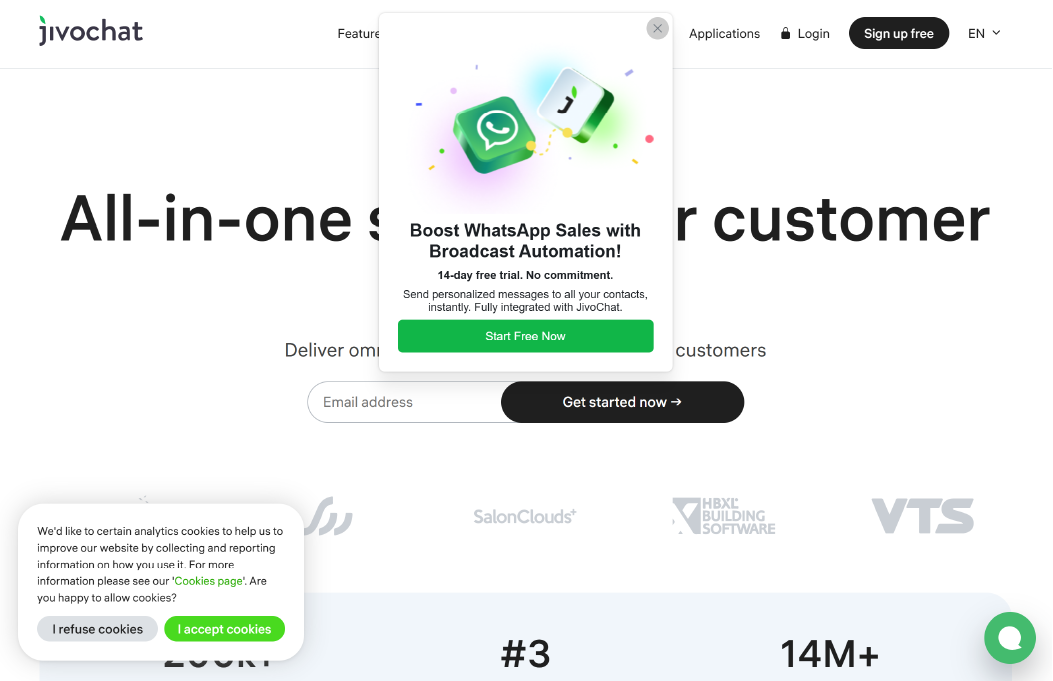
JivoChat is a tool built for websites that receive traffic from different countries and need to communicate with visitors in multiple languages. Its chat widget supports multilingual interfaces and translation features, which help teams respond to international visitors without switching tools.
The platform also positions itself as a multichannel inbox, allowing teams to manage conversations from live chat alongside other messaging channels. This helps businesses keep international conversations centralized instead of switching between tools or inboxes.
JivoChat works best when supporting visitors across multiple languages matters more than automation depth or routing complexity. It provides the essentials needed to support international audiences without complex setup.
Best for
JivoChat is best for businesses with global audiences that need multilingual chat support and simple multichannel communication.
Limitations
Free-tier constraints apply to advanced features and deeper workflows. Teams that later need more automation or customization may need to upgrade as volume grows.
7. LiveAgent
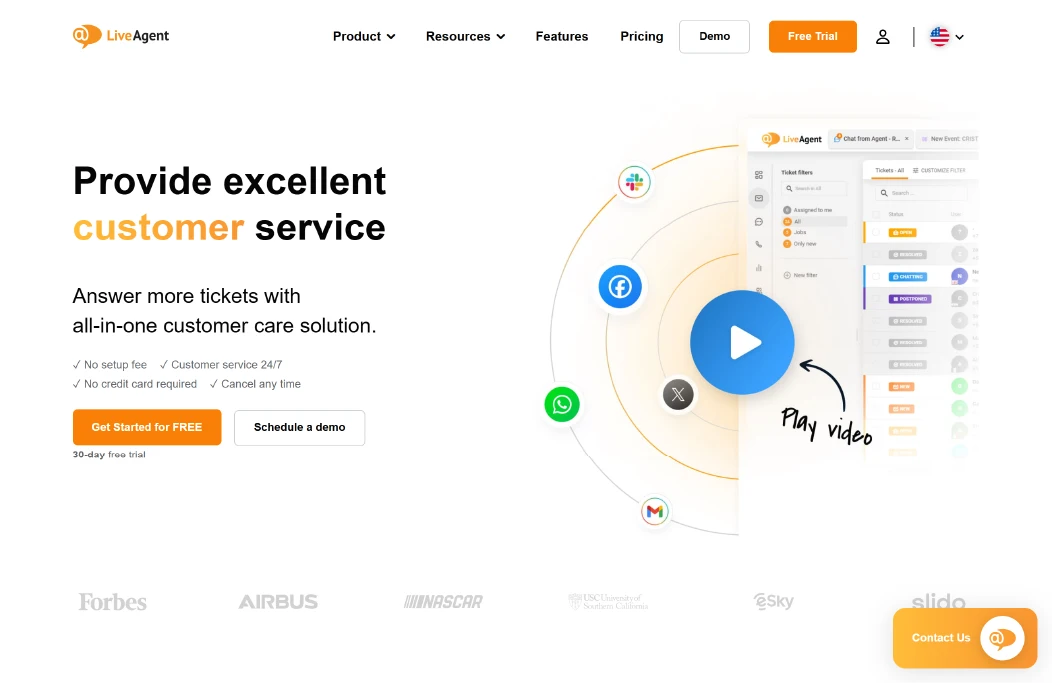
LiveAgent is a chat widget built for users who search for a chat widget but actually need a structured support workflow behind it. The free chat widget connects live conversations with a ticketing system, allowing teams to manage chats, emails, and follow-ups in one place.
When a chat becomes complex or requires tracking, it can be converted into a ticket with status, priority, and ownership. This makes LiveAgent suitable for support-heavy websites where conversations must be tracked, escalated, and resolved over time.
LiveAgent works best when live chat is part of a broader help desk setup. The focus is on continuity and accountability, not just instant replies.
Best for
LiveAgent is best for support-focused teams that need live chat connected to ticketing, case tracking, and ongoing issue management.
Limitations
The free plan includes constraints such as limited chat buttons or inactivity rules. Teams that require higher volume or more flexibility may need to adjust settings or upgrade as usage grows.
Start Chatboq Live Chat : Respond to visitors instantly, automate FAQs, and manage chats across channels with ease.

 ChatGPT
 Perplexity
 Claude




Leave a Comment
Your email address will not be published. Required fields are marked *
By submitting, you agree to receive helpful messages from Chatboq about your request. We do not sell data.