

You can set up a live chat widget on your website by following a simple setup flow that works for both HTML and WordPress sites. A live chat widget is a small chat box that lets website visitors talk to your business in real time while they browse your pages.
Instant replies are now expected. Visitors do not want to wait for emails or support tickets when they have a question. A live chat widget for a website makes customer support easy to find, keeps conversations on the page, and helps with customer engagement and lead capture.
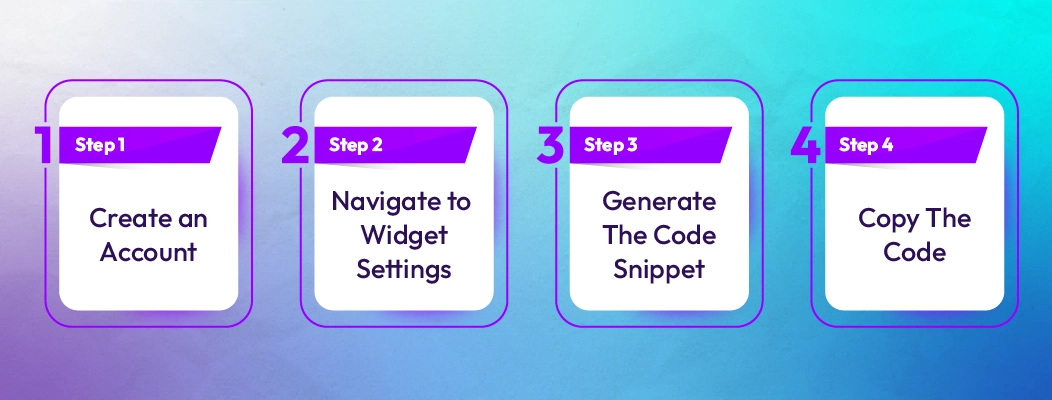
Setting up live chat does not require technical expertise. Most live chat software for a website follows the same basic 6-step process:
-
Choose a live chat provider that fits your needs
-
Sign up and access the chat widget code
-
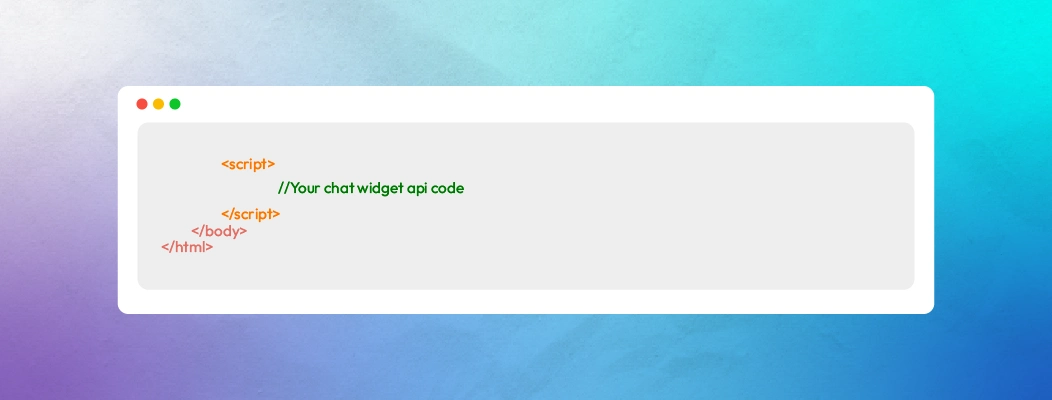
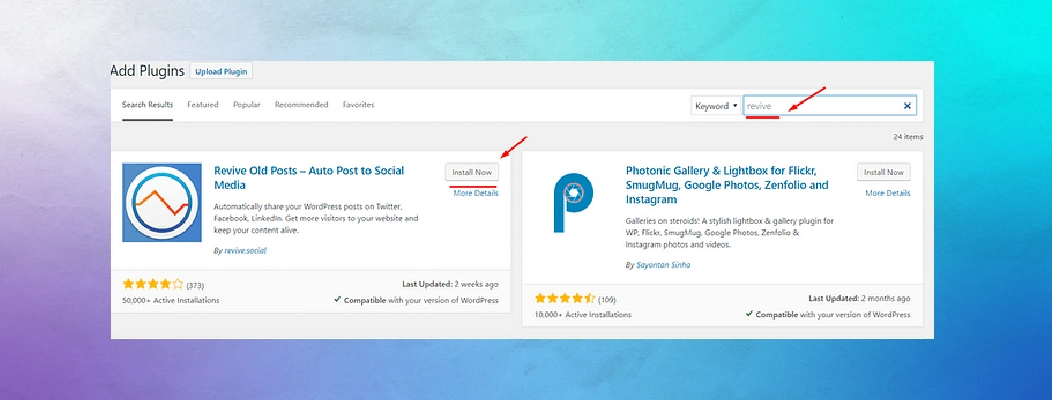
Add the JavaScript code snippet to your website
-
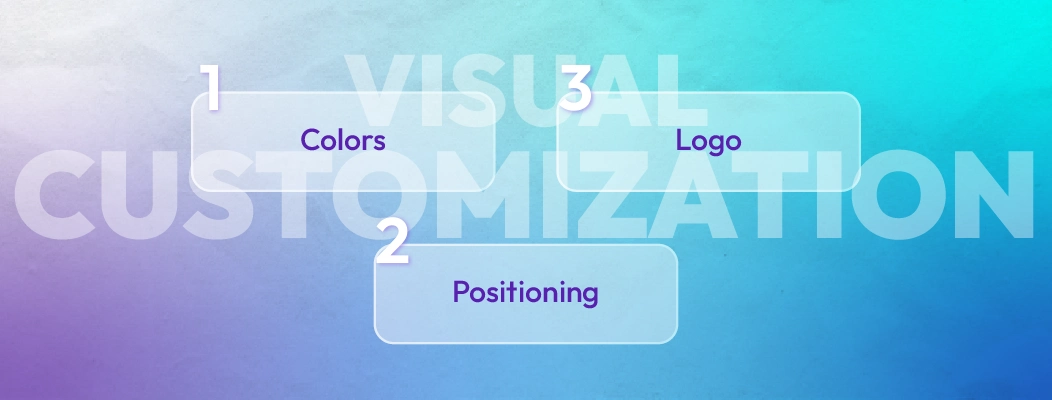
Customize the chat widget’s appearance and behavior
-
Test the widget before launch
-
Go live and monitor performance
This guide is written for small businesses and growing websites that want to add a chat widget to a website without slowing it down or breaking the design. It explains each step clearly so live chat works as a reliable support and conversion channel from day one.
 ChatGPT
 Perplexity
 Claude








Leave a Comment
Your email address will not be published. Required fields are marked *
By submitting, you agree to receive helpful messages from Chatboq about your request. We do not sell data.