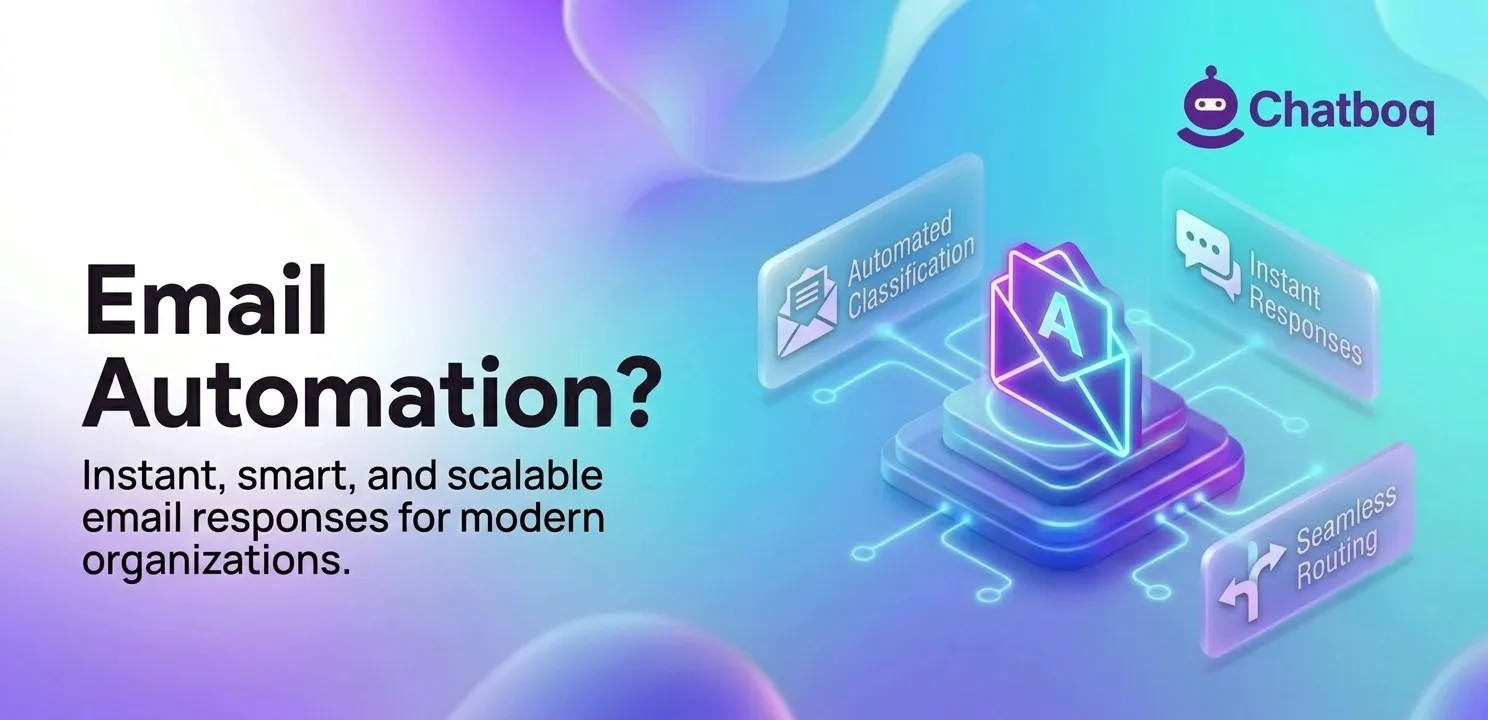
Email automation operates through two distinct architectures: rule-based pipelines that match conditions to predefined responses, and AI-powered pipelines that read email content and generate contextual replies using language models. Most production systems combine both architectures to handle different email types.
Understanding the pipeline architecture helps separate scalable automation systems from setups that fail when email volume increases or input patterns vary.
Rule-based email automation flow
An email arrives and the system applies filter conditions: sender domain, subject keywords, body text patterns, or attachment presence. When a condition matches, the system executes a predefined action: send a template, route to a queue, forward to an agent, or trigger an external API call.
The logic is deterministic. The same input always produces the same output. No content reading occurs. Zapier and similar workflow automation platforms implement this model through visual workflow builders connecting email triggers to response actions.
AI-powered email workflow (LLM-based)
The AI pipeline adds content intelligence to the automation flow. The email is ingested and passed to a classification layer that uses natural language processing to identify intent categories: support request, sales inquiry, complaint, informational query, or other. Relevant context is extracted: the specific issue, the product mentioned, the urgency signal.
A structured prompt is assembled from the email content, conversation history, and knowledge base context. The prompt is sent to a language model. The model generates a response. Depending on the workflow configuration, the response is sent automatically, queued for human review, or saved as a draft in the email client.
Role of orchestration layer
The orchestration layer connects email clients, AI models, CRM systems, and help desk platforms into a unified workflow automation system that manages routing, response generation, and delivery. It routes each incoming email to the correct automation path based on classification output. It manages API integrations between tools and ensures that routing rules and AI outputs do not conflict.
HubSpot, Intercom, and Zendesk function as orchestration layers in their respective contexts by connecting email intake to AI generation to CRM logging to response delivery in one managed pipeline.
Role of prompts and context injection
System prompts define the tone, scope, and rules the AI model follows when generating email responses. A system prompt for a customer support context establishes brand voice, response length constraints, escalation triggers, and prohibited response patterns.
Email history provides multi-turn context so the model understands prior exchanges before generating the next reply. Knowledge base injection adds factual grounding: product documentation, pricing data, and policy content that the model uses to produce accurate responses rather than generating from training memory alone.

 ChatGPT
 Perplexity
 Claude



Leave a Comment
Your email address will not be published. Required fields are marked *
By submitting, you agree to receive helpful messages from Chatboq about your request. We do not sell data.