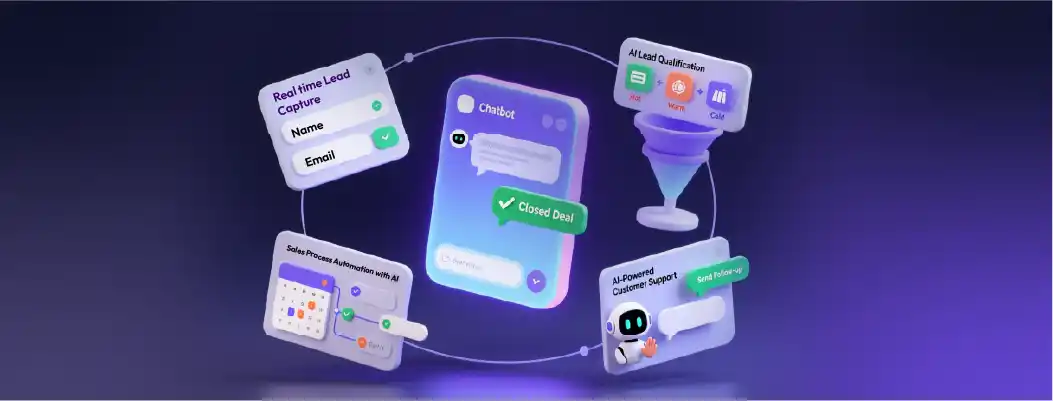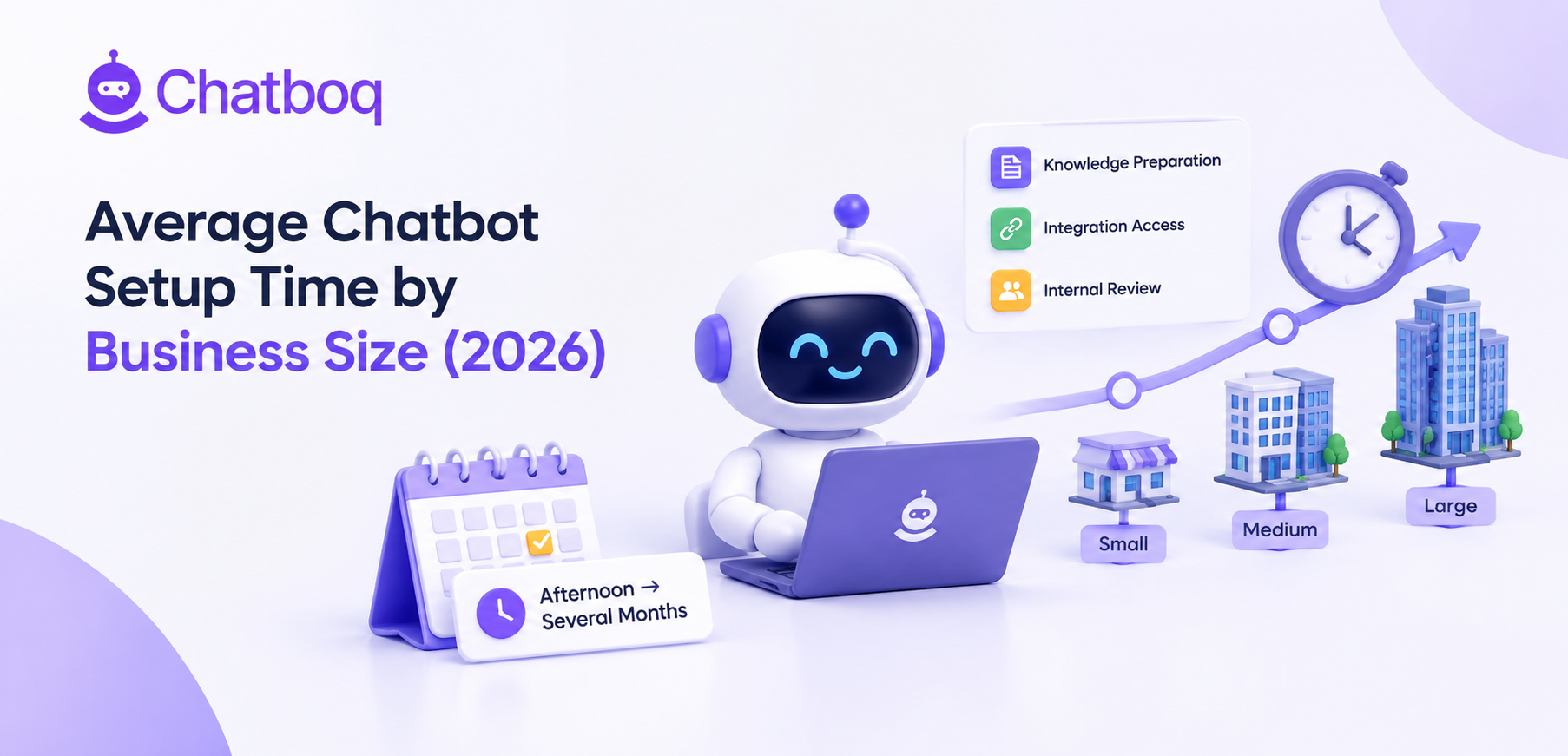
When considering the implementation of AI chatbots for lead generation, one of the most common questions businesses have is how long the setup process takes. The timeline for deploying a chatbot can vary depending on your platform choice, the complexity of your sales process, and the integration requirements. However, understanding the typical implementation timeline and the time needed for CRM integration can help you plan your chatbot strategy effectively and ensure smooth adoption.
Typical Implementation Timeline
Setting up AI chatbots for lead generation involves several stages, from selecting the right platform to fine-tuning the bot to handle your specific sales process. Here's a step-by-step breakdown of what the typical timeline looks like:
1. Platform Selection (1-2 Weeks)
The first step in deploying AI chatbots is selecting the right platform for your business needs. Platforms like Intercom, Drift, and Chatfuel offer various AI capabilities tailored to sales teams. This phase includes:
-
Evaluating features such as lead qualification, sales conversion, and CRM integrations.
-
Deciding on whether a pre-built chatbot solution or a custom solution fits your needs better.
-
Reviewing the AI-powered tools each platform provides for sales process automation.
2. Chatbot Design & Customization (2-3 Weeks)
Once you’ve selected your platform, the next step is to design and customize the chatbot flow. This involves:
-
Creating conversation flows that guide users through lead qualification and sales funnel stages.
-
Tailoring the chatbot's responses based on your sales teams’ typical interactions with leads.
-
Setting up personalized engagement to drive higher conversion rates through AI-driven interactions.
This phase is critical for ensuring that your AI chatbots for sales teams not only collect leads but also engage them in meaningful, personalized ways. The timeline here depends on how much customization is required and the complexity of your lead generation process.
3. Chatbot Training (2-4 Weeks)
Training the chatbot to understand user queries, qualify leads, and direct them to the appropriate next steps is essential for success. AI chatbots for lead generation learn over time, so this step involves feeding the bot data and testing different conversational scenarios to ensure:
-
The bot can accurately qualify leads based on predefined criteria such as product interest, budget, or buying intent.
-
The chatbot can identify when a human sales rep is needed and escalate the conversation accordingly.
4. Deployment & Monitoring (1-2 Weeks)
Once the chatbot is trained and the flow is established, it’s time to deploy it. The initial deployment phase allows you to monitor the chatbot’s interactions and gather insights into its performance:
-
Monitor its effectiveness in lead qualification and conversion.
-
Collect feedback from sales teams and refine the chatbot as needed.
-
Test the chatbot across various channels to ensure that it performs well in diverse environments.
Time Required for CRM Integration
Integrating AI chatbots for lead generation with your CRM systems is a crucial step that ensures smooth lead management. The integration allows leads captured by the chatbot to automatically populate your CRM, streamlining follow-ups and nurturing efforts. Here’s what you can expect during this phase:
1. CRM Selection & Compatibility Check (1 Week)
Choosing a CRM system that integrates well with your chosen chatbot platform is key. Popular CRMs like Salesforce, HubSpot, and Zoho offer easy integrations with most chatbot platforms. During this phase, you'll:
-
Assess the compatibility of the CRM system with your chosen chatbot platform.
-
Ensure that key data, such as lead information and engagement history, can be automatically synced between the chatbot and the CRM.
2. Integration Setup (1-2 Weeks)
Once your CRM system and chatbot are selected, the next step is integrating them. This typically involves:
-
Setting up the chatbot to automatically push lead data into your CRM, including contact details, lead source, and interaction history.
-
Mapping data fields from the chatbot to the CRM to ensure leads are categorized and tracked correctly in your system.
-
Running test scenarios to confirm that lead data syncs properly and triggers the right follow-up actions in the CRM.
3. Testing & Fine-Tuning (1 Week)
After the integration is set up, it’s important to test the synchronization between the chatbot and CRM. You’ll want to:
The CRM integration phase generally takes 2-3 weeks depending on the complexity of your systems and the level of customization required. Ensuring a smooth integration between the chatbot and your CRM helps streamline your sales process automation, saving your team time and improving lead management efficiency.
Leave a Comment
Your email address will not be published. Required fields are marked *
By submitting, you agree to receive helpful messages from Chatboq about your request. We do not sell data.