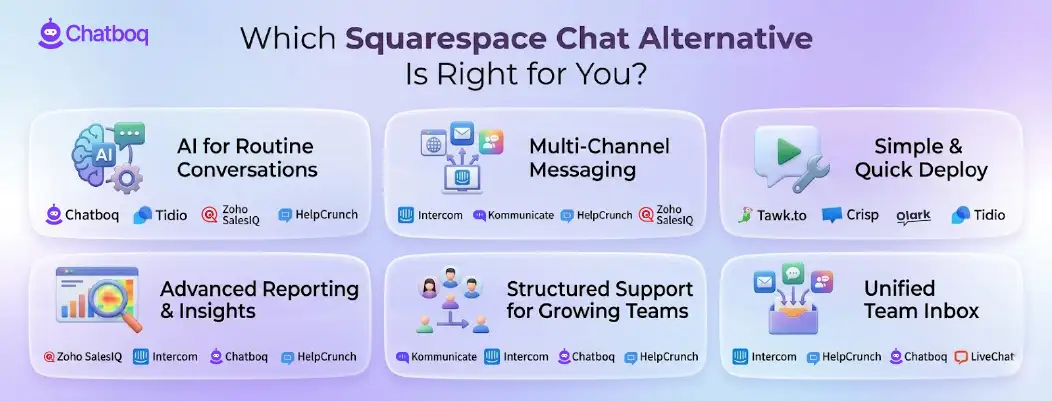
Below is an overview of top platforms that act as Squarespace chat alternatives for small businesses and growing teams. These solutions help manage customer conversations, automate routine tasks, and support more complex messaging workflows.
Each platform includes capabilities such as AI-powered chat, multi-channel messaging, reporting, and flexible workflow management. This guide makes it easier to compare options and choose a solution that aligns with your website, team size, and support needs.
1. Chatboq - All-in-One AI Chatbot and Live Chat Platform
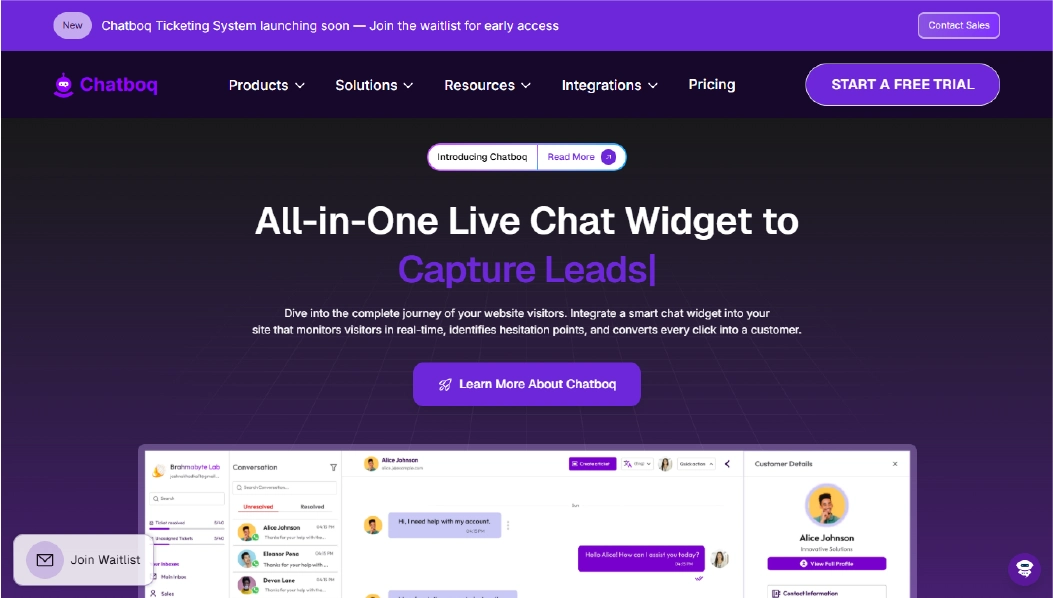
Chatboq is a comprehensive platform for AI-powered live chat and automated customer support. It enables businesses to handle repetitive queries, provide real-time visitor insights, and centralize customer interactions. While it cannot be embedded directly into Squarespace, it remains a strong alternative for teams looking to upgrade their support workflows.
The platform emphasizes human-controlled AI, allowing automated responses for routine questions while keeping humans in the loop for complex interactions. Advanced visitor tracking and analytics help identify high-intent leads and optimize engagement.
Why It’s a Strong Squarespace Chat Alternative
Chatboq offers automation and analytics capabilities far beyond what Squarespace Chat provides. Teams can manage complex workflows, trigger responses based on visitor behavior, and monitor engagement trends in real time.
Although direct integration isn’t possible, businesses that manage multiple channels or separate websites can use Chatboq as a standalone solution to improve support efficiency and lead conversion, making it a viable alternative for growing teams.
Chatboq Core Strengths
-
AI-powered chatbots with controlled human handoff
-
Real-time visitor analytics for behavior-based insights
-
Omnichannel messaging across web, email, and social platforms
-
Built-in ticketing system for structured conversation management
-
Privacy-focused design with encrypted communication
Why Chatboq Is Better Than Squarespace Chat
Chatboq handles multi-step automation and provides actionable insights from visitor activity, features Squarespace Chat does not offer.
Its AI-driven workflows and centralized management allow businesses to improve response efficiency, track engagement, and optimize support operations beyond simple live chat on a website.
Limitations
-
Chatboq operates as a standalone platform, offering advanced AI support even without Squarespace integration
-
Advanced AI features require paid plans
-
Setup and AI workflow configuration may require guidance for small teams
Best For
-
Teams wanting AI-assisted chat with human oversight
-
Businesses needing advanced analytics and workflow automation
-
Companies managing support across multiple platforms
Pricing Snapshot
-
Free plan available with core chat and analytics
-
Paid plans scale based on AI features, analytics, and ticketing
2. Tidio - AI Chat and Live Messaging Made Simple
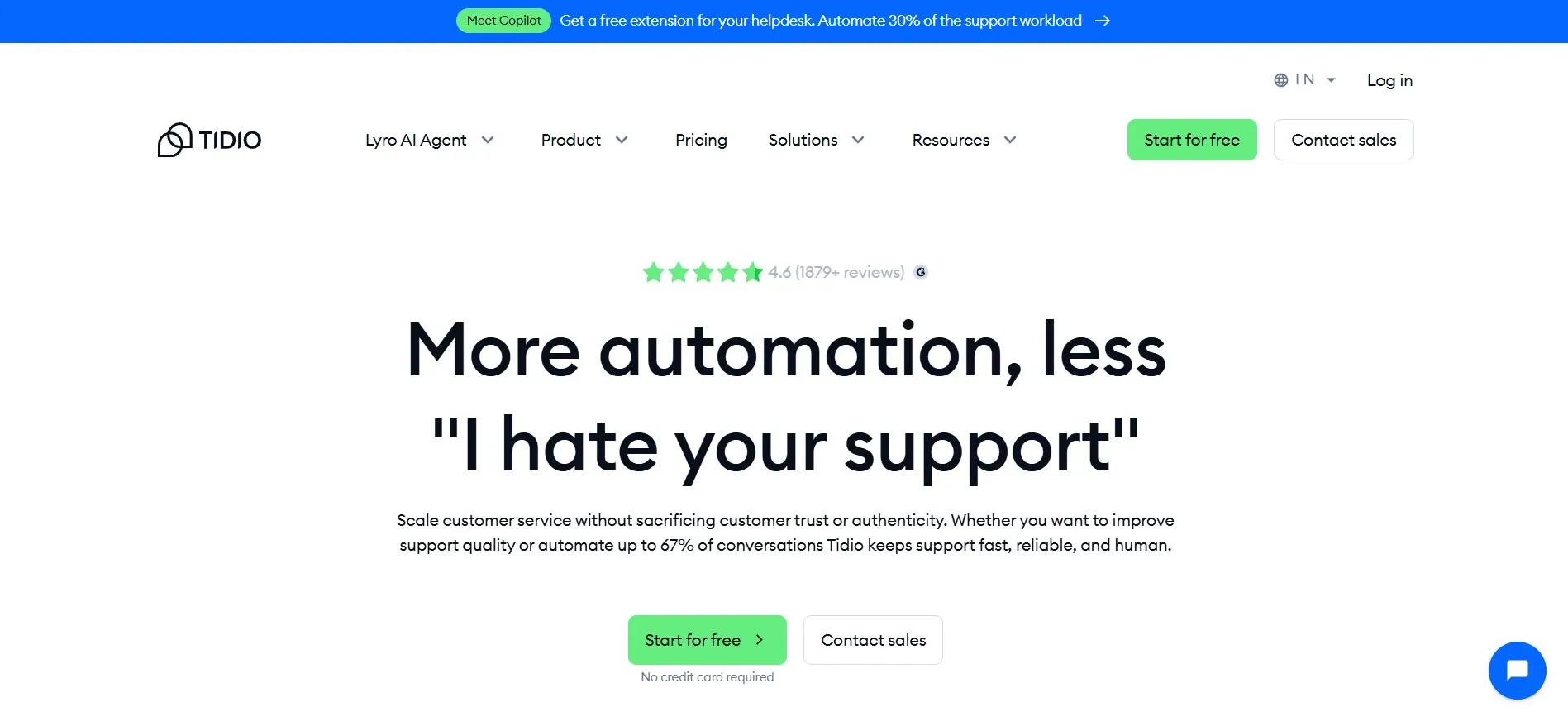
Tidio combines live chat and AI-powered bots to help your team respond faster. It works well for small to medium websites and can be integrated directly into Squarespace, making it a practical alternative for those who want more flexibility than Squarespace Chat provides.
Tidio also supports visitor tracking, automated responses, and lead capture features, allowing teams to manage chats efficiently without heavy technical setup. Its drag-and-drop automation and customizable chat widgets make setup straightforward for non-technical users.
Limitations
-
Advanced AI features require paid plans
-
Some workflow customizations are limited compared to enterprise solutions
-
Reporting depth is moderate, not as detailed as specialized analytics platforms
Pricing Snapshot
-
Free tier available with basic chat and automation
-
Paid plans start with feature-based subscriptions, scaling with contacts and usage
Check out top-performing Tidio alternatives and select the best fit for your team’s success.
3. Zoho SalesIQ - Multi-Channel Customer Engagement
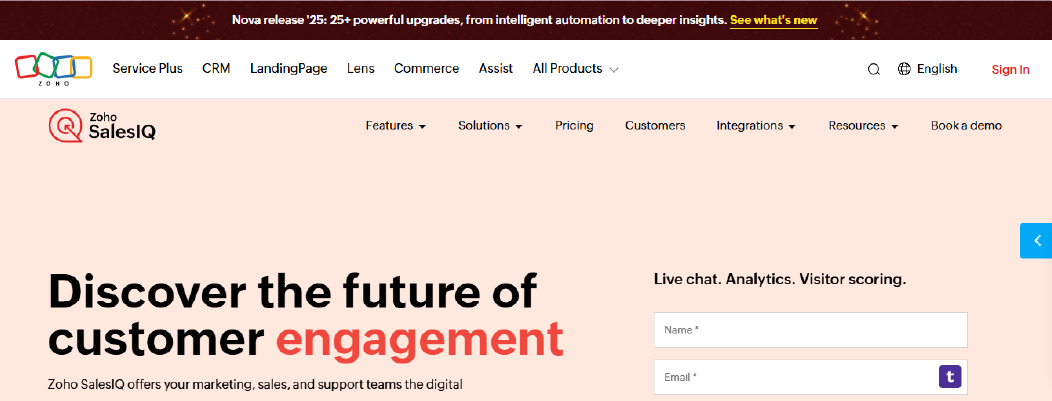
Zoho SalesIQ is a customer engagement platform that combines live chat, AI chatbots, and visitor tracking to help businesses connect with visitors in real time. It can be integrated into Squarespace, allowing teams to centralize conversations without relying solely on the native Squarespace Chat.
It also provides lead scoring, automated workflows, and detailed visitor insights, making it easier for businesses to prioritize interactions and improve support efficiency. The platform works well for both small businesses and mid-sized teams looking for multi-channel engagement.
Limitations
-
Advanced AI and automation features require paid plans
-
Setup is moderate, but small teams may need guidance when configuring advanced AI features.
-
Some integrations may require additional configuration
Pricing Snapshot
-
Free plan available with basic live chat and automation
-
Paid plans are tiered based on features, contacts, and team size
4. Crisp - All-in-One Customer Messaging
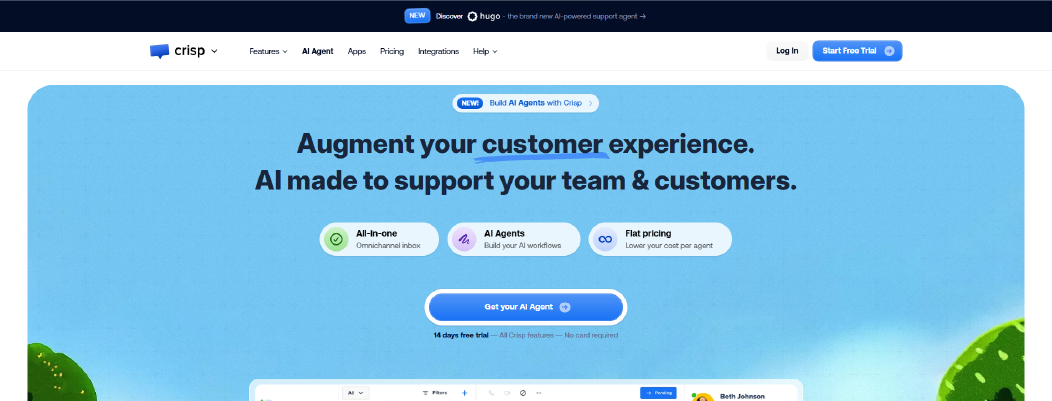
Crisp is a messaging platform that combines live chat, AI automation, and a shared inbox for teams to handle customer conversations efficiently. It can be integrated into Squarespace, allowing businesses to manage chats from the website while extending capabilities beyond what Squarespace Chat provides.
Crisp also offers visitor tracking, automated workflows, and a built-in CRM, enabling teams to follow up on leads within the platform, monitor interactions in real time, and maintain consistent support without switching apps. Its no-code automation setup makes it approachable for small and mid-sized teams.
Limitations
-
Crisp is easy to start, though advanced AI workflows require a subscription plan.
-
Can be complex for very small teams without prior experience
-
Custom integrations may require additional setup
Pricing Snapshot
-
Free tier available with basic live chat and shared inbox
-
Paid plans are flat-rate per agent with access to advanced automation, AI, and analytics
Find and compare top Crisp alternatives to choose the most suitable option for your needs.
5. Olark - Simple, Accessible Live Chat
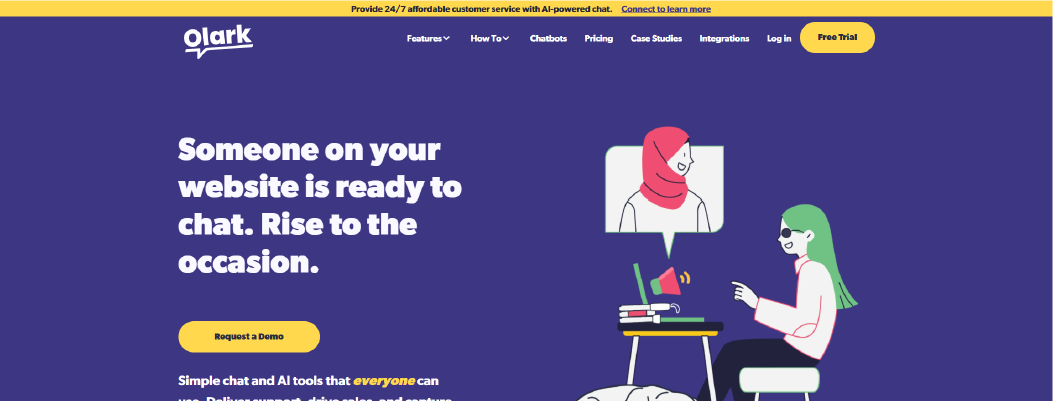
Olark provides straightforward live chat combined with AI-assisted automation, allowing teams to respond to visitors within seconds and track visitor activity in real time without overcomplicating setup. It can be integrated into Squarespace, allowing businesses to extend their chat capabilities beyond the default Squarespace Chat.
Olark emphasizes accessibility and practical AI, meaning the chat is usable for all visitors, including those with disabilities, while giving teams tools to automate repetitive tasks without replacing human support entirely.
Limitations
-
Some advanced automation features require paid plans
-
Reporting depth is moderate compared to full analytics platforms
-
SMS messaging may require additional configuration
Pricing Snapshot
-
Free trial available to test core features
-
Paid plans tiered by number of agents with access to advanced automation, analytics, and multi-channel messaging
Modernize your helpdesk by exploring these high-performance Olark Alternatives.
6. Kommunicate - Controlled AI + Human Support
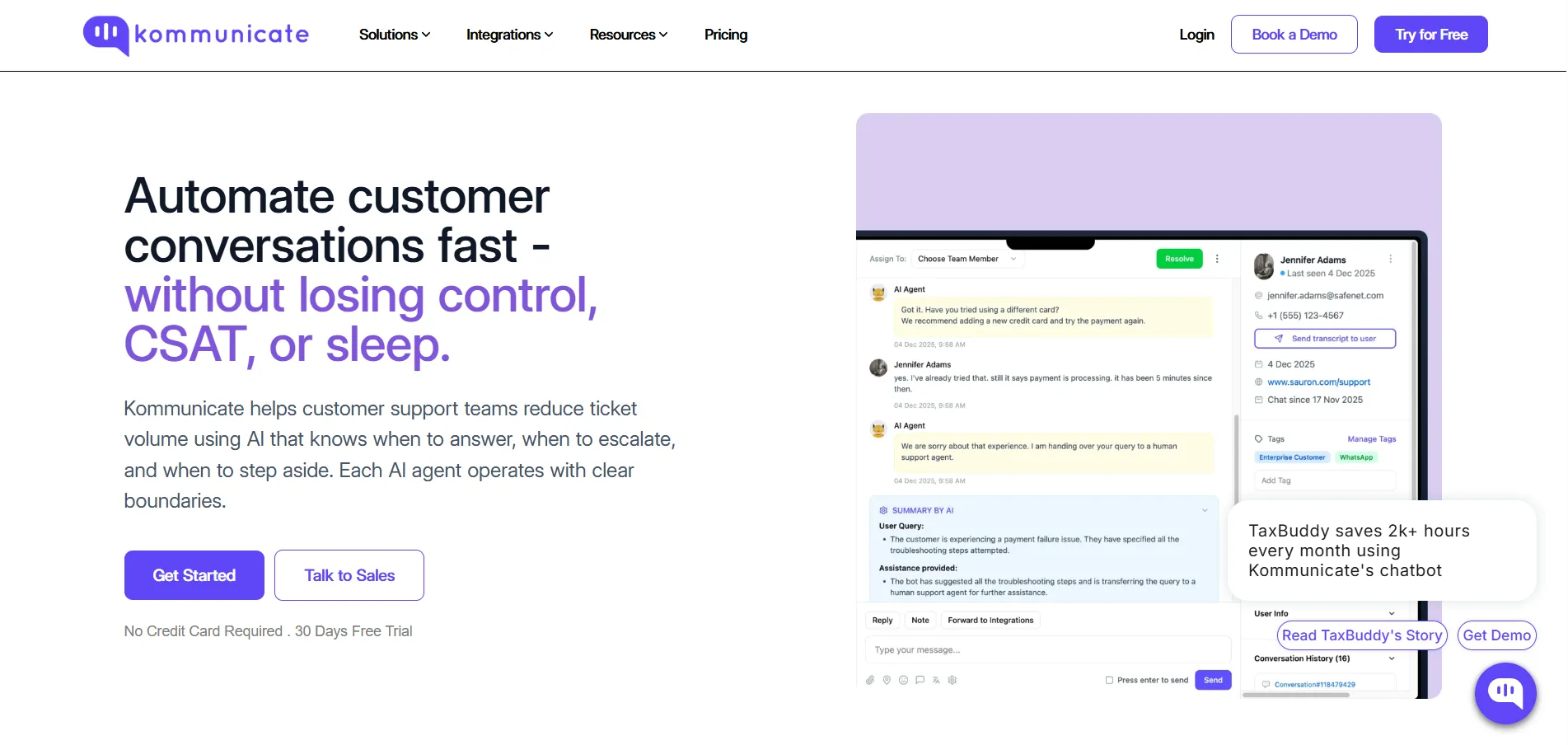
Kommunicate combines AI-driven automation with live human support to help teams manage high volumes of customer queries safely. It can be integrated into Squarespace, allowing businesses to extend chat capabilities while maintaining control over complex or sensitive conversations.
The platform focuses on gradual automation, letting teams decide what AI handles and when humans intervene. This ensures that critical interactions are never mishandled, while repetitive queries are answered automatically.
Limitations
-
Advanced AI agent features require paid plans
-
Small teams may need guidance to configure AI handoff rules
-
Full analytics for multi-channel performance is only available in higher tiers
Pricing Snapshot
-
Free trial available to test AI and chat features
-
Paid plans tiered based on agents, channels, and automation features
7. HelpCrunch - AI-Enhanced Multi-Channel Support
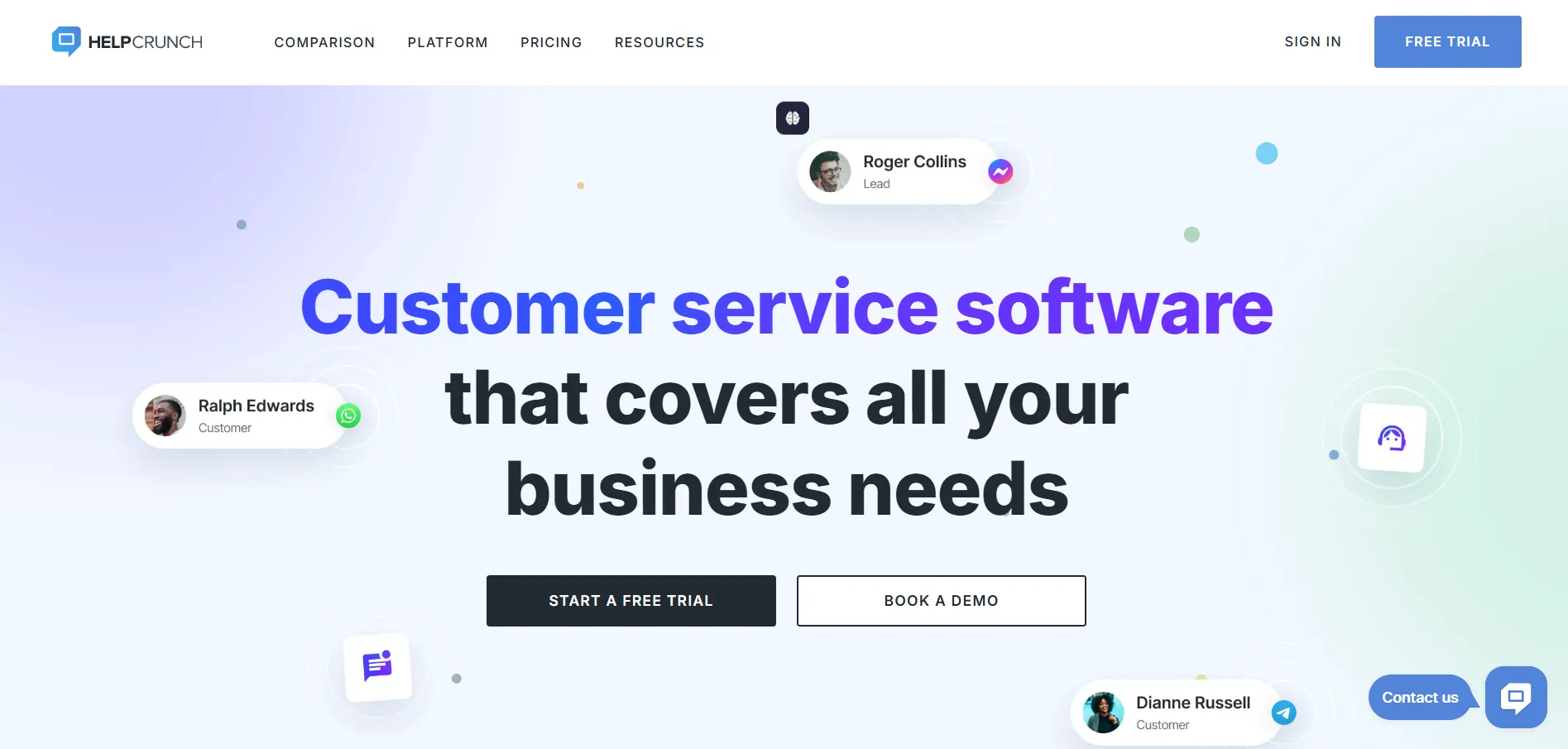
HelpCrunch is a customer communication platform that combines live chat, AI chatbots, email marketing, and a shared inbox. It integrates with Squarespace, allowing businesses to manage website chat while extending capabilities into email, popups, and other channels.
The platform emphasizes proactive engagement, letting teams automatically qualify leads, trigger targeted messages, and support visitors 24/7. Its AI tools also assist with writing responses and creating knowledge base content, reducing manual effort for support teams.
Limitations
-
Full feature set requires paid subscription
-
Some advanced automations need configuration and testing
-
May be more than small sites require if only basic live chat is needed
Pricing Snapshot
-
Free trial available to test core features
-
Paid plans are subscription-based with unlimited contacts and chats, scaling with features and team size
8. Tawk.to - Free, All-in-One Live Chat
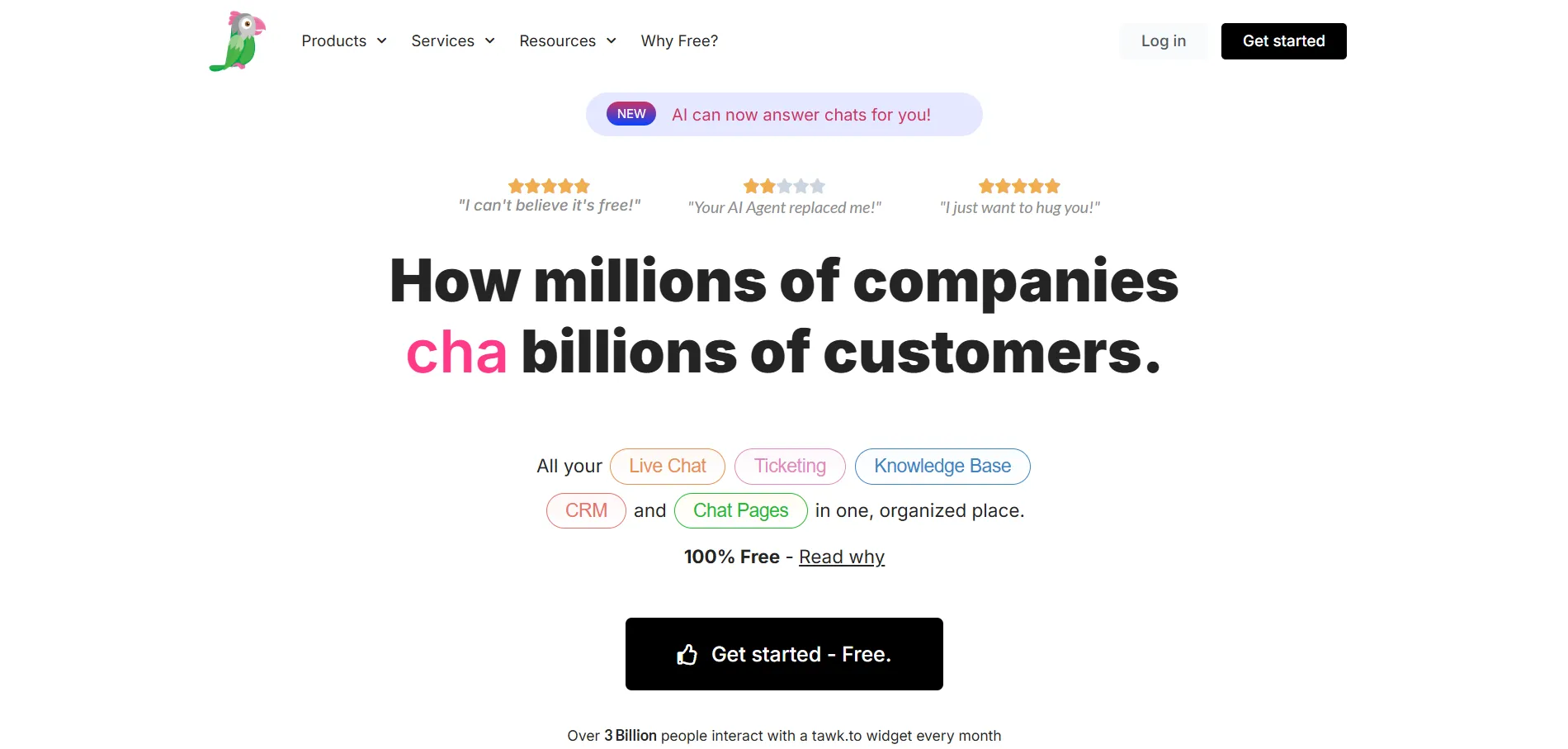
Tawk.to is a completely free live chat solution that provides messaging, ticketing, and a knowledge base. It can be integrated into Squarespace, allowing businesses to manage visitor interactions without relying solely on Squarespace Chat.
It emphasizes simplicity and accessibility, offering an easy setup with a small JavaScript snippet and real-time visitor monitoring. Teams can see which pages visitors are on and respond immediately, improving engagement without additional costs.
Limitations
-
Advanced features like AI Assist require paid add-ons
-
User interface can feel basic compared to more polished platforms
-
Limited customization for chat widget appearance
Pricing Snapshot
Explore reliable Tawk.to alternatives and pick the one that fits your business requirements perfectly.
9. Intercom - Conversational Messaging for Modern Teams
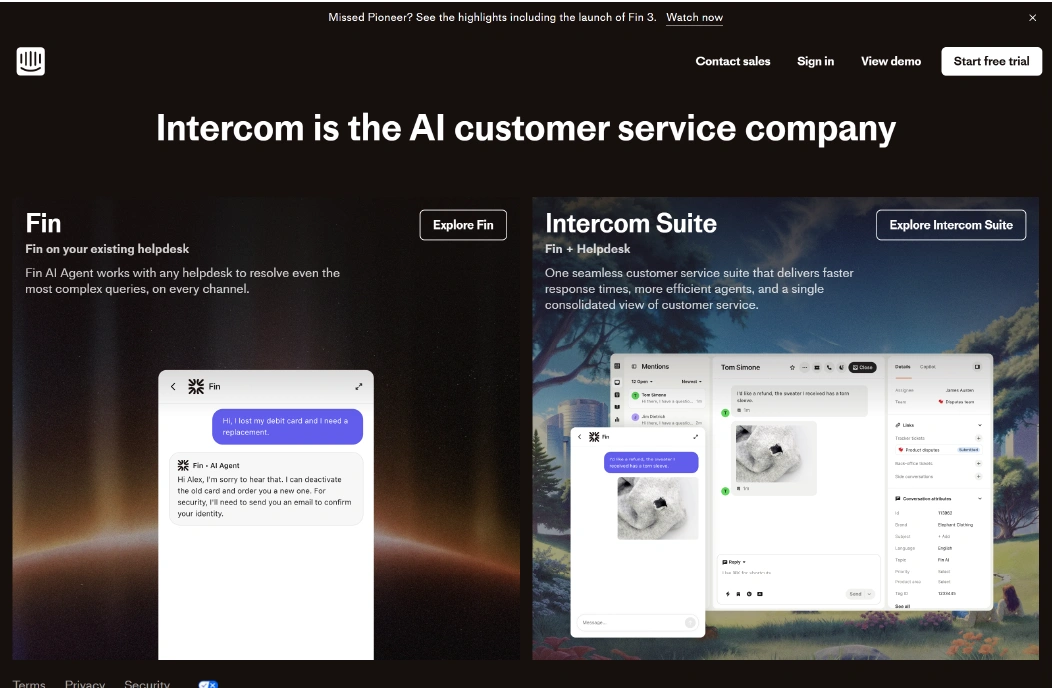
Intercom is a comprehensive customer messaging platform that combines live chat, AI-powered assistance, and helpdesk functionality. It can be integrated into Squarespace, enabling businesses to manage website conversations while leveraging AI tools for complex query resolution.
The platform focuses on improving efficiency by combining human agents with AI support. Its AI agent, Fin, handles routine questions, escalates more complex issues, and continuously learns from team interactions to improve future responses.
Limitations
-
Pricing can be higher than simpler chat tools
-
Setup and AI training require initial configuration
-
Some advanced features are only available on higher-tier plans
Pricing Snapshot
-
Free trial available for core features
-
Paid plans include seat-based subscriptions with tiered access to AI, analytics, and automation
Analyze popular Intercom competitors and pick the right platform for your customer service needs.
Squarespace Chat Competitors Compared Side-by-Side
Here’s a quick comparison of Squarespace Chat alternatives to help you understand how each platform performs across the features that matter most for growing teams. This overview highlights differences in setup ease, automation capabilities, multi-channel support, AI tools, and reporting, making it easier to choose the right solution beyond Squarespace Chat.
|
Tool
|
Setup Complexity
|
Custom Workflow Control
|
Native E-commerce Integrations
|
AI Training Control
|
Knowledge Base Integration
|
Reporting Depth
|
Seat-Based Billing Impact
|
|
Chatboq
|
Easy
|
High
|
Low
|
High
|
Moderate
|
Moderate
|
Moderate
|
|
Tidio
|
Easy
|
Moderate
|
High
|
Moderate
|
Moderate
|
Moderate
|
High
|
|
Zoho SalesIQ
|
Moderate
|
High
|
High
|
Moderate
|
High
|
High
|
Moderate
|
|
Crisp
|
Easy
|
Moderate
|
Moderate
|
Moderate
|
Moderate
|
Moderate
|
Moderate
|
|
Olark
|
Easy
|
Low
|
Low
|
Low
|
Low
|
Low
|
Low
|
|
Kommunicate
|
Moderate
|
High
|
Moderate
|
High
|
Moderate
|
Moderate
|
Moderate
|
|
HelpCrunch
|
Moderate
|
Moderate
|
Moderate
|
Moderate
|
High
|
Moderate
|
Moderate
|
|
Tawk.to
|
Easy
|
Low
|
Low
|
Low
|
Low
|
Low
|
Low
|
|
Intercom
|
Moderate
|
High
|
Moderate
|
High
|
High
|
High
|
High
|


 ChatGPT
 Perplexity
 Claude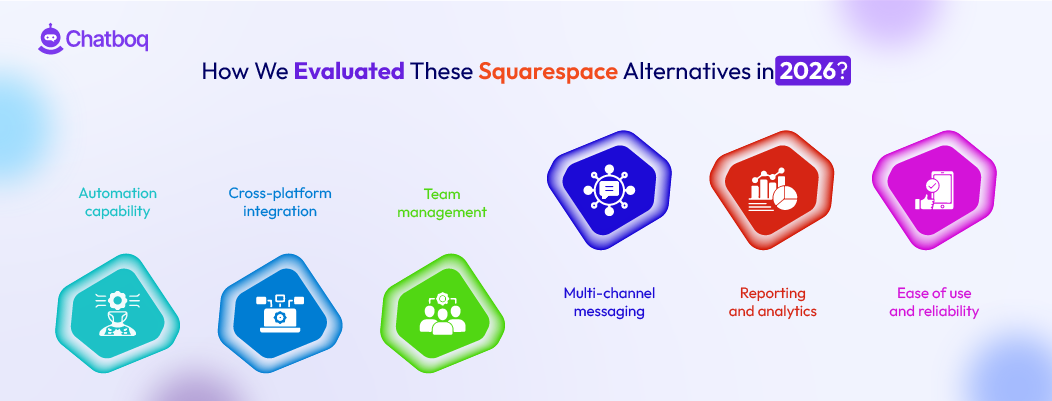



Leave a Comment
Your email address will not be published. Required fields are marked *
By submitting, you agree to receive helpful messages from Chatboq about your request. We do not sell data.