Let’s break down each Kayako alternative and where it fits within real support operations. Each review focuses on how the platform supports different customer service models, from ecommerce and small business teams to SaaS and structured enterprise environments.
1. Chatboq - All-in-One AI Chatbot & Live Chat Platform Alternative to Kayako
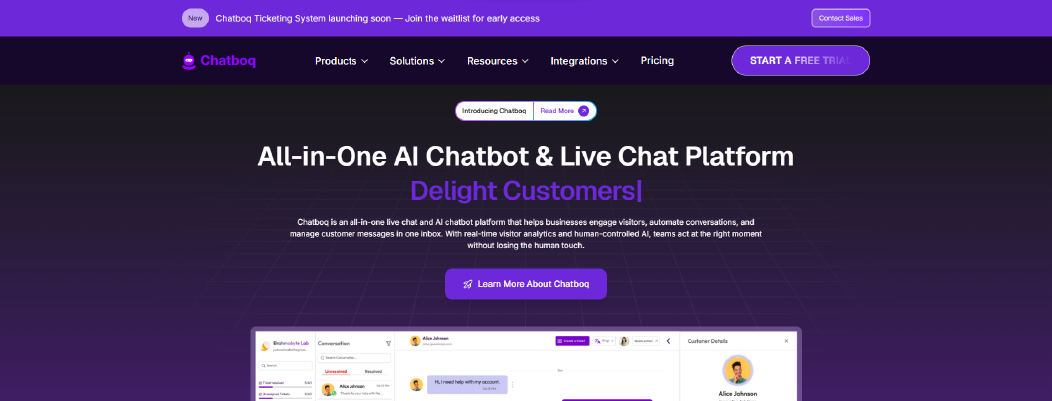
Chatboq is an all-in-one AI chatbot and live chat platform built for teams that need structured ticket management, real-time messaging, and controlled workflow automation inside a single workspace. It combines live chat, ticketing, AI reply assistance, SLA governance, and messaging integrations without relying on browser plugins for core functionality.
While Kayako focuses on contextual AI suggestions and email-based support, Chatboq is built around real-time sync, structured routing, and workspace-level control.
Why It’s a Strong Kayako Alternative
Kayako users appreciate AI assistance and simple assignment management. However, G2 reviews mention email communication issues due to lack of native auto-refresh and reliance on third-party plugins.
Chatboq reduces this risk with real-time message sync. Messages sync in real time between admin and customer. There is no dependency on browser extensions for update visibility.
Automation layering is another difference. Kayako provides contextual AI suggestions. Chatboq combines AI reply assistance with structured ticket workflows, SLA policies, priority rules, and automatic escalation triggers.
For teams that require structured SLA governance, Chatboq enforces resolution time policies, 85% threshold warnings, automatic priority changes, and organization-level validation rules. This helps teams keep control as ticket volume grows.
Chatboq Core Strengths
-
AI-powered helpdesk software
-
AI-trained reply assistant with knowledge-base training
-
Live chat and shared inbox with real-time sync
-
Workflow automation with SLA rules and priority control
-
Custom ticket statuses and organization-level validation
-
Multi-workspace role and permission management
-
Visitor tracking with IP monitoring and country view
-
Multi-channel messaging integrations (WhatsApp, Slack, Messenger, Telegram, Discord)
-
CRM integrations including Zoho CRM and Pipedrive
-
Ticket management with Kanban view and merge support
-
Email-to-ticket creation and templating
-
Plan-based billing system with workspace-level control
Where It Differs from Kayako
Stronger workflow governance.
Kayako emphasizes contextual AI assistance and assignment ease. Chatboq emphasizes structured automation with SLA enforcement, priority hierarchy control, and ticket validation rules.
More controlled AI configuration.
Kayako provides contextual suggestions. Chatboq allows knowledge training using uploaded documents and conversation data, giving teams more structured control over AI responses.
Built-in omnichannel sync.
Chatboq connects messaging platforms, live chat widgets, and ticketing into one real-time system. Email sync does not rely on external browser plugins.
Limitations
-
Requires structured workflow planning before implementation
-
More operationally configured than lightweight help desk tools
-
Not purely documentation-focused like knowledge-base-only systems
Teams must define routing rules, SLA policies, and status hierarchy during setup.
Best For
-
Ecommerce support teams managing live chat + ticket workflows
-
SaaS companies needing structured SLA enforcement
-
Support teams that require real-time sync and messaging integrations
-
Organizations that want predictable billing and controlled automation
Pricing Snapshot
Plan-based subscription model.
Includes workspace management, billing dashboard, invoice tracking, and free trial visibility. Pricing scales by plan level rather than per-agent inflation.
2. Helpjuice - Knowledge Base-Centric Alternative to Kayako
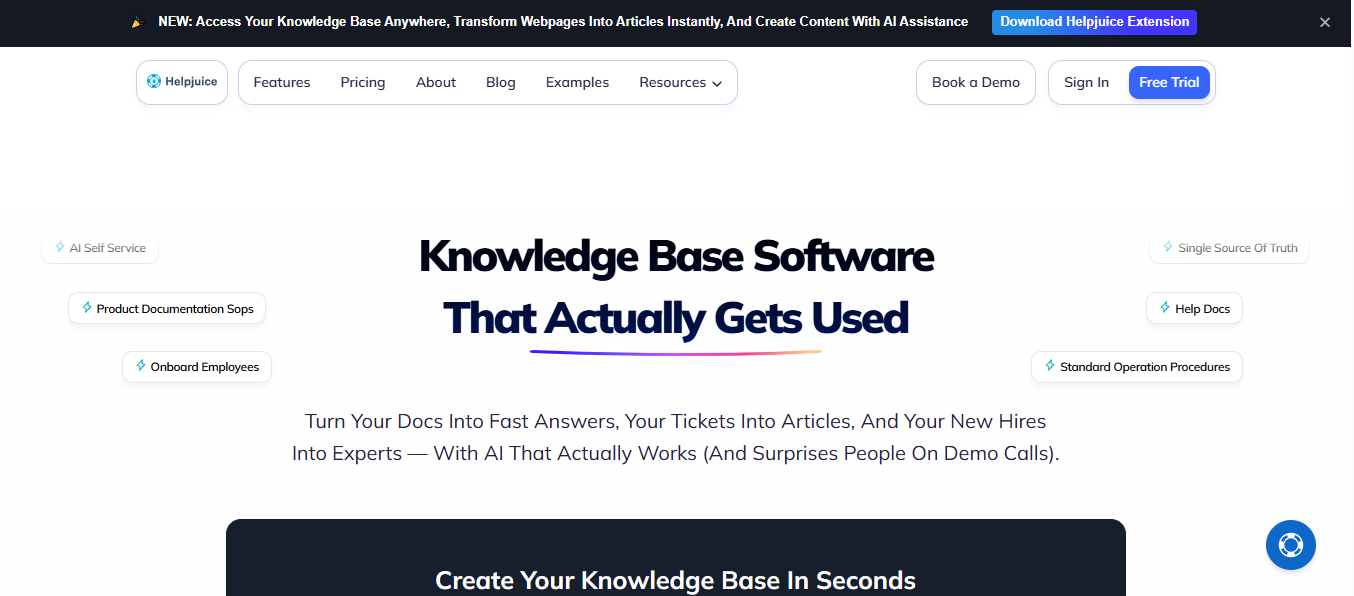
Helpjuice is a knowledge base platform built to centralize support and internal documentation in one searchable hub.
Instead of focusing on ticket workflows like Kayako, Helpjuice emphasizes structured knowledge creation, robust search, and self-service support for customers and internal teams. It is commonly used to reduce repetitive support inquiries, accelerate onboarding, and improve access to documented procedures.
Why It’s a Strong Kayako Alternative
Many teams use Kayako as their primary help desk because of its AI assistance and ticketing capabilities. However, when repetitive questions drain agent time or when support volume grows, a dedicated knowledge base can reduce ticket dependency by giving customers and employees easy access to answers.
Helpjuice addresses this need by providing a searchable repository of documentation, FAQs, and process articles that customers can find without opening a ticket. Its AI-powered search and contextual indexing aim to surface relevant content even when queries include typos or varied phrasing.
By shifting common issues into self-service content, teams can focus on more complex inquiries, reducing support load and supporting internal training across departments.
Core Strengths
-
Unlimited categories and articles for structured knowledge bases
-
Rich text editor with collaboration and version control
-
Multilingual support and custom localization
-
AI-powered search that understands context and intent
-
Advanced analytics for article performance and search patterns
-
Flexible pricing tiers with concierge onboarding support
This works best when self-service content is your main support channel.
Where It Differs from Kayako
Helpjuice solves a different problem than Kayako. Kayako is focused on ticket management and live support workflows. Helpjuice centers on knowledge management and self-service. While Kayako routes and resolves tickets, Helpjuice aims to prevent many of those tickets by giving users answers instantly.
The AI capability in Helpjuice centers on search and content relevance rather than automated ticket replies. Its AI features help users find or generate knowledge base content, not interact directly with customers through live chat.
Finally, knowledge base platforms like Helpjuice often integrate into other systems rather than replace them, allowing teams to pair Slack or CRM solutions with a centralized repository of support content.
Limitations
-
Not designed for real-time ticket management or conversational support workflows.
-
The focus on documentation means it does not natively replace help desk systems in daily agent workflows.
-
Requires planning and governance around article structure and content upkeep.
Helpjuice’s strength is clarity of information, not ticket routing or SLA enforcement.
Best For
-
Teams seeking to reduce repetitive customer inquiries through self-service support.
-
Support and operations teams that need centralized, searchable documentation.
-
Organizations that want structured knowledge management alongside ticketing systems.
-
Groups prioritizing internal onboarding and training content.
Pricing Snapshot
Helpjuice pricing tiers vary based on the number of users and storage requirements. Plans often include concierge onboarding and customization support for larger teams.
3. Help Scout - Email-Centric Simplicity Alternative to Kayako
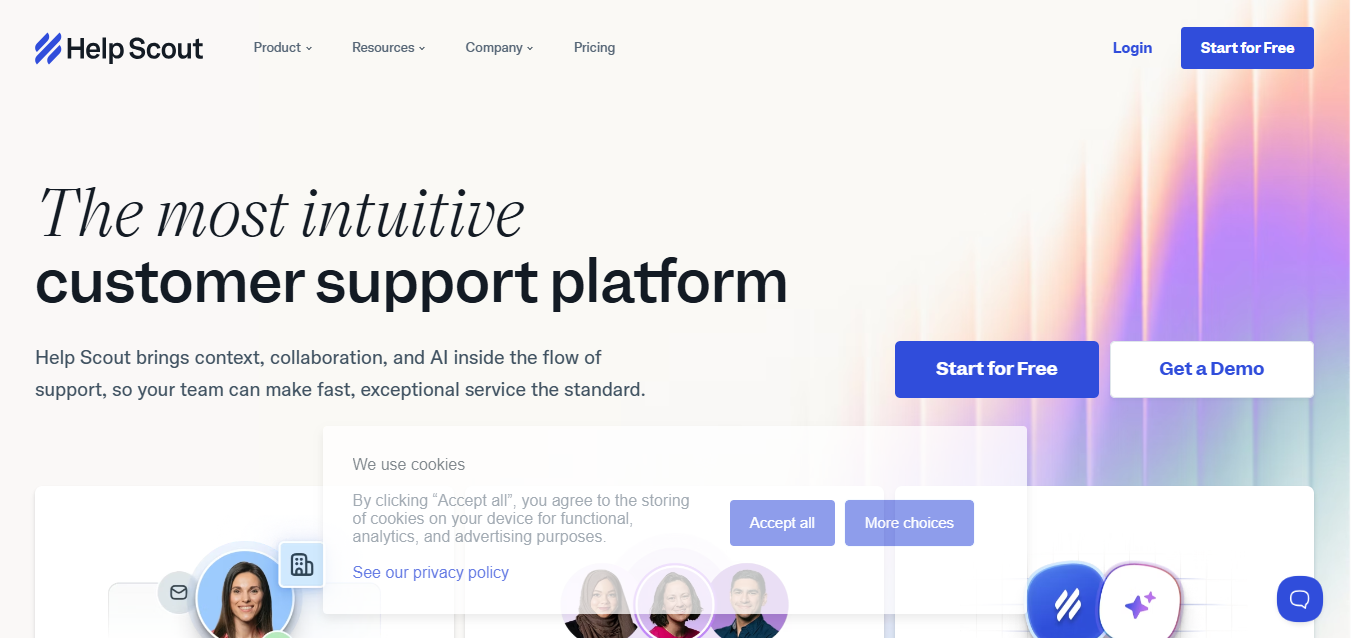
Help Scout is a customer support platform built around shared inbox workflows, email-based ticketing, and knowledge base support. It is designed for teams that want a simple help desk system without heavy configuration. Many small and mid-sized SaaS and ecommerce teams use Help Scout to manage customer conversations with minimal setup overhead.
Unlike Kayako, which positions itself as an AI help desk platform with contextual suggestions, Help Scout focuses on clean email workflows, collaboration, and customer-friendly support experiences.
Why It’s a Strong Kayako Alternative
Kayako users often appreciate contextual AI assistance and ticket assignment features. However, some G2 reviews mention email communication issues related to lack of auto-refresh and reliance on browser plugins.
Help Scout is an email-first shared inbox with built-in support controls. It works well when most requests arrive through one or two mailboxes and routing rules stay simple.
For teams that primarily handle support through email and do not require deep workflow automation, Help Scout provides a lighter operational model. It reduces complexity while maintaining ticket visibility and team coordination.
Help Scout also includes a built-in knowledge base called Docs and a Beacon widget for embedding help content and live chat on websites. This supports basic omnichannel engagement without requiring heavy SaaS help desk configuration.
Core Strengths
-
Shared inbox built around email-based ticketing
-
Real-time conversation updates
-
Built-in knowledge base (Docs)
-
Basic automation rules for tagging and routing
-
Reporting dashboards for response time and workload tracking
-
Integrations with CRM and ecommerce tools
-
Per-user pricing model with scalable plans
This works best when you want a clear shared inbox and simple rules, not heavy automation layers
Where It Differs from Kayako
Help Scout keeps automation lighter than Kayako.
Kayako emphasizes contextual AI suggestions and automated responses. Help Scout includes AI features, but they focus more on drafting replies and summarizing conversations rather than layered workflow automation.
Help Scout also keeps configuration lighter. There are fewer advanced SLA governance tools and less hierarchical ticket control compared to more structured help desk systems.
For teams that want a straightforward shared inbox and documentation system, this simplicity can be beneficial. For teams requiring strict SLA enforcement or complex routing logic, configuration options may feel limited.
Limitations
-
Automation is simpler compared to structured workflow platforms
-
SLA enforcement is less advanced than enterprise help desk systems
-
Omnichannel messaging integrations are narrower than messaging-first platforms
-
Custom workflow layering is limited compared to more configurable tools
Help Scout is built for clarity and usability, not deep operational automation.
Best For
-
Small to mid-sized SaaS teams
-
Ecommerce brands handling support primarily via email
-
Teams that want a lightweight help desk software like Kayako
-
Support teams that prioritize usability over configuration depth
Pricing Snapshot
Help Scout uses a per-user pricing model with tiered plans. Costs scale as additional support agents are added. A free trial is available for evaluation.
4. HappyFox - Automation-Focused Helpdesk Replacement to Kayako
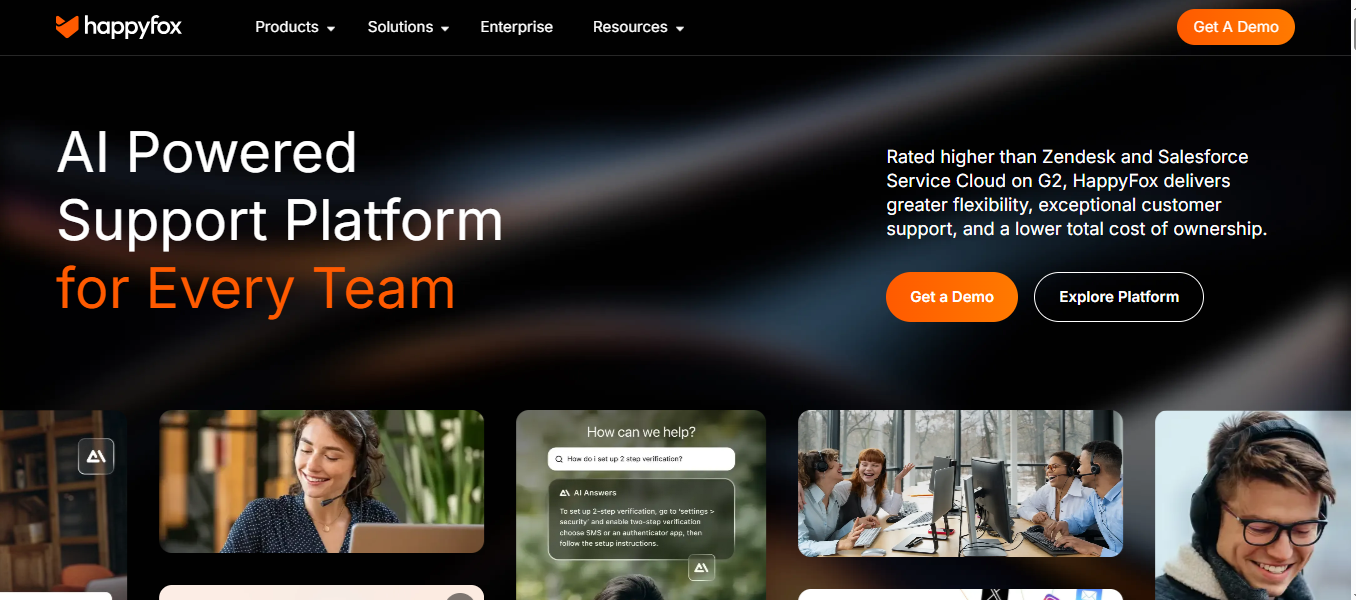
HappyFox is a structured help desk management solution built for teams that require advanced ticket automation, SLA enforcement, and multi-channel support. It supports email, phone, chat, and social channels within a centralized ticketing system. Many mid-sized and enterprise teams use HappyFox when workflow control and reporting visibility become operational priorities.
While Kayako emphasizes contextual AI assistance and simple assignment management, HappyFox focuses more heavily on rule-based automation and structured ticket governance.
Why It’s a Strong Kayako Alternative
Kayako users often value its AI suggestions and ease of inter-department ticket assignment. However, G2 feedback highlights concerns around email reliability and limited integrations.
HappyFox approaches support from a structured automation angle. It includes “Smart Rules” that allow conditional ticket routing, automatic status updates, priority adjustments, and SLA monitoring. This supports teams that define routing rules by department, priority level, or SLA thresholds.
For teams that require strict escalation policies, HappyFox offers more granular rule control than lightweight help desk tools.
HappyFox also supports multi-channel intake, including email, web forms, live chat (via HappyFox Chat), phone integration, and social channels. This reduces reliance on separate systems for omnichannel support.
Core Strengths
This fits teams that need structured workflow automation inside their help desk.
Where It Differs from Kayako
HappyFox leans more heavily into structured automation than Kayako.
Kayako positions itself as an AI help desk platform with contextual reply assistance. HappyFox focuses less on AI response generation and more on rule-driven workflow control.
Automation in HappyFox is primarily conditional and rule-based. AI assistance is not the core differentiator. Teams seeking AI-generated contextual replies may find Kayako’s AI features more prominent.
HappyFox also requires more initial configuration to fully utilize Smart Rules, SLA definitions, and workflow layers. This benefits structured environments but increases setup time.
Limitations
-
Setup complexity is higher compared to lighter help desk tools
-
AI assistance is not as central as AI-first platforms
-
Pricing scales per agent and may increase as teams expand
-
Interface depth may require training for new agents
HappyFox emphasizes structured automation more than simplicity.
Best For
-
Mid-sized to enterprise support teams
-
Organizations with strict SLA and escalation policies
-
Teams managing multi-channel support operations
-
IT and service desk environments needing defined workflow governance
-
Best when SLA enforcement and rule-based routing are operational priorities.
Pricing Snapshot
HappyFox uses per-agent tiered pricing. Advanced automation, asset management, and deeper reporting capabilities are available in higher-tier plans. A free trial is typically offered for evaluation.
Check out the top HappyFox Alternatives and select one that best suits your business.
5. Superchat - Messaging-First Alternative to Kayako
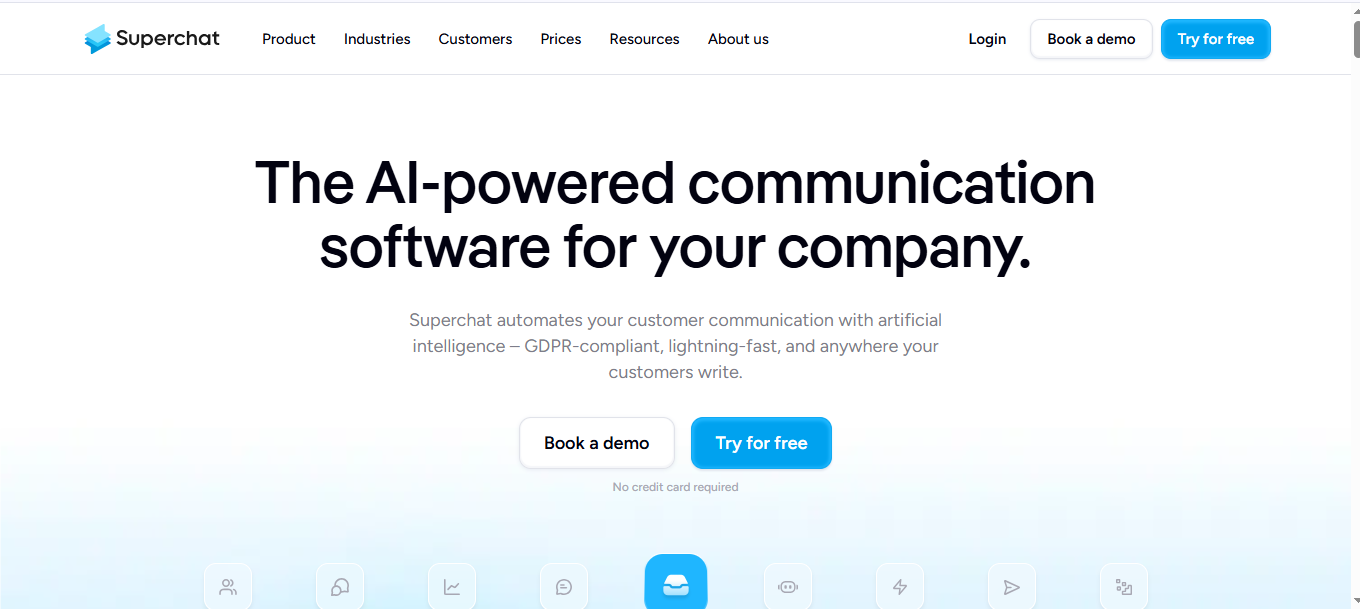
Superchat is a messaging-focused customer communication platform built around WhatsApp, Instagram, Facebook Messenger, SMS, and live chat. It centralizes conversations from multiple messaging channels into one shared inbox. Unlike Kayako, which is structured as a help desk and ticketing system, Superchat is built primarily for conversational engagement and messaging workflows.
It is commonly used by ecommerce brands, local service providers, and sales-driven teams that rely heavily on WhatsApp and social messaging instead of email-based ticket management.
Why It’s a Strong Kayako Alternative
Kayako users appreciate contextual AI assistance and ticket assignment across departments. However, some teams experience email notification issues and integration limits when workflows depend heavily on messaging channels.
Superchat shifts the model away from email-centric ticketing toward real-time messaging. Conversations from WhatsApp, Instagram, Messenger, SMS, and website chat appear inside one unified inbox. This reduces fragmentation by centralizing WhatsApp, Instagram, and SMS threads in one inbox.
For businesses where most inbound support occurs via WhatsApp or social channels, Superchat provides stronger native messaging alignment than traditional help desk software.
However, it is important to note that Superchat prioritizes messaging over structured SLA governance and complex ticket hierarchies.
Core Strengths
-
Centralized inbox for WhatsApp, Instagram, Messenger, SMS, and live chat
-
Automated messaging flows and keyword triggers
-
Broadcast messaging and campaign tools
-
Basic automation rules for routing and replies
-
Analytics dashboard for messaging performance
-
CRM integrations and API access
This works best for teams focused on real-time messaging rather than structured ticket governance.
Where It Differs from Kayako
Superchat is messaging-first, not ticket-architecture-driven like Kayako.
Kayako operates as a help desk with ticket management, SLA policies, and structured assignment workflows. Superchat is messaging-centric and conversation-driven.
There is less emphasis on hierarchical ticket control, SLA enforcement, or deep ticket lifecycle management. Instead, Superchat optimizes speed and engagement across messaging platforms.
AI capabilities in Superchat focus on automated chat flows rather than contextual knowledge-based reply assistance inside a ticketing system.
Teams that rely primarily on messaging apps may benefit from this approach. Teams requiring advanced help desk configuration may need additional workflow tools.
Limitations
-
Not a full-featured ticket management system
-
SLA governance and priority hierarchies are limited
-
Knowledge base integration is not central
-
Complex workflow automation is lighter compared to structured help desk platforms
Superchat is built for messaging velocity, not layered ticket governance.
Best For
-
Ecommerce brands relying on WhatsApp and social messaging
-
Local service providers managing high messaging volume
-
Sales-driven teams using conversational engagement
-
Support teams prioritizing fast messaging response over structured ticket lifecycle control
-
Best when support is messaging-dominant and escalation logic is light.
Pricing Snapshot
Superchat uses tiered subscription pricing based on features, number of users, and messaging volume. Advanced automation and WhatsApp API access may impact total cost depending on usage.
6. Tidio - Budget-Friendly Automation Alternative to Kayako
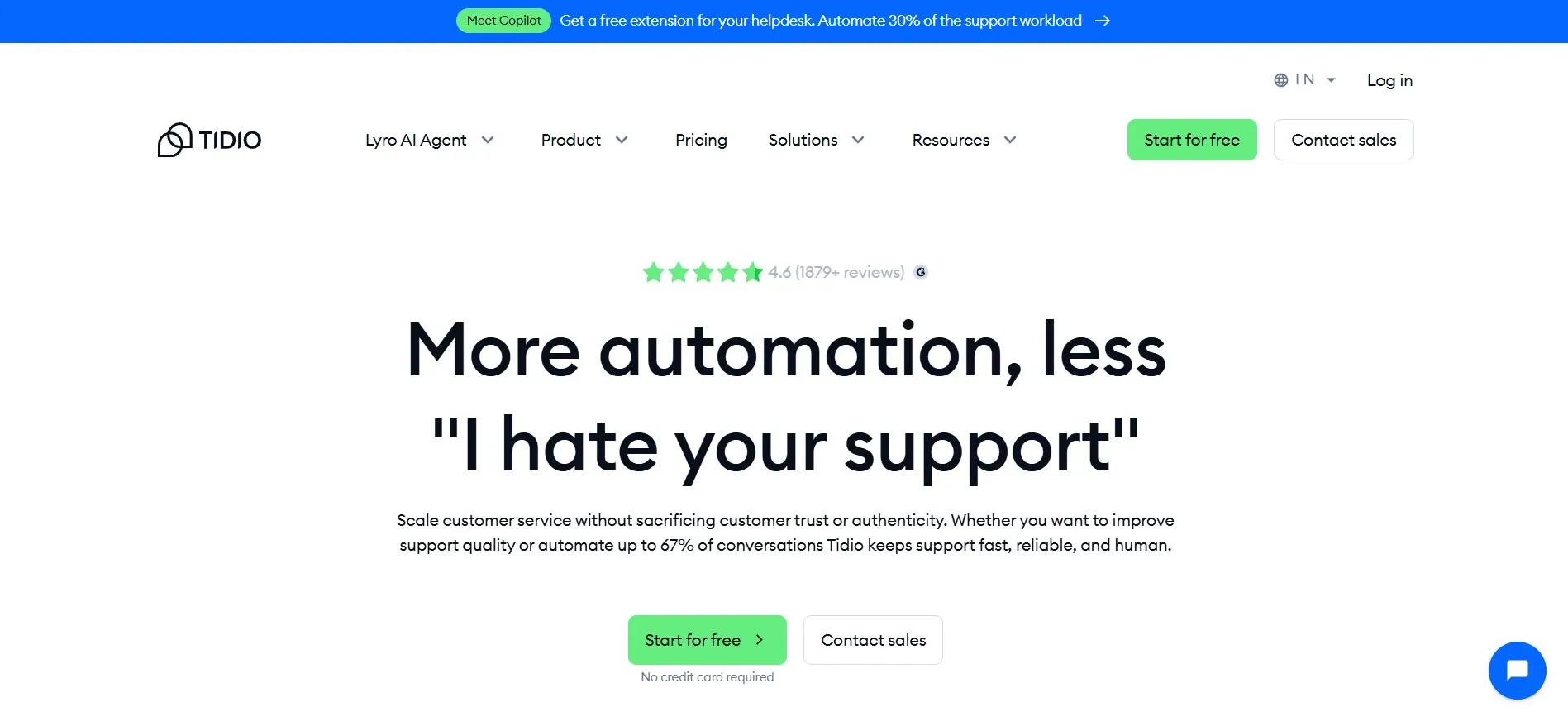
Tidio is a live chat and AI chatbot platform built for small and mid-sized businesses. It combines website chat, chatbot automation, and a shared inbox inside one interface. Unlike Kayako, which is positioned as an AI help desk with structured ticket management, Tidio is primarily chat-first and automation-lightweight.
Many ecommerce stores and small SaaS teams use Tidio to handle website conversations and basic support flows without complex help desk configuration.
Why It’s a Strong Kayako Alternative
Kayako users often value contextual AI assistance and ticket assignment features. However, some G2 reviews mention email communication issues tied to lack of native auto-refresh and limited integrations.
Tidio approaches support from a chat-automation angle. Instead of focusing on traditional ticket routing, it emphasizes real-time chat engagement and automated responses through its chatbot builder.
For smaller teams that do not need advanced SLA governance or layered ticket hierarchies, Tidio offers a simpler setup. It reduces configuration overhead while still offering live chat widgets and automated workflows.
Its AI chatbot, often branded as Lyro AI, can answer common questions automatically using trained knowledge. This supports self-service without building a complex ticket lifecycle.
Core Strengths
-
Live chat widget for website engagement
-
AI chatbot (Lyro) for automated responses
-
Shared inbox for email and chat conversations
-
Basic automation triggers and canned responses
-
Ecommerce integrations (Shopify, WooCommerce, BigCommerce)
-
Analytics dashboard for chat performance
-
Free plan available with usage limits
This works well when chat volume is high and SLA enforcement is minimal.
Where It Differs from Kayako
Tidio differs from Kayako in workflow depth.
Kayako is structured as a help desk software with ticket management, inter-department routing, and contextual AI assistance inside the ticket lifecycle. Tidio is centered around conversational automation and website chat.
SLA policies, complex ticket prioritization, and multi-layer assignment control are not core strengths of Tidio. Instead, it focuses on reducing repetitive chat inquiries through chatbot flows.
Tidio’s AI is primarily assistive for answering repetitive chat questions, not for managing SLA-driven ticket workflows.
For small teams, this simplicity can reduce setup time. For larger support operations, workflow limits may become visible as volume grows.
Limitations
-
Limited structured ticket management compared to full help desk platforms
-
SLA enforcement and priority hierarchies are minimal
-
Automation layering is lighter than rule-based help desk systems
-
Pricing may increase with higher conversation volume or AI usage
Tidio focuses on chat engagement rather than complex support operations.
Best For
-
Small ecommerce stores
-
Startups handling support primarily through website chat
-
Teams needing an affordable Kayako alternative
-
Businesses seeking a cheaper alternative to Kayako with faster setup
-
Best when chat automation is the primary resolution channel.
Pricing Snapshot
Tidio offers a free plan with limited usage. Paid plans are tiered and may scale based on feature access and AI usage volume. Costs increase as automation depth and agent seats expand.
Read More:Get the best alternative of Tidio available in the market.
7. Freshdesk - Scalable Structured Helpdesk Alternative to Kayako
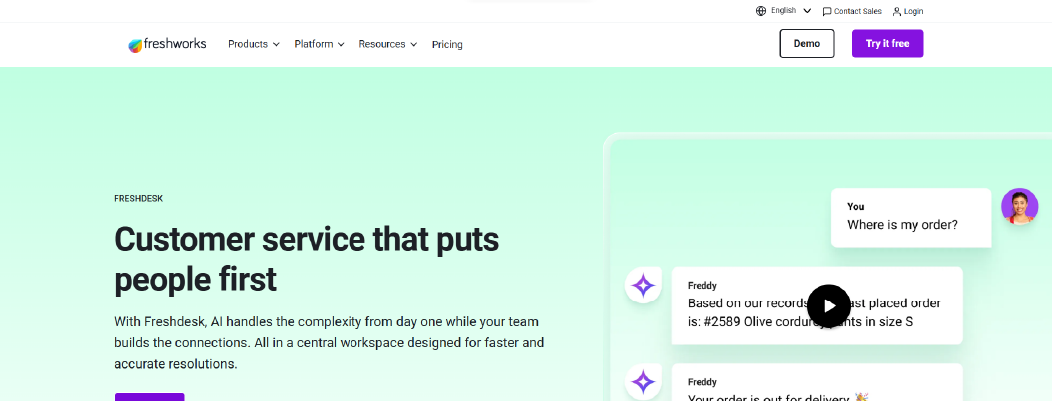
Freshdesk is a cloud-based help desk management solution developed by Freshworks. It provides ticket management, workflow automation, SLA tracking, knowledge base support, and multichannel engagement within a unified platform. Many SMB and mid-sized teams use Freshdesk as a structured customer support platform that balances usability with operational control.
Compared to Kayako, which emphasizes contextual AI suggestions and ticket assignment simplicity, Freshdesk operates as a scalable help desk system with deeper automation and a broader integration ecosystem.
Why It’s a Strong Kayako Alternative
Kayako users often value AI assistance and inter-department ticket routing. However, G2 reviews highlight email reliability concerns and integration limitations.
Freshdesk addresses this by offering structured ticket automation through features like rule-based routing, time-triggered workflows, and SLA enforcement. Its ticketing system allows teams to define categories, priorities, status hierarchies, and escalation paths.
Freshdesk also supports multichannel intake, including email, live chat, phone, social media, and web forms. This reduces channel fragmentation and centralizes support operations in one dashboard.
Freddy AI assists with response drafting, ticket suggestions, and predictive insights, with advanced features unlocked in higher-tier plans. This extends automation beyond simple canned replies.
For teams scaling beyond basic ticket management, Freshdesk provides more configuration depth while remaining approachable for mid-sized organizations.
Core Strengths
-
Cloud-based help desk and ticketing system
-
Rule-based workflow automation and ticket routing
-
SLA management with escalation policies
-
Multichannel support (email, chat, phone, social)
-
Built-in knowledge base and self-service portal
-
Reporting and analytics dashboards
-
Per-agent tiered pricing structure
This fits teams that need defined SLAs, layered routing rules, and multichannel intake in one system.
Where It Differs from Kayako
Freshdesk expands automation and integrations further than Kayako’s default setup.
Kayako emphasizes contextual AI reply assistance within ticket handling. Freshdesk expands automation through layered rules, time-based triggers, and broader workflow customization.
Freshdesk also offers a larger integration marketplace, connecting with CRM systems, ecommerce platforms, and productivity tools. This can reduce the need for external workarounds.
However, AI depth varies by plan tier. Advanced automation features may require higher-tier subscriptions.
Freshdesk focuses on structured help desk scalability more than conversational-first AI.
Limitations
-
Advanced automation and AI features are limited to higher-tier plans
-
Per-agent pricing remains predictable at low headcount but becomes the primary cost driver as teams scale.
-
Configuration complexity grows with workflow depth
-
Some advanced ITSM features require separate Freshworks products
Freshdesk balances flexibility with scalability but may require careful plan selection.
Best For
-
Growing SaaS teams
-
Ecommerce brands handling multichannel support
-
Mid-sized support teams requiring SLA enforcement
-
Organizations seeking helpdesk software like Kayako with broader integration depth
-
Best when structured help desk workflows are required across multiple channels.
Pricing Snapshot
Freshdesk uses per-agent tiered pricing. Feature access, AI capabilities, and automation depth vary by plan. A free tier is available for small teams, with higher plans unlocking advanced workflows and analytics.
Read More : Discover the Freshdesk Alternatives available in the market.
8. LiveAgent - Omnichannel Ticketing Alternative to Kayako
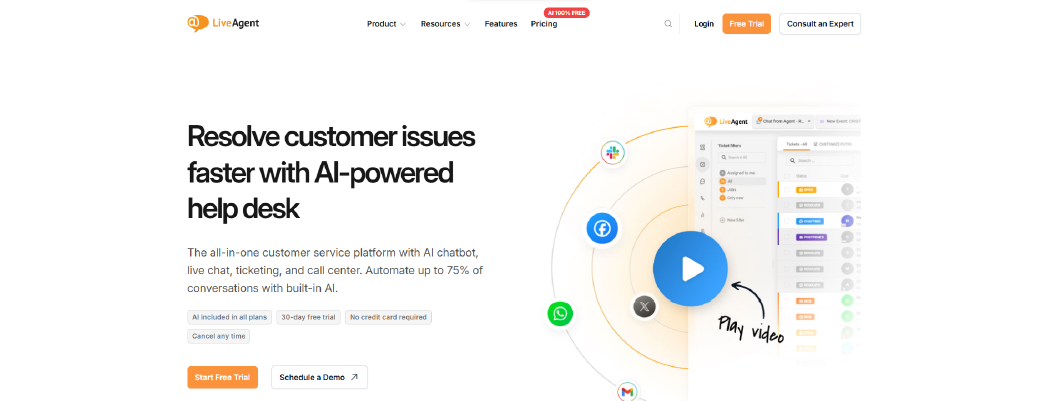
LiveAgent is a multichannel help desk and ticketing system designed to centralize email, live chat, call center, and social media support into one interface. It combines a traditional help desk model with real-time chat and built-in call center features.
Compared to Kayako, which emphasizes contextual AI assistance and ticket assignment across departments, LiveAgent focuses more heavily on channel consolidation and routing flexibility.
Why It’s a Strong Kayako Alternative
Kayako users appreciate contextual AI suggestions and inter-department assignments. However, some G2 feedback highlights email refresh limitations and integration constraints.
LiveAgent addresses operational gaps by unifying email, live chat, phone calls, and social media into a single ticketing system. Each communication converts into a ticket, allowing support agents to manage all interactions inside one dashboard.
LiveAgent also includes automation rules that allow ticket routing based on department, tags, or priority. This supports structured ticket management when teams grow beyond simple email workflows.
For businesses that need call center functionality combined with help desk workflows, LiveAgent provides built-in VoIP support, which Kayako does not emphasize as strongly.
Core Strengths
-
Multichannel ticketing system (email, chat, phone, social)
-
Built-in live chat widget with real-time monitoring
-
Automation rules for ticket routing and tagging
-
SLA management and escalation rules
-
Built-in knowledge base and customer portal
-
Reporting and performance analytics
-
CRM and third-party integrations
This works best for support teams handling email, chat, and phone in one help desk.
Where It Differs from Kayako
LiveAgent prioritizes channel consolidation more than AI-centric ticketing.
Kayako positions itself as an AI help desk platform with contextual reply suggestions. LiveAgent emphasizes omnichannel engagement, especially live chat and voice support.
AI capabilities in LiveAgent are lighter compared to AI-focused platforms. Automation is primarily rule-based rather than AI-driven.
LiveAgent also supports call center functionality more directly than Kayako, which can be beneficial for teams managing inbound phone support.
However, workflow layering and advanced AI reply assistance are not central differentiators.
Limitations
-
AI automation is less advanced compared to AI-first help desk platforms
-
Interface complexity increases as channels are added
-
Per-agent pricing scales with team size
-
Advanced reporting requires higher-tier plans
LiveAgent prioritizes channel consolidation more than AI-driven workflow optimization.
Best For
-
Support teams managing email, chat, and phone together
-
Ecommerce brands handling multichannel inquiries
-
Teams needing integrated call center features
-
Organizations seeking helpdesk software like Kayako with broader channel coverage
Pricing Snapshot
LiveAgent uses tiered per-agent pricing. Plans vary based on channel access, automation depth, and reporting capabilities. A free trial is available for evaluation.
Check out the best Liveagent alternatives available on the market today.
9. LiveChat - Real-Time Engagement Alternative to Kayako
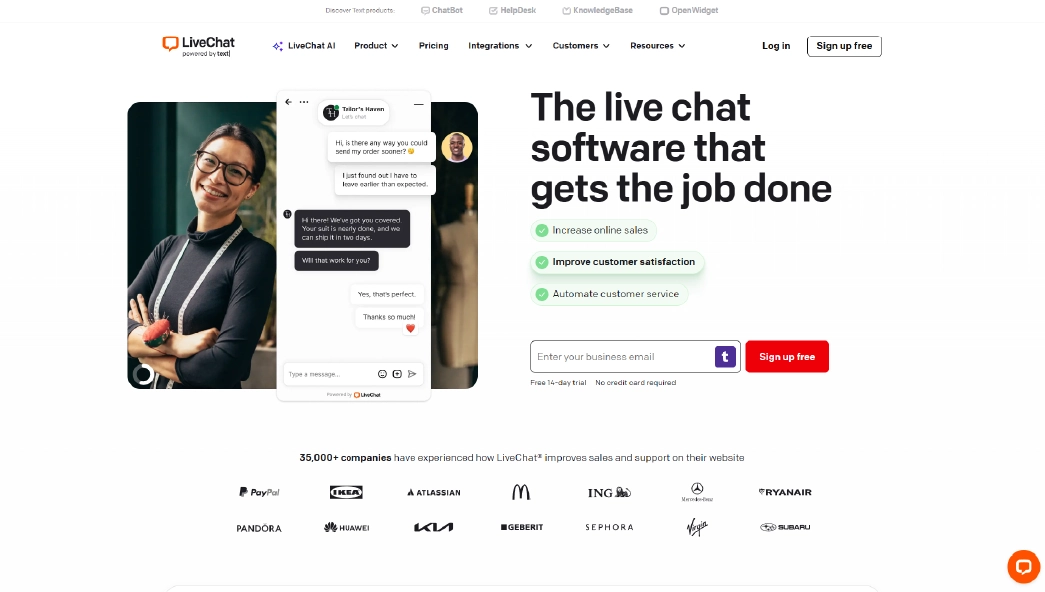
LiveChat is a customer messaging platform focused on real-time website conversations. It provides a live chat widget, agent workspace, ticketing add-on, and integrations with ecommerce and CRM systems. Many ecommerce brands and online businesses use LiveChat to increase response speed and improve pre-sale and post-sale engagement.
Compared to Kayako, which operates as a structured help desk and ticketing system, LiveChat is primarily built around live conversation rather than layered ticket lifecycle control.
Why It’s a Strong Kayako Alternative
Kayako users often value contextual AI assistance and department-based ticket assignment. However, some reviews mention email notification issues and integration limitations.
LiveChat shifts the model from email-first ticket handling to instant web-based conversations. Its live chat widget enables agents to respond in real time while monitoring visitor behavior, page views, and session context.
For businesses where response speed directly impacts conversion or customer satisfaction, real-time engagement may reduce reliance on email-based ticket workflows.
LiveChat also supports a ticketing system module, allowing unresolved chats to convert into tickets. However, its primary strength remains conversational speed rather than structured SLA governance.
Core Strengths
-
Real-time live chat widget for websites
-
Visitor tracking and behavior monitoring
-
Integration ecosystem (CRM, ecommerce, marketing tools)
-
Reporting and chat performance analytics
-
Mobile app for agents
-
Per-seat subscription pricing
This works best when real-time response speed directly impacts sales or customer satisfaction.
Where It Differs from Kayako
LiveChat is conversation-first. Kayako is workflow-first.
Kayako is structured as help desk software with ticket management, SLA policies, and contextual AI reply assistance. LiveChat is centered around conversational interaction through its live chat widget.
While it includes ticketing functionality, it does not provide the same level of hierarchical ticket lifecycle management or SLA enforcement as full help desk platforms.
AI functionality in LiveChat focuses on chat automation and canned responses rather than knowledge-trained contextual AI inside a ticketing system.
For teams focused on website engagement, this approach may improve responsiveness. For teams requiring layered ticket governance, configuration depth is lighter.
Limitations
-
Limited structured SLA management
-
Ticket lifecycle controls are less layered than help desk platforms
-
AI assistance is lighter compared to AI-first systems
-
Pricing scales per agent seat
LiveChat is built for conversational velocity, not complex support operations.
Best For
-
Ecommerce brands focused on website engagement
-
Sales-driven teams handling pre-sale inquiries
-
Support teams prioritizing instant chat over email tickets
-
Organizations seeking customer support software like Kayako but chat-first
Pricing Snapshot
LiveChat uses per-seat subscription pricing. Plans vary based on reporting depth, automation features, and integrations. A free trial is available for evaluation.
Read more: Discover the best Livechat Alternative and choose the right one for your business.
10. Intercom - AI + Lifecycle Messaging Alternative to Kayako
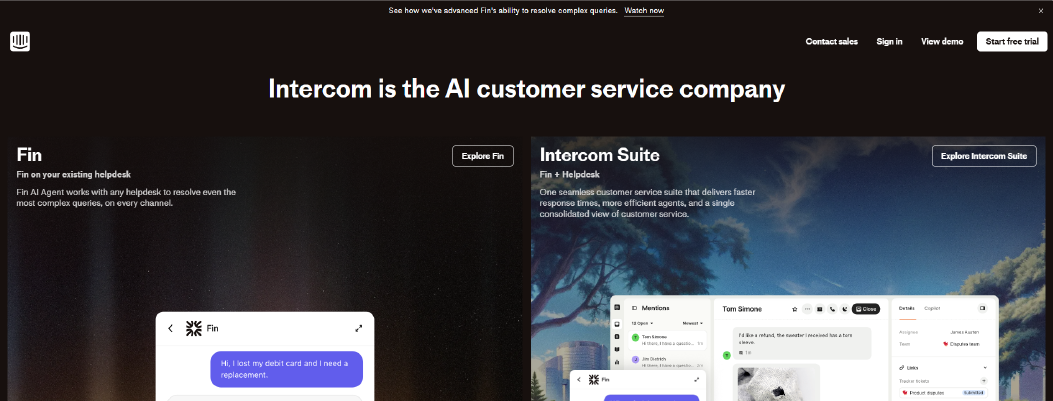
Intercom is a customer communication platform that combines live chat, AI automation, help desk workflows, and lifecycle messaging. It is commonly used by SaaS companies and digital products to manage support, onboarding, and customer engagement inside one system.
Compared to Kayako, which positions itself as an AI help desk platform focused on contextual reply assistance and ticket assignment, Intercom expands beyond ticketing into proactive messaging and product-led growth workflows.
Why It’s a Strong Kayako Alternative
Kayako users often appreciate contextual AI suggestions and structured ticket management. However, some reviews mention email notification friction and limited integrations.
Intercom approaches support as part of a broader customer lifecycle system. Conversations can begin through website chat, in-app messaging, or outbound campaigns. Tickets and help desk workflows are integrated into the same environment.
Fin AI functions as a knowledge-trained assistant, summarizing conversations and drafting responses based on your help center content.
For SaaS teams that want support tightly connected with product messaging and onboarding flows, Intercom offers deeper lifecycle integration than traditional help desk software.
However, this broader scope increases configuration complexity.
Core Strengths
-
Live chat and in-app messaging
-
Fin AI assistant for automated responses and conversation summaries
-
Help desk and ticketing system
-
Workflow automation for routing and tagging
-
Integrated knowledge base (Help Center)
-
Reporting and conversation analytics
This works best for SaaS companies that treat support as part of a larger customer lifecycle strategy.
Where It Differs from Kayako
Intercom operates at a broader lifecycle level than Kayako’s ticket-focused approach.
Kayako is centered on ticket management and contextual AI reply assistance within a help desk model. Intercom extends beyond help desk workflows into lifecycle messaging, product tours, and customer engagement automation.
AI in Intercom supports both ticket resolution and proactive engagement. However, many advanced features are tier-dependent and may increase total cost as usage grows.
Intercom also requires more configuration when aligning messaging campaigns with support workflows. It is not purely a ticket management tool.
For teams needing deep lifecycle orchestration, this approach can provide flexibility. For teams requiring structured SLA governance without marketing layers, it may introduce additional complexity.
Limitations
-
Pricing increases with seat count and usage
-
Advanced AI and automation features require higher-tier plans
-
Configuration complexity grows with lifecycle messaging setup
-
Can feel heavier than pure help desk platforms
Intercom emphasizes lifecycle engagement more than help desk simplicity.
Best For
-
SaaS companies with product-led growth models
-
Teams combining sales, onboarding, and support in one platform
-
Organizations seeking customer support software like Kayako with broader messaging capabilities
-
Businesses prioritizing AI-assisted conversations across the customer journey
Pricing Snapshot
Intercom uses per-seat pricing combined with usage-based components for AI and messaging volume. Feature access varies by plan. A trial is available for evaluation.
Check out the top Intercom alternatives and select one that best suits your business.
Kayako Competitors Compared Side-by-Side
The table below provides a compressed comparison to help you evaluate operational fit quickly.
|
Tool
|
Setup Complexity
|
Custom Workflow Control
|
Integration Depth
|
AI Assistance Control
|
Knowledge Base Integration
|
Reporting Depth
|
Billing Scalability Impact
|
|
Chatboq
|
Low
|
High (SLA rules, priority escalation, validation)
|
Strong (CRM + messaging integrations, ecommerce workflows supported)
|
Structured (knowledge-based training using documents and FAQs)
|
Knowledge base supported with AI training linkage
|
Strong (pre-built SLA and performance dashboards)
|
No (plan-based)
|
|
Helpjuice
|
Low
|
Basic (documentation-focused)
|
Moderate (knowledge-focused integrations)
|
Limited AI
|
Advanced documentation system
|
Moderate (usage analytics)
|
No (tier-based)
|
|
Help Scout
|
Low-Moderate
|
Moderate (simple routing rules)
|
Moderate (CRM + marketplace apps)
|
Moderate AI assistance
|
Built-in KB
|
Moderate
|
Yes (per-user scaling)
|
|
HappyFox
|
Moderate
|
High (automation builder, rule logic)
|
Strong (broad marketplace)
|
Moderate-Advanced
|
Built-in KB
|
Strong
|
Yes (per-agent tiered)
|
|
Superchat
|
Low
|
Moderate (messaging workflows)
|
Moderate (messaging integrations)
|
Moderate AI chat
|
Basic KB
|
Moderate
|
Tier-based impact
|
|
Tidio
|
Low
|
Moderate (chatbot + trigger rules)
|
Strong (ecommerce-ready)
|
Limited AI training control
|
Basic KB
|
Moderate
|
Partial (usage-based scaling)
|
|
Freshdesk
|
Moderate
|
High (advanced ticket automation)
|
Strong (wide integration ecosystem)
|
Tier-based AI depth
|
Built-in KB
|
Strong
|
Yes (per-agent scaling)
|
|
LiveAgent
|
Moderate
|
Moderate-High (multi-channel routing)
|
Moderate
|
Basic rule-based AI
|
Built-in KB
|
Moderate
|
Yes (per-agent billing)
|
|
LiveChat
|
Low
|
Moderate (chat routing)
|
Moderate (CRM + ecommerce)
|
Chat-focused AI
|
Basic KB
|
Moderate
|
Yes (per-seat billing)
|
|
Intercom
|
Moderate-High
|
High (automation builder + lifecycle flows)
|
Strong (CRM + product integrations)
|
Advanced AI assistant control
|
Integrated KB
|
Strong
|
Yes (per-seat + usage pricing)
|

 ChatGPT
 Perplexity
 Claude



Leave a Comment
Your email address will not be published. Required fields are marked *
By submitting, you agree to receive helpful messages from Chatboq about your request. We do not sell data.