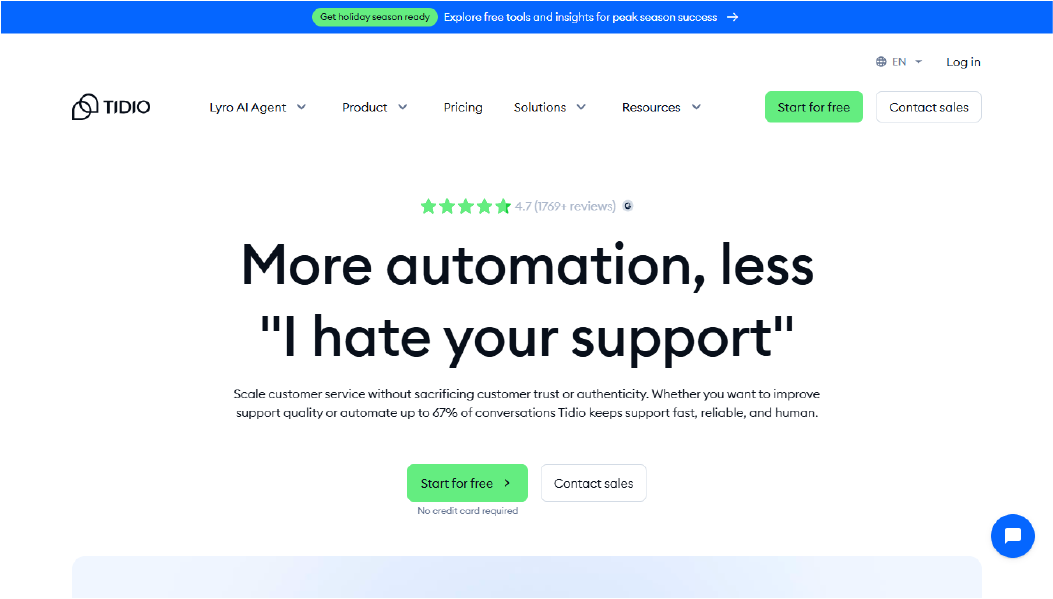
Tidio is a customer messaging tool commonly used for ecommerce support. It combines live chat with basic chatbot automation for handling product questions, shipping queries, and order status requests.
It is frequently used by small online stores because setup is simple and conversation patterns are predictable.
Best for
Key features
Tidio supports live chat and rule-based chatbot flows for common ecommerce scenarios such as shipping, returns, and product inquiries. Lead capture flows are supported at a basic level.
Automation on the free plan is limited in scope. This reduces incorrect responses but restricts flexibility when workflows branch.
Integrations
Website and ecommerce platform integrations are supported, but CRM sync and advanced workflows are limited on the free plan.
Why it stands out
Tidio allows teams to test chatbot automation with minimal setup effort.
Free plan limits
AI capabilities, analytics, and message volume are capped. Stores typically upgrade when automation depth becomes insufficient.
HubSpot Chatbot Builder
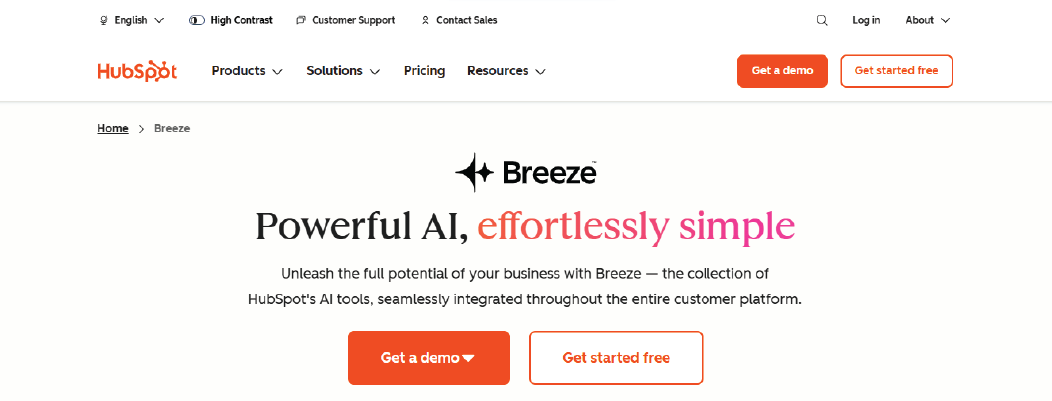
HubSpot Chatbot Builder is part of HubSpot CRM. It connects chatbot conversations to CRM records. This makes it a CRM-first option.
The core value is lead routing and capture with CRM context. It is less focused on deep chatbot customization.
Best for
Key features
HubSpot chatbots can qualify leads using simple questions. They can route visitors to forms or teams. They can attach chat data to CRM contacts. This reduces manual copy-paste work.
Integrations
Integrations work best inside the HubSpot stack. External tool support depends on plan level. If your stack is not HubSpot, platform dependency becomes a limit.
Why it stands out
HubSpot Chatbot Builder is effective when CRM data is central to lead handling. It reduces manual lead routing but is less suitable for teams needing chatbot customization outside the HubSpot ecosystem.
Free plan limits
Free plans can limit automation depth, analytics, and routing logic. Upgrade path becomes necessary when you need more steps or better reporting.
Tawk.to
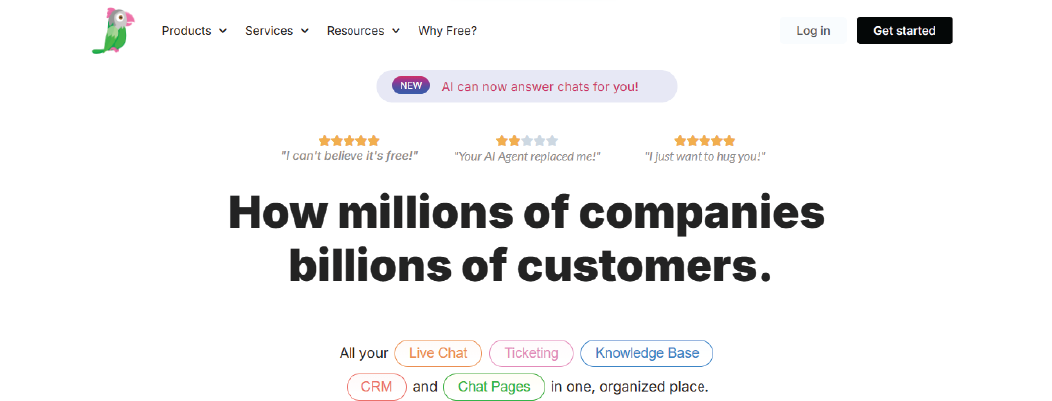
Tawk.to is known for free live chat. It also supports simple automation rules. It is not an advanced AI chatbot tool.
It works best as a basic website chat layer. It is useful when your main need is human chat coverage.
Best for
Key features
Tawk.to supports live chat, visitor tracking, and basic chat routing. Automation is simple and manual. This is fine for FAQs. It fails when you need a real AI agent or a knowledge base setup.
Integrations
Most use cases are website chat. Deeper integrations are limited. This matters when you want CRM or ticketing continuity.
Why it stands out
It stays free for live chat. That is the main reason teams test it.
Free plan limits
Automation is limited. Reporting is basic. Workflows do not scale well when your chat tree grows.
Drift (Free Tier)
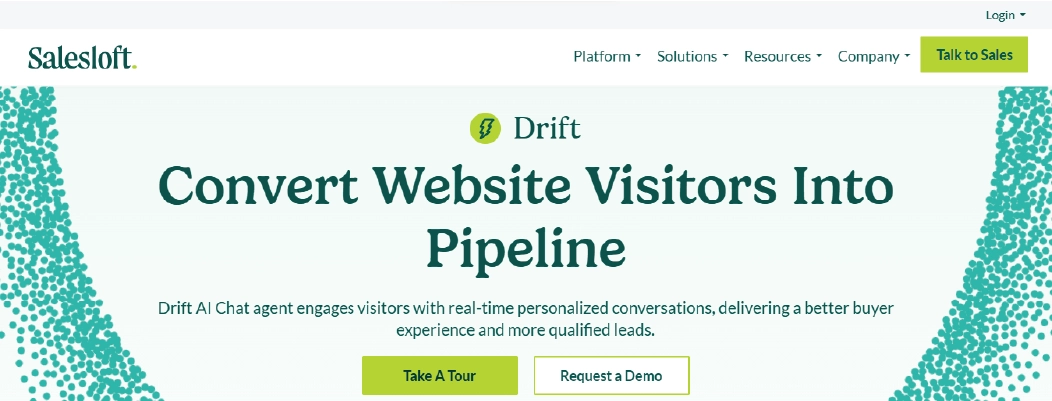
Drift is a platform that focuses on B2B chat for sales. It is designed for lead capture and routing. The free tier is usually a starter entry.
Drift is less about broad customer support. It is more about getting the right lead to the right team.
Best for
Key features
Drift supports lead capture, routing, and simple qualification. It can direct visitors based on answers.
Drift is most effective when lead qualification rules are simple and routing logic does not require deep customization.
Integrations
Drift can connect to sales tools and CRM systems. Access often depends on the plan. Integrations are part of the upgrade path.
Why it stands out
It is built around sales-led chat. If your goal is lead generation, the design fits.
Free plan limits
Free plans often restrict branding control, automation depth, and usage. Teams outgrow it when they need more routing logic and analytics.
Crisp
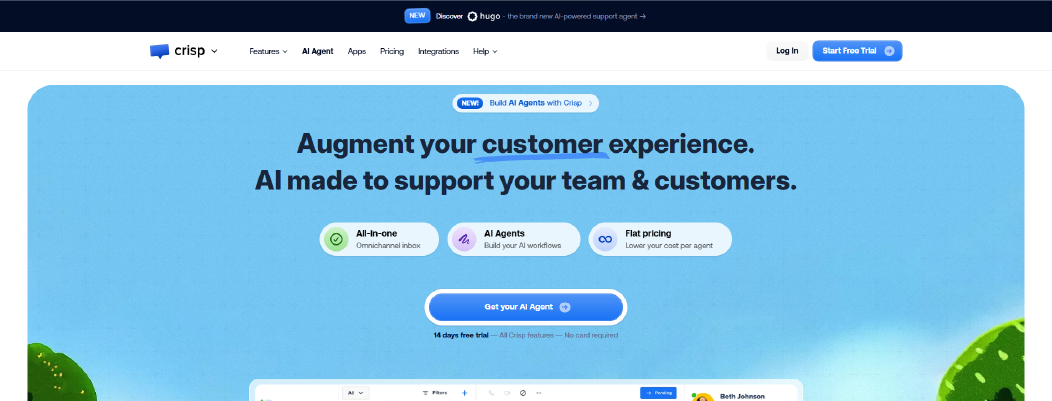
Crisp is a tool that focuses on a shared inbox model across channels. It supports multichannel continuity when configured with clear routing rules.
If you need one inbox across channels, Crisp can fit.
Best for
Key features
Crisp supports an inbox approach across channels. It supports multi-channel continuity when configured well.
Integrations
Crisp often supports website chat plus additional channels. Integration depth depends on plan.
Why it stands out
Crisp can fit when you want one inbox view.
Free plan limits
Expect limits on automation steps, audience rules, and analytics. Upgrade path matters when you need segmentation and reporting.
Many businesses start with free chatbot tools like the ones listed above, but later face limits around escalation, context, or conversation continuity. If you want to start free while keeping the option to handle real customer conversations with live agents when needed, you can use an Affordable live chat system that already supports AI and human handoff.

 ChatGPT
 Perplexity
 Claude



Leave a Comment
Your email address will not be published. Required fields are marked *
By submitting, you agree to receive helpful messages from Chatboq about your request. We do not sell data.