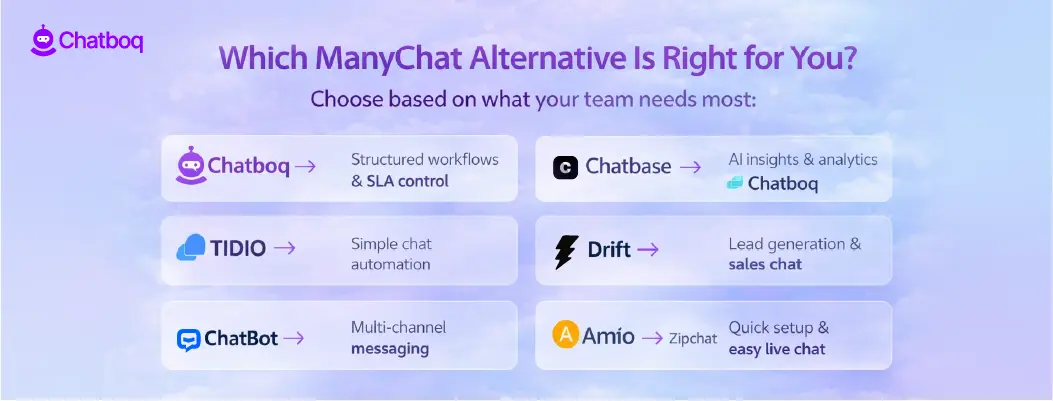
Below are detailed reviews of the top ManyChat alternatives. Each platform follows the same structure, so you can easily compare workflow setup, conversation reliability, onboarding simplicity, AI-assisted automation, multi-channel support, and pricing clarity.
The goal is to help you evaluate each option based on operational fit and scalability. You can judge each ManyChat competitor on how it maintains consistent multi-channel messaging, reduces workflow friction, and supports AI-assisted automation, rather than relying on marketing claims.
Now, let’s examine each ManyChat alternative in detail.
1. Chatboq - All-in-One AI Chatbot and Live Chat Platform
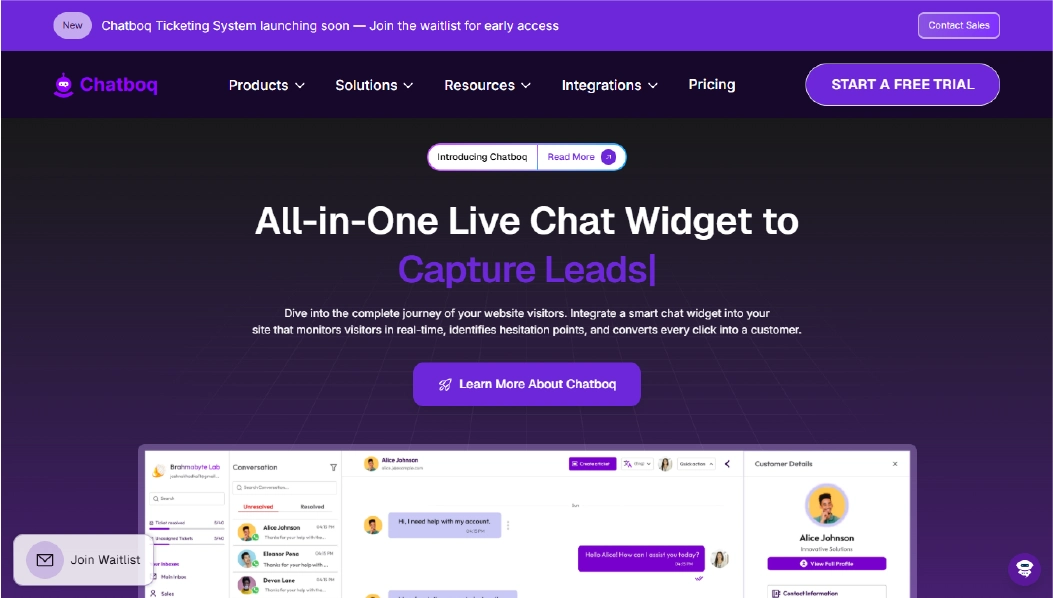
Chatboq is a tool that centralizes live chat, email, and messaging app interactions in a single dashboard. Teams can manage all customer communications without switching between multiple tools.
Each workspace can be organized per team, client, or project, keeping conversations, priorities, and workflows clearly separated. Agents can track messages, assign tickets, and monitor response times efficiently.
Chatboq works well for teams that need structured conversation management, consistent SLA tracking, and organized multi-channel communication.
Why It’s a Strong ManyChat Alternative
Businesses look for ManyChat alternatives when managing multi-channel messages and ensuring conversation continuity becomes critical, but workflow setup is complex. ManyChat handles messaging well, but teams often need better visibility into conversation threads, ticket tracking, and workflow prioritization.
How does Chatboq make life easier? Teams can assign priorities, track SLAs, and organize conversations into clear stages. By linking related messages, agents avoid duplication and stay focused. The result? Fewer errors and smoother support operations.
Chatboq Core Strengths
-
AI-powered suggestions based on previous chats and knowledge base content
-
Centralized inbox for web chat, email, and messaging apps
-
Automatic conversion of emails into trackable tickets
-
Visual indicators for conversation and ticket priorities
-
Custom workflow stages for each workspace or team
-
SLA rules with response and resolution timelines
-
Ticket logs with version history and soft-delete options
-
Linking related conversations to prevent duplicate work
-
Manual and admin-controlled ticket assignments
-
Role-based access with team-specific permissions
-
Visitor info including location and IP tracking
-
Messaging integrations: WhatsApp, Messenger, Instagram, Slack, Telegram, Line, Discord
-
CRM integrations: Zoho CRM, PipeDrive
-
Plan-based subscription with invoicing and card payments
Why Is Chatboq Better Than ManyChat
Chatboq emphasizes structured conversation flows and SLA management, giving teams clear insight into response timelines and message history. ManyChat supports automated messaging but may require more technical effort to maintain multi-channel consistency.
By automating message prioritization, SLA alerts, and workflow transitions within the same workspace, Chatboq allows teams to handle more conversations efficiently, improve response times, and keep interactions organized without depending on engineering support.
Limitations
-
AI support is focused on routine queries and FAQs
-
Not a full IT service management platform
-
Self-hosted deployment is not available
Best For
-
E-commerce support teams managing multiple stores
-
SaaS companies tracking SLAs and customer inquiries
-
Agencies handling client-specific workflows
-
Support teams needing consistent multi-channel conversation tracking
-
Small to mid-sized teams wanting clear workflow management
Pricing Snapshot
-
Plan-based subscription
-
Workspace-level billing with usage-based scaling
-
Supports invoices and card payments
-
Not limited to per-agent pricing
-
Scales with team size and workflow complexity
2. Chatbase - AI-Powered Chat Automation
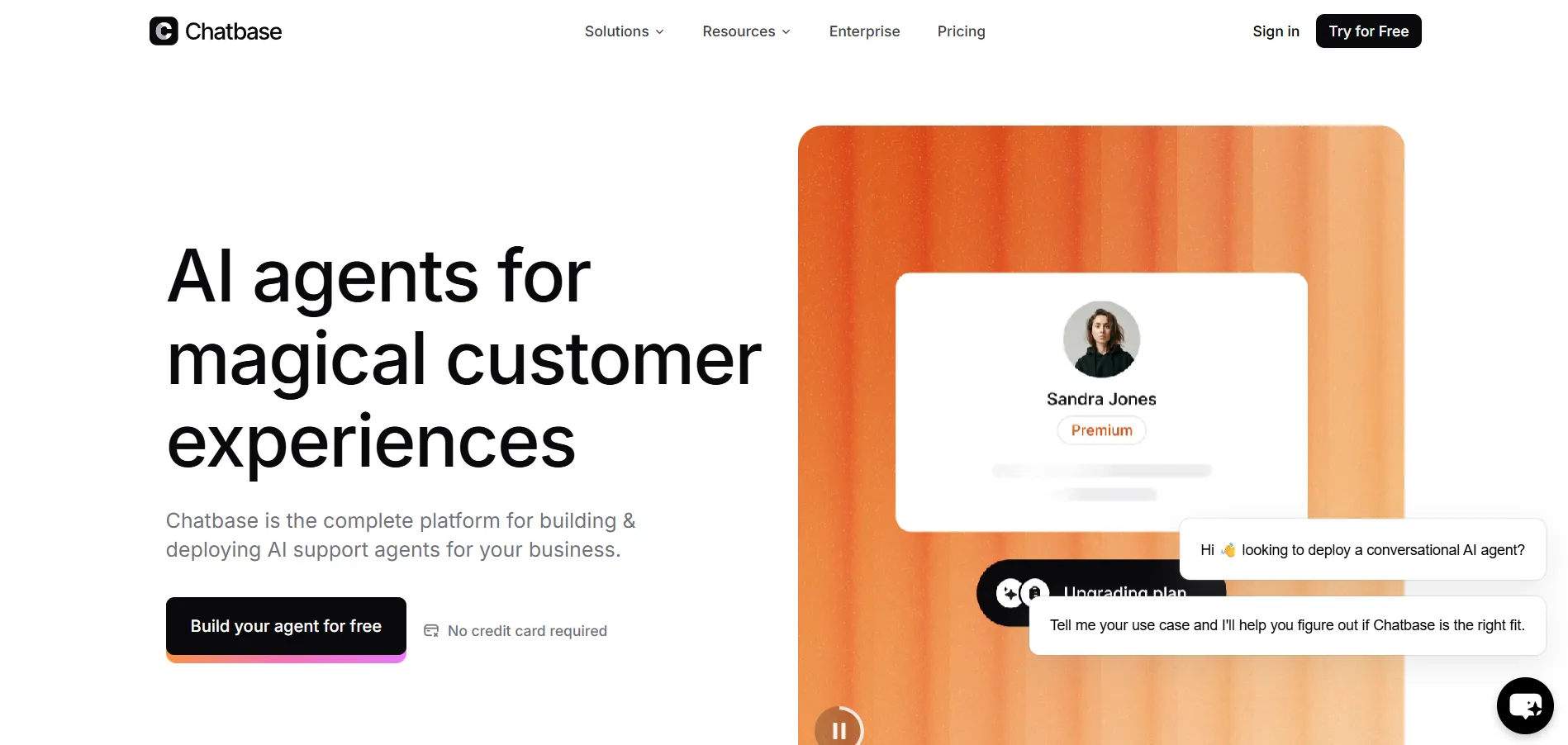
Chatbase is an AI-focused platform designed to help teams automate chat responses and track conversation performance. It centralizes web and messaging app interactions in one interface, allowing teams to set up automated replies and monitor chat analytics without juggling multiple tools.
It works well for teams that want AI assistance for standard queries and analytics-driven insights but may require extra setup for complex workflows or multi-channel continuity.
Why It’s a Strong ManyChat Alternative
Businesses consider ManyChat alternatives like Chatbase when they need AI assistance to reduce repetitive responses and gain insight from chat data. ManyChat handles automated messaging effectively, but teams looking for more detailed AI suggestions or analytics may explore Chatbase.
Chatbase simplifies some tasks by suggesting responses from chat history and knowledge bases, and it offers dashboards to monitor performance. However, it may not enforce structured workflows or SLA tracking as efficiently as Chatboq.
Chatbase Core Strengths
-
AI suggestions based on previous conversations
-
Dashboard for conversation analytics and performance monitoring
-
Quick setup for automated responses
-
Multi-channel support for web and messaging apps
-
Integrations with selected third-party services
Why Is Chatbase Better Than ManyChat
Chatbase provides AI-assisted conversation insights and centralized message management, helping teams monitor response performance and conversation continuity. ManyChat offers automated messaging, but complex flows may require additional configuration and technical effort to maintain multi-channel consistency.
By using AI-driven suggestions, searchable chat history, and organized inbox management, Chatbase helps teams handle conversations more efficiently, track responses clearly, and reduce the risk of lost or duplicated messages, all without heavy technical setup.
Limitations
-
Limited workflow structuring compared to Chatboq
-
AI mainly supports routine queries
-
Fewer options for SLA enforcement and ticket prioritization
Best For
-
Marketing teams automating FAQs
-
Agencies analyzing chat performance
-
SMBs needing quick AI-assisted replies
-
Teams exploring AI analytics without complex workflows
Pricing Snapshot
-
Subscription-based plans
-
Tiered by usage and feature access
-
Supports team-level accounts
-
Scales with basic AI automation needs
-
Not focused on advanced multi-channel workflow management
3. Tidio - Multi-Channel Chat Automation
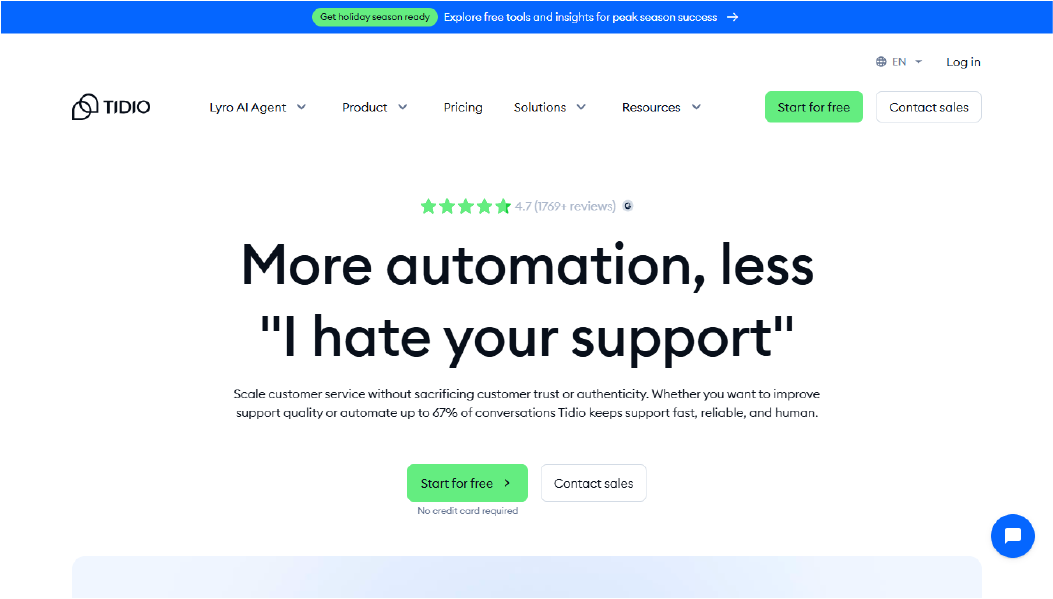
Tidio combines live chat, email, and Messenger into one platform. Teams can manage customer messages across channels without switching apps. It provides a visual workflow builder and basic automation to handle common queries.
Each workspace can be customized per team or project, keeping conversations, priorities, and automation flows separated. Agents can track active chats, assign messages, and follow up efficiently. Tidio works well for small businesses and online stores that need simple multi-channel messaging with some automation.
Why It’s a Strong ManyChat Alternative
Businesses look for ManyChat alternatives when they need reliable multi-channel coverage, proactive messaging, and a straightforward setup. ManyChat handles messaging across Messenger and email, but teams sometimes face limitations with advanced automation or complex routing.
Wondering how Tidio saves time? With pre-built templates and AI-assisted responses, your team can handle routine inquiries quickly. Its multi-channel inbox keeps messages in one place, making it easy to stay organized and respond faster, even if your team isn’t technical.
Tidio Core Strengths
-
Visual workflow builder for simple automation
-
Multi-channel inbox covering web chat, email, and Messenger
-
Pre-built templates for FAQs and common customer scenarios
-
Basic AI-powered responses to reduce manual replies
-
Integration with Shopify, WooCommerce, and other e-commerce platforms
Why Is Tidio Better Than ManyChat
Tidio supports multi-channel messaging with minimal setup, making it easier for small teams to engage customers quickly. ManyChat offers automation but may require more technical effort to handle workflows across multiple channels.
By using Tidio’s inbox and automation templates, teams can respond faster, maintain message continuity, and reduce the risk of lost conversations without relying on engineering resources.
Limitations
-
AI features are limited compared to advanced automation platforms
-
Workflow customization is basic for complex flows
-
Reporting and analytics are less detailed than some competitors
Best For
-
Small businesses needing fast multi-channel messaging
-
Online stores on Shopify or WooCommerce
-
Teams handling live chat and Messenger inquiries
-
Agencies managing multiple small clients
-
Businesses seeking easy-to-use automation templates
Pricing Snapshot
-
Free plan available for basic messaging
-
Tiered subscription with multi-channel support
-
Usage-based add-ons for advanced automation
-
Not limited to per-agent pricing
-
Scales moderately with team size
Read more: Discover the best Tidio Alternatives and choose the right one for your business.
4. Botsonic - AI Chatbot Builder
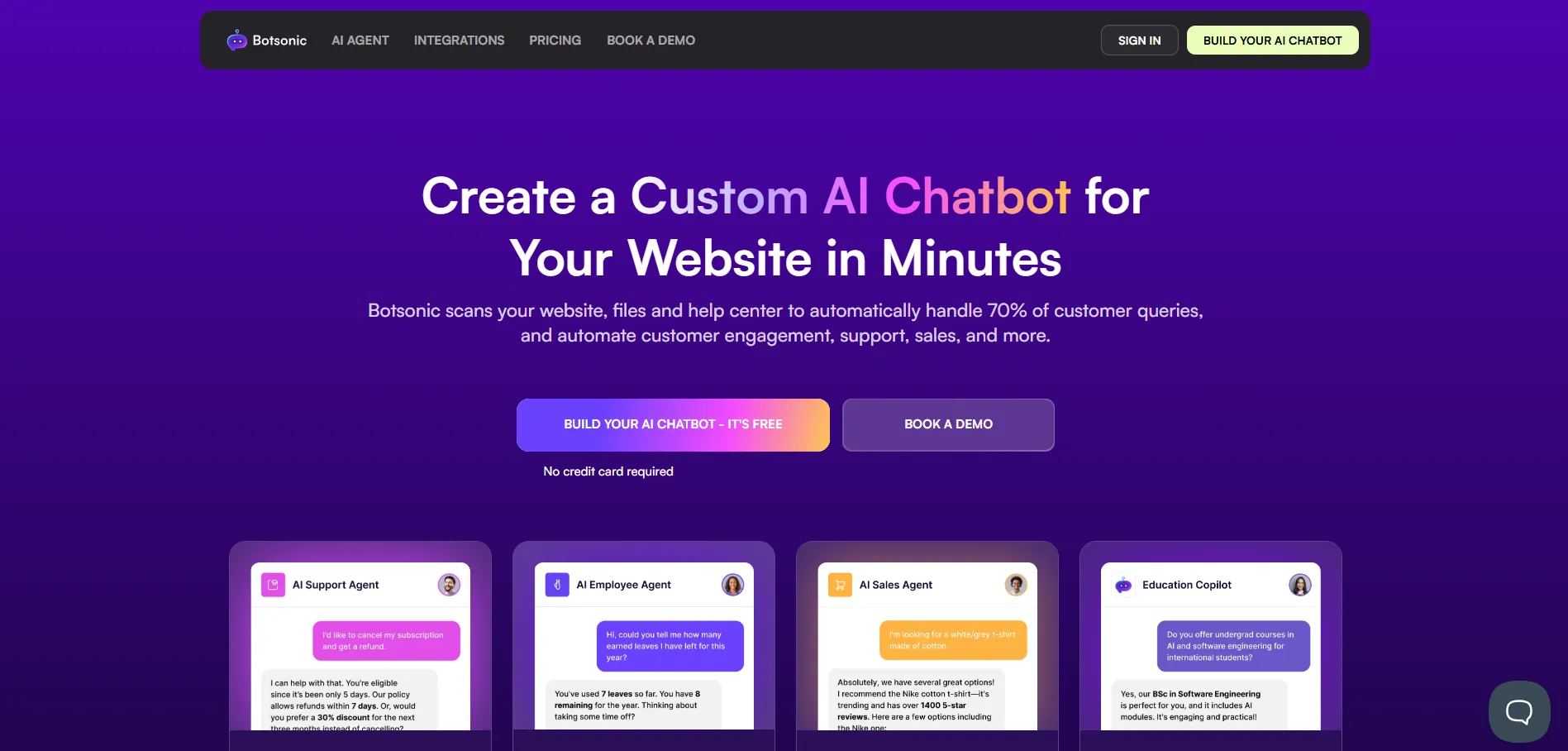
Botsonic provides AI-driven chat automation with a focus on generative responses. Teams can manage conversations across web chat and messaging apps while using AI to suggest replies or generate content automatically.
Workspaces can be organized per team or project, keeping messages, priorities, and automation workflows clearly separated. Agents can monitor chats, assign tasks, and ensure follow-ups happen on time. Botsonic is suitable for teams that need AI-assisted automation for marketing, lead generation, or customer support.
Why It’s a Strong ManyChat Alternative
Businesses look for ManyChat alternatives when they want AI-driven chat automation and advanced content generation. ManyChat supports messaging and simple automation, but teams often require more AI support for dynamic responses or multi-channel content generation.
Botsonic allows teams to automate responses using AI, reducing manual effort and improving message relevance. The platform maintains conversation continuity across channels while giving teams basic workflow tools to organize interactions efficiently.
Botsonic Core Strengths
-
Generative AI responses for dynamic messaging
-
Multi-channel support: web chat and messaging apps
-
Easy-to-use interface for creating automated workflows
-
AI suggestions to improve reply accuracy
-
Integration with CRM and marketing tools
Why Is Botsonic Better Than ManyChat
Botsonic provides AI-assisted content generation, which can handle complex queries or dynamic conversation paths. ManyChat requires more manual configuration to achieve similar AI-driven interactions.
With Botsonic, teams can reduce repetitive tasks, maintain message consistency, and respond faster using AI recommendations, without depending heavily on technical resources.
Limitations
-
Advanced AI features may need initial training for accurate responses
-
Less structured ticket or workflow management
-
Reporting and analytics are basic
Best For
-
Marketing teams needing AI-generated messages
-
Businesses handling dynamic customer queries
-
Teams automating lead generation and support
-
Agencies managing AI-driven client campaigns
-
Small to mid-sized businesses exploring AI automation
Pricing Snapshot
-
Tiered pricing based on usage and features
-
Free plan available for testing basic AI automation
-
Subscription scales with team size and conversation volume
-
Supports multi-channel messaging
-
Flexible plans for businesses with growing AI requirements
5. Zipchat - Conversational Marketing Platform

Zipchat offers AI-assisted messaging and live chat with a focus on conversational marketing. Teams can manage interactions across websites, messaging apps, and email, while using AI to help draft replies and route conversations efficiently.
Workspaces can be organized per team, project, or campaign, keeping messages and priorities clear. Agents can track conversations, assign tasks, and follow up with leads or customers in a timely manner. Zipchat works well for teams that want AI guidance for marketing and support conversations while maintaining organized workflows.
Why It’s a Strong ManyChat Alternative
Businesses explore ManyChat alternatives when they want more AI support for multi-channel conversations and automated marketing outreach. ManyChat provides basic automation and messaging, but teams may need AI-assisted guidance to scale campaigns and reduce manual responses.
How does Zipchat streamline your workflow? It offers AI suggestions, routes messages intelligently, and automates follow-ups. This not only cuts down on repetitive tasks but also keeps conversations flowing smoothly across all channels, boosting engagement.
Zipchat Core Strengths
-
AI-assisted response suggestions for chat and email
-
Multi-channel messaging support for web, email, and apps
-
Automated follow-up reminders for leads or customers
-
Simple workflow setup for campaigns or projects
-
Integrations with CRM and marketing platforms
Why Is Zipchat Better Than ManyChat
Zipchat gives teams AI-assisted messaging to reduce manual drafting of replies and maintain consistent engagement across multiple channels. ManyChat supports automation, but AI-driven suggestions are limited.
By combining AI guidance with basic workflow management, Zipchat allows teams to engage more customers efficiently while reducing repetitive manual tasks.
Limitations
-
AI suggestions may require human review for tone and accuracy
-
Less advanced ticket or SLA tracking compared to Chatboq
-
Reporting and analytics are basic
Best For
-
Marketing teams running multi-channel campaigns
-
SMBs needing AI-assisted conversation guidance
-
Agencies managing client messaging workflows
-
Teams automating follow-ups and lead engagement
-
Small businesses exploring AI-driven chat
Pricing Snapshot
-
Tiered subscription based on features and usage
-
Free trial available for small teams
-
Pricing scales with team size and active conversations
-
Supports multi-channel engagement
-
Flexible plans for businesses growing AI use
6. Crisp - Live Chat & Messaging Suite
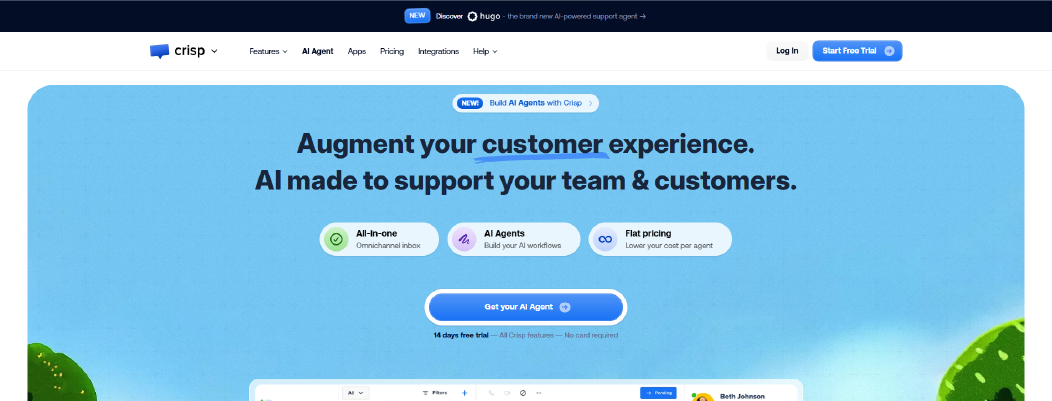
Crisp provides live chat, shared inboxes, and AI-assisted messaging to help teams manage customer interactions across websites, email, and messaging apps. It offers automated responses, chat routing, and simple workflow management to reduce response time and keep conversations organized.
Teams can create workspaces per project or department, ensuring messages, priorities, and customer interactions remain separated. Agents can track conversations, assign tasks, and collaborate on responses efficiently. Crisp is suitable for teams looking for a straightforward live chat solution with basic AI assistance and multi-channel messaging.
Why It’s a Strong ManyChat Alternative
Businesses look for ManyChat alternatives when they need a combination of live chat, multi-channel messaging, and simple automation. ManyChat provides messaging automation primarily for marketing campaigns, but teams may require easier live chat management and shared inboxes for day-to-day support.
Crisp helps by centralizing messages, enabling basic AI-assisted replies, and providing notifications to keep agents aligned. This setup reduces the risk of missed conversations and ensures more consistent engagement across channels.
Crisp Core Strengths
-
Centralized inbox for web, email, and app messaging
-
AI-assisted responses for common questions
-
Shared team inbox for collaboration
-
Multi-channel notifications and routing
-
Integrations with CRM and marketing tools
Why Is Crisp Better Than ManyChat
Crisp offers teams shared inboxes and live chat features that simplify daily message management, which ManyChat focuses less on. AI-assisted replies reduce repetitive typing, helping teams maintain faster response times across channels.
By combining live chat, shared inboxes, and basic AI automation, Crisp allows small to medium teams to manage conversations efficiently without complex setup.
Limitations
-
Limited advanced AI or workflow automation
-
Reporting and analytics are basic
-
Less suitable for complex marketing automation
Best For
-
SMB support teams managing multi-channel conversations
-
Agencies handling multiple client inboxes
-
Teams needing shared inbox collaboration
-
Businesses looking for easy live chat setup
-
Small teams automating routine customer replies
Pricing Snapshot
-
Tiered subscription based on features
-
Free plan available with limited features
-
Paid plans scale with team size and channels
-
Supports basic integrations with CRMs
-
Flexible monthly or annual billing
7. Amio - Unified Messaging for Teams
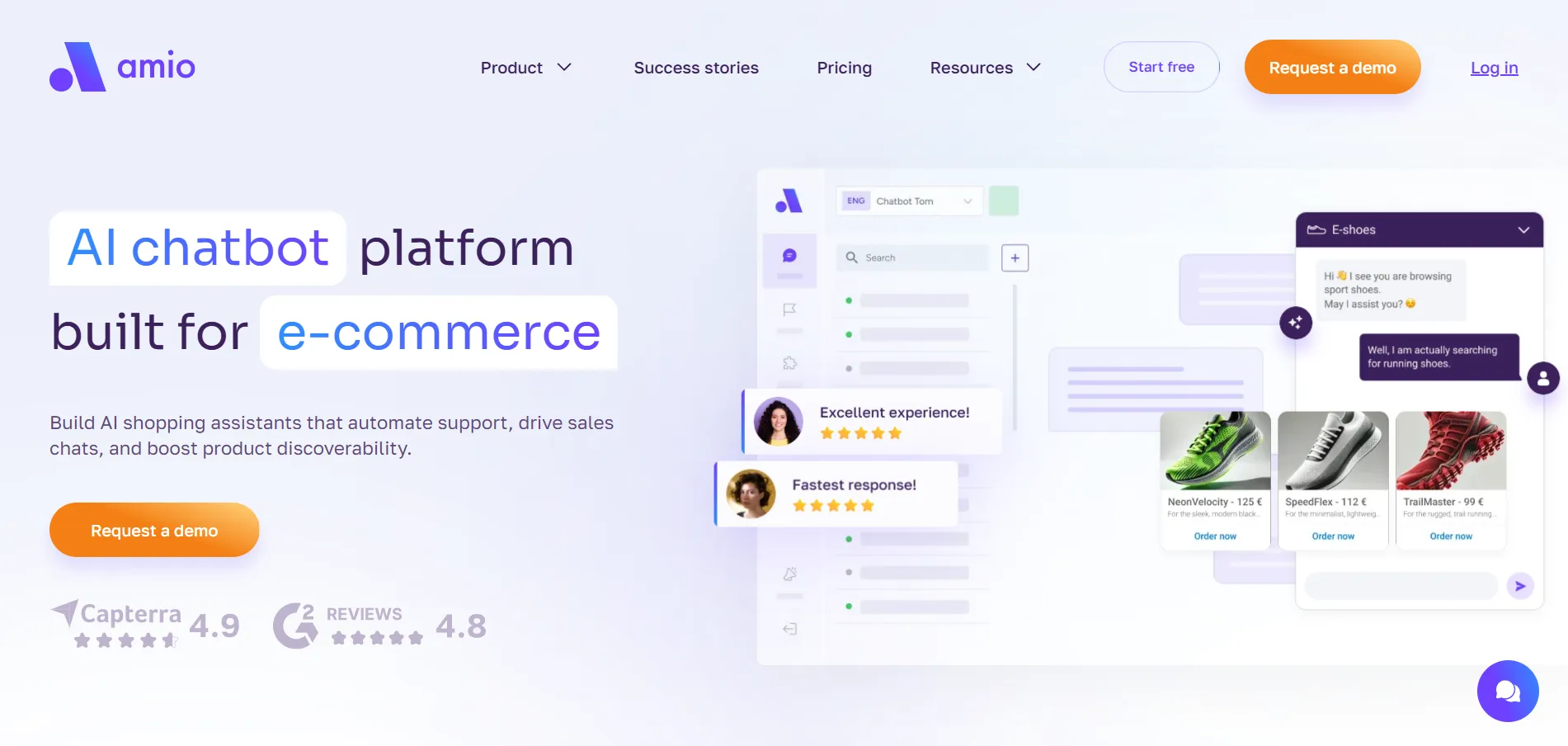
Amio centralizes messaging from multiple channels, like WhatsApp, Messenger, Instagram, SMS, and email, into a single platform. It provides inbox management, simple automation, and AI-assisted routing to help teams keep track of conversations across channels.
Workspaces can be organized by team or department, allowing agents to manage messages, assign tasks, and monitor conversation status efficiently. Amio works well for teams that need multi-channel visibility, basic AI routing, and a unified messaging environment.
Why It’s a Strong ManyChat Alternative
Businesses look for ManyChat alternatives when managing multiple messaging channels becomes complex. ManyChat automates messaging well for campaigns, but teams may struggle to track conversations across diverse channels or assign responsibilities effectively.
Amio addresses this by consolidating all messages into one inbox, providing role-based access and simple AI-assisted routing. This reduces confusion, prevents missed messages, and ensures conversations stay organized.
Amio Core Strengths
-
Unified inbox for web, email, and messaging apps
-
AI-assisted routing for faster response assignment
-
Role-based access and team management
-
Multi-channel notifications and status tracking
-
Integrations with CRM and business tools
Why Is Amio Better Than ManyChat
Amio simplifies managing messages from multiple channels in one interface, which ManyChat does not focus on. AI routing and team collaboration features reduce missed conversations and help agents respond faster.
This makes it easier for teams to maintain operational consistency, track conversation progress, and coordinate responses without switching platforms.
Limitations
-
Limited advanced automation for marketing campaigns
-
Analytics and reporting are basic
-
Less suited for campaign-driven messaging
Best For
-
Support teams handling multi-channel messages
-
Agencies managing multiple client communications
-
Teams needing role-based inbox access
-
Businesses aiming for centralized message tracking
-
Small to mid-sized teams needing simple AI routing
Pricing Snapshot
-
Tiered subscription plans based on features
-
Free plan available for basic messaging
-
Paid plans scale with channels and team size
-
Supports integrations with CRM and business apps
-
Flexible monthly or annual billing
8. ChatBot - AI-Powered Conversation Builder
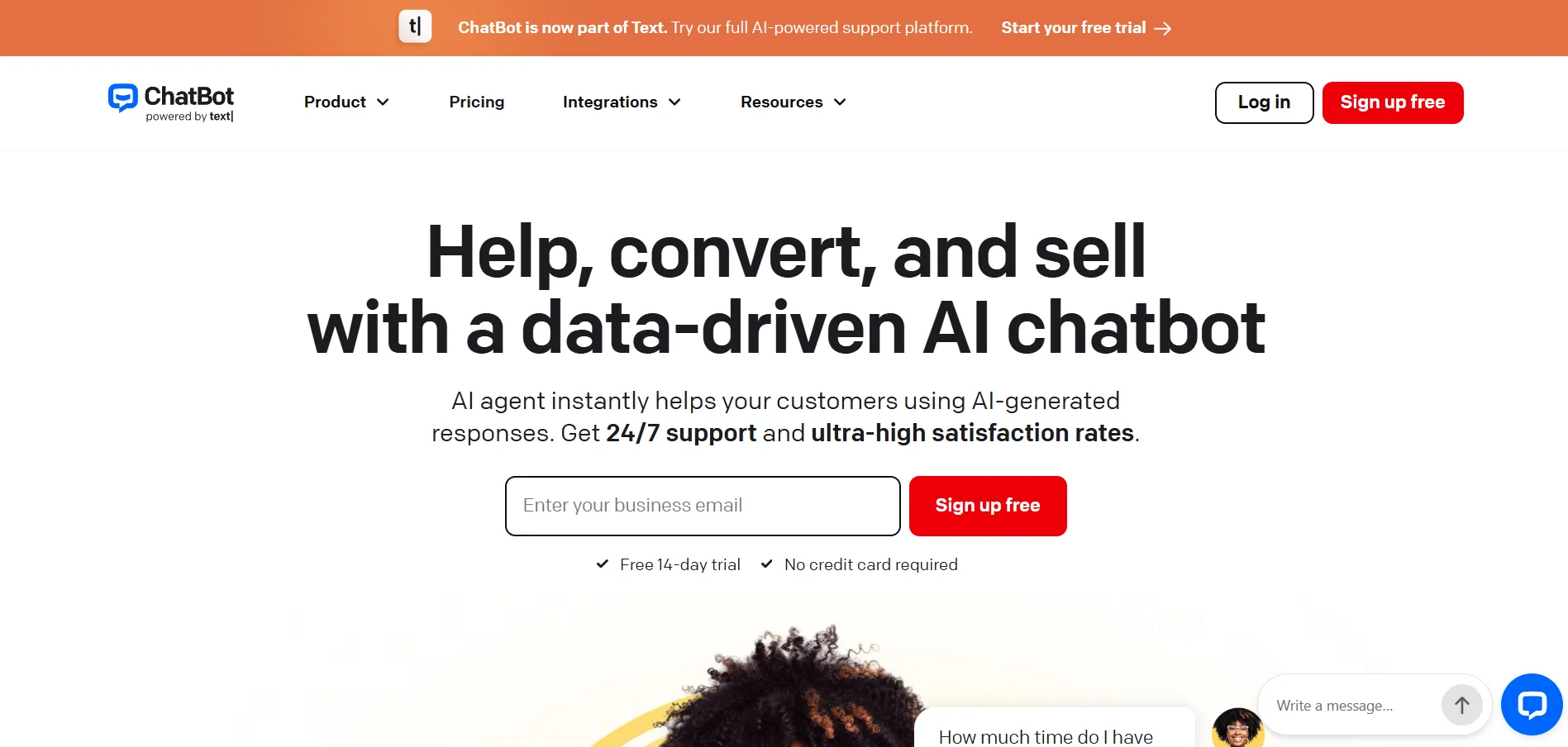
ChatBot is a platform for building AI-driven conversational flows across websites, Messenger, and email. It allows teams to design automated interactions with visual flow builders and basic AI-assisted responses to handle common customer queries.
Workspaces can be organized per team or client, making it easier to manage conversation paths, assign ownership, and monitor message performance. ChatBot works well for teams that want structured automation, multi-channel coverage, and a visual approach to conversation design.
Why It’s a Strong ManyChat Alternative
Businesses look for ManyChat alternatives when they need more structured conversation design and AI-assisted responses. ManyChat works for marketing and Messenger campaigns, but teams often need advanced flow visualization and multi-channel coverage for broader customer engagement.
ChatBot simplifies conversation setup with drag-and-drop flow builders, automated triggers, and basic AI suggestions. This helps teams maintain consistent messaging while reducing manual configuration and oversight.
ChatBot Core Strengths
-
Visual flow builder for designing conversation paths
-
AI-assisted responses for common queries
-
Multi-channel messaging: web, Messenger, and email
-
Template library for standard use cases
-
Role-based access and workflow organization
Why Is ChatBot Better Than ManyChat
ChatBot offers structured conversation management with visual flows, making it easier for teams to map out interactions across channels. ManyChat handles automation well, but complex workflows can require additional effort and configuration.
By providing flow visualization and AI suggestions in one platform, ChatBot reduces setup friction and helps teams manage conversations more efficiently.
Limitations
Best For
-
Agencies managing multi-client conversations
-
Teams needing structured conversation design
-
Support and sales teams using web and Messenger channels
-
Small to mid-sized teams seeking visual workflow management
-
Businesses requiring template-driven automation
Pricing Snapshot
-
Tiered subscription plans based on features and channels
-
Free trial available for testing
-
Monthly or annual billing options
-
Pricing scales with number of users and active bots
-
Integrates with CRM and messaging platforms
9. Drift - Conversational Marketing Automation

Drift is a conversational marketing and sales platform that helps teams engage website visitors, email contacts, and messaging audiences in real time. It focuses on lead capture, qualification, and routing through automated workflows.
Teams can organize workflows per campaign, product line, or sales region, allowing clear visibility into conversations, lead progress, and agent assignments. Drift works well for marketing and sales teams that want AI-assisted routing, real-time engagement, and multi-channel communication.
Why It’s a Strong ManyChat Alternative
Businesses look for ManyChat alternatives when marketing and sales automation require precise lead routing, conversation tracking, and real-time response. ManyChat supports messaging automation, but it may lack robust AI-assisted lead qualification and sales-focused workflows.
Drift provides chat routing, automated lead qualification, and conversational triggers to help teams respond faster and engage prospects efficiently. This ensures marketing and sales pipelines stay organized and leads are not lost across channels.
Drift Core Strengths
-
AI-assisted lead routing and qualification
-
Real-time chat for website visitors and email contacts
-
Automated workflows and conversational triggers
-
Multi-channel coverage: web, email, and messaging apps
-
CRM integration for seamless sales tracking
Why Is Drift Better Than ManyChat
Drift emphasizes AI-assisted lead management and real-time sales engagement, giving teams visibility into lead progress and conversation outcomes. ManyChat handles general messaging automation but may require extra setup for lead scoring and routing.
By automating lead qualification and conversation triggers, Drift helps teams improve response speed, increase engagement, and maintain consistent communication across channels.
Limitations
-
Focused primarily on sales and marketing, not full support workflows
-
Advanced AI customization requires higher-tier plans
-
Less suited for complex multi-department ticket management
Best For
-
Marketing and sales teams capturing website leads
-
Agencies managing multiple campaigns
-
SMBs and mid-sized businesses needing automated lead qualification
-
Teams seeking AI-assisted routing for faster engagement
-
Companies wanting real-time conversation tracking
Pricing Snapshot
-
Tiered subscription based on features and team size
-
Free trial available for evaluation
-
Monthly or annual billing options
-
Pricing scales with number of users and conversations
-
Integrates with CRM and marketing automation platforms
Read more: Check the Drift alternatives and choose the best marketing and sales platform.
ManyChat Competitors Compared Side-by-Side
To help you quickly compare features, usability, and pricing, here’s a snapshot of all nine ManyChat alternatives. This table focuses on workflow complexity, multi-channel support, AI-assisted automation, analytics, and transparency, so you can see which platform aligns with your team’s needs.
|
Tool
|
Setup Complexity
|
Custom Workflow Control
|
Native Multi-Channel Support
|
AI / Chatbot Automation
|
Knowledge Base Integration
|
Reporting Depth
|
Billing Model Impact
|
|
Chatboq
|
Low (guided onboarding, workspace setup)
|
Strong (SLA enforcement, priority rules, Kanban stages)
|
Web chat + email + messaging integrations
|
Advanced AI-assisted responses
|
Upload-based KB support
|
Conversation + SLA dashboards
|
Workspace-based (reduces seat dependency)
|
|
Chatbase
|
Moderate
|
Moderate workflow rules
|
Web chat + messaging apps
|
AI-driven suggestions
|
Basic KB upload support
|
Conversation reporting
|
Tiered subscription
|
|
Tidio
|
Low
|
Moderate (priority rules, templates)
|
Web chat + email + Messenger
|
Moderate AI-assisted responses
|
Basic KB support
|
Conversation + ticket reporting
|
Tiered subscription
|
|
Botsonic
|
Moderate
|
Advanced workflow creation
|
Web + messaging
|
Generative AI chat
|
Optional KB upload
|
Conversation analytics
|
Usage-based billing
|
|
Zipchat
|
Low
|
Basic workflow stages
|
Multi-channel messaging
|
Moderate AI
|
Limited KB support
|
Basic reporting
|
Tiered subscription
|
|
Crisp
|
Low
|
Moderate workflow rules
|
Chat + email + Messenger
|
Moderate AI responses
|
Built-in KB
|
Conversation reporting
|
Tiered subscription
|
|
Amio
|
Moderate
|
Advanced workflow routing
|
Unified messaging (all channels)
|
Moderate AI-assisted responses
|
KB integrations optional
|
Conversation + engagement reporting
|
Subscription-based
|
|
ChatBot
|
Moderate
|
Advanced conversation flows
|
Web chat + Messenger
|
Advanced AI
|
Limited KB integration
|
Conversation analytics
|
Tiered subscription
|
|
Drift
|
Moderate
|
Sales-focused workflow playbooks
|
Web chat + CRM sync
|
AI for lead qualification
|
Limited
|
Revenue & engagement reporting
|
Usage & contact-based pricing
|


 ChatGPT
 Perplexity
 Claude




Leave a Comment
Your email address will not be published. Required fields are marked *
By submitting, you agree to receive helpful messages from Chatboq about your request. We do not sell data.