Below is a focused breakdown of the best Front alternatives in 2026, evaluated on pricing structure, workflow automation, reporting depth, integrations, and operational reliability. Each Front competitor is reviewed based on real scalability needs, not feature volume, so you can identify the right replacement for your support operations.
1. Chatboq - All-in-One AI Chatbot & Live Chat Platform
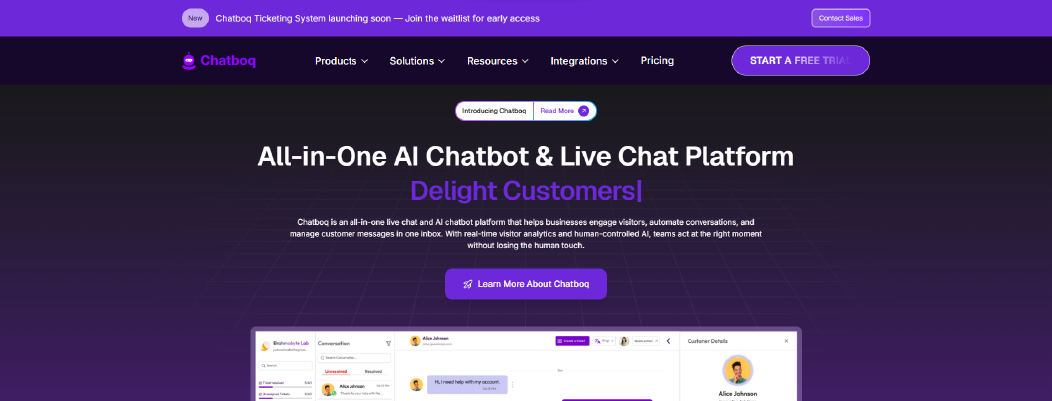
Chatboq is an all-in-one AI chatbot and live chat platform that keeps customer conversations structured and easy to manage. It combines live chat, ticket management, SLA tracking, AI reply assistance, and multi-channel messaging inside one workspace. It is designed for ecommerce brands, SaaS companies, agencies, support teams, and sales teams that need operational control without enterprise-level complexity.
Built for teams that require structured workflows and SLA enforcement, Chatboq includes configurable ticket priorities, custom statuses, and default SLA policies at the organization level. Teams can set warning points before deadlines, so escalations happen before SLAs are missed.
Core workflows are designed to reduce manual setup while still allowing permission control and workspace separation.
Why It’s a Strong Front Alternative
Chatboq addresses common evaluation points when teams compare Front alternatives, including structured ticket management, SLA compliance, AI automation, visitor tracking, and clearer billing structure.
Front is mainly a shared inbox for team email. Chatboq extends that model by combining live chat, ticket routing, AI knowledge training, trigger campaigns, and CRM integrations in a unified helpdesk platform.
Instead of relying only on email collaboration, Chatboq centralizes customer support channels and enforces SLA management directly inside the ticketing system.
Chatboq Core Strengths
-
AI-powered helpdesk software with knowledge training
-
AI reply assistant based on FAQs, documents, and conversation history
-
Live chat and shared inbox with message logs
-
Structured ticketing system with SLA management
-
Workflow automation and trigger campaigns (time, page, visitor behavior)
-
Multi-workspace management with role-based permissions
-
Real-time visitor tracking with country and IP detection
-
Multi-channel messaging integrations (WhatsApp, Messenger, Instagram, Slack, Telegram, Discord)
-
CRM integrations including Zoho CRM and Pipedrive
-
Plan-based billing with workspace-level control
Why Is Chatboq Better Than Front
Chatboq integrates SLA enforcement, AI knowledge training, visitor segmentation, and ticket hierarchy management inside one structured layer. It reduces dependency on email-only workflows and provides escalation logic when resolution thresholds approach.
This structure improves operational visibility and reduces SLA misses by escalating tickets near deadlines without adding heavy administrative overhead.
Limitations
-
Requires initial setup for SLA rules and AI knowledge base training
-
Not positioned as a legacy IT service management (ITSM) system
-
Advanced enterprise ecosystem integrations may be narrower than large CRM suites
Best For
-
Ecommerce customer support teams
-
Shopify merchants needing structured order-level support
-
SMB support operations
-
SaaS teams requiring SLA enforcement
-
Businesses seeking AI helpdesk software with workflow automation
Pricing Snapshot
-
Plan-based subscription model
-
Workspace-level billing control
-
Card and invoice management
-
Not strictly per-agent pricing
-
Scales by organization structure and usage
2. Hiver - Gmail-Based Shared Inbox for Google Workspace Teams
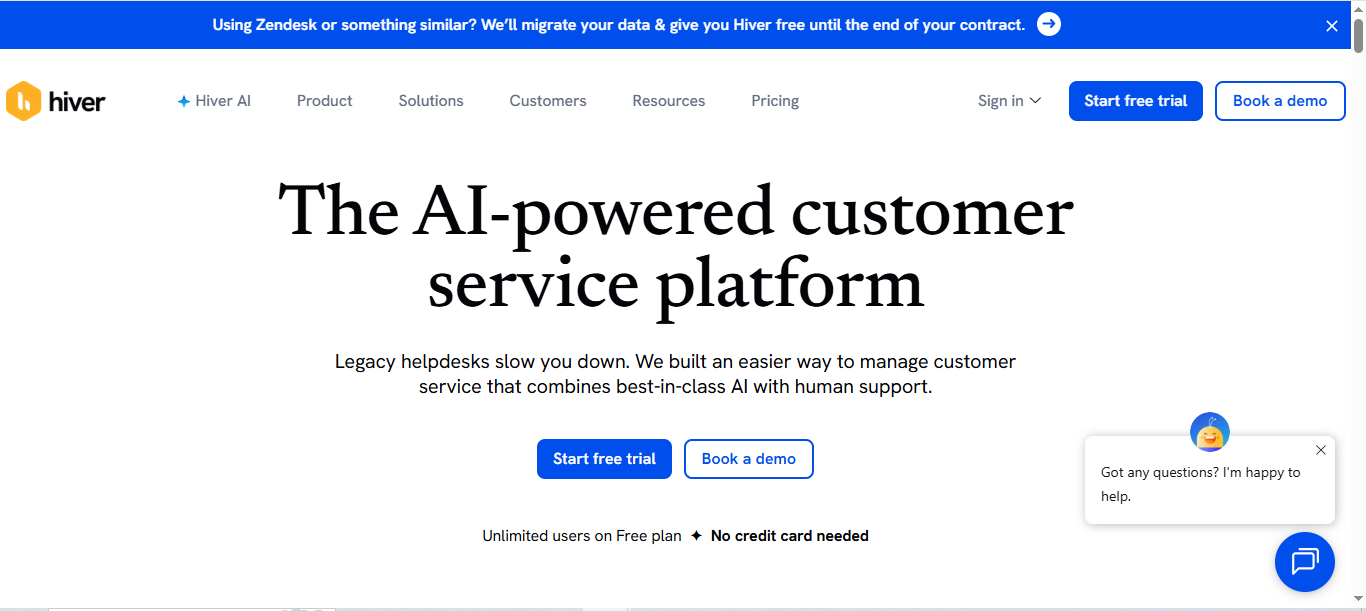
Hiver is a Gmail-based shared inbox platform built directly inside Google Workspace. It helps teams manage customer conversations, assign emails, add internal notes, and track basic SLAs without leaving Gmail.
It is designed for small businesses, agencies, and support teams that want structured email collaboration without switching to a separate helpdesk interface. Because it runs inside Gmail, onboarding is typically faster for teams already using Google Workspace.
Why It’s a Strong Front Alternative
Hiver addresses common evaluation points when teams compare Front alternatives, especially around email sync reliability and ease of use.
Since Hiver operates directly inside Gmail, it avoids external sync layers that sometimes cause duplication or workflow confusion. For teams that rely heavily on Gmail and want fewer moving parts, this structure reduces operational friction.
It focuses on shared inbox management rather than expanding into complex ticket hierarchy systems.
Hiver Core Strengths
-
Native Gmail integration inside Google Workspace
-
Shared inbox and team email assignments
-
Internal notes for team collaboration
-
Basic SLA tracking
-
Simple automation rules
-
Reporting dashboard for team performance
Why Is Hiver Better Than Front
Hiver removes the need for a separate inbox platform by working directly inside Gmail. This reduces interface switching and reduces workflow confusion because work happens inside Gmail.
For teams that want lightweight shared inbox software without expanding into broader ticket management systems, Hiver keeps the workflow simple and email-centered.
Limitations
-
Limited AI automation compared to AI-powered helpdesk platforms
-
Reporting and analytics depth is moderate
-
Strong dependency on Google Workspace ecosystem
-
Not positioned as a full omnichannel support platform
Best For
-
Small businesses using Gmail
-
Agencies managing shared mailboxes
-
Remote teams inside Google Workspace
-
Startups seeking low setup complexity
-
Teams looking for the best Front alternative for Gmail users
Pricing Snapshot
-
Free - $0
-
Growth - $25 /user/month
-
Pro - $65 /user/month
-
Elite - $105 /user/month
Check out the best Hiver alternatives available on the market today.
3. Freshdesk - Structured Helpdesk & Ticketing System
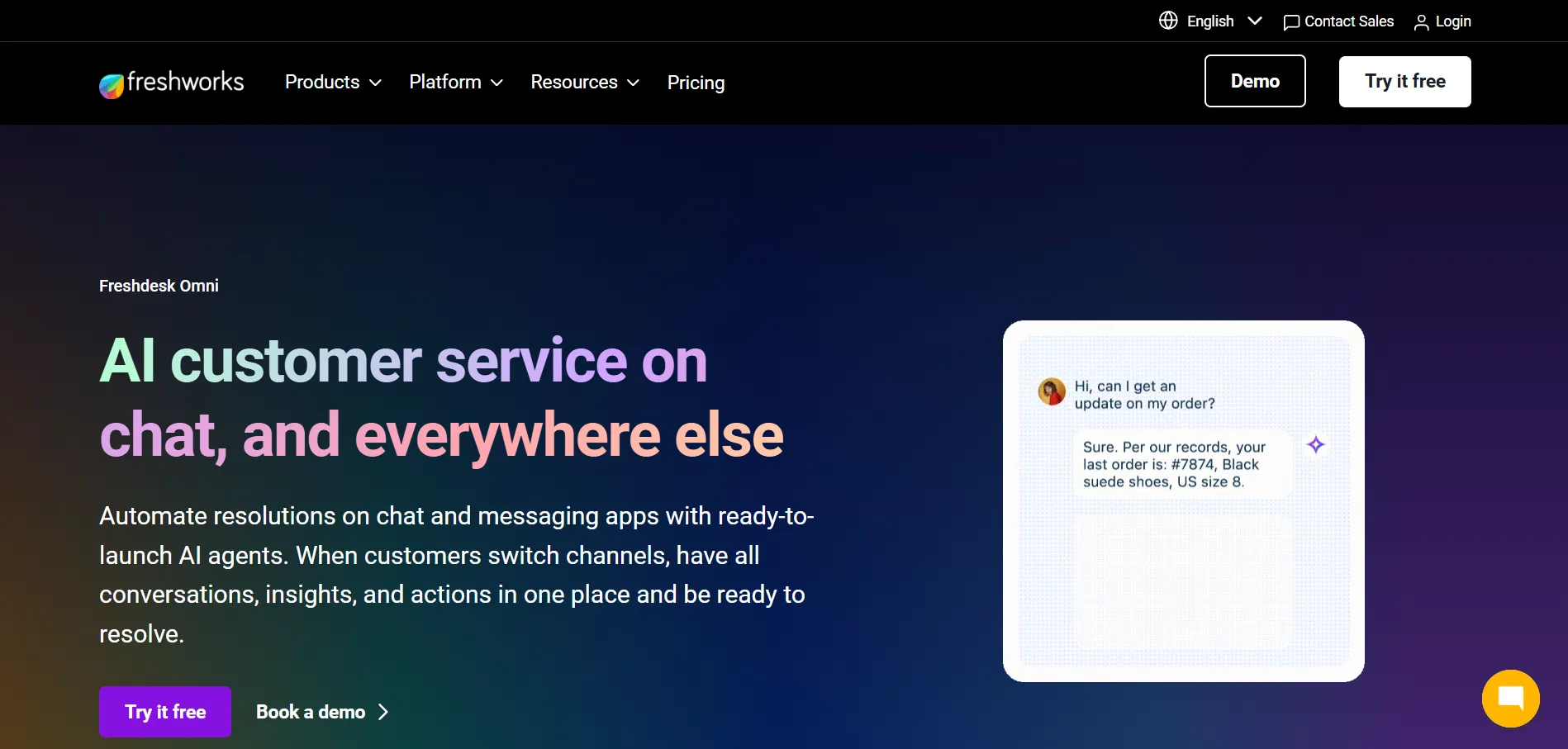
Freshdesk is a helpdesk platform built for teams that need structured ticket management beyond a shared inbox. It centralizes email, chat, phone, and social channels into one ticketing system. Each conversation becomes a trackable ticket with status, priority, and SLA rules.
It is designed for SMBs and growing support teams that need more structure than basic shared inbox software.
Why It’s a Strong Front Alternative
Freshdesk addresses common evaluation points when teams compare Front alternatives, especially around ticket tracking, SLA management, and reporting depth.
Front works well for email collaboration. Freshdesk adds a formal ticketing system with workflow automation, escalations, and queue management. This helps teams manage higher ticket volume without relying only on inbox tagging.
If your support operations require SLA compliance tracking and structured escalation rules, Freshdesk offers a more defined help desk environment.
Freshdesk Core Strengths
-
Full ticketing system with status, priority, and SLA management
-
Automation rules for ticket routing and assignment
-
Omnichannel support across email, chat, and social channels, with phone support available on supported plans
-
Built-in knowledge base for self-service support
-
Reporting and analytics dashboards
-
Marketplace integrations with CRM systems and business tools
Why Is Freshdesk Better Than Front
Freshdesk converts every conversation into a structured ticket with SLA tracking and workflow automation. This reduces dependency on manual email management.
For teams that need clearer reporting, queue visibility, and performance tracking, Freshdesk provides stronger operational control than a shared inbox model.
Limitations
-
Setup requires initial configuration of workflows and SLA rules
-
Interface can feel heavier than email-based collaboration tools
-
Advanced automation features are tied to higher pricing plans
Best For
-
SMB helpdesk teams
-
Customer support operations with growing ticket volume
-
Teams requiring SLA compliance tracking
-
Businesses seeking structured ticket management
-
Companies evaluating the best Front alternative for customer support
Pricing Snapshot
Browse these top alternatives to Freshdesk and choose the right software for your team.
4. Zendesk - Enterprise Help Desk & Workflow Platform
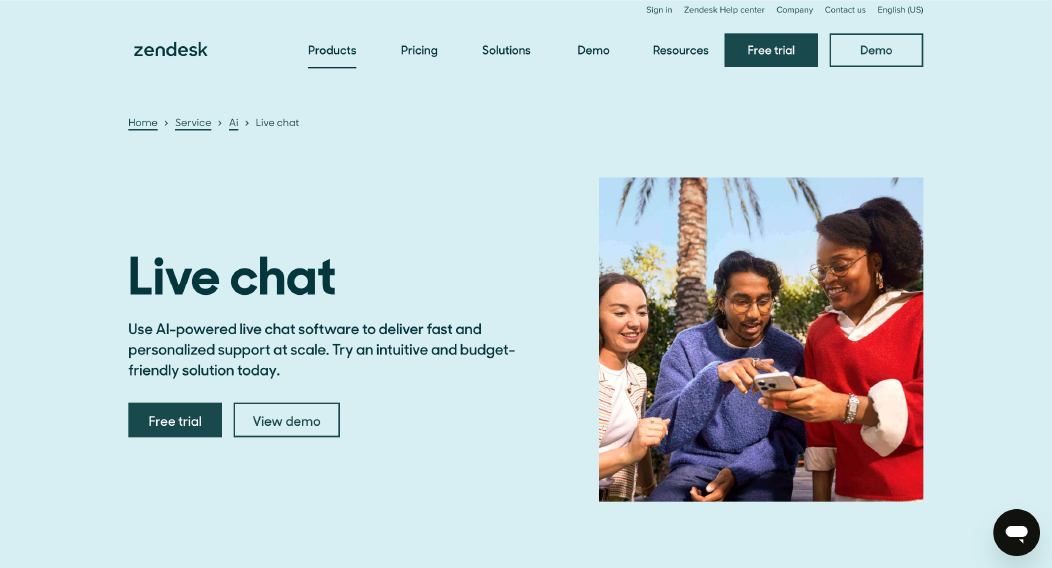
Zendesk is a full-scale help desk platform built for structured customer support operations. It converts email, chat, phone, and social messages into tickets inside a centralized agent workspace. It supports SLA management, advanced workflow automation, and deep reporting.
It is designed for mid-size and enterprise teams that require high configuration control and performance visibility across large support volumes.
Why It’s a Strong Front Alternative
Zendesk addresses areas teams evaluate when comparing Front competitors, especially around structured ticketing, automation rules, analytics dashboards, and enterprise scalability.
Front is mainly a shared inbox for team email. Zendesk operates as a formal ticketing system with queues, escalations, and performance tracking. For teams that need more than email assignments and internal notes, Zendesk adds clearer ticket stages and stronger reporting.
If your support operations depend on SLA compliance, multi-level escalations, and advanced workflow automation, Zendesk offers deeper control.
Zendesk Core Strengths
-
Workflow automation with triggers and macros
-
Omnichannel support (email, chat, voice, social)
-
Integrated knowledge base and help center
-
Enterprise-level reporting and analytics
-
Large integrations marketplace
Why Is Zendesk Better Than Front
Zendesk provides a structured helpdesk environment with strong analytics and automation depth. It reduces reliance on inbox-style management by organizing conversations into trackable tickets with defined lifecycle stages.
For teams managing large support operations, Zendesk improves queue visibility and performance measurement compared to shared inbox models.
Limitations
-
Per-seat pricing can increase as teams scale
-
Setup and configuration require administrative effort
-
Advanced AI and automation features may require higher-tier plans
Best For
-
Mid-size to enterprise customer support teams
-
Operations requiring advanced SLA management
-
Businesses needing strong reporting and analytics
-
Teams evaluating enterprise-level Front app alternatives
-
Companies managing multi-channel support at scale
Pricing Snapshot
-
Free 14-day trial
-
Support Team: $25 per agent/month
-
Suite Team: $69 per agent/month
-
Suite Professional: $149 per agent/month
-
Suite Enterprise: $219 per agent/month
Check out the best Zendesk alternatives available on the market today.
5. Intercom - Conversational AI & Messaging Platform
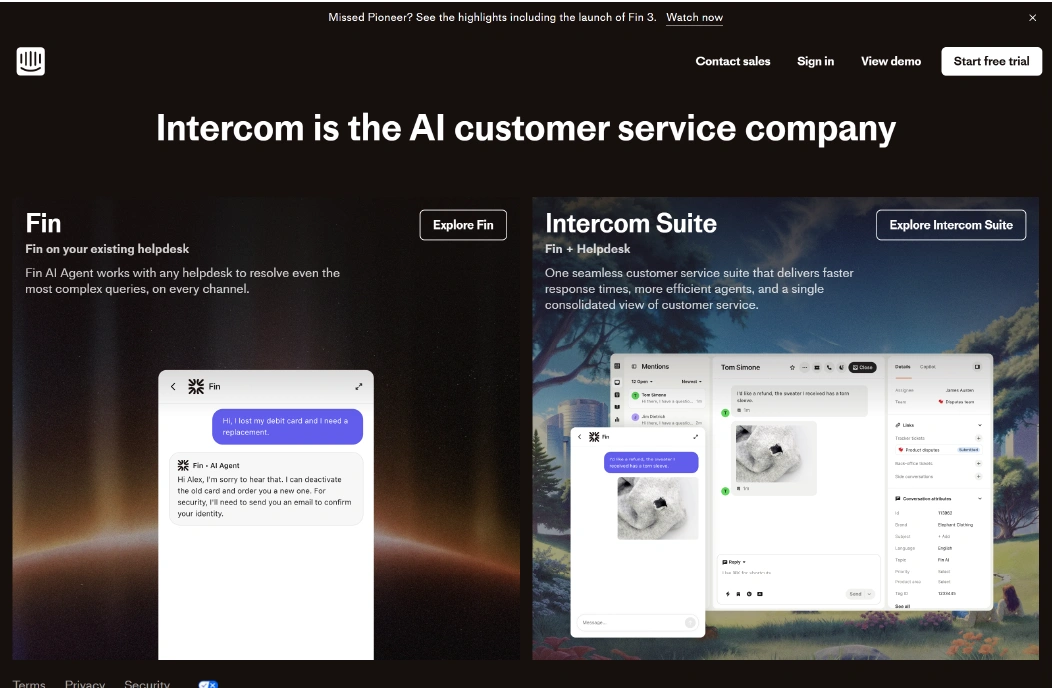
Intercom is a conversational support platform built around live chat, in-app messaging, and AI automation. It focuses on real-time customer conversations inside websites and apps. Messages can be handled by humans, bots, or a combination of both.
It is commonly used by SaaS and product-led teams that want proactive engagement, automated replies, and behavior-based messaging.
Why It’s a Strong Front Alternative
Intercom becomes relevant when teams compare Front alternatives for stronger automation and in-app engagement.
Front centers around shared inbox email collaboration. Intercom centers around live chat and AI-driven conversations. If your support model includes onboarding flows, proactive chat prompts, and automated qualification, Intercom provides more built-in automation logic.
It is often evaluated by teams that want to move from reactive email handling to proactive conversational support.
Intercom Core Strengths
-
AI-powered chatbots and automation flows
-
In-app and website live chat
-
Knowledge base integration
-
Shared inbox for team replies
-
Workflow automation and ticket routing
-
Reporting dashboards for conversation metrics
Why Is Intercom Better Than Front
Intercom prioritizes conversational automation and proactive messaging. It supports onboarding flows and triggered campaigns based on visitor behavior.
For teams that want automation-first engagement rather than email-first collaboration, Intercom provides a broader messaging structure.
Limitations
-
Pricing can increase with contacts and usage
-
Configuration of automation flows requires setup time
-
Email-only teams may not need full conversational structure
Best For
-
SaaS support teams
-
Product-led growth companies
-
Businesses seeking AI automation beyond shared inbox workflows
-
Teams needing in-app messaging
-
Companies evaluating Front alternative 2026 for automation expansion
Pricing Snapshot
-
Free 14-day trial
-
Essential - $39/seat
-
Advanced - $99/seat
-
Expert - $139/seat
Read more: Check the top Intercome alternatives and choose the best ecommerce helpdesk solution for Shopify support.
6. Trengo - Omnichannel Inbox for Messaging-First Teams
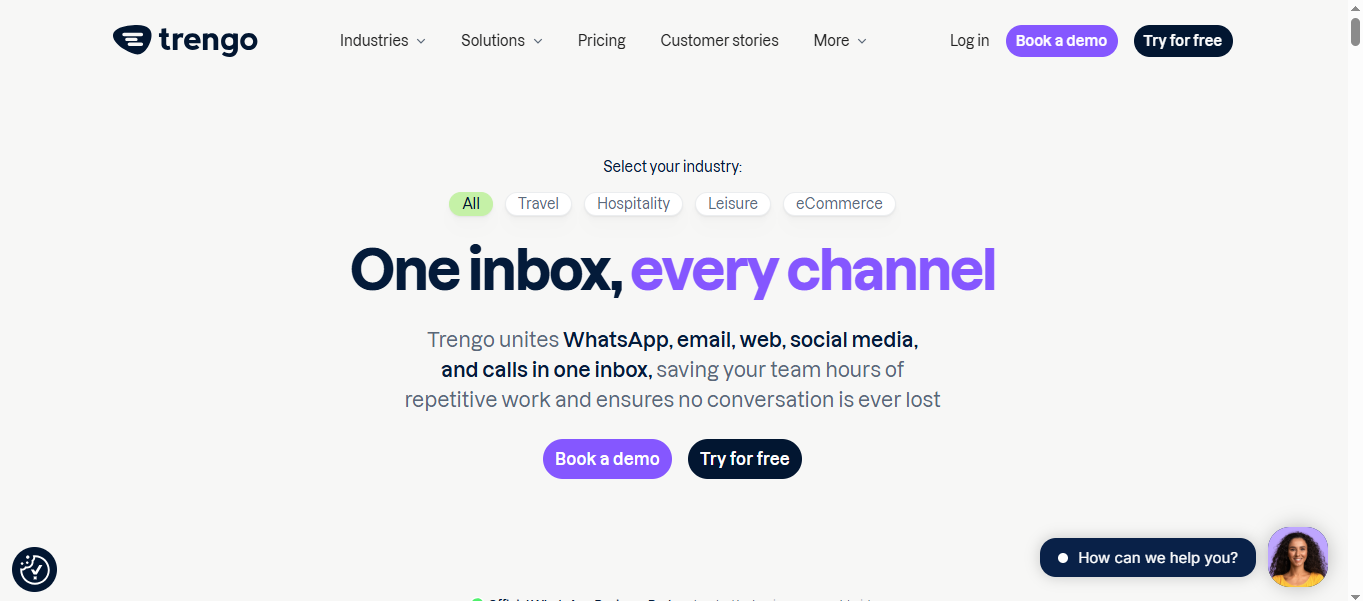
Trengo is an omnichannel inbox platform that centralizes email, WhatsApp, live chat, and social media messaging into one team workspace. It combines shared inbox management with basic automation and collaboration tools.
It is designed for SMBs and growing teams that manage customer conversations across multiple messaging channels, not just email.
Why It’s a Strong Front Alternative
Trengo is a common pick when teams switch from Front for broader channel coverage.
Front focuses mainly on email collaboration with messaging integrations layered in. Trengo is built around messaging channels like WhatsApp support and social platforms from the start. If your support operations rely heavily on WhatsApp, Instagram, or Facebook Messenger, Trengo offers a more messaging-centered workflow.
For teams seeking apps like Front but with stronger omnichannel inbox control, Trengo expands beyond email-first models.
Trengo Core Strengths
-
Omnichannel inbox (email, WhatsApp, live chat, social messaging)
-
Shared inbox with internal notes and assignments
-
Basic workflow automation and ticket routing
-
Reporting and analytics dashboard
-
Knowledge base support
-
Integrations marketplace for CRM systems and tools
Why Is Trengo Better Than Front
Trengo prioritizes messaging channels alongside email. It centralizes customer conversations from WhatsApp and social platforms in a structured inbox view.
For teams where social messaging automation and WhatsApp support are primary channels, Trengo provides more native channel focus than traditional email-first shared inbox software.
Limitations
-
Automation depth is lighter compared to advanced helpdesk platforms
-
Reporting may not match enterprise analytics requirements
-
Advanced workflow customization may require higher-tier plans
Best For
-
SMB customer support teams
-
Ecommerce brands managing WhatsApp support
-
Agencies handling multi-channel messaging
-
Businesses seeking the best Front alternative for multichannel inbox
-
Teams switching from email-first workflows
Pricing Snapshot
-
Free trial
-
Boost - €349/month
-
Pro - €599/month
-
Enterprise - Custom
7. Zoho Desk - CRM-Connected Help Desk Platform
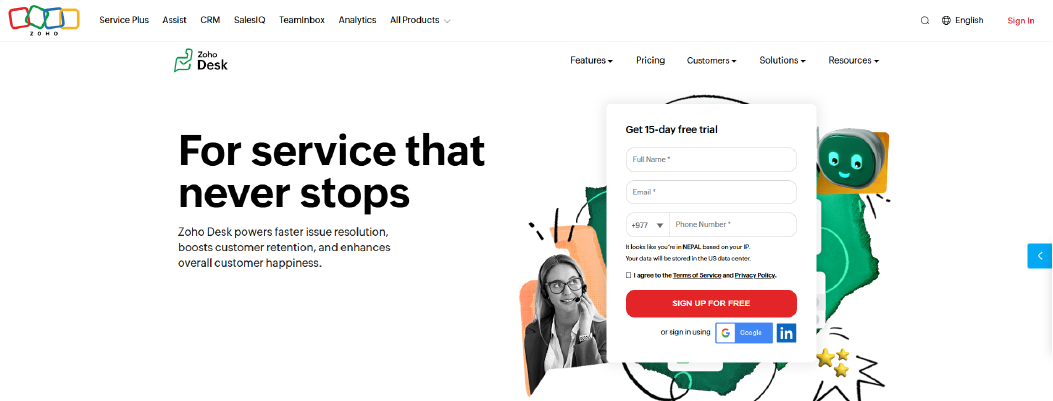
Zoho Desk is a help desk platform built to manage customer conversations as structured tickets. It centralizes email, chat, phone, and social channels into one system and connects closely with Zoho CRM and other Zoho apps.
It is designed for SMBs and mid-size teams that want tighter CRM integration and structured SLA management without moving into full enterprise complexity.
Why It’s a Strong Front Alternative
Zoho Desk is often evaluated when teams compare Front competitors for stronger ticket management and CRM sync.
Front works well for shared inbox collaboration. Zoho Desk operates as a formal ticketing system with custom statuses, priorities, and SLA rules. If your support operations require clear escalation logic and reporting visibility, Zoho Desk adds more structure than inbox-based workflows.
For teams already using Zoho CRM, the integration depth improves context handling across customer conversations.
Zoho Desk Core Strengths
-
Full ticket management system with custom statuses and priorities
-
Omnichannel support (email, chat, social)
-
Built-in knowledge base
-
Reporting and analytics dashboard
-
CRM integrations with Zoho CRM and external systems
-
Integrations marketplace and API access
Why Is Zoho Desk Better Than Front
Zoho Desk centralizes support into a structured helpdesk environment. It enforces ticket lifecycle stages and SLA compliance instead of relying mainly on inbox tagging.
For CRM-connected teams, Zoho Desk improves data visibility across support and sales operations.
Limitations
-
Interface setup requires configuration
-
Advanced automation features may require higher-tier plans
-
Best experience is within Zoho ecosystem
Best For
-
SMB and mid-size support teams
-
Businesses using Zoho CRM
-
Teams needing structured SLA management
-
Companies seeking CRM-connected Front app alternatives
-
Support operations requiring ticket lifecycle control
Pricing Snapshot
-
15-day free trial
-
Express - US$9/user/month
-
Standard - US$20/user/month
-
Professional - US$35/user/month
-
Enterprise - US$50/user/month
Examine the best Zohodesk alternatives to find the ultimate solution for your company.
8. Help Scout - Lightweight Shared Inbox & Help Desk
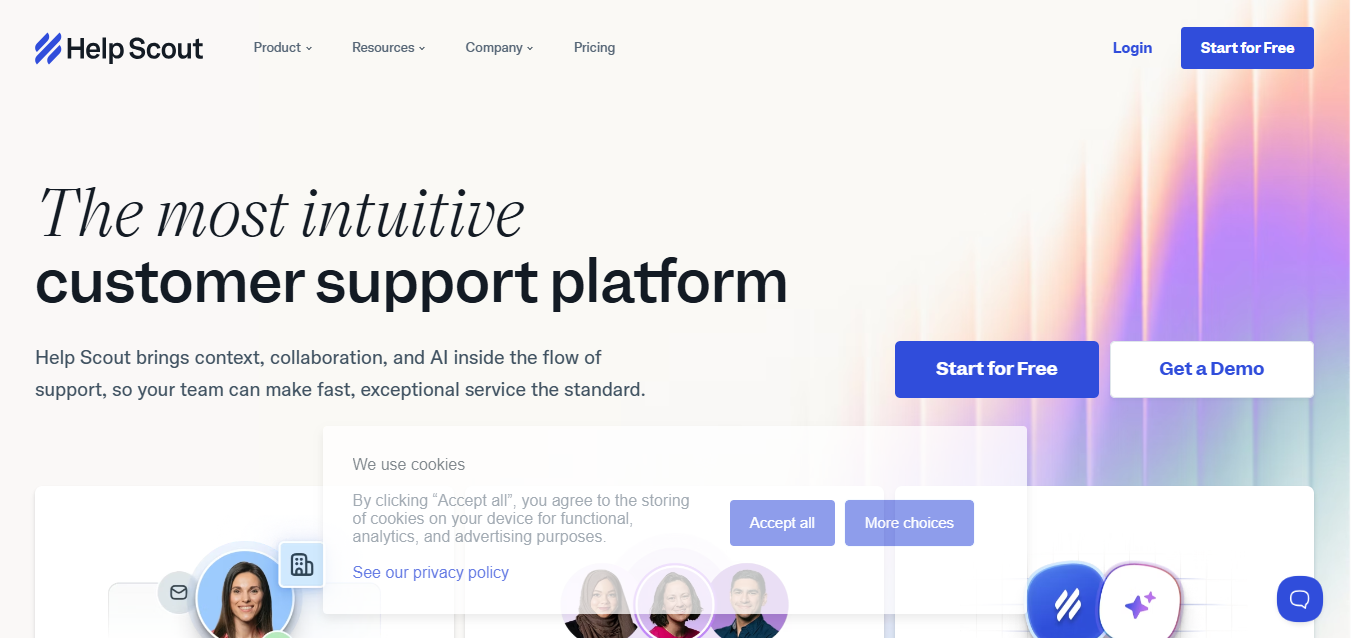
Help Scout is a shared inbox and help desk platform designed to keep customer support simple and organized. It combines email-based ticketing, a knowledge base, and basic automation in one clean interface.
It is built for small businesses and growing support teams that want structure without heavy configuration.
Why It’s a Strong Front Alternative
Help Scout is often considered when teams compare Front alternatives for a simpler help desk setup.
Front centers around shared inbox collaboration. Help Scout adds structured ticket management while keeping the interface lightweight. It converts emails into tickets but avoids the complexity of enterprise-level workflow engines.
For teams that need reporting and SLA tracking without advanced system setup, Help Scout offers a balanced middle ground.
Help Scout Core Strengths
-
Shared inbox with internal notes and assignments
-
Built-in knowledge base for self-service support
-
Basic SLA tracking and workflow automation
-
Reporting and analytics dashboard
-
CRM and third-party integrations
-
Conversation history tracking
Why Is Help Scout Better Than Front
Help Scout provides clearer ticket lifecycle management than an email-first shared inbox model. It separates conversation states into structured tickets while maintaining a simple interface.
For teams that want structured helpdesk software without enterprise overhead, Help Scout improves workflow clarity.
Limitations
-
Limited AI automation (no document-style training emphasis)
-
Automation depth is moderate
-
Large enterprise customization may be limited
Best For
-
Small businesses and SMB support teams
-
Startups seeking structured but simple ticket management
-
Teams needing a knowledge base with shared inbox
-
Companies evaluating the best Front alternative for small business
-
Agencies managing moderate ticket volume
Pricing Snapshot
9. Helpwise - Budget-Friendly Shared Inbox Software
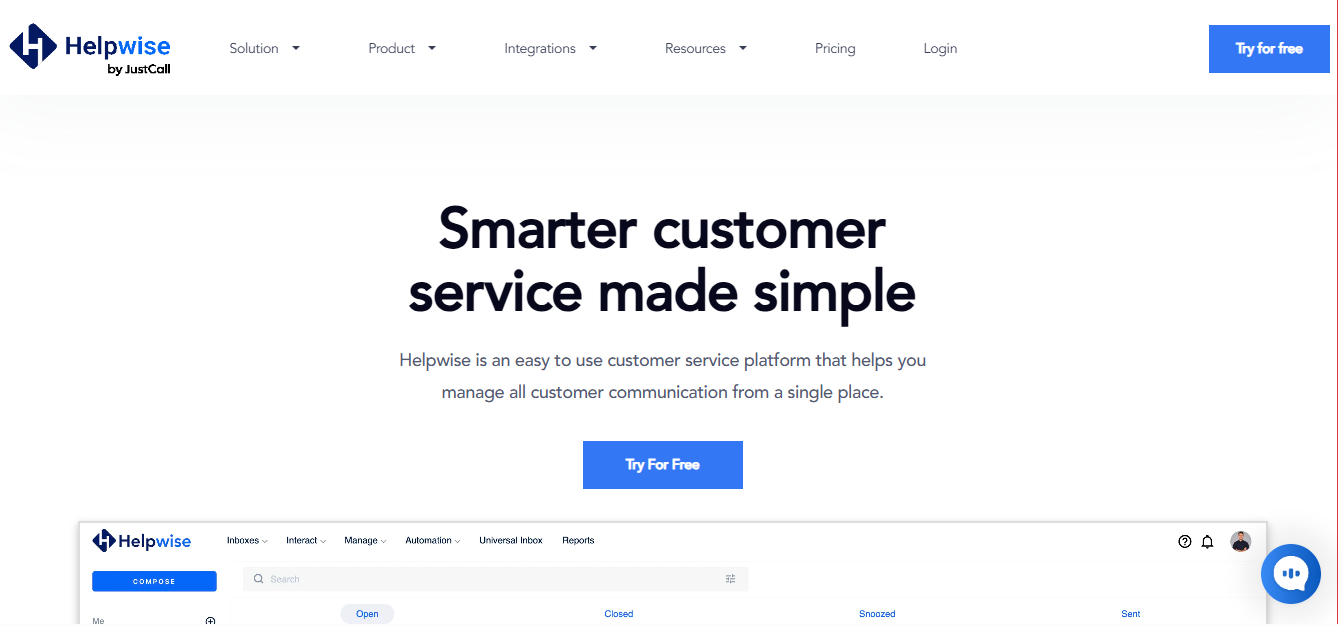
Helpwise is a shared inbox platform built for teams that want simple email collaboration at a lower cost. It centralizes email accounts into one team inbox and allows assignments, internal notes, and basic automation.
It is designed for startups and small businesses that need structured shared inbox management without moving into a full helpdesk system.
Why It’s a Strong Front Alternative
Helpwise is a common pick when teams switch from Front for pricing control and simplicity.
Front offers strong collaboration features but may feel costly as teams grow. Helpwise focuses on core shared inbox functionality with fewer layers. If your workflow is mainly email-based and you do not require advanced ticket hierarchies or AI automation, Helpwise provides a lighter structure.
For teams seeking a Front alternative free plan or lower entry cost, Helpwise becomes relevant.
Helpwise Core Strengths
-
Shared team inbox for email collaboration
-
Email assignments and internal notes
-
Basic automation rules
-
Reporting dashboard for team performance
-
CRM and third-party integrations
-
Simple conversation history tracking
Why Is Helpwise Better Than Front
Helpwise reduces configuration complexity and keeps pricing predictable. It focuses on email collaboration without expanding into advanced workflow engines.
For teams that need basic shared inbox software with minimal overhead, Helpwise keeps operations simple.
Limitations
-
Limited AI automation capabilities
-
Not positioned as a full ticketing system with advanced SLA management
-
Omnichannel support options are narrower
Best For
-
Small businesses and startups
-
Teams with low to moderate email volume
-
Agencies managing shared inboxes
-
Businesses seeking a low-cost Front alternative
-
Remote teams needing simple collaboration
Pricing Snapshot
-
7-day free trial
-
Standard - $15 / user / month
-
Premium - $29 / user / month
-
Advanced - $49 / user / month
10. Missive - Email Collaboration Platform for Team Inboxes
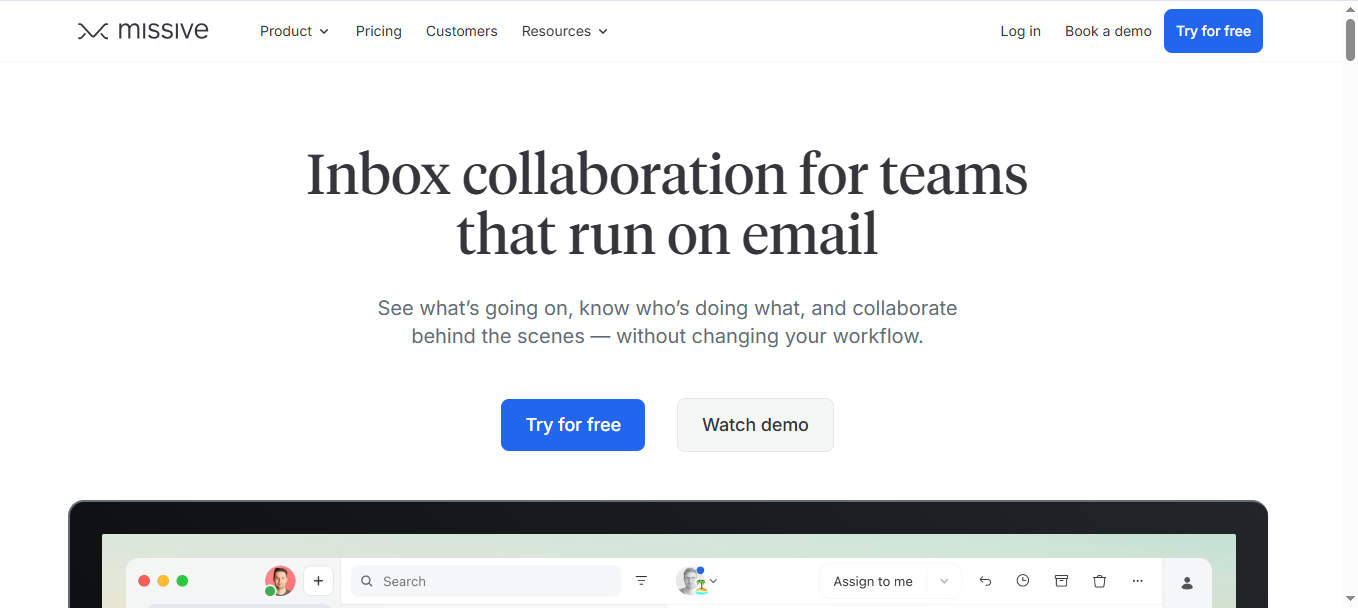
Missive is an email collaboration platform designed for teams that live inside email. It combines shared inbox management with real-time internal chat, task assignments, and collaborative drafting inside one interface.
It is built for small to mid-size teams that rely heavily on Gmail or Outlook and want stronger internal coordination without moving into a full help desk system.
Why It’s a Strong Front Alternative
Missive is often evaluated when teams compare Front competitors for email reliability and collaboration depth.
Front focuses on shared inbox workflows. Missive adds real-time internal chat alongside email threads. Teams can discuss drafts, assign tasks, and comment before sending responses. For email-heavy operations, this reduces back-and-forth across separate tools.
If Outlook sync or inbox duplication became a concern, Missive’s direct email handling structure may feel more predictable.
Missive Core Strengths
-
Shared inbox for Gmail and Outlook
-
Task assignments inside conversations
-
Conversation history tracking
-
Basic automation rules
-
Reporting and activity tracking
-
CRM and third-party integrations
Why Is Missive Better Than Front
Missive keeps email at the center and strengthens internal collaboration inside each thread. It reduces tool switching by combining chat and email in one workspace.
For teams that prioritize email-first collaboration rather than structured ticket management, Missive offers a focused environment.
Limitations
-
Limited advanced SLA management
-
Not positioned as a full ticketing system
-
Automation depth is moderate compared to helpdesk platforms
Best For
-
Email-heavy teams
-
Agencies managing multiple inboxes
-
Remote teams requiring real-time collaboration
-
Businesses seeking the best Front alternative for Outlook users
-
Small to mid-size teams focused on email workflows
Pricing Snapshot
-
30-day free trial
-
Starter - $18 per user/month
-
Productive - $30 per user/month
-
Business - $45 per user/month
Front Alternatives Compared Side-by-Side
The table below compares the main Front alternatives based on setup effort, workflow control, ecommerce fit, AI capability, reporting depth, and billing structure. These factors directly affect scalability, SLA compliance, and day-to-day customer support operations.
|
Tool
|
Setup Complexity
|
Custom Workflow Control
|
Native Ecommerce Integrations
|
AI Training Control
|
Knowledge Base Integration
|
Reporting Depth
|
Seat-Based Billing Impact
|
|
Chatboq
|
Low
|
Structured workflow + SLA logic
|
Strong (Shopify workflows mentioned earlier)
|
Yes (document + FAQ training)
|
Yes
|
Operational + SLA reporting
|
Plan-based (not MAU)
|
|
Hiver
|
Very Low (Gmail-native)
|
Basic automation rules
|
Limited
|
Minimal
|
Basic
|
Moderate
|
Direct per-user scaling
|
|
Freshdesk
|
Moderate
|
High (SLA, automation rules)
|
Moderate (via integrations)
|
Bot-level AI
|
Built-in
|
Advanced analytics
|
Per-agent tiered pricing
|
|
Zendesk
|
High (admin setup required)
|
Very High (enterprise workflow engine)
|
Moderate (marketplace apps)
|
Advanced bot customization
|
Advanced help center
|
Enterprise-grade analytics
|
High seat-based impact
|
|
Intercom
|
Moderate
|
High (automation flows, campaigns)
|
Moderate
|
AI automation (no document-style training emphasis)
|
Integrated
|
Strong reporting
|
Per-seat + usage pricing
|
|
Trengo
|
Low–Moderate
|
Moderate
|
Strong for messaging-first ecommerce
|
Limited AI depth
|
Basic
|
Moderate
|
Plan-based
|
|
Zoho Desk
|
Moderate
|
High (SLA + CRM-linked workflows)
|
Moderate
|
Bot-level AI
|
Built-in
|
Strong reporting
|
Per-user tiered pricing
|
|
Help Scout
|
Low
|
Moderate
|
Limited
|
Minimal AI
|
Integrated
|
Moderate
|
Per-user scaling
|
|
Helpwise
|
Very Low
|
Basic
|
Limited
|
None
|
Basic
|
Basic
|
Low-cost per-user
|
|
Missive
|
Low
|
Moderate (email-focused rules)
|
Limited
|
Minimal AI
|
No deep KB
|
Moderate
|
Per-user pricing
|

 ChatGPT
 Perplexity
 Claude





Leave a Comment
Your email address will not be published. Required fields are marked *
By submitting, you agree to receive helpful messages from Chatboq about your request. We do not sell data.