Getting started with the free Poly AI chatbot is straightforward. Follow these steps to set up, integrate, and monitor performance effectively for your E-commerce store.
Step 1: Contact Poly AI and Request a Demo
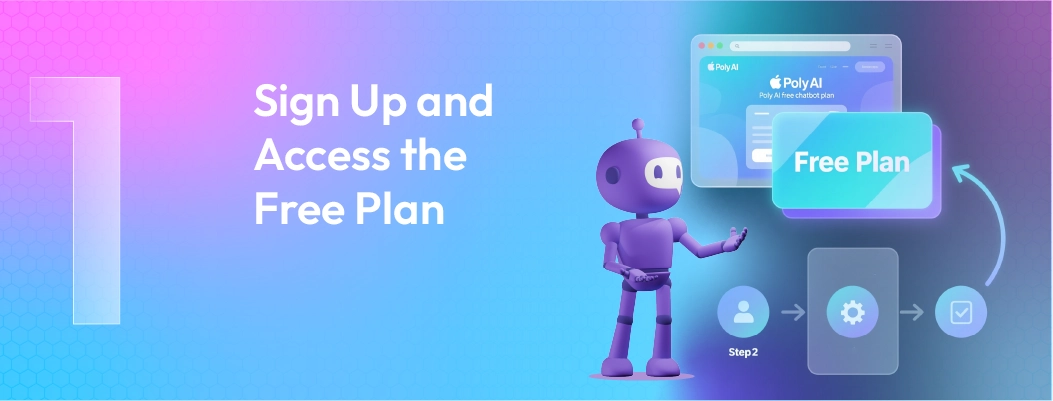
Visit Poly AI's website. Fill out the contact form or call sales. Describe your e-commerce platform (Shopify, WooCommerce, BigCommerce), expected message volume, and use case (customer support, sales, order tracking).
Poly AI sales will schedule a demo and discuss custom pricing.
Step 2: Negotiate Contract and Pricing
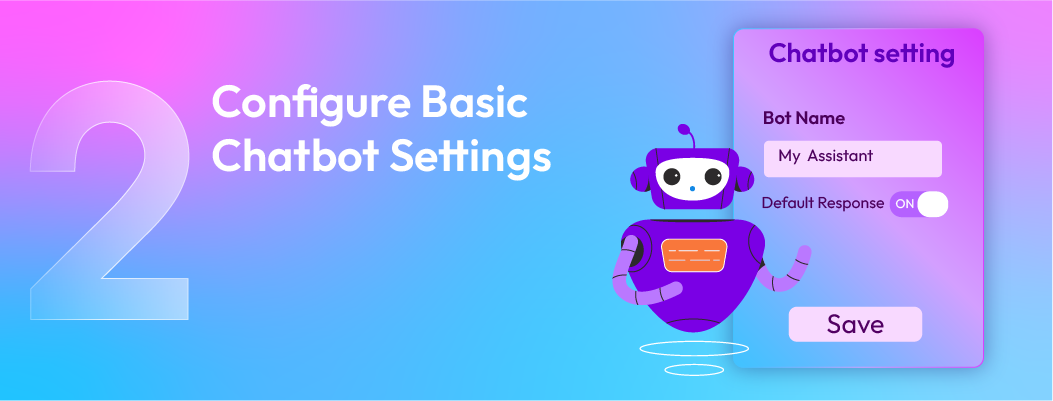
Review the proposal. Negotiate terms: message volume caps, support tier, implementation timeline, and onboarding scope.
Sign the service agreement. Payment terms are typically monthly or annual.
Step 3: Provide Integration Credentials
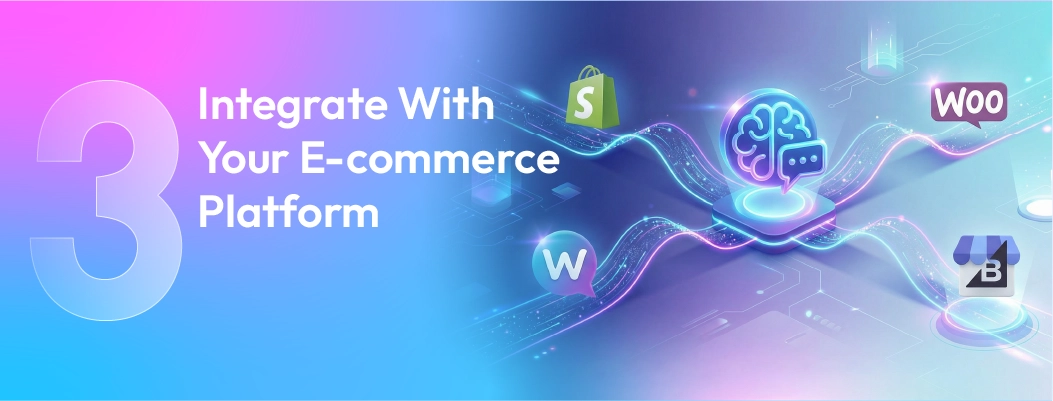
Grant Poly AI access to your e-commerce platform. For Shopify: create Poly AI app credentials in your Shopify admin. For WooCommerce: provide database access or API tokens.
Confirm Poly AI can read orders, customers, and products.
Step 4: Train the AI Model
Poly AI's team works with you to train the model. Provide examples of customer queries and expected bot responses. Upload customer conversation transcripts to help the model learn your tone and products.
Define conversation flows: what triggers escalation to humans, what actions the bot can take (refunds, exchanges, etc.).
Step 5: Configure Conversation Flows and Escalation Rules
Set up when the bot escalates to human agents. Example triggers: "customer requests human," "issue outside bot scope," "sentiment turns negative."
Configure allowed actions: can the bot issue refunds? Can it process returns? Can it schedule support callbacks?
Step 6: Test Thoroughly
Test with sample customer scenarios before going live. Verify the bot retrieves order data correctly. Confirm escalations route to the right team.
Test edge cases: misspellings, questions the bot shouldn't answer, emotional language.
Step 7: Deploy on Your Website
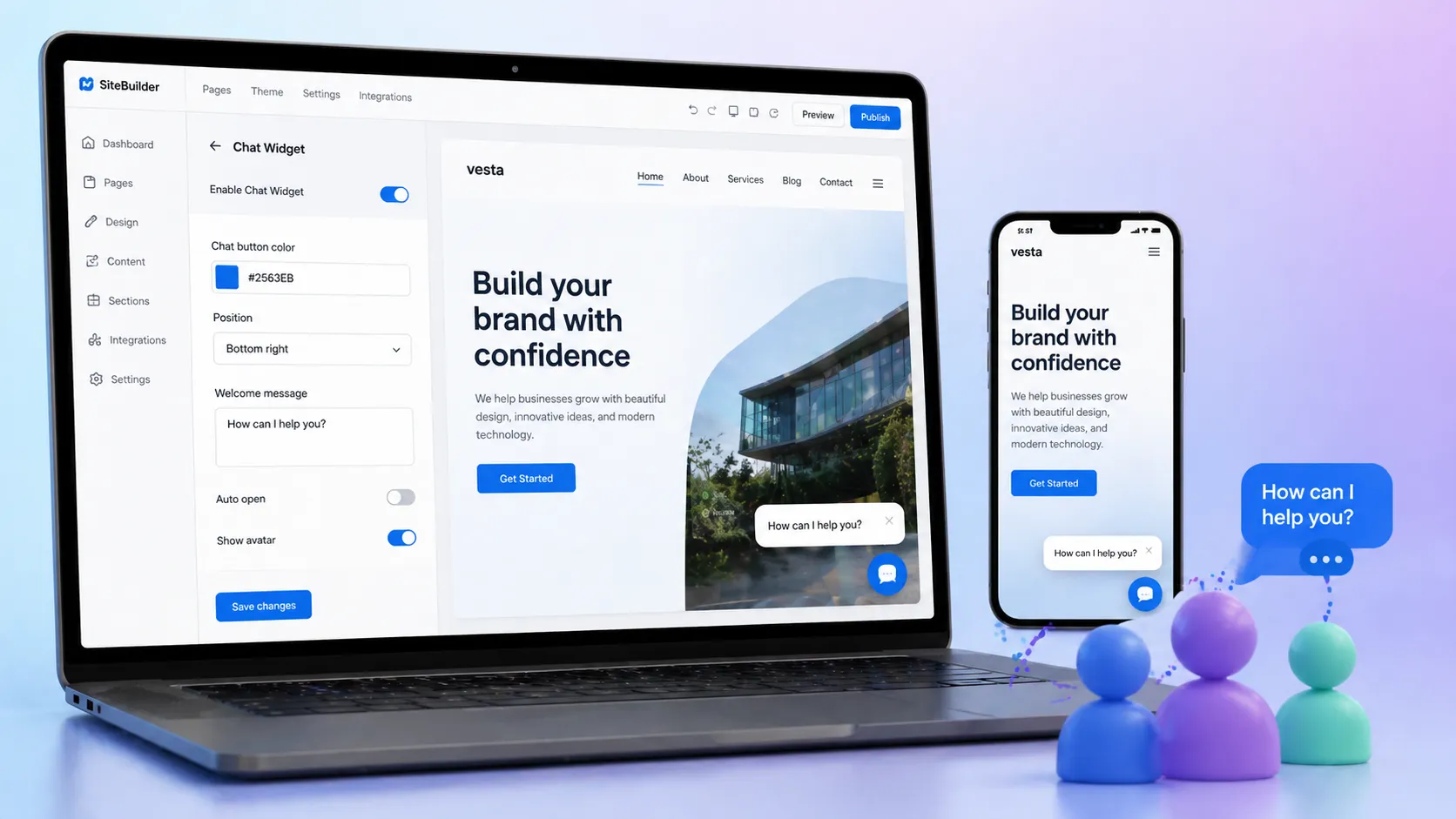
Poly AI provides embed code or app installation for your platform. Install the chat widget on your website. Configure appearance (colors, position, welcome message).
Test on live site with sample visitors.
Step 8: Monitor and Optimize

Use Poly AI dashboards to track conversations, automation rates, and escalation reasons. Identify queries the bot misunderstands and retrain the model.
Poly AI's support team provides ongoing optimization recommendations.
This step-by-step guide helps small businesses and tech evaluators start using the free Poly AI chatbot effectively while knowing when it’s time to consider a paid plan.


 ChatGPT
 Perplexity
 Claude


Leave a Comment
Your email address will not be published. Required fields are marked *
By submitting, you agree to receive helpful messages from Chatboq about your request. We do not sell data.