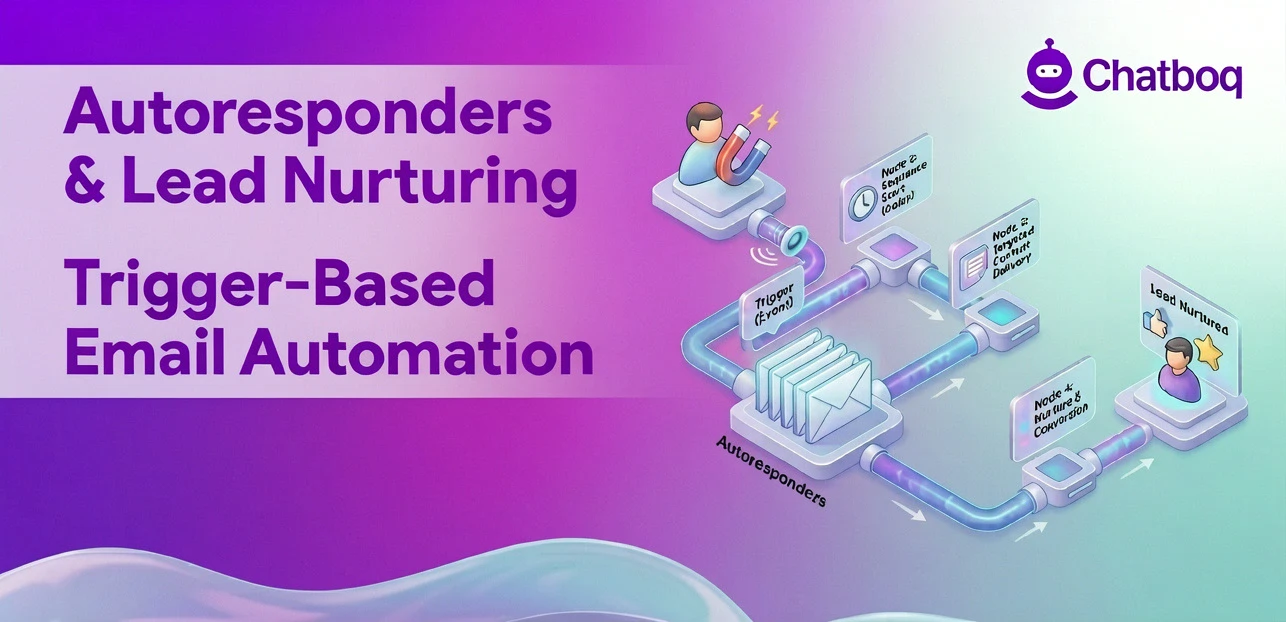
Setting up an autoresponder requires defining your goal and trigger, selecting a platform, building your message sequence, integrating with your CRM and data systems, and monitoring performance after launch to identify what needs adjustment.
Define goals and use cases
Start by identifying what the autoresponder needs to accomplish. Is it welcoming new subscribers, nurturing leads toward a demo, confirming purchases, or re-engaging inactive contacts? The goal determines the trigger, the sequence length, and the content of each message.
Define success metrics before you build. For a welcome sequence, success might be a target click rate on the first email. For a lead nurturing campaign, it might be demo bookings attributed to the sequence. Without defined goals, you cannot evaluate whether the autoresponder is working.
Choose tools and platforms
Email marketing platforms with autoresponder support include Mailchimp for simpler sequences, ActiveCampaign and GetResponse for more complex behavioral automation, and Klaviyo for ecommerce-specific workflows with deep Shopify integration. HubSpot supports autoresponders alongside its full CRM and marketing automation suite.
Platform selection should be based on sequence complexity, CRM integration requirements, behavioral automation depth, and the operational capacity of the team managing the workflows. Enterprise email automation systems also require governance around deliverability, contact synchronization, segmentation standards, and workflow monitoring. An operationally manageable autoresponder platform will usually outperform a more advanced system that the team cannot configure or maintain reliably.
Create message sequences
Write every message in the sequence before configuring the platform. Define the subject line, preview text, body content, and call to action for each step. Map the timing between messages and the conditions that would move a contact to a different branch or exit the sequence early.
Keep individual messages focused on one goal. A welcome email that tries to introduce the brand, explain the product, and prompt a purchase attempt does too much. Each message in a sequence should move the contact one step forward, not five.
Integrate with CRM and systems
Connect your autoresponder platform to your CRM so that contact data flows in both directions. CRM email automation enables segmentation based on deal stage, account type, lifecycle stage, and purchase history. It also ensures that contact engagement data from your autoresponder updates the CRM record, giving your sales team visibility into which messages each contact has received.
Test every integration before launch. A form that does not correctly pass contact data to your platform will not trigger sequences. A CRM sync that does not update contact tags will break segmentation logic. CRM synchronization failures, broken API integrations, and inaccurate trigger conditions are among the most common causes of autoresponder workflows failing to execute correctly.
Monitor and optimize performance
After launch, monitor open rates, click-through rates, conversion tracking metrics, and unsubscribe rates at each step. A significant drop in open rate between message two and message three signals a problem at that step. Address the underperforming step before adding more messages to the sequence.
Check email deliverability alongside engagement metrics. A sequence with good open rates among engaged contacts but high bounce rates or spam complaints is at risk of deliverability problems. Clean your list regularly and monitor sender reputation in your platform's analytics dashboards.

 ChatGPT
 Perplexity
 Claude


Leave a Comment
Your email address will not be published. Required fields are marked *
By submitting, you agree to receive helpful messages from Chatboq about your request. We do not sell data.