
Before investigating causes, check whether the measurement changed, since this explains a large proportion of apparent declines.
Check the definition
A change in what counts as a conversation, or in which visitors form the denominator, produces a step change that looks like a performance decline.
Platform updates occasionally change these defaults, which is why the definition should be checked before anything else.
Check the tracking
A tracking script removed during a deployment, or a conversion event that stopped firing, produces a decline in reported conversion with no change in reality.
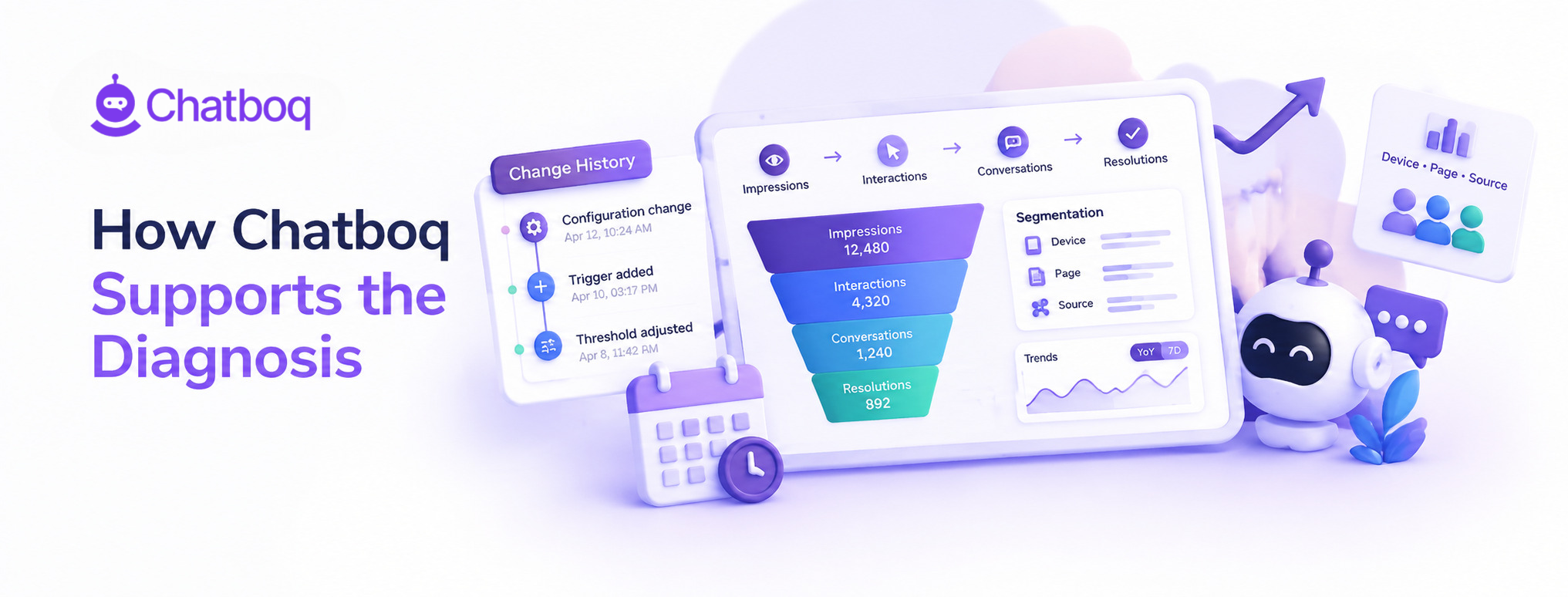
Comparing chat conversions recorded in the platform against those recorded in analytics identifies this immediately.
Check the comparison period
Comparing a quiet period against a peak, or a month with a promotional campaign against one without, produces differences unrelated to the channel.
Comparing against the same period a year earlier, alongside the recent trend, separates seasonality from decline.
Check the absolute numbers
A falling rate with rising conversions means traffic grew faster than engagement, which is a different situation from conversions actually falling.
Looking at counts alongside rates prevents diagnosing a growth pattern as a problem.
Checking recent deployments
Correlating the start of the decline with the release calendar identifies a website change as the cause faster than any analysis of the chat data itself.
Most declines that turn out to be visibility problems began on a specific day, which makes this comparison unusually productive.
 ChatGPT
 Perplexity
 Claude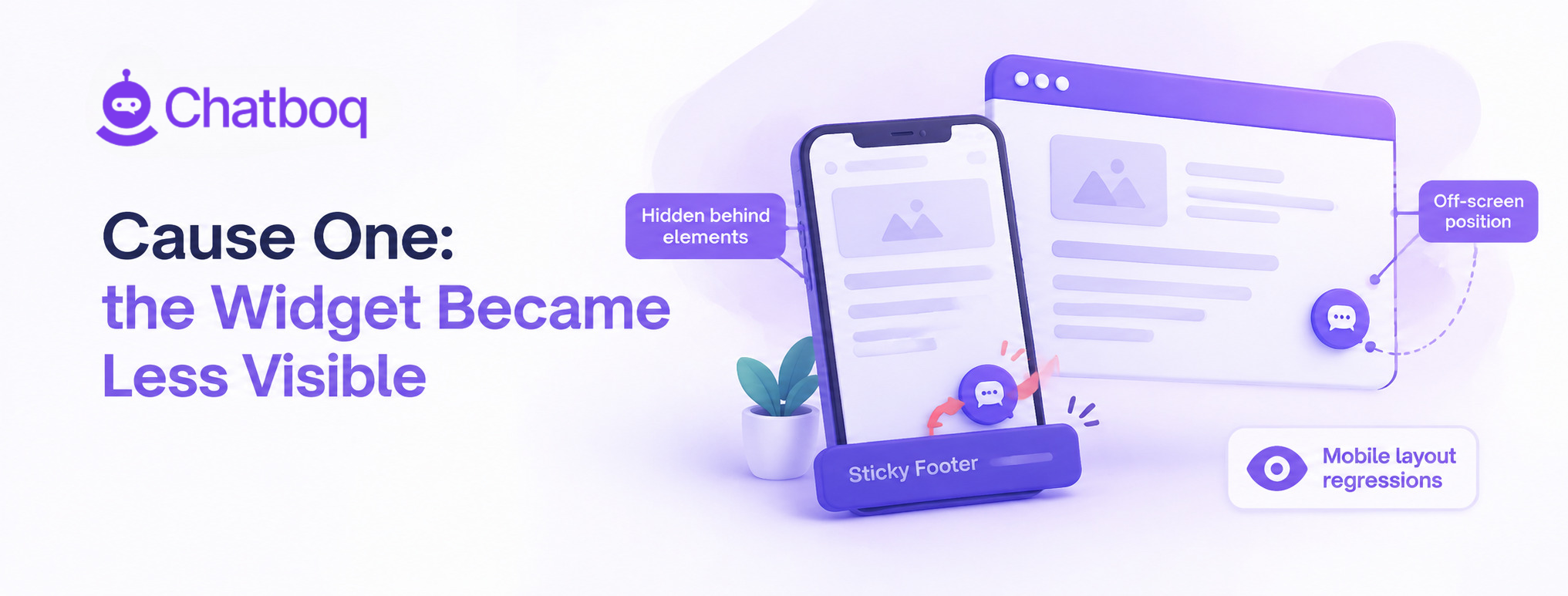





Leave a Comment
Your email address will not be published. Required fields are marked *
By submitting, you agree to receive helpful messages from Chatboq about your request. We do not sell data.