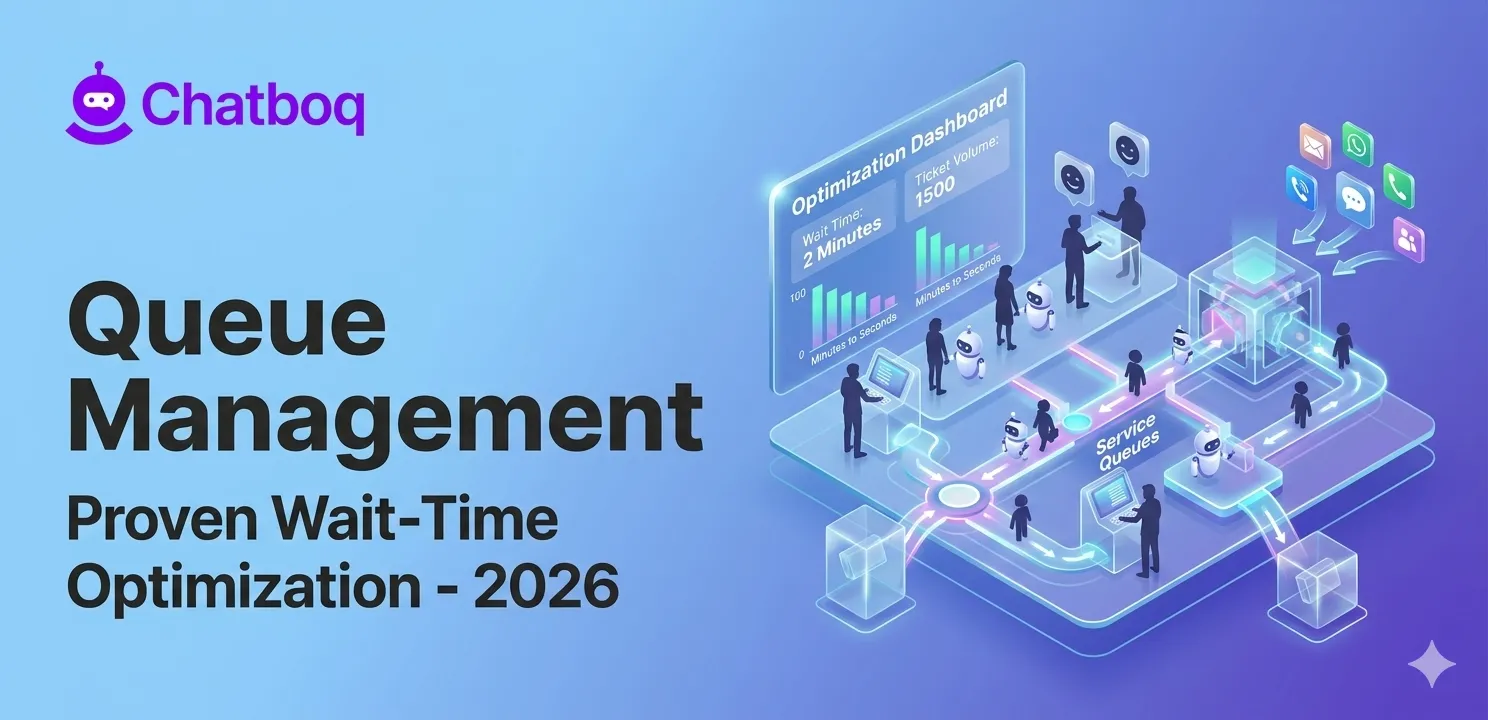
Queue management operates by receiving customer requests into service queues, analyzing request data to assign priority and routing rules, intelligently distributing tickets to appropriate agents through automated assignment, and continuously monitoring queue performance metrics to optimize workflow efficiency.
Receiving and organizing customer requests into service queues
Customers submit requests through multiple channels. Email arrives in inboxes. Chat messages arrive in live chat windows. Phone calls enter call queues. Social media messages arrive in message centers. Queue management systems consolidate all these requests. They create unified support tickets. Each ticket contains complete customer context: name, account status, issue history, customer lifetime value.
Organization happens immediately. Systems categorize requests by type. Billing questions group together. Technical issues group together. Feature requests group together. This categorization enables efficient team routing. Billing specialists handle billing requests. Technical experts handle technical issues. Support agents focus on relevant problems.
Prioritizing requests using urgency, SLA, and customer context
Requests don't all matter equally. An angry customer with a critical system outage needs immediate attention. A curious customer with a general question can wait. Priority systems recognize these differences. They use queue prioritization algorithms to assign urgency scores. Critical issues score highest. Routine issues score lower. SLA compliance drives priority. If a customer paid for 2-hour response time, that ticket gets higher priority than 24-hour SLA tickets.
Customer context influences priority. Loyal customers get priority over new customers. Customer segmentation models often prioritize VIP customers over standard customers based on SLA agreements and business value. High-value customers get priority over low-value customers. While prioritization varies by customer tier and SLA commitments, businesses use these models to balance operational efficiency with customer expectations. VIP customers generate more revenue. Prioritizing them makes financial sense.
Routing conversations and tickets to the correct teams or agents
Priority alone doesn't determine routing. Request type matters. Requests route to appropriate teams. Billing questions route to billing team. Technical issues route to technical team. Urgent requests route to senior agents. Routine requests route to junior agents. Skill-based routing assigns work to specialists. This increases resolution quality and reduces resolution time.
Workload balancing prevents overloading individual agents. Systems track agent capacity. Agents handling 10 tickets don't receive new tickets. Agents handling 2 tickets receive new assignments. Queue load balancing prevents bottlenecks by distributing requests more evenly across support agents. It prevents agent burnout. It maintains service quality.
Monitoring queue performance and operational workload distribution
Queue management systems use real-time queue monitoring to track queue length, SLA compliance, first response time, backlog volume, and agent utilization. How many requests are waiting? How long are they waiting? Which teams have backlogs? Which agents are idle? Real-time support analytics dashboards show queue status, backlog trends, SLA risk, and agent workload distribution. Support analytics dashboards help managers identify issues immediately. They respond proactively.
Continuous monitoring helps support leaders identify routing inefficiencies, staffing gaps, and recurring service bottlenecks. Queue analytics data reveals bottlenecks. If the billing team requests to wait 4 hours while the technical team responds in 15 minutes, that's actionable insight. Maybe the billing team needs more staffing. Maybe the technical team can help billing. Maybe billing processes need improvement. Support analytics and queue performance data drive staffing, routing, and workflow optimization decisions.

 ChatGPT
 Perplexity
 Claude



Leave a Comment
Your email address will not be published. Required fields are marked *
By submitting, you agree to receive helpful messages from Chatboq about your request. We do not sell data.