An abandoned cart email is an automated message triggered when a customer adds products to their cart but exits without completing checkout. The email reminds customers about their cart, provides checkout links, and often includes incentives to complete purchase.
What does "abandoned cart" mean in ecommerce?
An abandoned cart means a customer began checkout but didn't finish. The items sit in their cart while they leave the store. The cart remains recoverable if the customer returns.
Abandoned carts differ from never-purchased items. A customer browsing products hasn't abandoned anything. A customer adding items to cart then leaving has abandoned a specific purchase intent.
Abandonment detection uses cookies and user accounts to track carts. Anonymous users are tracked by cookies. Logged-in users are tracked by account. Both allow recovery emails to reach the right customer.
Why does cart abandonment happen?
Customers abandon carts for specific reasons. Unexpected shipping costs surprise them. They discover payment method issues. Checkout requires too many steps. Security concerns make them hesitate.
Sometimes customers abandon carts intentionally. They save items for later consideration. They check prices against competitors. They wait for paycheck or budget approval.
Some abandonment is unintentionally abandoned. Customers get distracted, close the browser, lose connection. These customers don't realize they have an abandoned cart.
How does an abandoned cart email work conceptually?
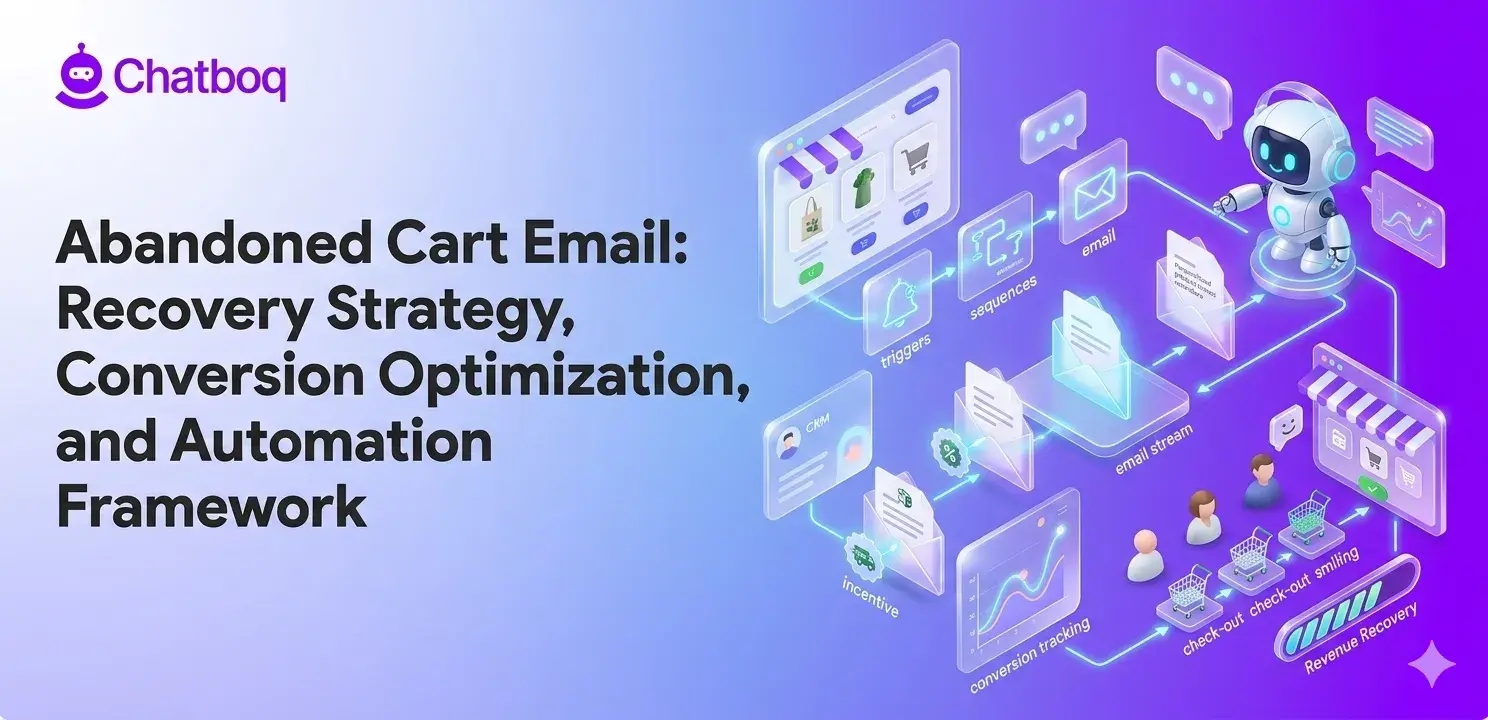
An abandoned cart email works by detecting when a customer adds items then exits. Behavioral triggers and automation workflows then determine when abandoned checkout emails should enter the recovery sequence. After a delay, an automated email reminds the customer.
The email includes product images and checkout links. Customers click the link and return to their exact cart. No re-searching. No re-adding items. They resume from where they left.
Structured abandoned cart recovery emails typically improve checkout recovery performance more effectively than single-email workflows. The first email might be a gentle reminder. A second email might add incentive. The third email might emphasize urgency. Multiple touches recover more carts than single emails.
What are the most common reasons users abandon carts?
Shipping costs surprise customers. They add items then discover high shipping fees. Many abandon at this point. Free shipping messaging earlier prevents this.
Checkout demands too many steps. Some checkouts require account creation, address entry, payment details. Lengthy processes increase abandonment. Simplified checkouts reduce abandonment.
Payment concerns create hesitation. Customers worry about security. They lack trust in the payment processor. Security badges and trust signals reduce abandonment.
Distractions interrupt checkout. Customers get calls, notifications, or unexpected tasks. They close the browser intending to return. They forget about the cart.
Price comparison causes abandonment. Customers check competitors. If prices are higher, they abandon them. If competitors offer better deals, they switch.

 ChatGPT
 Perplexity
 Claude


Leave a Comment
Your email address will not be published. Required fields are marked *
By submitting, you agree to receive helpful messages from Chatboq about your request. We do not sell data.