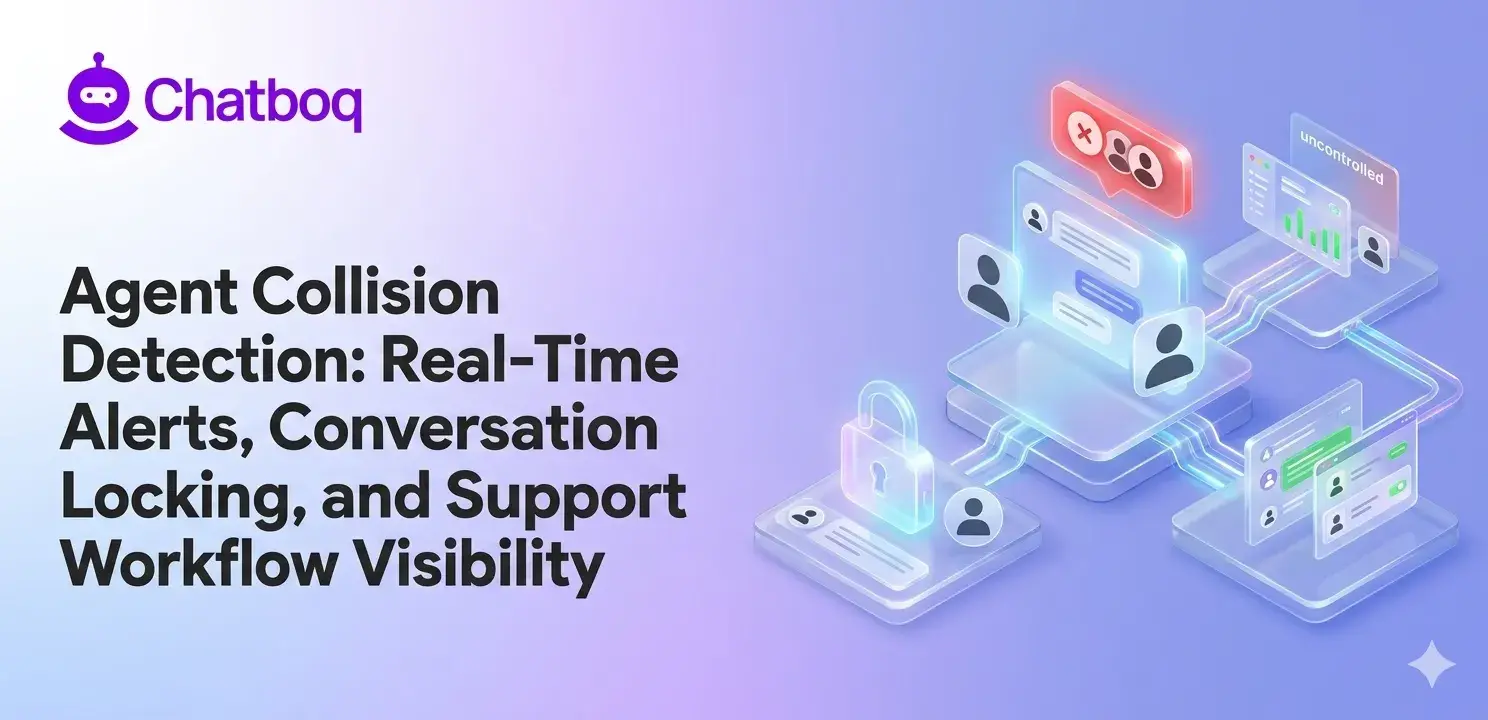
Agent collision detection relies on six core features: real-time typing indicators, presence indicators showing active agents, duplicate reply alerts and warnings, conversation locking preventing simultaneous edits, internal notes for agent coordination, and activity logs documenting all actions.
Real-time typing indicators
Typing indicators show when an agent is composing a response. These appear as "Agent name is typing" messages visible to other agents.
Typing indicators must update instantly as an agent types. Delays make them useless. A 5-second delay means agents might send duplicate responses before seeing the typing indicator.
Some platforms show partial text as agent type. Others just show the agent's name and "is typing." Both approaches work if updated in real time.
Active agent presence indicators
Presence indicators show which agents are actively working a conversation. An agent opening a ticket triggers a presence signal. Other agents see this signal immediately.
Presence indicators persist while an agent views a conversation. When the agent closes the ticket, the presence indicator disappears. This tells other agents the conversation is no longer being actively handled.
Color-coded indicators help. Green might mean an agent is actively typing. Yellow might mean they're viewing. Red might mean multiple agents engaged. Visual distinction helps agents recognize status quickly.
Duplicate reply alerts and warnings
Duplicate reply alerts warn agents before they send a response that might conflict with another agent's response. The alert appears as agents attempt to send.
The alert might say "Agent B just replied to this customer. Send anyway?" or "Multiple agents are replying. Cancel and let Agent A respond."
Some alerts block sending entirely, forcing agents to acknowledge before proceeding. Others warn but allow sending. Blocking collision alerts are typically more effective than passive warning alerts in reducing duplicate replies.
Conversation locking mechanisms
Conversation locking prevents simultaneous edits when multiple agents try to update the same ticket simultaneously. When Agent A opens a conversation, it locks so Agent B can't modify it at the same time.
Locks include timeouts. A conversation shouldn't remain locked indefinitely if an agent forgets and closes their browser. Typical timeouts are 5-15 minutes.
Locking shows who locked the conversation. "This conversation is locked by Agent A" tells Agent B to wait or skip the conversation.
Internal notes and mentions
Internal notes are visible to agents but not customers. Agents post notes to coordinate work. "I'm researching this issue" tells other agents not to duplicate research.
Mentions work like social media tags. Agent A types "@Agent B" and Agent B gets notified. This coordinates work without accidental duplication.
One-click note posting increases adoption. If posting notes requires multiple clicks, agents skip the feature.
Activity logs and audit trails
Activity logs record every action on a conversation: who viewed it, when they viewed it, what they changed, when they changed it. These logs create accountability and help identify collision patterns.
Audit trails show the exact sequence of events. If a customer disputes a timeline, audit trails prove when each action occurred. Logs also help identify when collisions happen.
Logs are most operationally effective when presented visually. Raw logs with timestamps are hard to understand. Timelines or summary reports make patterns visible.

 ChatGPT
 Perplexity
 Claude



Leave a Comment
Your email address will not be published. Required fields are marked *
By submitting, you agree to receive helpful messages from Chatboq about your request. We do not sell data.