
You can set up an AI chatbot on an Ecommerce website by installing a chat widget and connecting it to your store’s data and support workflows. This setup allows shoppers to get instant answers during browsing and checkout without waiting for human agents.
When Ecommerce websites lack real-time support, customer questions go unanswered. Shoppers hesitate during product selection or payment, carts are abandoned, and sales opportunities are lost.
AI chatbots solve this by providing immediate, automated assistance at key decision moments. They answer common questions, guide product selection, support checkout, and escalate complex issues to human agents when needed.
The setup process follows a clear set of steps:
-
Defining chatbot goals and Ecommerce use cases
-
Choosing a chatbot platform that fits store needs
-
Preparing the website domain and technical setup
-
Building conversation flows and escalation logic
-
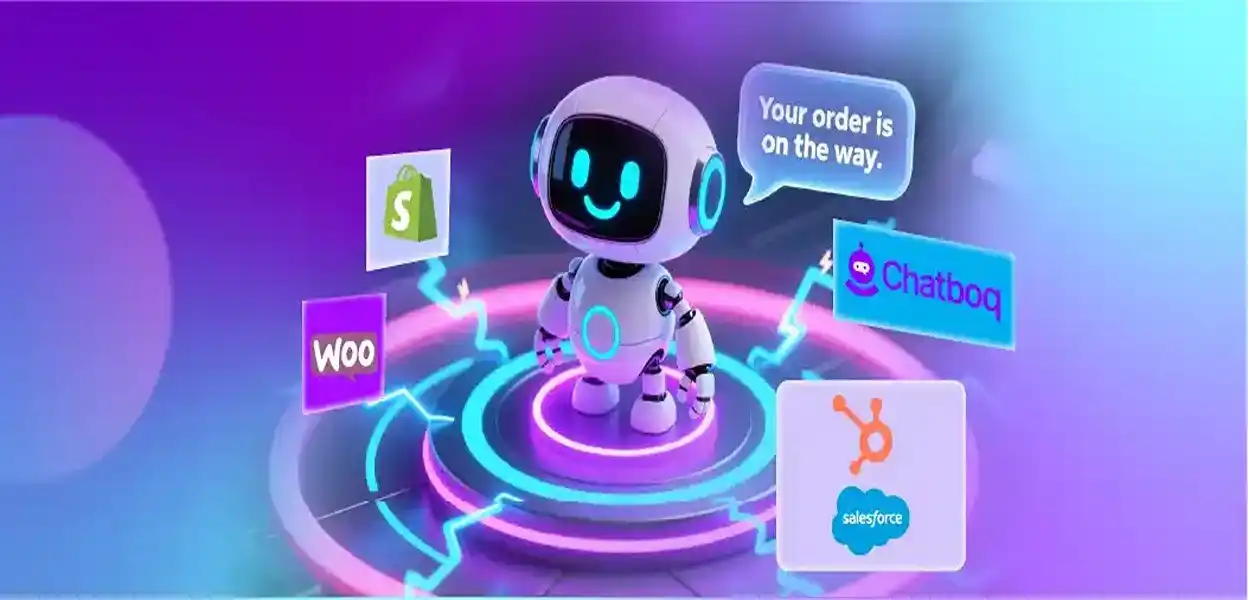
Integrating CRM, inventory, and order systems
-
Testing, launching, and optimizing performance
This setup is most useful for Ecommerce stores with growing traffic, frequent customer questions, or checkout drop-offs. Smaller stores can start with basic FAQ automation and expand chatbot capabilities as sales volume and support demand increase.
This guide explains each step in detail and shows how to set up AI chatbots that support both sales and customer experience without losing personalization.
 ChatGPT
 Perplexity
 Claude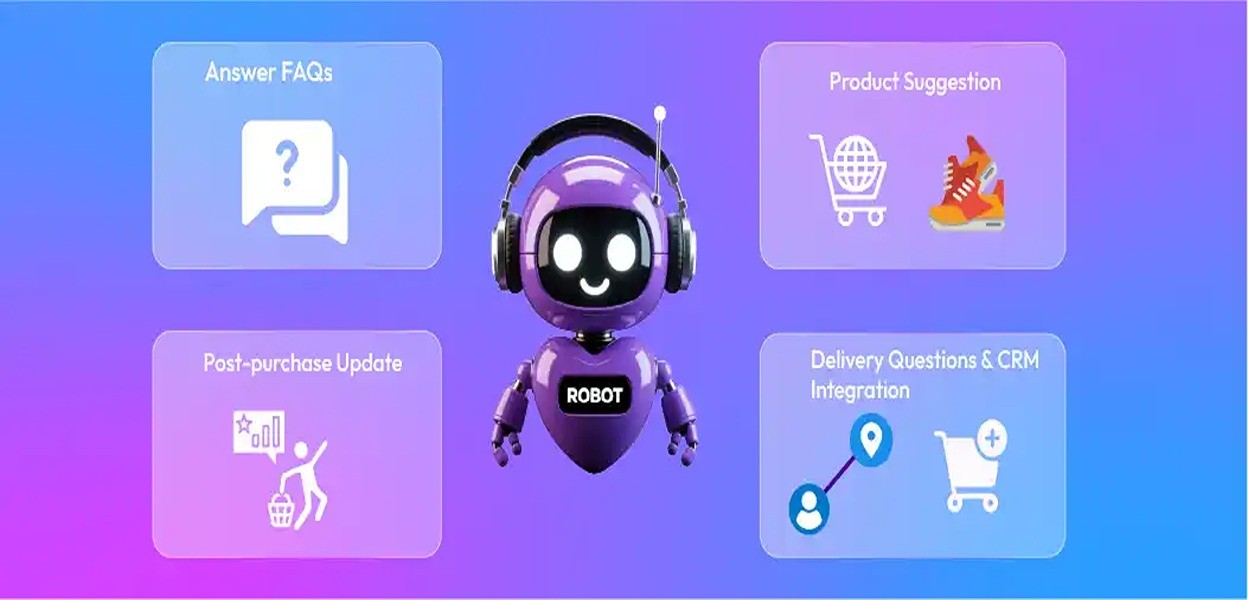



Leave a Comment
Your email address will not be published. Required fields are marked *
By submitting, you agree to receive helpful messages from Chatboq about your request. We do not sell data.