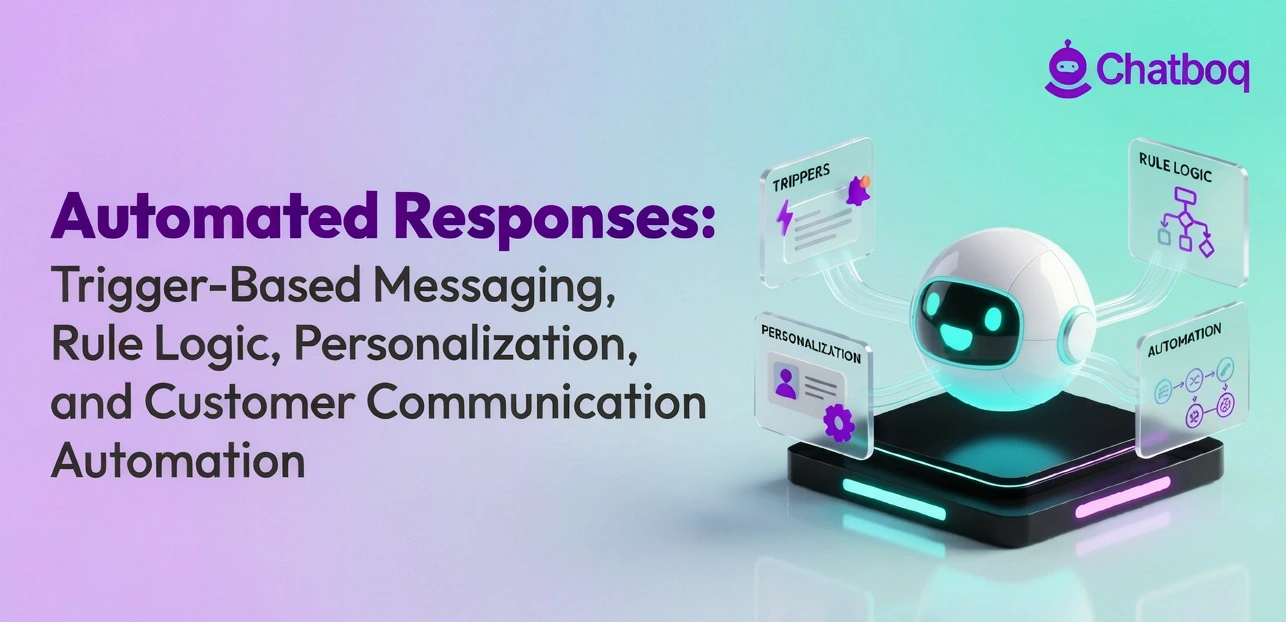
Automated responses range from instant acknowledgment messages to AI-generated replies, each suited to specific communication needs and workflow types.
Instant replies
Instant replies fire the moment a trigger event occurs. A customer sends a message on WhatsApp, and within seconds they receive a reply confirming their request is received. These responses set expectations and reduce perceived wait time. They are common in customer support platforms and Meta Business Suite messaging workflows.
Out-of-office responses
Out-of-office automated replies activate based on a time or availability condition. Gmail and Outlook both support this natively. The system checks availability conditions and automatically delivers the configured response template to incoming email communication.
FAQ and canned responses
Canned responses are pre-written response templates used for repetitive inquiries and automated support replies. Support platforms store these templates and trigger them when a keyword or category matches the user's request. They reduce handling time for repetitive inquiries without requiring the agent to type a fresh reply each time.
Trigger-based workflow responses
Workflow triggers activate entire response sequences. A user submitting a lead form might receive an immediate acknowledgment, a follow-up email after 24 hours, and a qualification message after 48 hours. Each step is automated based on time elapsed and user actions. This is the core structure behind workflow automation messaging and automated response workflows.
AI-generated responses
AI automated responses use language models to generate replies rather than pulling from a fixed template. These systems analyze the incoming message, detect intent, and produce a relevant reply. They work effectively in high-variability customer communication environments where canned responses and rule-based messaging cannot reliably interpret user intent.
What are real-world examples of automated responses?
Real-world automated responses appear in support chats, email inboxes, e-commerce notifications, and lead capture tools, each triggered by a specific user action or system event.
Customer support chat replies
When you open a chat widget on a support website, the first message you receive is usually an automated reply. It acknowledges your message, provides an estimated wait time, and often asks a clarifying question to route your request. Platforms like Zendesk and Intercom manage these automated support replies using rule engines tied to ticket categories and queue status.
Email auto-responses
Automated email responses are among the most familiar. They include order confirmations from e-commerce stores, password reset messages, subscription confirmations, and out-of-office replies. Tools like HubSpot automate these through trigger-based email sequences tied to user behavior or CRM data.
Lead capture and qualification replies
When a visitor fills out a contact form, an automated response fires immediately. It confirms receipt and often delivers a follow-up question to qualify the lead. This allows lead qualification workflows to continue automatically without requiring constant monitoring from sales teams. Response automation in lead capture workflows directly affects conversion rates and customer engagement.
Order and transaction notifications
E-commerce platforms use push notifications, SMS messaging, and automated replies when an order is placed, shipped, or delivered. These are automated responses triggered by changes in order status. They require no manual action and give customers real-time updates through omnichannel messaging.

 ChatGPT
 Perplexity
 Claude


Leave a Comment
Your email address will not be published. Required fields are marked *
By submitting, you agree to receive helpful messages from Chatboq about your request. We do not sell data.