
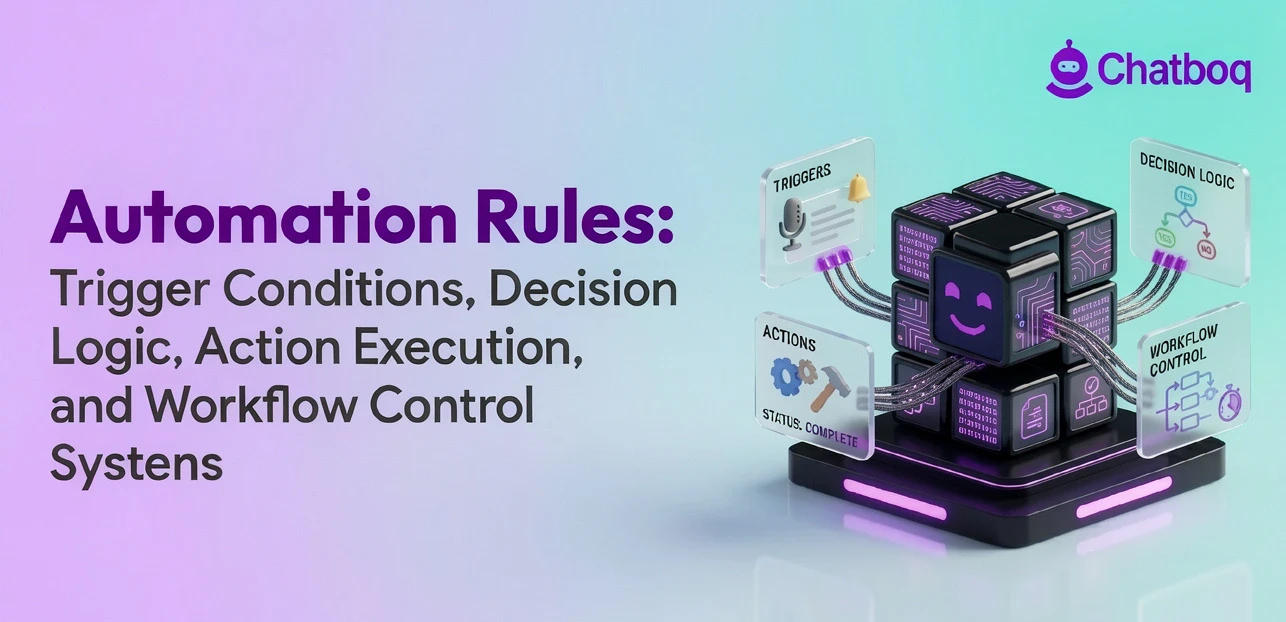
Automation rules are structured instructions that tell a system when to act, what to check, and what to do next, without waiting for a person to step in. Each rule follows a trigger-condition-action model. When a defined event occurs, the rule evaluates conditions and executes an action if those conditions are met. This is how automated systems handle repetitive tasks across support, sales, and operations without manual input.
You will find automation rules operating inside most business workflows today. Ticket routing in helpdesk platforms, lead assignment in CRM systems, and alert notifications in project tools all run on rule logic. Platforms like Salesforce, HubSpot, Jira, and Asana use rule engines to evaluate conditions and trigger actions at scale. The quality of your rule design directly determines how reliably those workflows perform.
Rule-based automation differs from workflows and scripts in how it handles logic. Rules respond to events in real time using conditional logic. Workflows sequence multiple steps across a process. Scripts execute fixed code. Understanding these distinctions helps you choose the right approach for each process you want to automate. You also need to know when automation rules fail, since overcomplicated rule systems and rule conflicts are the most common causes of workflow breakdowns.
Automation rules rely on trigger events, conditional logic, rule engines, and action execution systems to control how workflows move through support, CRM, operations, and project management environments. Rule hierarchy, event processing, workflow orchestration, AI-driven decision logic, and cross-platform automation layers determine how efficiently automated systems respond to changing inputs and operational volume.
 ChatGPT
 Perplexity
 Claude





Leave a Comment
Your email address will not be published. Required fields are marked *
By submitting, you agree to receive helpful messages from Chatboq about your request. We do not sell data.