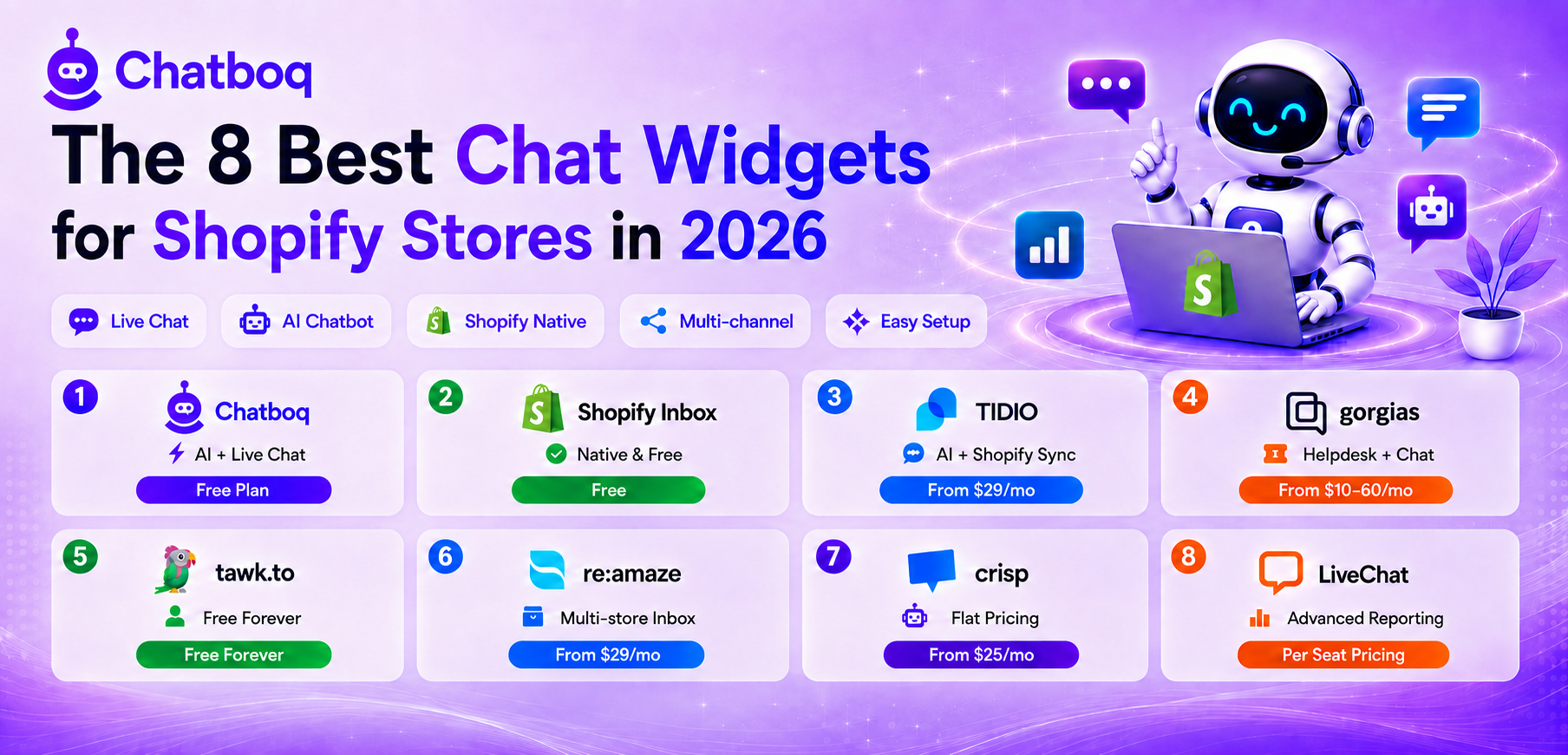
Chatboq, Shopify Inbox, Tidio, Gorgias, Tawk.to, Re:amaze, Crisp, and LiveChat cover the range of chat widgets Shopify merchants evaluate in 2026, from the free native option to ecommerce-focused helpdesk-grade platforms.
1. Chatboq
Best for
Shopify merchants who want live chat, an AI chatbot, and a multichannel inbox running together in one platform rather than stitching together separate tools.
Key features
A fully customizable live chat widget with typing indicators, message editing, and file and voice sharing; an AI chatbot trained on your store's own content for automated customer support; a multichannel inbox unifying WhatsApp, Instagram, Messenger, Telegram, and Discord alongside native Shopify and CRM integrations (Zoho, Pipedrive); mobile apps for managing conversations on the go; and a built-in ticketing system with SLA tracking and email-to-ticket conversion for stores that need structured support workflows, not just chat.
Pricing
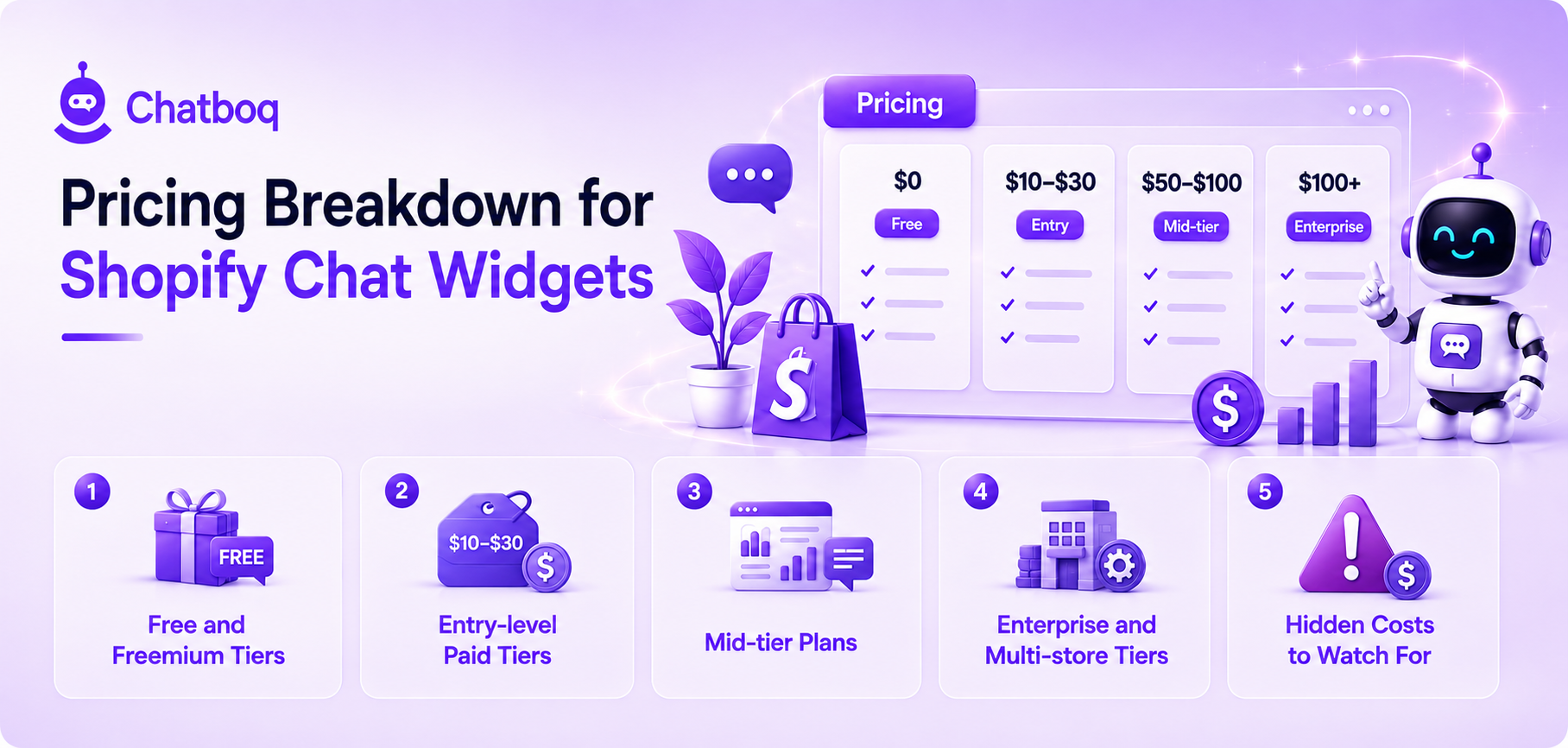
Chatboq offers one of the more accessible entry points among Shopify chat widgets: a genuinely free live chat plan, Starter at $35/month, and Essentials at $85/month, and the full AI chatbot suite — AI reply assistant, multilingual AI, and AI writing assistant — plus every major messaging integration. A custom Enterprise plan is available for high-volume stores needing unlimited agents and advanced AI automation.
Limitations
Its dedicated ticketing system is still rolling out rather than fully mature, so stores needing complex, structured ticket workflows on top of chat may want to evaluate that roadmap before fully committing.
2. Shopify Inbox
Best for
Any Shopify store that wants a genuinely free, zero-setup chat widget with basic order context built in.
Key features
Native integration with Shopify order and customer data, automated replies for common questions, and direct access from the Shopify admin without a separate app login.
Pricing
Free for all Shopify merchants.
Limitations
It lacks advanced AI chatbot capability, deeper automation, and multichannel messaging beyond the storefront, which is where most stores eventually look to a third-party app instead.
3. Tidio
Best for
Shopify stores that want a deep, native Shopify integration showing order status and cart contents directly inside the chat window, paired with an AI chatbot.
Key features
Live chat with real-time visitor tracking, an AI agent called Lyro for automating common questions, and native Shopify actions like order lookups available from its Growth tier upward.
Pricing
A free plan covers a limited number of conversations monthly; paid tiers run Starter around $29 per month, Growth from around $59 per month, and higher tiers well beyond that, with Lyro AI and Flows automation billed as separate add-ons.
Limitations
Pricing is based on billable conversations rather than seats, and real total cost climbs quickly once the separately billed Lyro AI and Flows add-ons are included, often two to three times the advertised base price.
4. Gorgias
Best for
Shopify stores that want a full helpdesk experience, not just a chat widget, with support tickets and chat unified around order data.
Key features
A shared inbox unifying chat, email, and social messages, macros with dynamic order variables, and an AI Agent built specifically around ecommerce workflows.
Pricing
Priced by ticket volume rather than agent seats, with unlimited users on every paid plan; list pricing starts around $10 to $60 monthly at lower tiers and scales with ticket volume from there.
Limitations
It's built around full helpdesk ticketing more than a lightweight chat widget alone, which is more capability, and more cost, than a small store focused purely on live chat may need.
5. Tawk.to
Best for
Budget-conscious stores that want a genuinely free, full-featured live chat widget without a paid tier gate.
Key features
Unlimited conversations and agents on the free plan, visitor tracking, basic ticketing, and mobile apps for responding on the go.
Pricing
Free with unlimited agents and conversations; optional paid add-ons like hiring a live agent or removing branding are available separately.
Limitations
Its AI chatbot and automation capabilities are considerably lighter than paid, ecommerce-focused competitors, making it better suited to stores that mainly need a human-staffed chat widget.
6. Re:amaze
Best for
Merchants running multiple Shopify stores or brands who want to manage all of their conversations from a single unified dashboard.
Key features
Multi-brand and multi-store management from one account, a combined live chat and FAQ bot, and workflow automation based on customer tags or order history.
Pricing
Paid plans start around $29 per user monthly on annual billing, with no permanent free plan beyond a trial.
Limitations
Its multi-brand strength is most valuable specifically for merchants running several stores; a single-store merchant may not need that particular capability enough to justify it over a cheaper single-store tool.
7. Crisp
Best for
Small teams that want a flat, predictable workspace price rather than pricing that scales with conversation volume or agent seats.
Key features
A shared inbox, basic chatbot flows with a visual builder, and a CRM layer bundled into the platform.
Pricing
A free plan covers a small number of seats; paid tiers start around $25 monthly, with more advanced AI chatbot features gated to higher tiers that run well beyond that.
Limitations
Its AI chatbot capability is reserved for its higher-priced tiers, so a store specifically wanting AI automation needs to budget for a plan well above the entry price.
8. LiveChat
Best for
Stores that want an established, broadly adopted live chat platform with strong reporting, even outside a pure Shopify-only context.
Key features
Detailed chat and agent performance reporting, ticketing, and a wide range of integrations beyond ecommerce alone.
Pricing
No permanent free plan, only a trial; paid tiers are priced per agent seat, generally positioning it as a mid-range option in this category.
Limitations
It's less purpose-built for ecommerce specifically than Gorgias or Tidio, so some Shopify-specific context may take more manual configuration to surface inside the chat window.

 ChatGPT
 Perplexity
 Claude




Leave a Comment
Your email address will not be published. Required fields are marked *
By submitting, you agree to receive helpful messages from Chatboq about your request. We do not sell data.