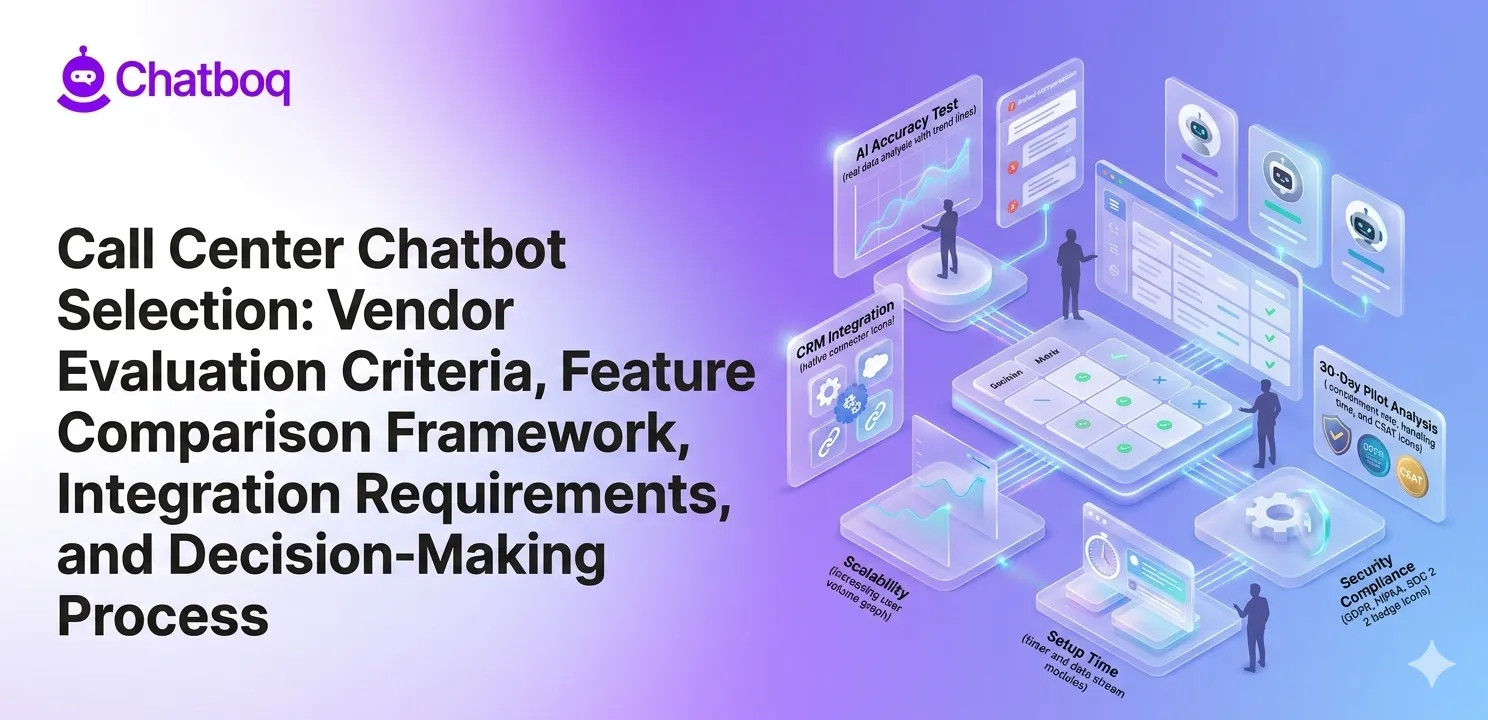
When choosing a call center chatbot, evaluate AI capability, ease of setup and maintenance, integration with CRM and support systems, scalability under high volume, and security and compliance, as each factor determines real-world performance.
Each of these criteria should be evaluated separately to understand where a vendor succeeds or fails.
AI capability - NLP, automation accuracy, and intent recognition
The foundation of any call center chatbot is its ability to understand what a customer is saying, even when the language is messy, incomplete, or informal.
Evaluate NLP accuracy using real transcripts from your call center, not vendor-provided demo scripts. Ask the vendor to run their model against your actual customer language. What percentage of intents does it recognize correctly? Where does it fail?
Automation depth matters equally. Can the chatbot resolve a billing query end-to-end without human intervention? Or does it only collect information and then hand it off? The difference between partial and full automation directly affects cost per resolution.
According to Salesforce's State of Service report, 80% of service organizations now use or plan to use AI automation. The gap is not in adoption, it is in accuracy. Vendors with weak NLP training produce bots that frustrate customers and increase escalation rates.
Ease of setup and maintenance
A chatbot that takes six months to deploy can be a liability unless your use case requires that level of complexity and customization. Evaluate how quickly you can build and launch a basic flow. Evaluate who needs to maintain it, does it require a developer for every update, or can your operations team manage it?
Low-code configuration reduces dependency on technical resources. It also means your call center managers can adjust conversation flows based on seasonal demand without waiting for a sprint cycle.
Ask vendors directly: how long does initial setup take? What does ongoing maintenance require? What happens when you need to add a new intent or update a response?
Integration with CRM, ticketing, and call center systems
Integration is where most chatbot deployments break down. A conversational AI platform that cannot connect to your support ticket system or live chat software is a silo. It handles conversations but creates no operational record.
Your chatbot must integrate with your CRM to access customer history. It must connect to your ticketing system to create, update, and resolve cases. It must link to your voice system if you support phone-based IVR automation.
Integration depth matters more than integration availability. A native integration behaves differently from a webhook-based connection. One is stable under load. The other is not.
Scalability and performance under high volume
Chatbot performance during peak load is a separate evaluation category. Ask vendors for SLA commitments on uptime and response time. Ask for case studies from clients with comparable or higher volume than yours.
The system must handle concurrent sessions without performance degradation. Can it maintain sub-two-second response times at 10x your average load? What happens when a spike occurs, does it queue, degrade, or fail?
Scalability also means geographic performance. If your customers span multiple regions, evaluate latency at each location.
Security and compliance requirements
If your call center handles financial, medical, or personal data, compliance is not optional. Evaluate whether the vendor supports your required certifications: SOC 2, HIPAA, GDPR, PCI DSS, or regional equivalents.
Ask specifically: where is data stored? How long is it retained? Who has access to conversation logs? What happens to data when you terminate the contract?
Vendors who cannot answer these questions clearly represent compliance risk. That risk compounds if you operate in a regulated industry.

 ChatGPT
 Perplexity
 Claude


Leave a Comment
Your email address will not be published. Required fields are marked *
By submitting, you agree to receive helpful messages from Chatboq about your request. We do not sell data.