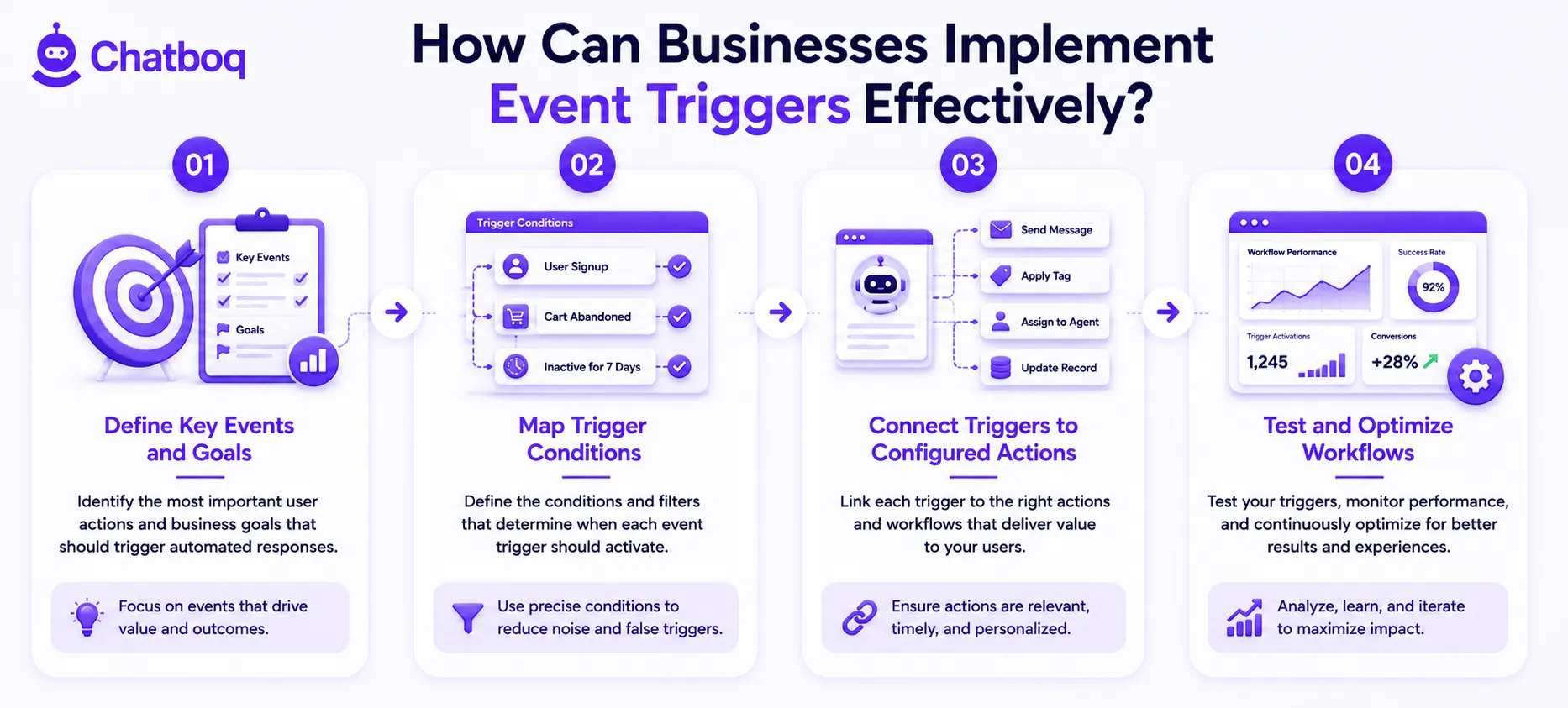
Effective event trigger implementation follows a 4-step process: defining key events and goals, mapping trigger conditions, connecting triggers to configured actions, and testing and optimizing workflows.
Define Key Events and Goals
Implementation begins by identifying the customer events that have the highest correlation with the business outcomes the automation should drive. For a SaaS business, these events are signup, first login, feature activation, usage milestone, and churn risk signals. For an ecommerce business, they are cart addition, checkout initiation, abandonment, purchase, and repeat visit. For a customer support operation, they are ticket submission, SLA proximity, escalation threshold, and resolution.
Each event maps to a specific business goal: activation events map to onboarding optimization, abandonment events map to conversion recovery, SLA events map to service quality. Defining events and goals before configuring triggers prevents the common implementation failure of building triggers that activate frequently without connecting to meaningful business outcomes.
Map Trigger Conditions
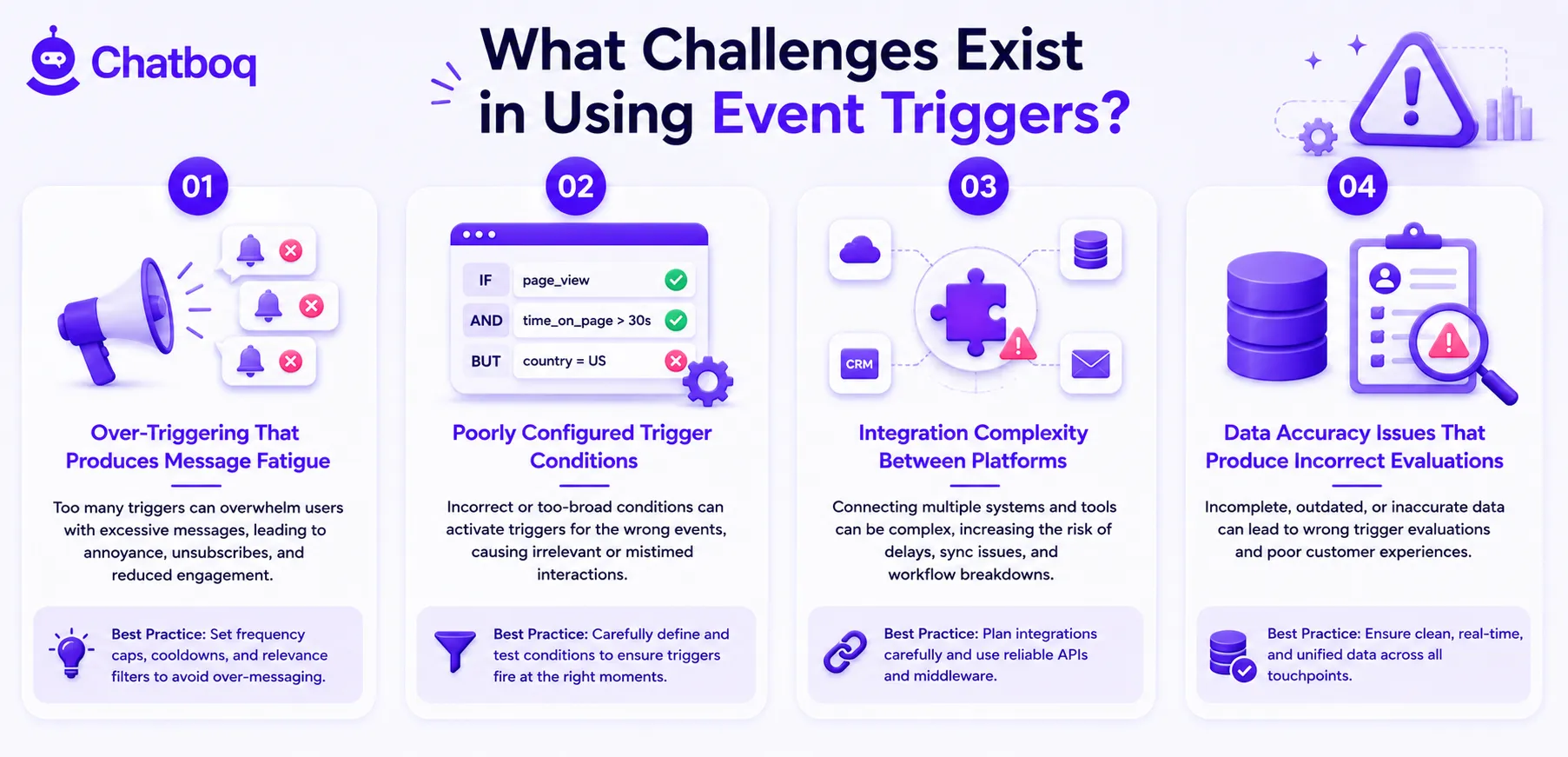
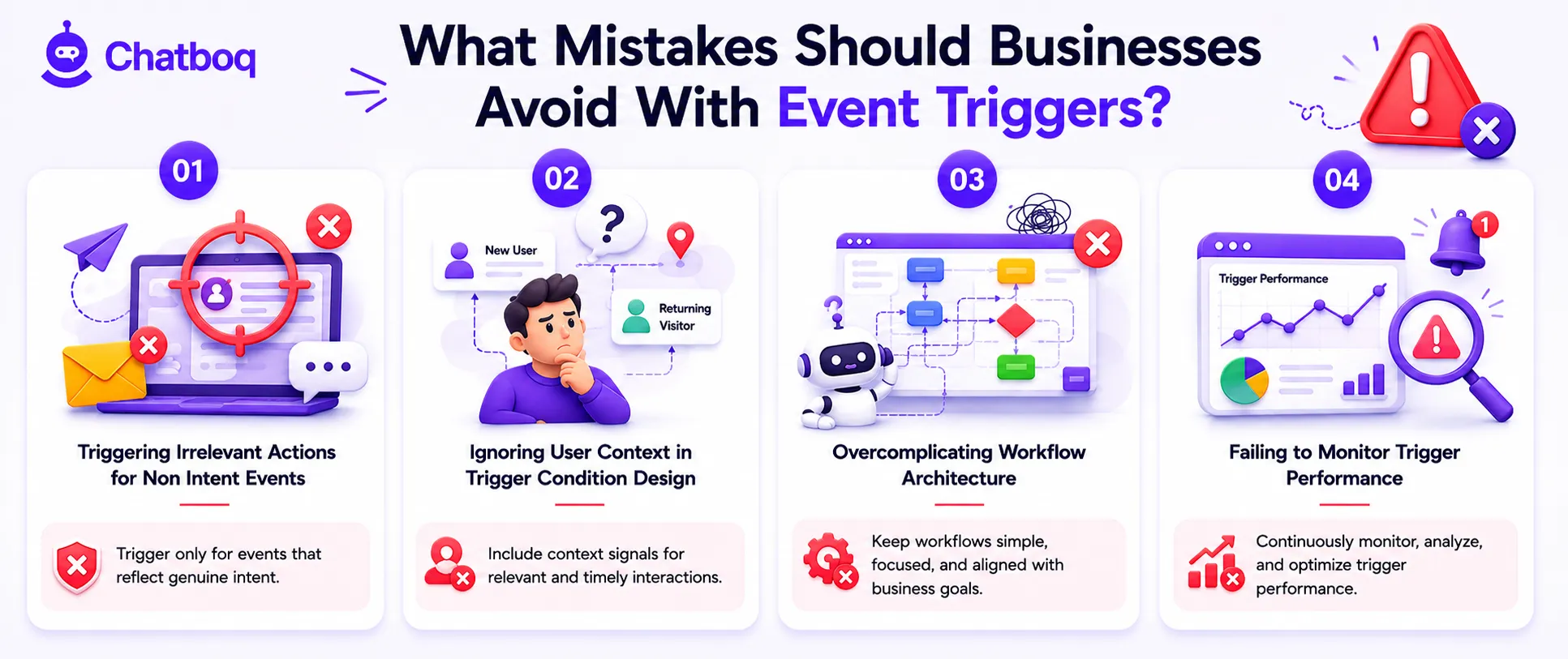
Trigger condition mapping defines the qualifying criteria that distinguish high-intent events from low-signal noise. A pricing page visit is not automatically a purchase intent signal: the trigger condition must specify that the visit qualifies only when the visitor has been on the page for more than 90 seconds, has visited more than twice in 7 days, and has not previously triggered this workflow.
Condition specificity reduces false positive activations that generate irrelevant automated interactions. Multi-condition triggers that require 2 or more qualifying criteria simultaneously produce higher intent accuracy than single-condition triggers. Condition mapping should include suppression rules that prevent re-triggering for customers who have already received the triggered workflow within a defined time window.
Connect Triggers to Actions
Action configuration defines what the automation engine executes when the trigger condition is met. Actions include sending a channel-specific message (email, SMS, in-app notification, chatbot message), updating CRM fields with event data, creating a task for a sales or support team member, initiating a multi-step sequence, or routing a conversation to a specific agent.
Action personalization uses the event data and CRM context to customize the message content for each triggered customer. Webhook and API integration connect trigger actions to external platforms: a trigger in the automation platform executes an API call that creates a record in the CRM, sends data to the support ticketing system, or initiates a workflow in a connected tool.
Test and Optimize Workflows
Trigger workflow testing validates that the condition evaluation activates correctly for the intended events, that the action executes and delivers as configured, and that suppression rules prevent duplicate activations. Testing requires creating test accounts that perform the triggering events in a controlled environment and verifying that the trigger activates, the action executes, and the outcome records correctly.
A/B testing compares trigger condition variations (different timing thresholds, different behavioral criteria) and action variations (different message content, different channel selection) to identify which configuration produces the highest conversion and engagement rates. Monthly performance review of trigger activation volume, action completion rate, and downstream outcomes identifies triggers requiring condition refinement or action optimization.

 ChatGPT
 Perplexity
 Claude




Leave a Comment
Your email address will not be published. Required fields are marked *
By submitting, you agree to receive helpful messages from Chatboq about your request. We do not sell data.