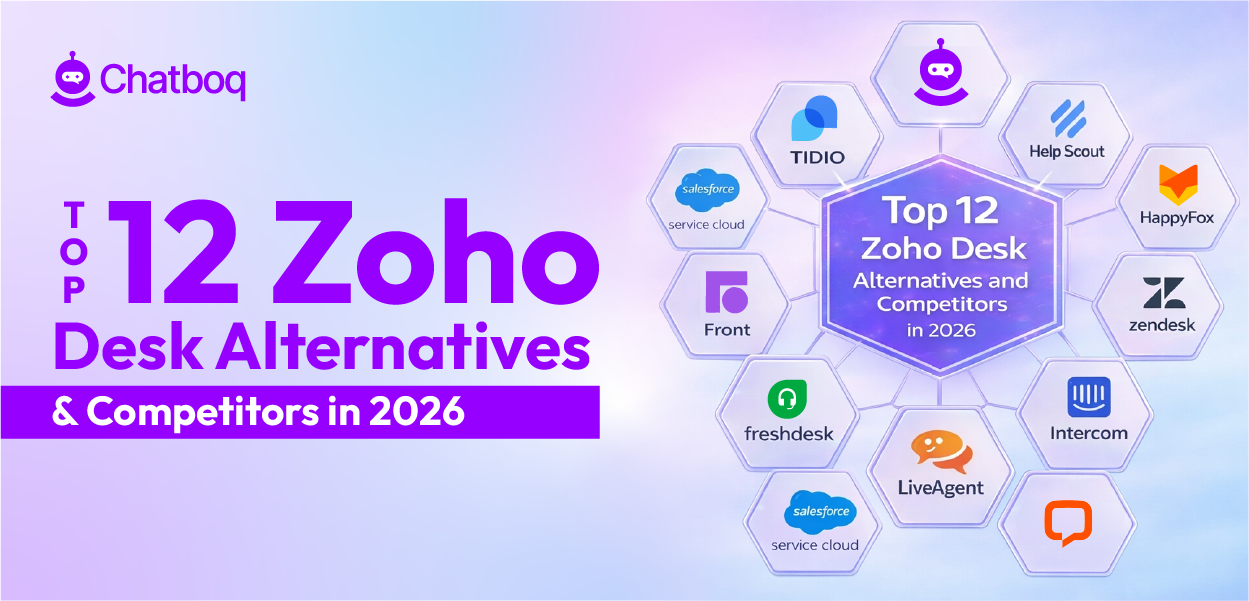
Below, you’ll find detailed reviews of each Zoho Desk alternative listed above.
Each platform follows the same structure so you can compare AI automation, workflow control, reporting and analytics, integrations, and pricing without confusion.
1. Chatboq - All-in-One AI Chatbot & Live Chat Platform
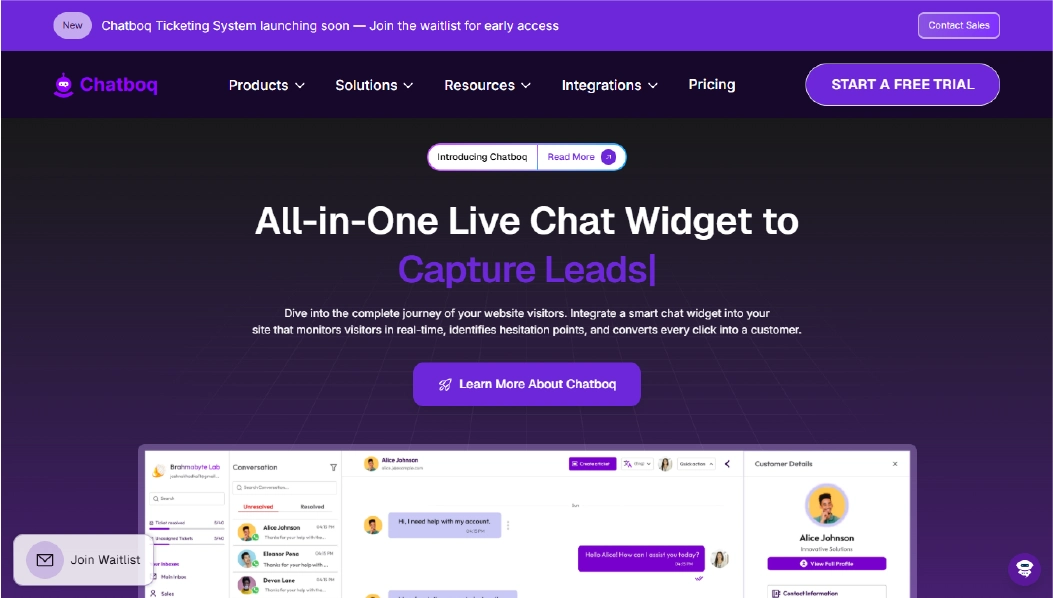
Chatboq is an all-in-one AI chatbot and live chat platform that keeps customer conversations organized inside one structured workspace. It combines live chat, ticket management, SLA tracking, AI reply assistance, and multichannel messaging without heavy configuration layers.
Teams can manage real-time chat, email-created tickets, and cross-channel conversations from a single dashboard. Each workspace supports organization-specific priorities, custom statuses, and defined SLA policies. Default templates are available, so most teams can begin immediately and refine workflows over time.
Chatboq is built for support teams that need structured ticket lifecycle control without enterprise-level complexity. Permissions, roles, ticket priorities, and routing logic are clearly defined per organization. This reduces admin confusion as teams grow.
Why It’s a Strong Zoho Desk Alternative
Chatboq addresses the areas teams evaluate when comparing Zoho Desk alternatives, including workflow clarity, AI automation control, SLA enforcement, and admin simplicity.
Zoho Desk offers strong ticketing and CRM integration. However, review feedback on G2 and Capterra often mentions configuration depth, hidden UI elements, and role complexity as operations expand.
Chatboq keeps workflow automation visible and adjustable. SLA rules are defined per organization, with automatic alerts when tickets reach 85% of their resolution time. AI reply assistance is trained using your own documents, FAQs, and conversation history. Ticket lifecycle control includes Kanban view, merge options, parent–child relationships, and full history tracking.
This improves response consistency without increasing operational overhead.
Chatboq Core Strengths
-
AI-powered helpdesk software with built-in reply assistant
-
AI knowledge training using FAQs, documents, articles, and past conversations
-
Live chat with typing indicators, voice messages, and file attachments
-
Ticket creation from chat and email
-
Custom SLA tracking with automated resolution alerts
-
Auto-priority adjustment when SLA thresholds are near
-
Kanban view for structured ticket lifecycle control
-
Ticket merge, parent–child relationships, watchers, and full history logs
-
Role-based permissions with custom team creation
-
Workspace isolation for multi-organization management
-
Visitor tracking with IP detection and country visibility
-
Trigger-based campaigns with AND/OR logic and segmentation
-
Multichannel messaging integrations (WhatsApp, Messenger, Instagram, Slack, Telegram, Discord, Line)
-
CRM integration including Zoho CRM and PipeDrive
-
Plan-based billing with workspace-level subscription control
Why Chatboq Is Better than Zoho Desk
Chatboq combines live chat, AI automation, and SLA tracking inside one structured system. Ticket priorities, statuses, and SLAs are defined per workspace, which prevents cross-team confusion.
Zoho Desk offers strong ticketing and CRM integration. However, as teams grow, setup layers can increase. Reviews often mention role complexity and workflow configuration overhead.
Chatboq keeps workflow control visible. SLA alerts trigger automatically. AI replies are trained on your own documents and conversations. Multichannel messaging is built into the same workspace.
For teams that want clearer admin control and predictable scalability, Chatboq reduces operational friction.
Limitations
-
Not positioned as a legacy ITSM platform for heavy internal infrastructure management
-
Enterprise CRM ecosystems may offer broader native marketplace integrations
-
AI structured reasoning for highly analytical enterprise workflows is still evolving
Best For
-
Ecommerce customer support teams
-
SaaS teams needing SLA enforcement
-
SMB support operations
-
Managed Service Providers handling multiple workspaces
-
Teams seeking AI-powered ticketing with structured workflow automation
Pricing Snapshot
-
Plan-based subscription model
-
Workspace-level billing control
-
Card and invoice management
-
Not strictly per-agent pricing
-
Scales by organization structure and usage volume
2. Tidio - Live Chat and AI Chatbot for Small Businesses
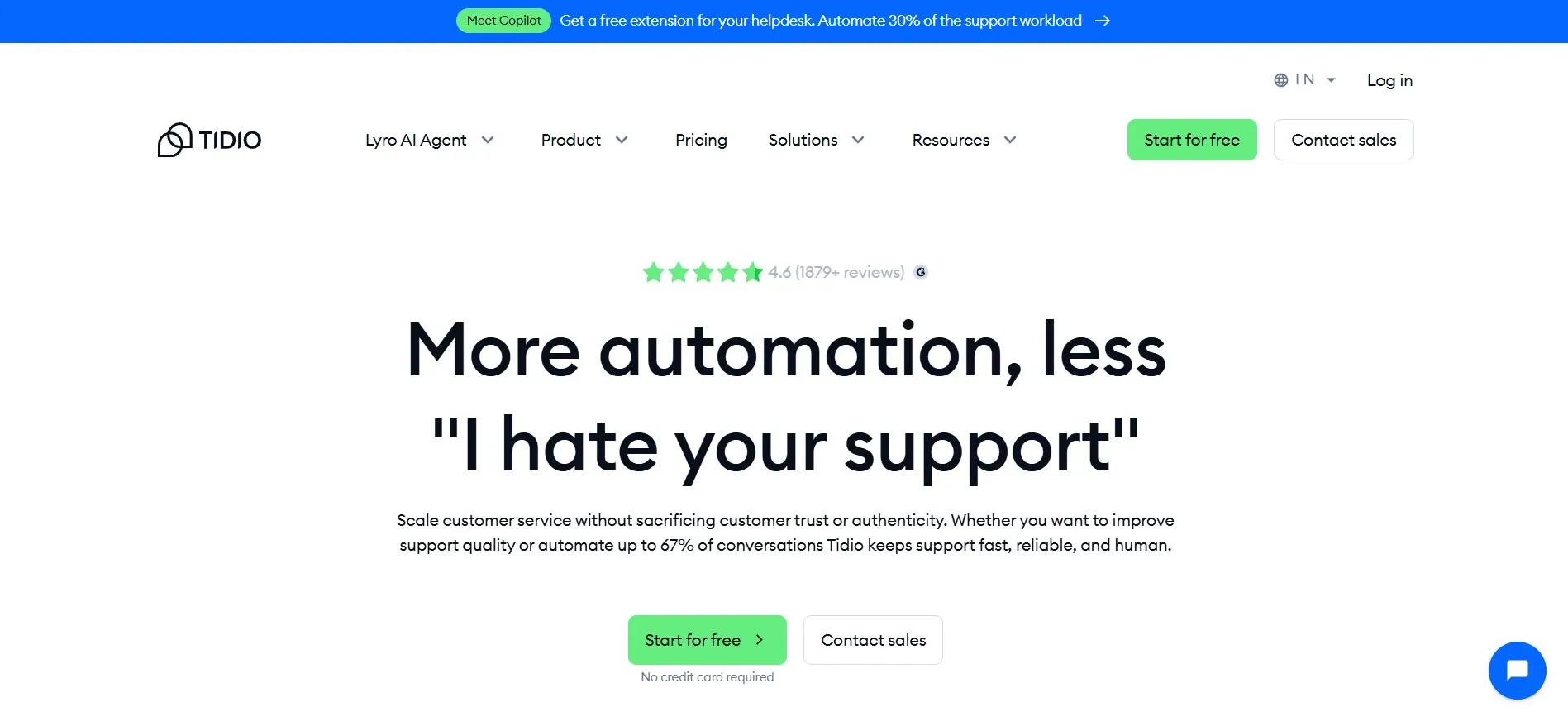
Tidio is a live chat and AI chatbot platform designed for small businesses and ecommerce support teams.It combines website live chat, chatbot automation, and basic conversation management in one interface. Many Shopify and WooCommerce stores use Tidio to manage customer conversations and reduce response time.
Tidio focuses on fast setup and simple automation workflows. Teams can install the chat widget, create chatbot flows, and begin handling live conversations without complex onboarding. For small businesses comparing Zoho Desk alternatives for ecommerce, Tidio is often evaluated as a lighter option.
Why It’s a Strong Zoho Desk Alternative
Tidio addresses a different need than Zoho Desk. While Zoho Desk is built as structured help desk software with deep ticket management, Tidio focuses on live chat automation and AI chatbot engagement.
Teams that find Zoho Desk too complex or heavy for early-stage operations may prefer Tidio’s simpler interface. It reduces setup time and allows basic workflow automation without layered configuration.
For small ecommerce stores that prioritize chat-first customer experience over structured SLA tracking, Tidio can be easier to manage.
Tidio Core Strengths
-
Live chat with customizable chat widget
-
AI chatbot for automated replies and lead capture
-
Basic ticketing and conversation history
-
Integration with Shopify and ecommerce platforms
-
Email and Messenger conversation support
-
Automation workflows for common support questions
Why Tidio Is Better than Zoho Desk
Tidio is simpler to deploy. Setup takes minutes rather than days. The interface focuses on live chat first, not layered ticket configuration.
Zoho Desk provides structured ticket lifecycle control and SLA tracking. However, that structure can require deeper setup. Tidio reduces configuration overhead and allows small businesses to handle support without managing complex role systems.
For startups and small ecommerce brands looking for a Zoho Desk alternative for ecommerce, Tidio may feel more manageable.
Limitations
-
Limited advanced SLA tracking compared to structured help desk platforms
-
Reporting and analytics depth is lighter
-
Workflow customization options are narrower than enterprise systems
-
Less suitable for large enterprise support teams
Best For
Pricing Snapshot
-
Free plan available with limits
-
Paid plans scale by features and usage
-
Per-seat or usage-based pricing model
-
Lower entry cost than many enterprise help desk tools
Check out the best Tidio alternatives available on the market today.
3. Salesforce Service Cloud - Enterprise CRM-Integrated Support Platform
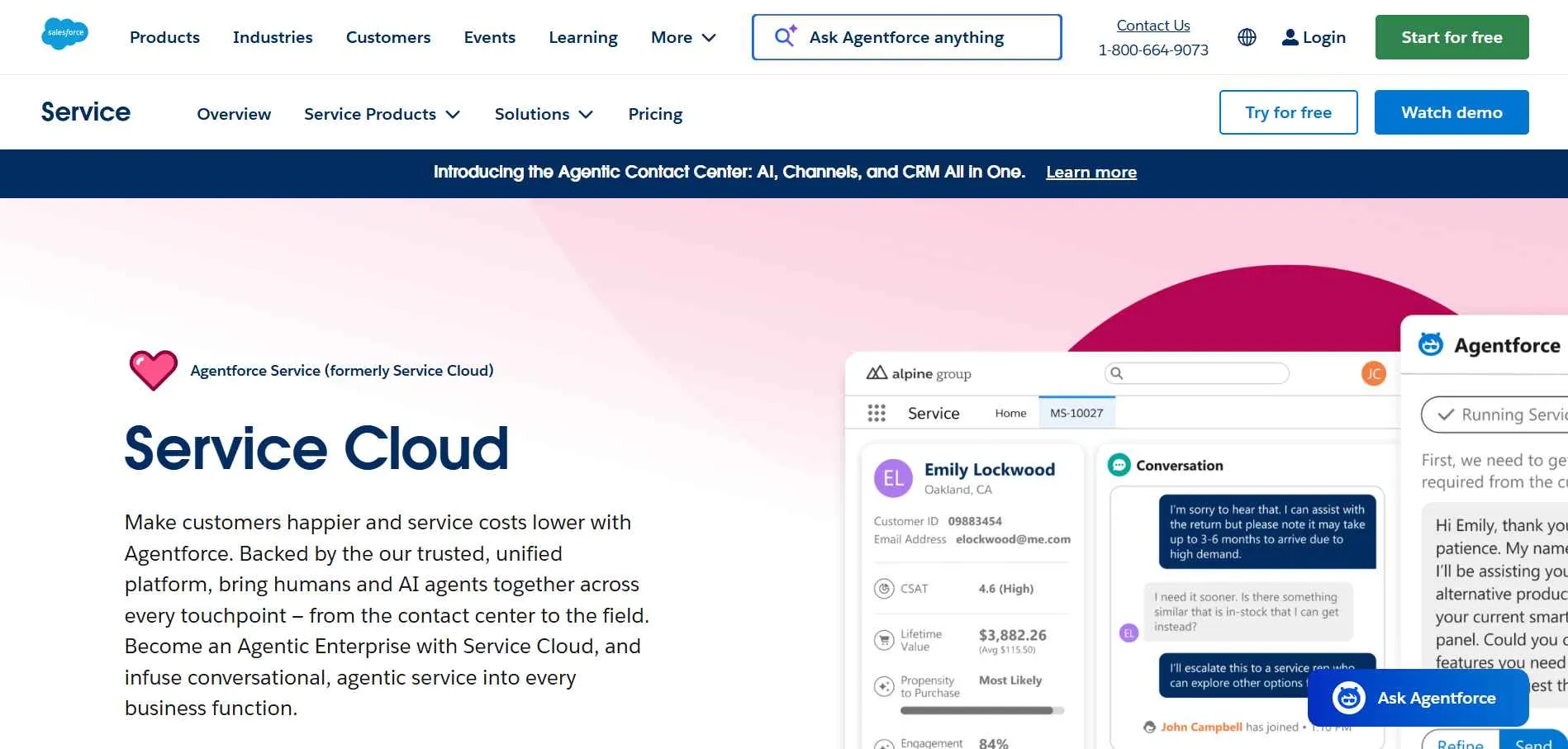
Salesforce Service Cloud is an enterprise customer service software built on the Salesforce CRM platform. It connects case management, omnichannel support, knowledge base systems, and AI automation inside a unified CRM environment.
Unlike lightweight help desk software, Salesforce Service Cloud is designed for large organizations that need deep CRM integration, structured workflows, and cross-department visibility. Cases, customer history, and service interactions are tied directly to CRM records.
If service cases must run inside CRM records and governance requirements are strict, Salesforce Service Cloud is a common Zoho Desk competitor to compare.
Why It’s a Strong Zoho Desk Alternative
Salesforce Service Cloud fits best when customer support must run inside CRM records and reporting must align across service and revenue teams. It connects case management directly to Salesforce CRM records, which allows service, sales, and support teams to work from the same customer data.
Zoho Desk provides structured ticketing and CRM integration within the Zoho ecosystem. That works well for many mid-sized teams. However, enterprises that require deeper CRM customization, complex API integrations, and cross-department automation often need broader control.
Salesforce Service Cloud supports case lifecycle management, AI-powered routing, omnichannel support across voice, chat, email, and social channels, and enterprise-grade reporting inside the CRM environment. This allows service data to align directly with pipeline and account records.
For organizations in banking, telecom, insurance, and large SaaS environments, CRM-connected case management can improve operational visibility across departments.
Salesforce Service Cloud Core Strengths
-
Deep CRM integration with Salesforce ecosystem
-
Omnichannel support including voice, chat, email, and social media
-
Enterprise-grade reporting and analytics
-
Knowledge base and self-service portal capabilities
-
API extensibility for custom enterprise integrations
Why Salesforce Service Cloud Is Better than Zoho Desk
Salesforce Service Cloud provides deeper CRM integration and enterprise scalability.
Zoho Desk supports CRM integration within Zoho tools. However, Salesforce Service Cloud connects service operations directly to a broader CRM and sales pipeline system. This allows unified reporting across departments.
For large organizations that require structured governance, strict data security controls, and advanced automation workflows across multiple teams, Salesforce Service Cloud provides a more enterprise-ready solution.
Limitations
-
Higher pricing compared to most Zoho Desk alternatives
-
Longer onboarding and configuration time
-
Requires trained administrators for full customization
-
May be excessive for small businesses
Best For
-
Enterprise support teams
-
Banking and financial institutions
-
Telecom and insurance companies
-
Large SaaS organizations
-
Companies already using Salesforce CRM
Pricing Snapshot
-
Tiered enterprise pricing model
-
Per-user monthly billing
-
Add-on costs for advanced AI and automation features
-
Scales for large global teams
4. Freshdesk - AI-Powered Help Desk Software for Growing Teams
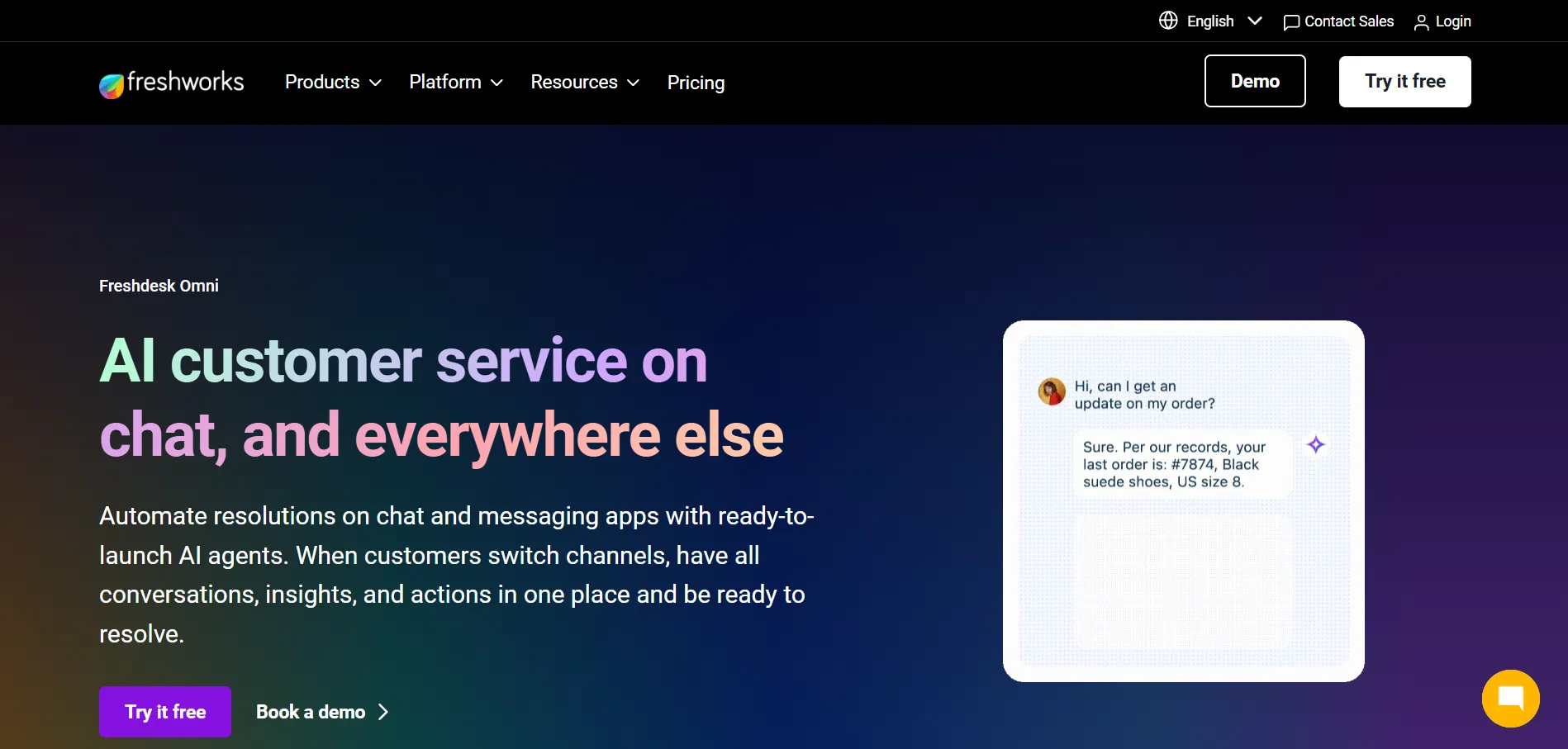
Freshdesk is a cloud-based help desk software designed for structured ticket management with built-in AI automation. It supports email, live chat, phone, and social media channels inside one customer support platform. Many small and mid-sized businesses use Freshdesk to manage omnichannel support without moving into enterprise CRM-heavy systems.
Freshdesk focuses on workflow automation, SLA tracking, ticket assignment rules, and AI-powered case handling. It sits between lightweight live chat tools and enterprise CRM systems. For teams comparing Zoho Desk alternatives with better automation control, Freshdesk is frequently evaluated.
Why It’s a Strong Zoho Desk Alternative
Freshdesk is a strong option when you want AI assistance inside ticket workflows without adding heavy configuration layers.
Zoho Desk provides structured ticketing and CRM integration. However, some users report configuration depth and layered setup complexity as operations expand. Freshdesk simplifies automation by integrating AI routing, suggested responses, and prioritization into the main help desk interface.
For teams that want structured SLA tracking and automation without increasing admin overhead, Freshdesk can provide a more streamlined operational model.
Freshdesk Core Strengths
-
AI automation through Freddy AI
-
Omnichannel support (email, chat, phone, social media)
-
Built-in knowledge base and self-service portal
-
Reporting and analytics dashboards
-
CRM integration within Freshworks ecosystem
-
Integrations marketplace with third-party tools
Why Freshdesk Is Better than Zoho Desk
Freshdesk emphasizes embedded AI automation within the help desk interface.
Zoho Desk offers workflow automation and CRM integration, but setup layers can increase as rules expand. Freshdesk keeps automation visible and easier to manage inside the core dashboard.
For teams that want AI-powered ticketing with simpler configuration, Freshdesk may feel more manageable.
Limitations
-
Advanced AI features require higher-tier plans
-
Pricing increases as agent count grows
-
Enterprise CRM depth is narrower than Salesforce Service Cloud
-
Complex enterprise governance may require additional customization
Best For
-
Small to mid-sized businesses
-
SaaS support teams
-
Ecommerce support operations
-
Growing customer service teams
-
Teams seeking AI-powered ticketing with structured workflows
Pricing Snapshot
-
Tiered per-agent monthly pricing
-
Free plan available with limits
-
Higher plans unlock AI automation and advanced reporting
-
Pricing scales by feature depth and agent count
Discover the top-rated Freshdesk alternatives and choose the solution that maximizes your team's efficiency.
5. Front - Multichannel Inbox Platform for Team Collaboration
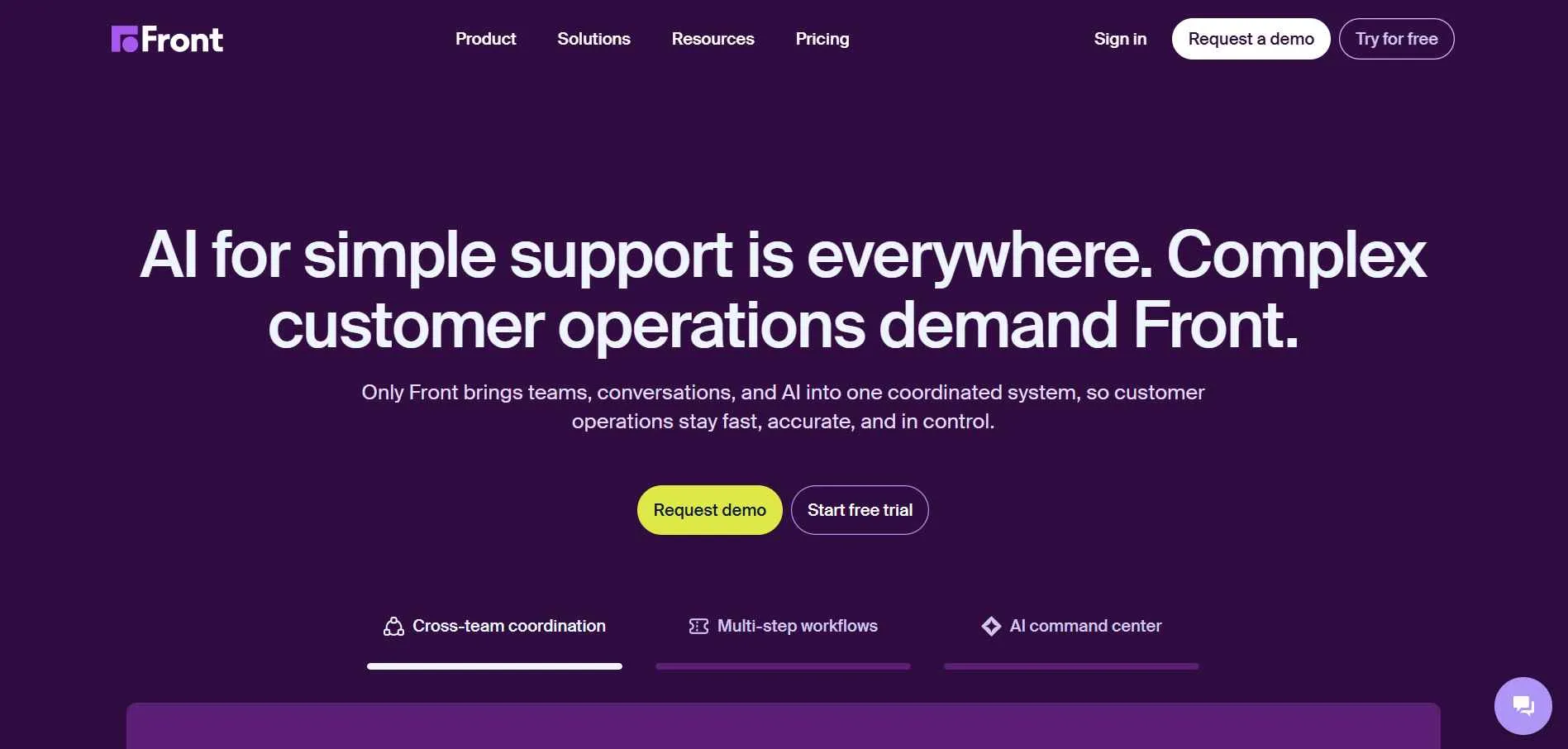
Front is a shared inbox and customer communication platform designed for teams that manage email, chat, SMS, and social media conversations in one place. It combines inbox collaboration with ticket-style assignment and workflow rules. Many growing teams use Front to replace traditional help desk software when they want a conversation-first interface.
Front focuses on visibility and accountability inside shared inbox workflows. Messages can be assigned, commented on internally, and tracked across teams. It positions itself between email collaboration tools and structured ticketing systems.
If your team collaborates best inside a shared inbox, Front is a common Zoho Desk alternative to review.
Why It’s a Strong Zoho Desk Alternative
Front is a better fit when your team works faster in a shared inbox and prefers collaboration on messages instead of strict ticket queues.
Zoho Desk is built around structured ticket lifecycle management with defined statuses, SLAs, and routing rules. That works well for formal support environments. However, some teams prefer a communication-first workflow where email and chat threads remain visible in a shared inbox format.
Front keeps conversations central. Assignment and internal comments are layered directly into messages rather than converting everything into tickets. For growing SaaS and ecommerce teams, this can reduce friction in daily collaboration.
Front also supports automation rules and analytics, though it is less focused on strict SLA enforcement compared to traditional help desk platforms.
Front Core Strengths
-
Shared inbox for email, SMS, and social channels
-
Assignment and ownership tracking
-
Workflow automation rules
-
Omnichannel support integration
-
CRM integration with tools like Salesforce and HubSpot
-
Analytics and performance reporting
Why Front Is Better than Zoho Desk
Front provides a communication-first interface rather than a ticket-first structure.
Zoho Desk emphasizes ticket status, SLA tracking, and structured lifecycle control. Front keeps conversations in inbox format, which some teams find more natural for collaboration.
For teams that prioritize shared inbox visibility over strict ticket hierarchies, Front can feel more flexible and less administrative.
Limitations
-
SLA tracking is less structured than traditional help desk systems
-
Not built as a full ITSM platform
-
Pricing increases with seat count
-
Advanced automation depth may be narrower than enterprise tools
Best For
-
SaaS teams managing shared inbox workflows
-
Ecommerce brands handling multichannel messaging
-
Remote teams collaborating on customer conversations
-
Mid-sized support teams preferring inbox-based systems
Pricing Snapshot
-
Per-seat monthly pricing model
-
Tiered plans based on feature access
-
Additional costs for advanced integrations
-
Scales with team size
Read more: Discover the best Front alternatives and compare features to choose the right helpdesk for your team.
6. LiveAgent - Omnichannel Help Desk with Built-In Call Center
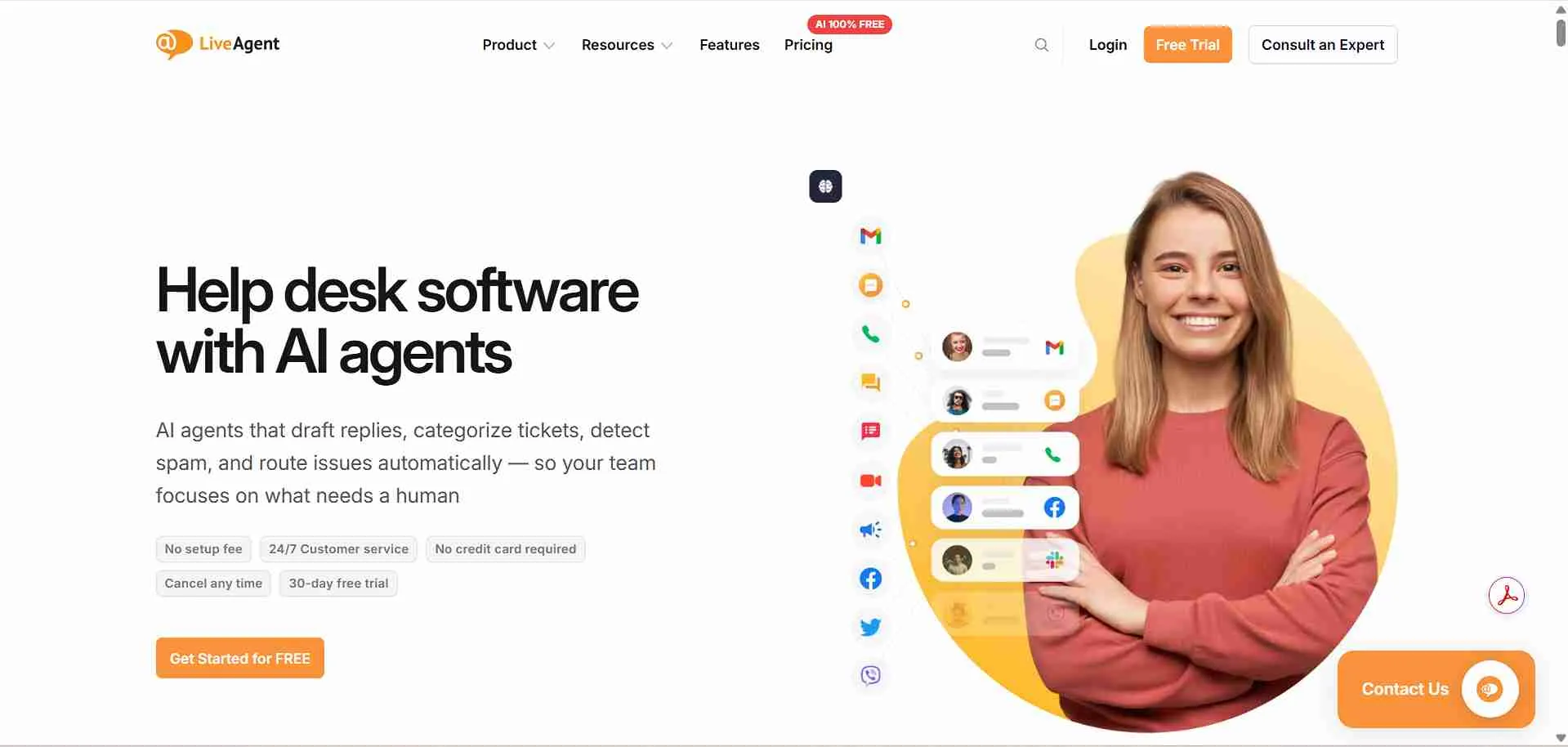
LiveAgent is a help desk software that combines ticketing, live chat, and built-in call center features inside one system. It supports email, live chat, phone, and social media channels in a unified inbox. Many small and mid-sized businesses use LiveAgent when they need voice support integrated directly into their ticketing workflow.
LiveAgent focuses on multichannel support with real-time communication tools. Unlike chat-first platforms, it includes native call center functionality, which reduces the need for external voice integrations. For teams comparing Zoho Desk alternatives with stronger voice capability, LiveAgent is often considered.
Why It’s a Strong Zoho Desk Alternative
LiveAgent is a practical choice when phone support is part of daily operations and you want calls and tickets managed together.
Zoho Desk provides structured ticket lifecycle management and SLA tracking. However, voice features may require integration with external systems depending on configuration. LiveAgent includes built-in call center tools alongside ticketing and live chat.
For support teams in hospitality, telecom, ecommerce, or service-based businesses that rely on phone support, having tickets and calls connected inside one dashboard simplifies operations.
LiveAgent also supports automation rules, ticket routing, and reporting, though its structure is more traditional help desk oriented than AI-first.
LiveAgent Core Strengths
-
Built-in call center functionality
-
Omnichannel support (email, chat, phone, social media)
-
Real-time live chat widget
-
Reporting and analytics dashboards
-
Knowledge base and customer portal
-
Integrations marketplace
Why LiveAgent Is Better than Zoho Desk
LiveAgent integrates voice support directly into its help desk system.
Zoho Desk offers strong ticket management and CRM integration. However, LiveAgent provides a more unified approach for teams that depend heavily on phone interactions.
For businesses where live chat and voice are daily priorities, LiveAgent may offer a more direct multichannel setup.
Limitations
-
Interface design may feel older compared to newer platforms, especially for teams that prefer modern UI patterns.
-
AI automation depth is lighter than AI-first help desks
-
Enterprise CRM integration is narrower than Salesforce-based systems
-
Reporting customization may require higher-tier plans
Best For
-
Small to mid-sized businesses
-
Hospitality and service-based industries
-
Telecom and support centers
-
Ecommerce teams using phone + chat support
-
Businesses needing integrated call center functionality
Pricing Snapshot
-
Per-agent monthly pricing
-
Tiered plans based on feature access
-
Free trial available
-
Pricing increases with advanced automation and call features
Check out the best LiveAgent alternatives available on the market today.
7. Zendesk - Enterprise-Grade Help Desk and Omnichannel Support Platform
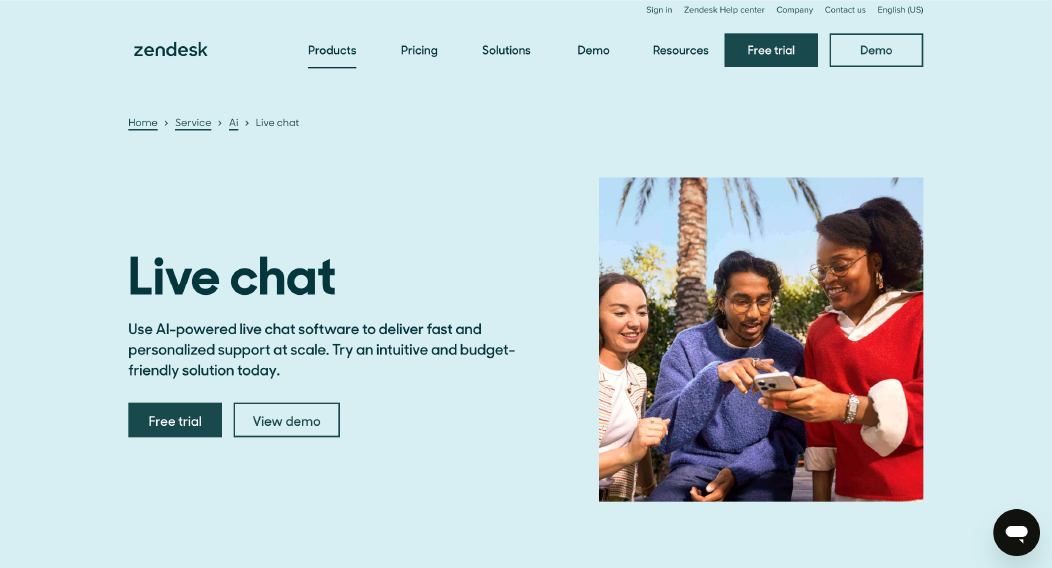
Zendesk is a widely used help desk software designed for structured ticket management and large-scale omnichannel customer support. It supports email, live chat, voice, messaging apps, and social media channels inside one unified platform. Many mid-sized and enterprise teams use Zendesk when they need deep reporting and analytics, automation workflows, and scalable infrastructure.
Zendesk is positioned as a mature customer service software in the help desk software market. It provides advanced workflow automation, SLA tracking, knowledge base management, and strong integrations across CRM systems and third-party tools.
If you need deeper reporting and enterprise-grade omnichannel support, Zendesk is a common Zoho Desk competitor to compare.
Why It’s a Strong Zoho Desk Alternative
Zendesk is a strong option when you need advanced reporting and analytics plus mature omnichannel support at scale.
Zoho Desk offers structured ticketing and integration within the Zoho ecosystem. However, as enterprise complexity increases, some organizations require more advanced reporting layers and workflow customization.
Zendesk provides enterprise-ready automation rules, case routing logic, SLA enforcement, and advanced reporting dashboards. It supports omnichannel customer support across web, mobile, and messaging platforms.
For enterprise support teams that require strong governance and cross-team reporting visibility, Zendesk is frequently considered.
Zendesk Core Strengths
-
Omnichannel support across email, chat, phone, and messaging apps
-
Advanced workflow automation and routing
-
Enterprise-level reporting and analytics
-
Knowledge base and customer self-service portal
-
Large integrations marketplace
-
CRM integration support
Why Zendesk Is Better than Zoho Desk
Zendesk provides broader enterprise scalability and deeper analytics layers.
Zoho Desk supports structured ticketing and CRM integration. However, Zendesk offers more mature enterprise reporting, advanced automation logic, and wider marketplace integrations.
For organizations that require complex workflow automation and global support governance, Zendesk may provide more long-term scalability.
Limitations
-
Higher pricing compared to many Zoho Desk alternatives
-
Per-agent pricing increases as teams grow
-
Advanced features often require higher-tier plans
-
Setup and customization may require dedicated admin resources
Best For
-
Mid-sized to enterprise support teams
-
SaaS and technology companies
-
Global customer support operations
-
Businesses requiring advanced reporting and analytics
-
Companies prioritizing omnichannel customer support
Pricing Snapshot
-
Per-agent monthly pricing
-
Tiered plans with feature-based scaling
-
Additional costs for advanced automation and AI features
-
Enterprise plans available for large teams
Check out the best Zendesk alternatives available on the market today.
8. Intercom - Conversational Support and AI Messaging Platform
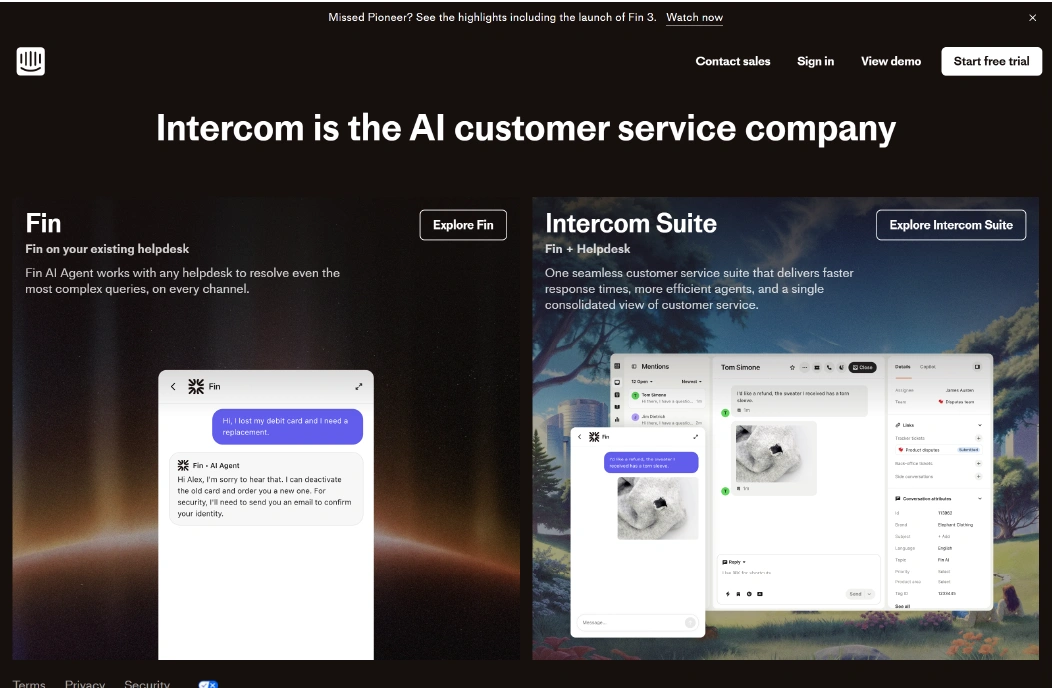
Intercom is a conversational customer support platform focused on live chat, in-app messaging, and AI-driven automation. It combines chat, help center, bots, and proactive messaging inside one system. Many SaaS and product-led companies use Intercom to manage customer conversations directly inside their product and website.
Intercom specializes in conversational support rather than traditional ticket-first workflows. It connects messaging with user data, which allows teams to personalize responses based on product usage and account history.
For teams comparing Zoho Desk alternatives with stronger conversational AI capabilities, Intercom is often evaluated.
Why It’s a Strong Zoho Desk Alternative
Intercom is a better fit when your support model is messaging-first and you want automation tied to in-app conversations.
Zoho Desk provides structured ticket lifecycle control with SLA tracking and routing rules. That works well for formal help desk operations. However, SaaS companies and ecommerce brands sometimes prefer conversational support where chat, automation, and proactive engagement are central.
Intercom integrates AI chatbots, automated routing, and in-app messaging into the customer journey. This approach supports product-led support strategies and proactive engagement, not only reactive ticket handling.
For teams focused on conversational customer experience, Intercom offers a different operational model.
Intercom Core Strengths
-
AI chatbot and automation workflows
-
In-app messaging and live chat
-
Omnichannel support including chat and email
-
Workflow automation and routing
-
Reporting and analytics dashboards
-
Integrations marketplace
Why Intercom Is Better than Zoho Desk
Intercom emphasizes conversational engagement and AI-driven automation.
Zoho Desk centers around structured ticket queues and SLA enforcement. Intercom focuses on real-time messaging, automation, and proactive customer engagement inside the product environment.
For SaaS companies that prioritize chat-based support and product-led communication, Intercom may offer stronger conversational capabilities.
Limitations
-
Pricing can increase quickly with usage volume
-
Advanced automation features may require higher-tier plans
-
Less structured SLA tracking compared to traditional help desk systems
-
May not suit heavily regulated enterprise support environments
Best For
-
SaaS companies
-
Product-led growth teams
-
Ecommerce brands using live chat
-
Mid-sized technology companies
-
Teams prioritizing conversational support
Pricing Snapshot
-
Usage-based and per-seat pricing model
-
Tiered plans based on automation and AI features
-
Costs scale with contacts and message volume
-
Enterprise plans available
Read more: Discover the best Intercome alternatives and compare features to choose the right helpdesk for your team.
9. HappyFox Help Desk - Structured Ticketing with Strong SLA Control
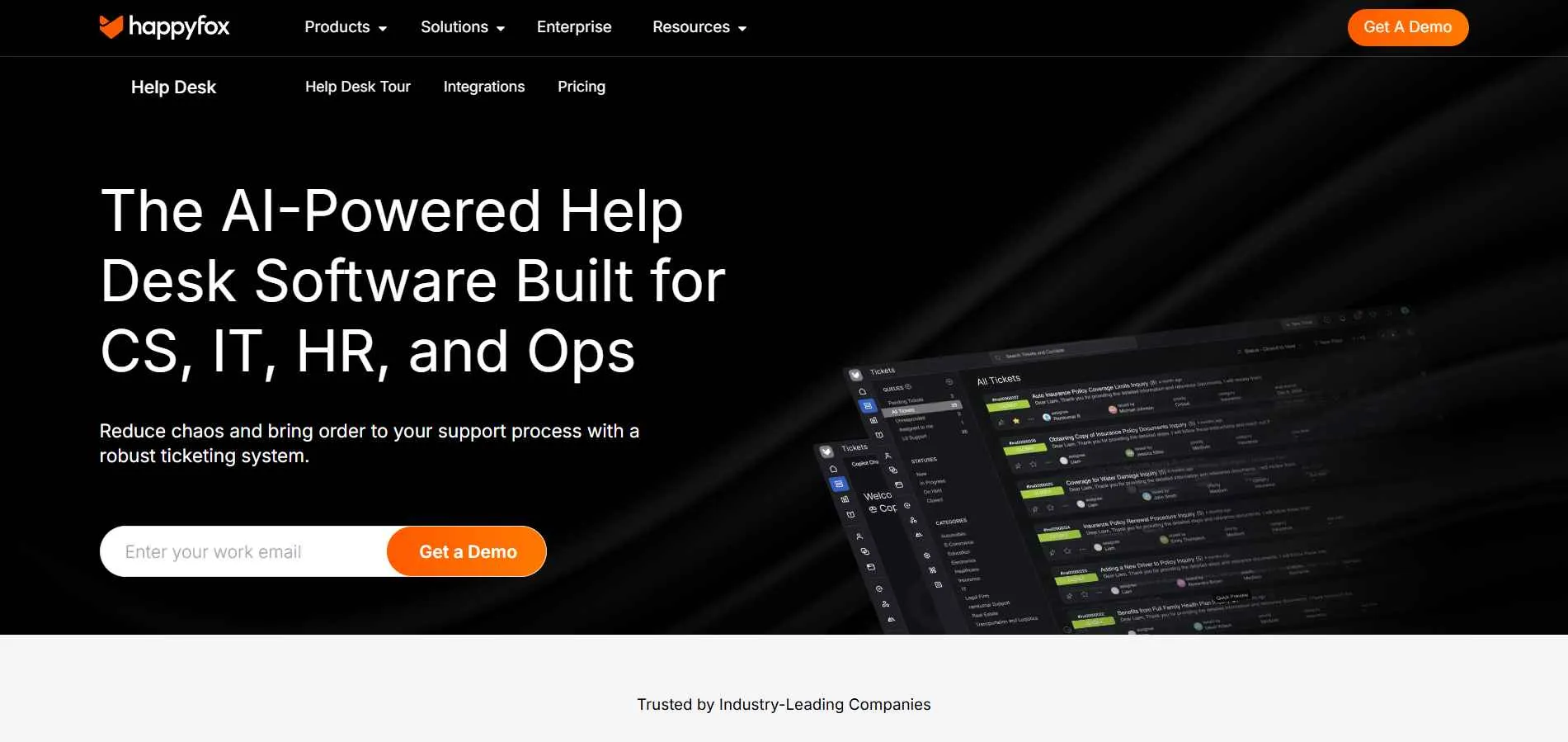
HappyFox Help Desk is a ticket-based customer service software designed for teams that need structured workflows and SLA enforcement. It supports email, live chat, phone, and web form tickets inside one organized dashboard. Many mid-sized businesses and service teams use HappyFox when they want strong ticket lifecycle control without moving into enterprise CRM-heavy systems.
HappyFox focuses on organization and process clarity. Tickets move through defined statuses, priorities, and SLA rules. Automation workflows can route, assign, and escalate tickets based on predefined conditions. For teams comparing Zoho Desk alternatives with tighter SLA tracking and structured routing, HappyFox is often considered.
Why It’s a Strong Zoho Desk Alternative
HappyFox works well when you want strict ticket workflow control and SLA enforcement without relying on a full CRM ecosystem.
Zoho Desk provides structured ticketing and CRM integration within Zoho tools. However, some organizations prefer a more standalone help desk system with clear SLA and workflow enforcement without relying on a broader ecosystem.
HappyFox supports structured ticket management with customizable statuses, role-based permissions, and SLA policies. It emphasizes response time tracking and escalation rules, which can benefit regulated industries like finance, insurance, and IT services.
For teams that prioritize defined workflows and operational discipline, HappyFox offers a focused alternative.
HappyFox Core Strengths
-
Structured ticket lifecycle management
-
Workflow automation and routing rules
-
Omnichannel support (email, chat, phone, web forms)
-
Knowledge base and self-service portal
-
Reporting and analytics dashboards
-
Integrations marketplace
Why HappyFox Is Better than Zoho Desk
HappyFox emphasizes structured ticket control and SLA enforcement inside a standalone help desk environment.
Zoho Desk integrates deeply within the Zoho ecosystem. HappyFox operates independently, which may suit organizations that prefer platform separation. It keeps workflows focused on ticket progression and response targets.
For teams that want clear SLA enforcement and structured ticket governance without expanding into a larger ecosystem, HappyFox can provide a more contained solution.
Limitations
-
Interface customization options may be narrower than some competitors
-
AI automation depth is lighter compared to AI-first platforms
-
Enterprise CRM integration is not as extensive as Salesforce-based systems
-
Pricing may increase with advanced features
Best For
-
Mid-sized support teams
-
IT service providers
-
Finance and insurance organizations
-
Education and hospitality support teams
-
Businesses requiring structured SLA enforcement
Pricing Snapshot
-
Per-agent monthly pricing model
-
Tiered plans based on features
-
Higher tiers unlock advanced automation and reporting
-
Pricing scales with team size
Check out the best Happyfox alternatives available today.
10. TeamSupport - B2B-Focused Help Desk for Customer-Centric Support
TeamSupport is a help desk software designed primarily for B2B companies that manage complex customer relationships. It combines ticket management, customer account visibility, and collaboration tools inside one customer support platform. Many mid-market SaaS and technology companies use TeamSupport when they need account-level visibility across multiple contacts.
Unlike tools focused mainly on individual tickets, TeamSupport emphasizes customer-level tracking. Tickets, conversations, and interactions are linked to company accounts. This supports teams that manage long-term business clients rather than one-time consumers.
For organizations comparing Zoho Desk alternatives for B2B environments, TeamSupport is often evaluated.
Why It’s a Strong Zoho Desk Alternative
TeamSupport fits B2B teams that manage support by account, where multiple contacts and long-term relationships matter.
Zoho Desk provides structured ticketing and omnichannel support. However, some B2B companies require deeper visibility at the company level rather than only at the ticket level.
TeamSupport organizes tickets around customer accounts. This allows teams to track multiple contacts under one organization and view conversation history in context. It supports SLA tracking, workflow automation, and collaboration features tailored for B2B service models.
For companies in IT services, SaaS, or managed service provider environments, account-level support visibility can improve coordination.
TeamSupport Core Strengths
-
Account-based ticket management
-
Workflow automation and routing
-
Internal collaboration tools
-
Omnichannel support capabilities
-
Reporting and analytics dashboards
-
Integrations with CRM systems
Why TeamSupport Is Better than Zoho Desk
TeamSupport centers support workflows around customer accounts rather than isolated tickets.
Zoho Desk structures operations primarily around tickets. TeamSupport allows teams to manage support relationships at the company level, which can improve coordination for B2B environments.
For organizations that manage recurring contracts, service agreements, or multi-contact clients, TeamSupport provides clearer account-based tracking.
Limitations
-
Less suited for small businesses with simple ticket needs
-
AI automation depth is lighter than AI-first platforms
-
Interface may feel structured rather than flexible
-
Pricing may be higher than entry-level help desk tools
Best For
-
B2B SaaS companies
-
Managed Service Providers
-
IT/ITES service teams
-
Mid-market support operations
-
Companies managing account-based customer relationships
Pricing Snapshot
-
Per-agent monthly pricing
-
Tiered plans based on features
-
Advanced reporting and automation in higher tiers
-
Pricing scales with team size
11. Help Scout - Email-First Shared Inbox with Knowledge Base
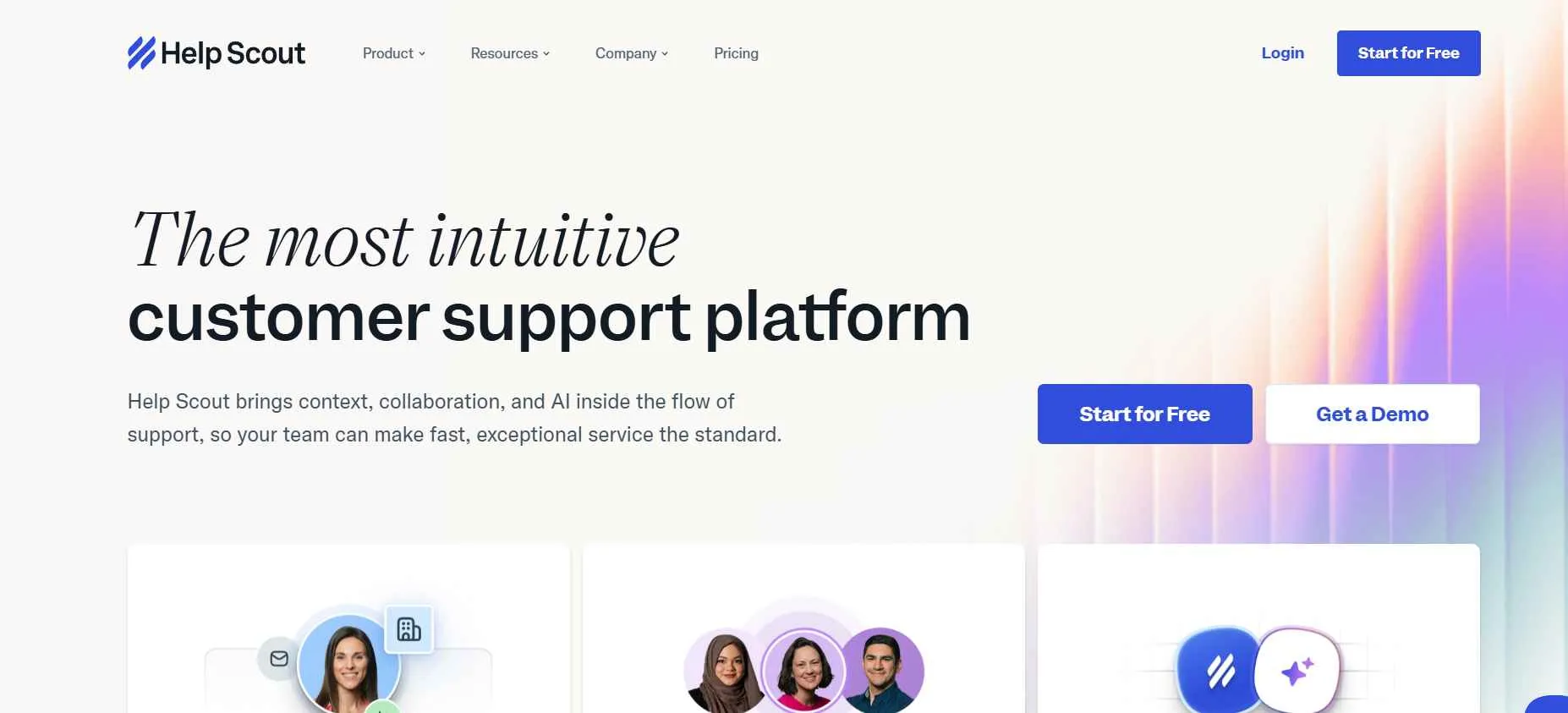
Help Scout is a customer service software built around a shared inbox model. It combines email-based ticketing, live chat, and a knowledge base inside one clean interface. Many small and mid-sized businesses use Help Scout when they want structured support without heavy enterprise configuration.
Help Scout keeps conversations in an email-style format while adding assignment, tagging, and collaboration features. It is often compared with traditional help desk software because it provides ticket tracking and reporting, but its interface feels closer to a shared inbox than a strict ticket queue.
If your team wants email-first support with less admin overhead, Help Scout is a practical Zoho Desk alternative to review.
Why It’s a Strong Zoho Desk Alternative
Help Scout is a good fit when you want email-first support with structure, but you do not want heavy setup.
Zoho Desk provides deep ticket lifecycle control, SLA tracking, and CRM integration. That structure supports larger operations. However, some small businesses and SaaS teams prefer a simpler shared inbox workflow.
Help Scout supports ticket assignment, automation rules, and a knowledge base without introducing heavy configuration. SLA-style tracking may depend on reporting setup or plan level. It keeps the interface clean while still allowing reporting and analytics visibility.
For growing teams that want predictable workflows without enterprise-level overhead, Help Scout offers a focused alternative.
Help Scout Core Strengths
-
Shared inbox for email-based support
-
Automation workflows and routing rules
-
Built-in knowledge base and customer self-service portal
-
Live chat support
-
Reporting and analytics dashboards
-
CRM integration support
Why Help Scout Is Better than Zoho Desk
Help Scout emphasizes simplicity and clarity in daily operations.
Zoho Desk provides broader feature depth and ecosystem integration. However, its interface and configuration layers can feel dense for smaller teams.
Help Scout keeps support workflows centered around conversations while still offering structured tracking. For small to mid-sized businesses that want a Zoho Desk alternative with less administrative overhead, Help Scout may feel easier to manage.
Limitations
-
AI automation depth is lighter than AI-first platforms
-
Enterprise-level customization is narrower
-
Less suitable for large global support operations
-
Advanced reporting features may require higher-tier plans
Best For
-
Small to mid-sized businesses
-
SaaS support teams
-
Ecommerce customer support
-
Teams preferring email-first workflows
-
Companies needing shared inbox collaboration
Pricing Snapshot
-
Per-user monthly pricing
-
Tiered plans based on feature access
-
Higher plans unlock advanced reporting and automation
-
Pricing scales with team size
Check out the best Help Scout alternatives available on the market today.
12. LiveChat - Real-Time Chat Platform for Customer Support
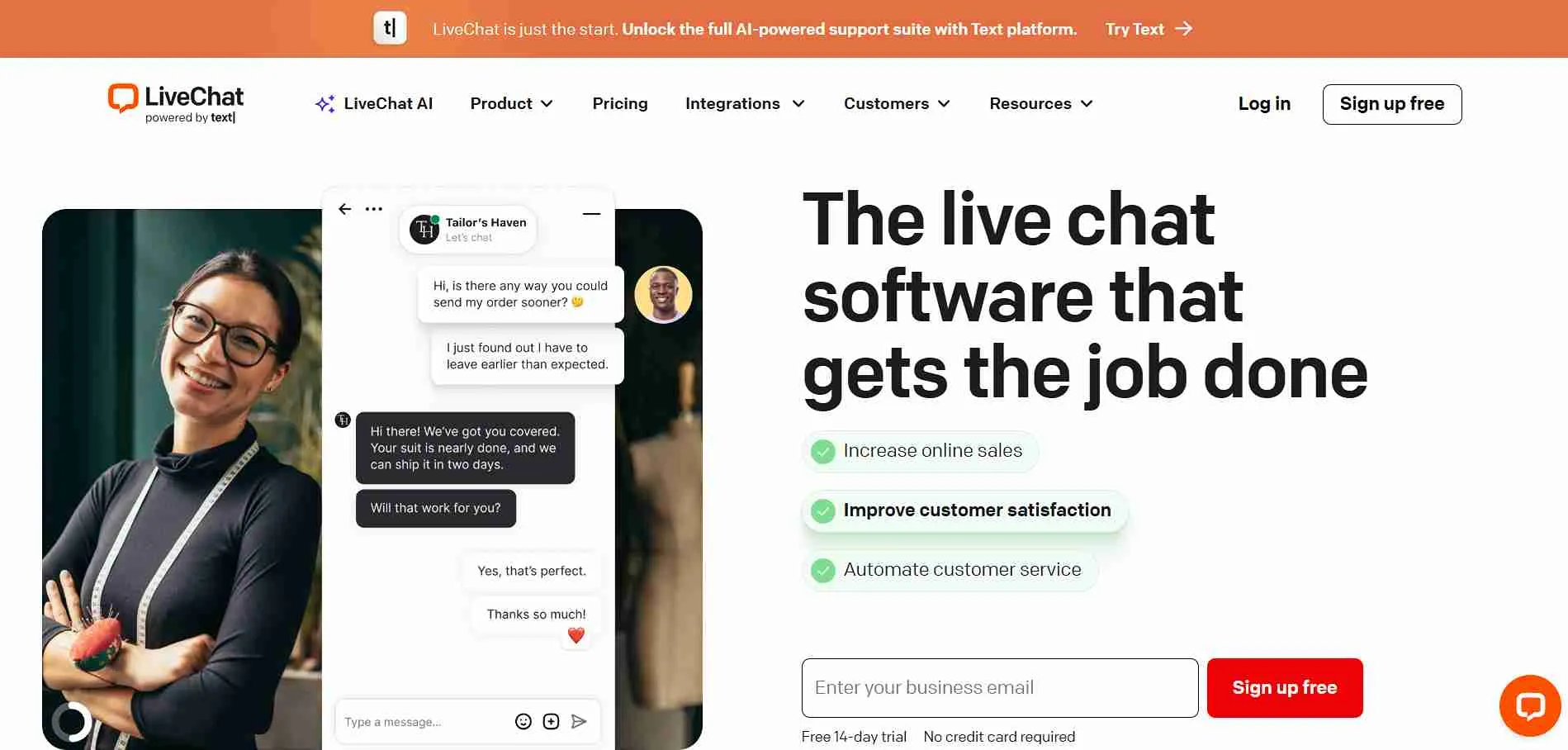
LiveChat is a live chat software focused on real-time website communication. It allows businesses to connect with visitors through chat widgets, canned responses, and basic ticket follow-ups. Many ecommerce brands and online businesses use LiveChat to increase response speed and improve customer experience during purchase decisions.
LiveChat centers on instant messaging rather than full ticket lifecycle control. Conversations can be converted into tickets through connected tools or add-ons, but the platform is built primarily for real-time chat engagement.
If your team prioritizes real-time website chat more than ticket lifecycle control, LiveChat is a common Zoho Desk alternative to review.
Why It’s a Strong Zoho Desk Alternative
LiveChat fits teams that prioritize fast website chat responses more than full ticket lifecycle management.
Zoho Desk is structured around ticket lifecycle management, SLA tracking, and omnichannel customer support. That works well for formal support operations. However, businesses focused on ecommerce conversion and website engagement may prefer chat-first tools.
LiveChat supports proactive chat invitations, canned responses, agent routing, and conversation tagging. It reduces response time and allows agents to handle multiple chats at once. For ecommerce support teams that prioritize live chat over ticket queues, LiveChat can feel more direct.
LiveChat Core Strengths
-
Real-time live chat widget
-
Agent routing and assignment
-
Reporting and chat analytics
-
Integrations with CRM and ecommerce platforms
-
Multichannel messaging extensions
Why LiveChat Is Better than Zoho Desk
LiveChat focuses on real-time communication rather than structured ticket lifecycle control.
Zoho Desk emphasizes SLA tracking, structured statuses, and workflow automation. LiveChat keeps the interaction immediate and chat-centered.
For ecommerce brands that prioritize customer engagement and fast replies, LiveChat may offer a more focused solution.
Limitations
-
Limited advanced SLA tracking
-
Not a full-featured help desk software
-
AI automation depth is narrower than AI-first platforms
-
May require additional tools for structured ticket workflows
Best For
-
Ecommerce businesses
-
Retail and hospitality brands
-
Small to mid-sized online businesses
-
Teams prioritizing live chat engagement
-
Companies focused on website conversion support
Pricing Snapshot
-
Per-agent monthly pricing
-
Tiered plans based on features
-
Add-ons for advanced integrations
-
Pricing scales with number of agents
Read more: Discover the best LiveChat alternatives and compare features to choose the right helpdesk for your team.
Zoho Desk Competitors Compared Side-by-Side
Below is a compressed comparison of the top Zoho Desk alternatives. This table focuses on setup complexity, AI automation level, workflow control, reporting depth, and pricing scalability. It helps you compare operational fit without reviewing feature lists again.
|
Tool
|
Setup Complexity
|
AI Automation Level
|
Custom Workflow Control
|
Reporting Depth
|
Omnichannel Support
|
Pricing Scalability
|
|
Chatboq
|
Low (pre-configured SLAs, roles, guided setup)
|
Strong
|
Advanced (knowledge-trained AI replies)
|
High (roles, SLAs, triggers, workspace control)
|
Strong (SLA + performance dashboards)
|
Yes (chat + messaging integrations)
|
|
Tidio
|
Low
|
Moderate (chatbot-focused)
|
Basic
|
Light
|
Chat + Email
|
Usage + seat-based
|
|
Salesforce Service Cloud
|
High
|
Strong (enterprise AI)
|
Very High
|
Advanced enterprise analytics
|
Full omnichannel
|
Enterprise tiered
|
|
Freshdesk
|
Moderate
|
Strong (Freddy AI)
|
High
|
Detailed dashboards
|
Email + Chat + Phone + Social
|
Per-agent tiered
|
|
Front
|
Low-Moderate
|
Basic-Moderate
|
Moderate
|
Collaboration-focused
|
Email + Messaging
|
Per-seat
|
|
LiveAgent
|
Moderate
|
Basic
|
Moderate
|
Standard help desk analytics
|
Email + Chat + Phone
|
Per-agent
|
|
Zendesk
|
Moderate-High
|
Strong
|
High
|
Advanced
|
Full omnichannel
|
Per-agent tiered
|
|
Intercom
|
Moderate
|
Strong (conversational AI)
|
Moderate
|
Product-focused analytics
|
Chat + Messaging
|
Usage + seat-based
|
|
HappyFox
|
Moderate
|
Basic-Moderate
|
High (SLA-focused)
|
Structured reports
|
Email + Chat + Phone
|
Per-agent tiered
|
|
TeamSupport
|
Moderate
|
Moderate
|
High (account-based)
|
B2B-focused dashboards
|
Email + Chat
|
Per-agent
|
|
Help Scout
|
Low
|
Basic
|
Moderate
|
Clean reporting
|
Email + Chat
|
Per-user
|
|
LiveChat
|
Low
|
Basic–Moderate
|
Limited
|
Chat analytics
|
Chat-first
|
Per-agent
|

 ChatGPT
 Perplexity
 Claude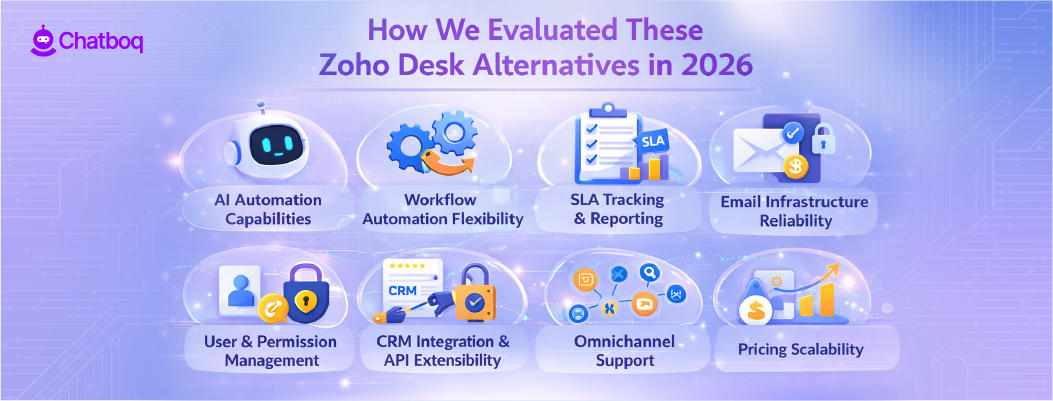

.webp)


Leave a Comment
Your email address will not be published. Required fields are marked *
By submitting, you agree to receive helpful messages from Chatboq about your request. We do not sell data.