
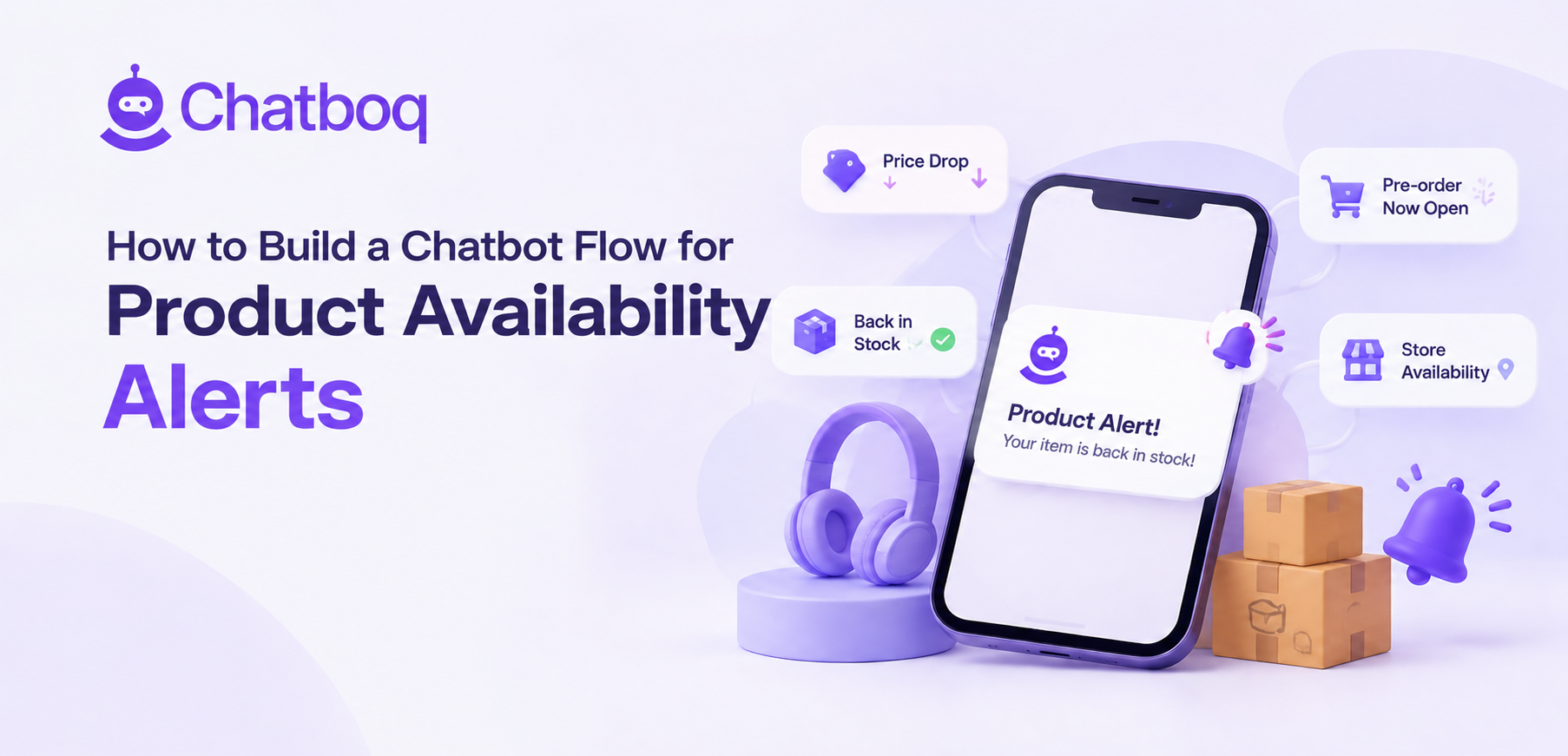
Restock is the obvious alert, and price, low stock, pre-order and store availability each reach customers at a different point in the decision.
Back in stock
The most familiar alert, applying when a customer wants something that currently has no availability, and the one customers expect to be offered.
Where demand exceeds the likely restock quantity, this becomes a waitlist question about fairness rather than simply a notification.
Price threshold
A customer who considers an item too expensive is telling you something useful, and a price alert converts a lost visit into a future sale.
It also produces genuinely valuable data about price sensitivity by product, which is difficult to obtain otherwise.
Low stock
Alerting customers who showed interest that an item is running low creates urgency without any manufactured scarcity, since the condition is real.
This should be used sparingly, because a customer receiving repeated low stock alerts learns to disregard them.
Store and pre-order availability
Availability at a specific store, and the opening of pre-orders, are both conditions customers ask about and neither is served by a standard restock alert.
Store-level alerts are particularly valuable for items customers want immediately rather than by delivery.
Choosing which to enable
Enabling every alert type at once produces volume before anyone understands which convert, and restock alone is usually the right starting point.
Adding price and store alerts afterwards, once the first is performing, keeps the total volume any customer receives manageable.
 ChatGPT
 Perplexity
 Claude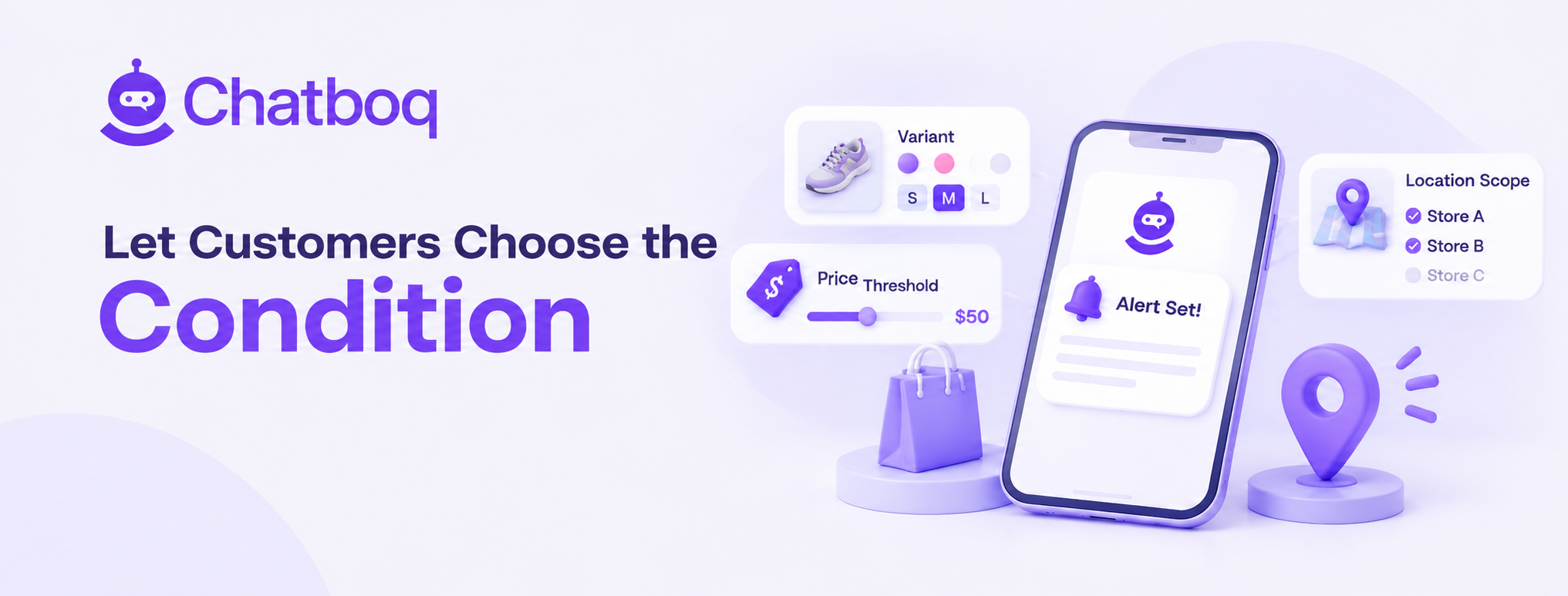




Leave a Comment
Your email address will not be published. Required fields are marked *
By submitting, you agree to receive helpful messages from Chatboq about your request. We do not sell data.