
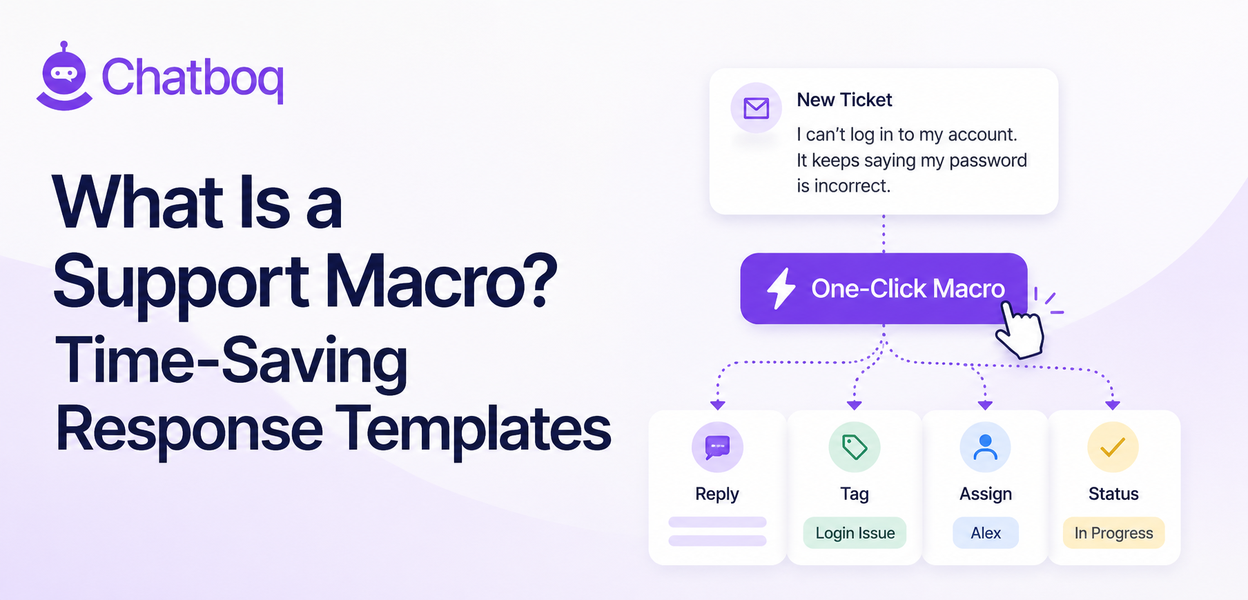
A support macro is a saved set of actions, typically including a reply and one or more workflow steps like tagging, assigning, or changing a ticket's status, that an agent can trigger with a single click instead of performing each step manually one at a time.
Simple definition
In plain terms, a macro bundles a reply together with whatever else usually needs to happen alongside it, into one action. This bundling is the core value proposition of a macro over a plain canned response: it standardizes the entire process, not just the words sent to the customer.
Macro vs canned response vs automation rule
A canned response is just the saved text; a macro typically combines a reply with additional workflow actions; an automation rule runs automatically based on a trigger, with no agent needing to click anything at all. These three tools sit on a spectrum from fully manual to fully automatic, and most mature support operations end up using all three for different situations.
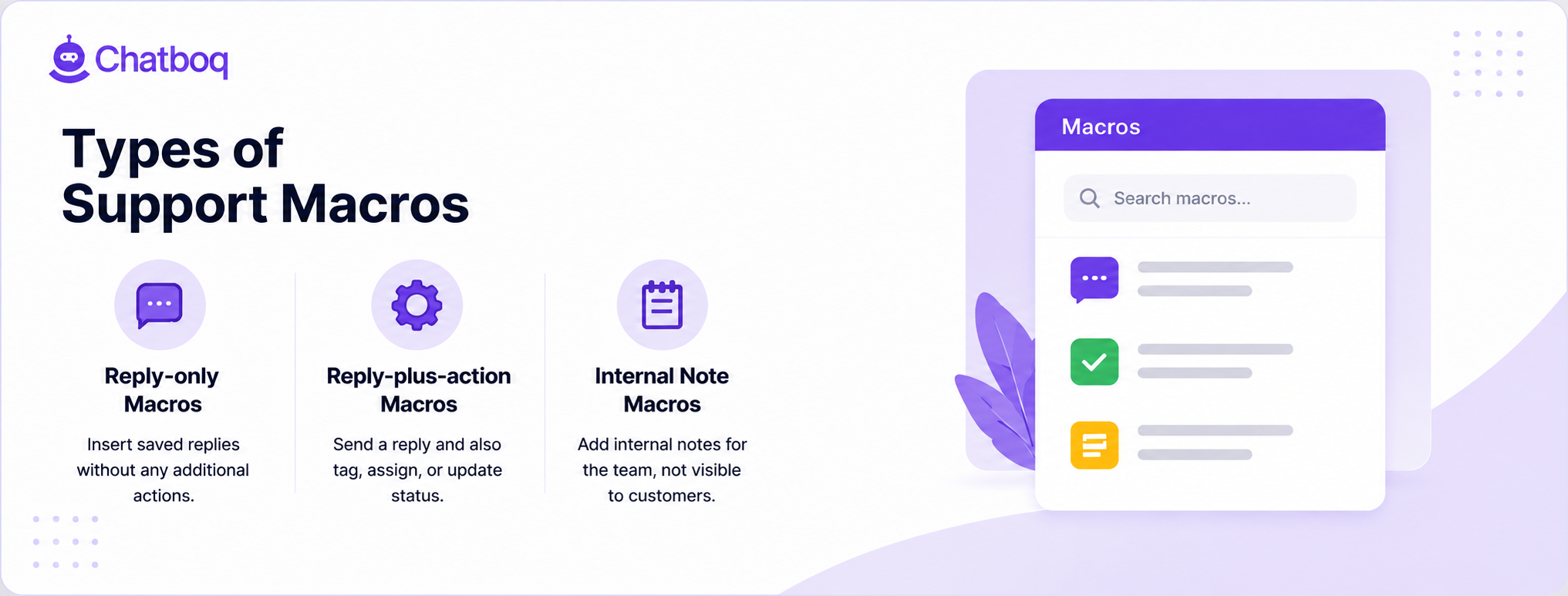
What a macro can do beyond just inserting text
Because a macro can also tag, assign, or close a ticket, it standardizes not just what an agent says but also the process that should follow, which a plain canned response can't do on its own. This makes macros particularly valuable for situations where getting the follow-up process right matters just as much as getting the message right.
 ChatGPT
 Perplexity
 Claude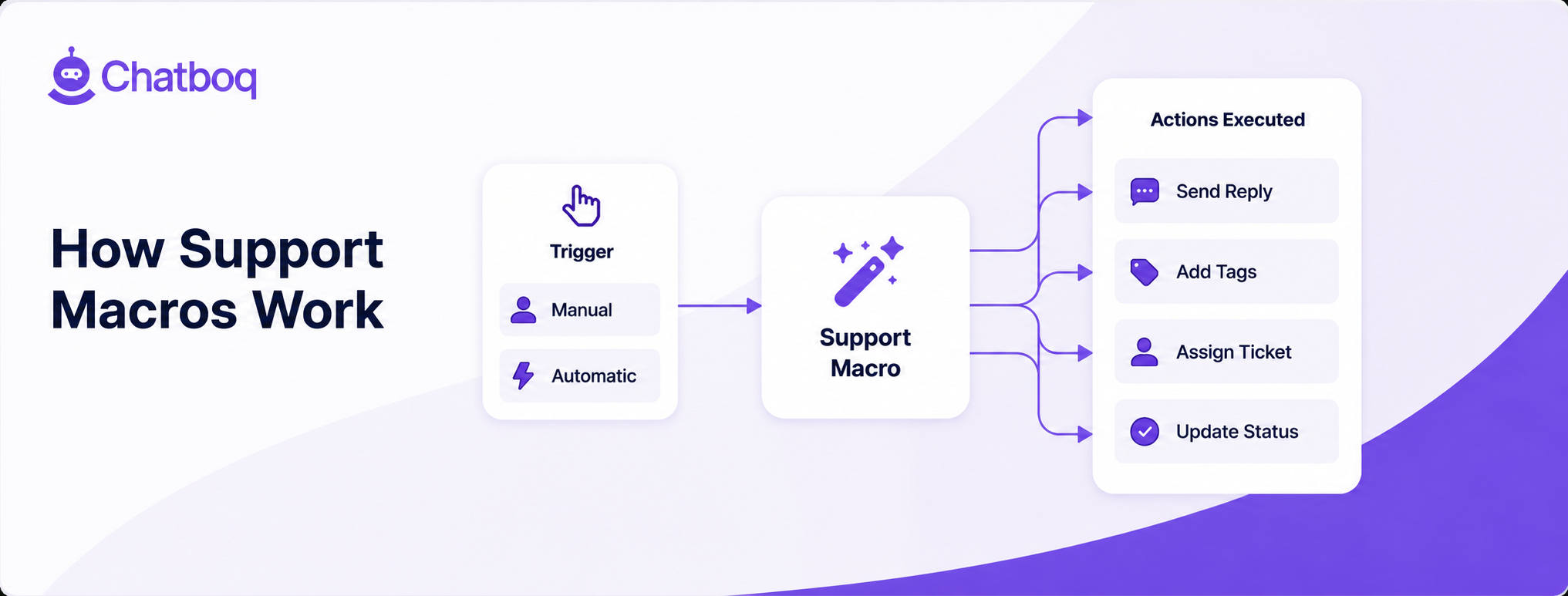









Leave a Comment
Your email address will not be published. Required fields are marked *
By submitting, you agree to receive helpful messages from Chatboq about your request. We do not sell data.