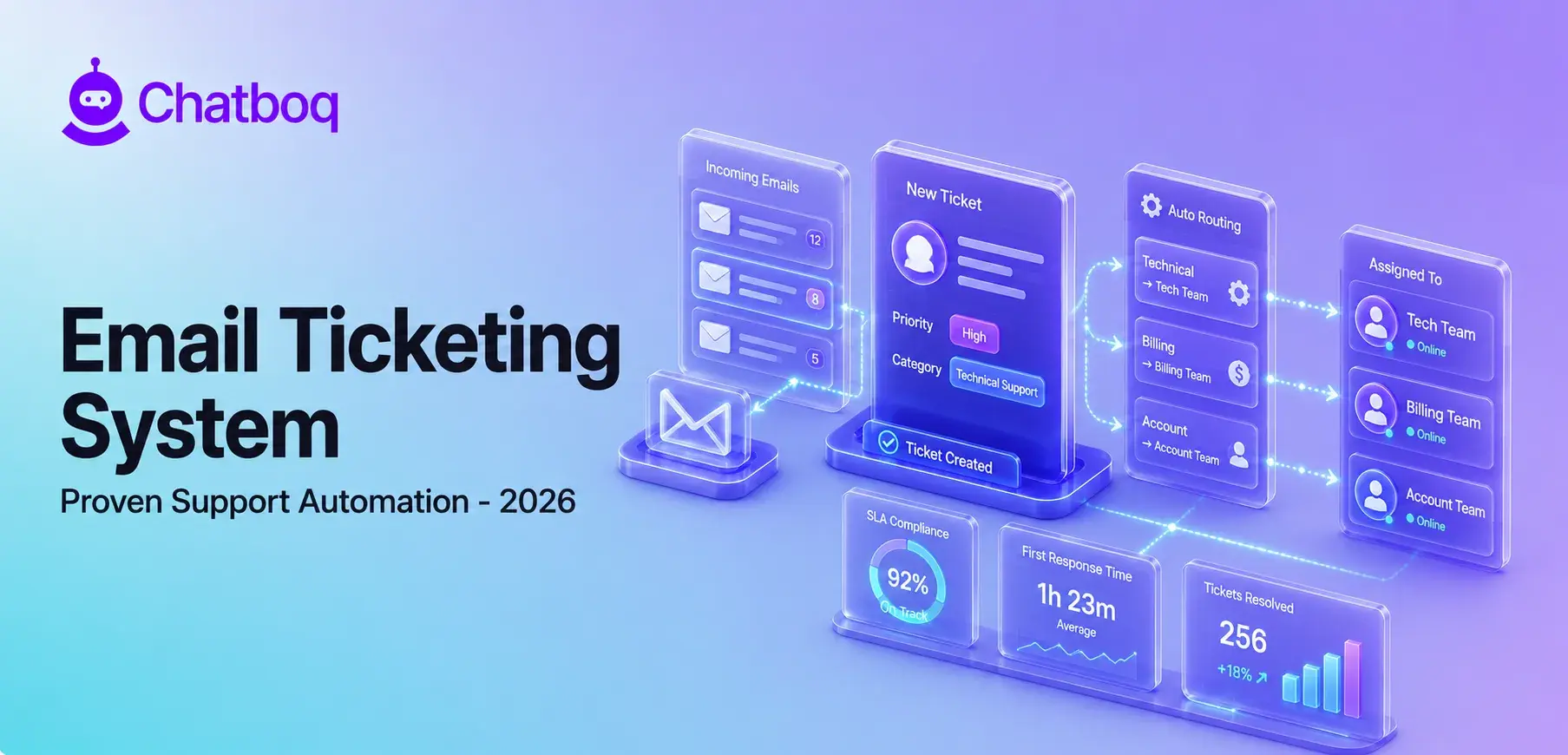
Email ticketing system implementation follows a 5-step process: identifying support needs, selecting a platform, configuring email integration, setting up workflows and automation, and training teams on the new system.
Step 1: Identify Support Needs
Support needs assessment identifies the requirements the email ticketing system must meet before platform selection begins. The assessment covers 5 questions: What is the current daily ticket volume and expected growth rate over the next 12 months? How many agents will use the system, and what are their technical skill levels? What are the current first response time and resolution time targets? What integrations are required with existing CRM, ecommerce, or communication platforms? What level of automation is needed to meet response time targets at current and projected volume?
Needs assessment answers determine the required platform tier, the automation configuration requirements, and the integration specifications. Selecting a platform before completing needs assessment frequently produces mismatches between platform capabilities and actual support operation requirements.
Step 2: Choose a Ticketing Platform
Platform selection evaluates 4 criteria against the needs assessment outcomes: feature set match, integration compatibility, pricing structure, and implementation complexity. Feature set match confirms that the platform provides the automation, routing, analytics, and SLA management capabilities required by the support operation. Integration compatibility confirms that the platform connects to the CRM, ecommerce platform, and communication tools already in use.
Pricing structure determines the total cost at current and projected agent counts. Implementation complexity determines the internal technical resource requirement to configure and launch the system. Businesses with low technical resource availability select platforms with no-code configuration and managed onboarding support. Businesses with technical teams select platforms with API access and custom workflow configuration capabilities.
Step 3: Configure Email Integration
Email integration connects the designated support email address to the ticketing platform. Configuration requires 4 steps: creating or designating the support email address (support@company.com or help@company.com), configuring the email provider (Google Workspace, Microsoft 365, or custom mail server) to forward incoming emails to the ticketing platform's ingestion address, verifying that outbound replies from the ticketing platform send from the support address rather than a platform-generated address, and testing the full ingestion-to-ticket workflow with sample emails before go-live.
Email integration configuration takes 30 minutes to 2 hours depending on the email provider and ticketing platform. Businesses using custom mail servers require IT involvement for DNS and mail routing configuration.
Step 4: Set Up Workflows and Automation
Workflow configuration defines the rules that govern how tickets move through the system. Core workflow configurations include assignment rules (which tickets route to which agents or teams), SLA rules (what response and resolution time targets apply to each ticket priority), escalation rules (when tickets transfer to senior agents or supervisors), notification rules (which events trigger alerts to agents and supervisors), and automated response rules (which ticket types receive automated replies without agent involvement).
Workflow configuration should start with the minimum set of rules required to meet current support needs and expand iteratively as the team learns the system. Over-configured automation at launch produces routing failures and misassignments that erode team confidence in the system before they can experience its benefits.
Step 5: Train Teams and Optimize
Team training covers the ticket lifecycle workflow, status conventions, internal note procedures, escalation processes, and reporting dashboard navigation. Training for agents focuses on ticket handling mechanics: how to claim, update, respond, escalate, and close tickets. Training for supervisors focuses on queue management, performance reporting, and workflow configuration.
The first 30 days after launch reveal configuration gaps: ticket categories that generate high misassignment rates, routing rules that assign tickets to overloaded agents, and automation that triggers incorrectly for edge-case inquiry types. Monthly review of support analytics data drives iterative optimization: adjusting routing rules based on misassignment data, refining SLA targets based on actual resolution time distributions, and expanding automation to additional ticket categories as the team identifies new high-volume, low-complexity request types.

 ChatGPT
 Perplexity
 Claude



Leave a Comment
Your email address will not be published. Required fields are marked *
By submitting, you agree to receive helpful messages from Chatboq about your request. We do not sell data.