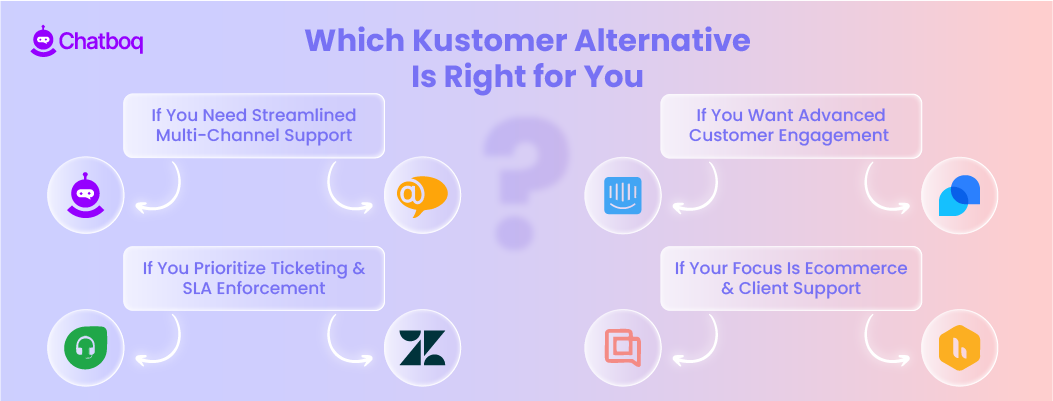
Below are detailed reviews of the best alternatives to Kustomer. Each platform follows the same structure so you can compare workflow simplicity, thread reliability, onboarding ease, automation support, integration flexibility, and pricing transparency without confusion.
The goal is to help you evaluate each option based on operational fit and long-term scalability. You should be able to assess each Kustomer replacement based on how it supports stable, multi-channel customer service and reduces technical friction, not on marketing claims.
Now, let’s take a closer look at each Kustomer competitor in detail.
1. Chatboq - All-in-One AI Chatbot & Live Chat Platform
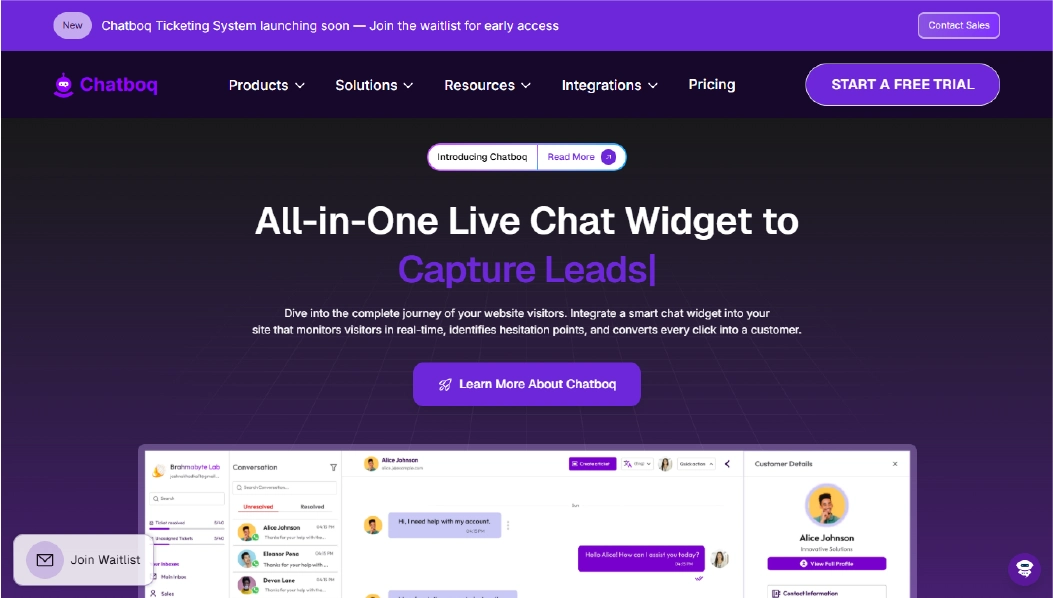
Chatboq is an all-in-one AI chatbot and live chat platform designed to centralize customer conversations, ticket management, and SLA monitoring in one operational workspace. It keeps chat, tickets, SLAs, and agent actions in a single place, so teams don’t need to jump between tools to track progress.
All conversations from website chat, email, and connected messaging channels flow into a single dashboard for easy tracking. Tickets are organized per organization and controlled using custom priorities, statuses, and SLA policies. Each workspace runs independently, which prevents cross-team confusion when multiple teams or clients are managed in the same account.
Chatboq is ideal for teams that need clear ticket stages, time-based control, and visibility across chat, email, and messaging.
Why It’s a Strong Kustomer Alternative
Teams look for Kustomer alternatives when multi-channel support is valuable but workflow complexity and thread continuity create friction. Kustomer handles centralized conversations well, but JSON-based workflows and integration layers often require engineering support.
Chatboq minimizes friction by setting response and resolution times per organization, sending alerts for SLA breaches, adjusting priorities automatically, and moving tickets through clear stages with Kanban tracking and parent-child ticket linking. This shifts control from managing inboxes to structured lifecycle management.
Chatboq Core Strengths
-
AI training using internal FAQs, uploaded documents, past conversations, and knowledge articles
-
AI reply assistant that generates responses based on trained knowledge
-
Real-time live chat with typing preview, message seen status, and voice/file support
-
Email-to-ticket conversion
-
Organization-specific priorities with editable hierarchy and color coding
-
Custom ticket statuses per workspace
-
SLA creation with response and resolution definitions
-
Ticket history logs and soft deletion support
-
Merge and structured parent-child ticket linking
-
Agent assignment with manual and admin control
-
Workspace creation and isolation
-
Role-based permissions with custom team definitions
-
Visitor IP tracking and country detection
-
Messaging integrations (WhatsApp, Messenger, Instagram, Slack, Telegram, Line, Discord)
-
CRM integrations including Zoho CRM and PipeDrive
-
Plan-based subscription with invoice and card management
Why Is Chatboq Better Than Kustomer
Unlike Kustomer, Chatboq prioritizes SLA enforcement, structured workflows, and stable conversation threads, not just centralizing chats. Kustomer provides visibility across channels but can require technical setup for workflow automation and thread management.
Chatboq handles high ticket volume by automating priority escalations, SLA alerts, and lifecycle tracking, while keeping chat, tickets, and AI assistance in the same workspace. Teams reduce manual follow-ups and improve response speed without relying on engineering support.
Limitations
-
Not designed as a full IT service management (ITSM) suite
-
AI reasoning for complex analytical cases is still evolving
-
No self-hosted deployment
Best For
-
Ecommerce customer service teams
-
SaaS companies managing SLAs
-
Support teams handling multi-channel inquiries
-
Agencies managing separate client workspaces
-
Small to mid-sized teams needing structured ticket lifecycle control
Pricing Snapshot
-
Plan-based subscription
-
Workspace-level billing structure
-
Card and invoice support
-
Not strictly agent-based pricing
-
Scales based on organization usage and workflow complexity
2. LiveAgent - All-in-One Help Desk & Live Chat Platform
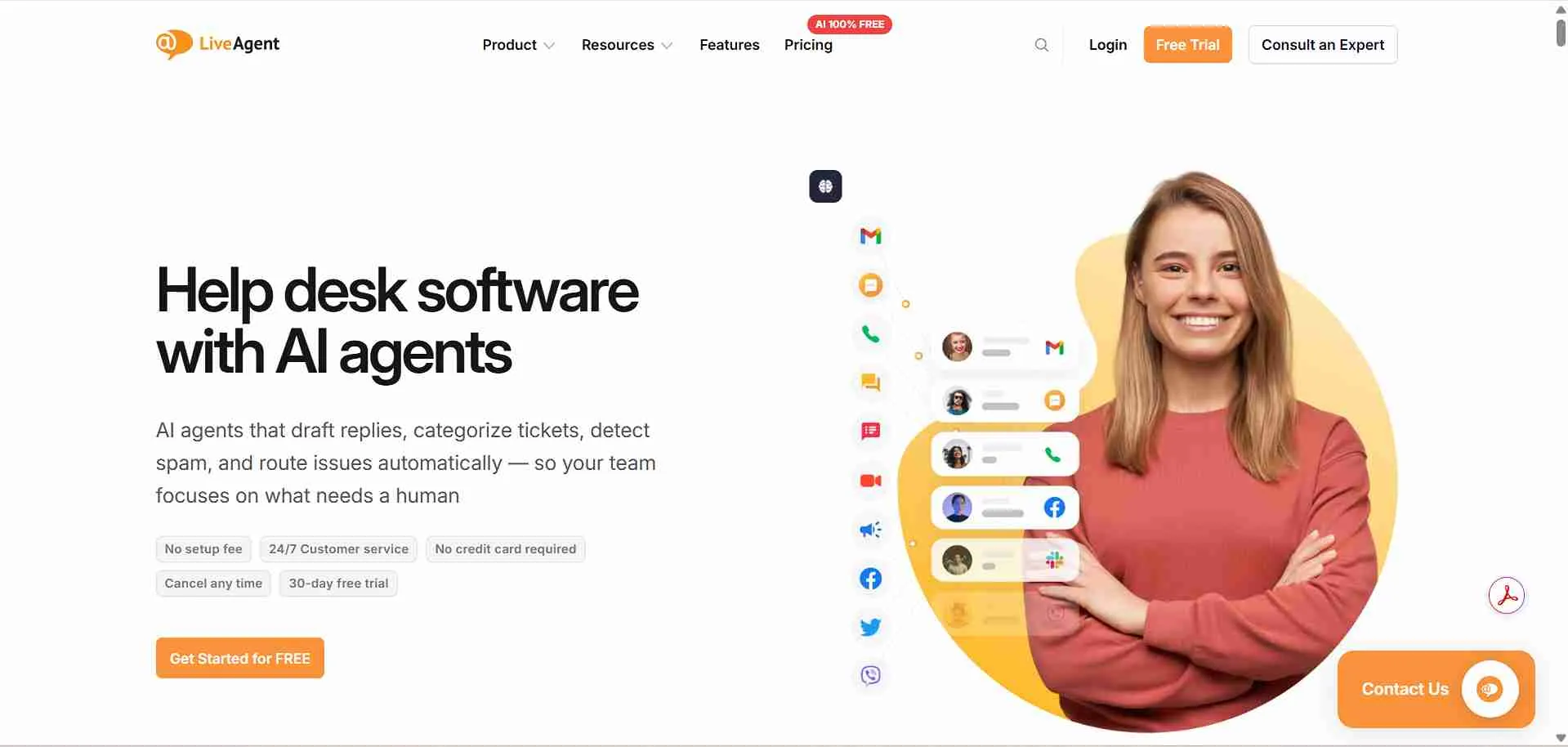
LiveAgent is an all-in-one help desk and live chat platform designed to centralize tickets, customer emails, chat, and social media messages inside a single workspace. It keeps all customer interactions in one place, so teams can respond faster, avoid missed requests, and maintain clear conversation histories.
All inbound messages, whether from email, live chat, Facebook Messenger, or calls, flow into a unified ticket system. Tickets are managed using priorities, statuses, and SLA rules, ensuring nothing falls through the cracks. The workspace setup is straightforward, which makes it suitable for small to mid-sized teams who need operational clarity without complex configuration.
LiveAgent is ideal for teams seeking multi-channel ticket tracking, quicker resolution, and organized workflows across chat, email, and messaging platforms.
Why It’s a Strong Kustomer Alternative
Teams look for Kustomer alternatives when workflow automation and thread continuity create friction in high-volume support. Kustomer centralizes conversations but often requires technical knowledge for workflows and integration.
LiveAgent addresses this by offering automatic ticket routing, SLA monitoring, and multi-channel support without heavy technical setup. It helps teams manage priorities and track response times efficiently, reducing the operational overhead of manual ticket management. This makes it easier for support teams to focus on resolving issues instead of juggling multiple tools.
LiveAgent Core Strengths
-
Multi-channel ticketing with email, chat, calls, and social media integration
-
Real-time live chat with visitor tracking and typing preview
-
Knowledge base for self-service support
-
Reports and analytics dashboards for team performance
-
Integration with CRMs, e-commerce platforms, and third-party apps
-
Plan-based subscription with scalable user and feature tiers
Why Is LiveAgent Better Than Kustomer
LiveAgent focuses on simplifying multi-channel support and ticket lifecycle management rather than requiring technical workflow setup. While Kustomer centralizes conversations, it can be complex for non-technical teams, especially when integrating into existing systems.
LiveAgent offers SLA enforcement, automated ticket routing, and streamlined multi-channel support within one dashboard. Teams experience fewer thread disruptions, faster onboarding for new agents, and reduced dependency on engineering support, making it ideal for retail, travel, and finance industries managing high volumes of customer requests.
Limitations
-
Advanced automation workflows are less flexible compared to highly customizable CRMs
-
Some features may require higher-tier plans for larger teams
-
Custom reporting and analytics may need manual configuration for complex metrics
Best For
-
Support teams managing high-volume tickets
-
E-commerce businesses handling multi-channel inquiries
-
Travel and booking platforms requiring SLA enforcement
-
Small to mid-sized customer service teams
-
Teams that want multi-channel support without heavy technical setup
Pricing Snapshot
-
Tiered subscription plans based on features and user count
-
Plan options scale with team size and functionality needs
-
Includes live chat, ticketing, and knowledge base in most tiers
-
Enterprise-grade features available on higher-tier plans
Read more: Discover the best LiveAgent alternatives and compare features to choose the right helpdesk for your team.
3. Zendesk - Enterprise Customer Support Standard
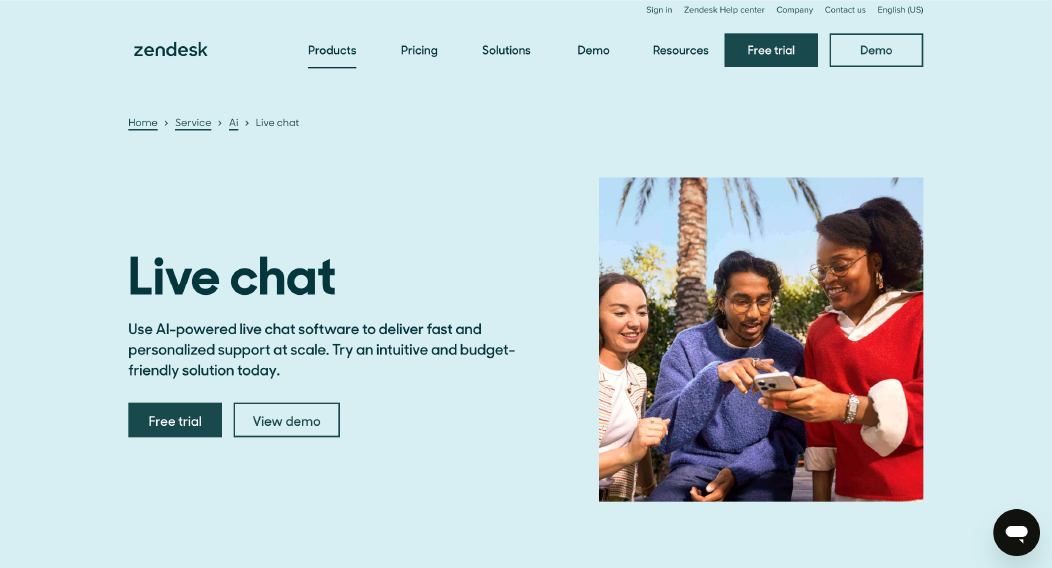
Zendesk is an enterprise customer support platform designed to centralize tickets, email, chat, and messaging in a single workspace. It keeps all customer interactions organized so teams can respond faster, track histories clearly, and maintain SLA compliance without switching between tools.
All inbound messages, whether email, chat, calls, or social media, enter the same dashboard. Tickets are managed using priorities, custom statuses, and SLA rules. The setup is intuitive for most teams, making Zendesk suitable for retail, travel, and finance teams that need structured, multi-channel support without a heavy technical burden.
Why It’s a Strong Kustomer Alternative
Teams look for Kustomer alternatives when workflow setup, thread continuity, and technical dependencies create friction. Kustomer centralizes customer data but often requires engineering support for workflows and integration.
Zendesk makes it easier by offering automated ticket routing, SLA tracking, and streamlined multi-channel support in one platform. Teams can manage priorities and response times efficiently while avoiding thread disruptions, making it easier to focus on resolving issues rather than managing complex setups.
Zendesk Core Strengths
-
Multi-channel ticketing with email, chat, calls, and social media
-
SLA management and automated ticket routing
-
Knowledge base for self-service support
-
Analytics dashboards for team performance
-
CRM, e-commerce, and third-party integrations
Why Is Zendesk Better Than Kustomer
Zendesk emphasizes multi-channel ticket management and workflow automation without needing advanced technical skills. While Kustomer centralizes conversations, it can be challenging for non-technical teams, especially when integrating into existing systems.
Zendesk enforces SLAs, automates ticket routing, and keeps multi-channel support organized in a single dashboard. Teams benefit from fewer thread interruptions, faster onboarding, and reduced reliance on engineering support, making it ideal for high-volume support in retail, travel, and finance.
Limitations
-
Advanced workflow automation is less customizable than some CRMs
-
Certain features require higher-tier plans
-
Complex reporting may need manual setup
Best For
-
Teams handling high-volume support tickets
-
Retail, travel, and finance customer support
-
Businesses needing structured SLA enforcement
-
Small to mid-sized teams requiring multi-channel support
Pricing Snapshot
-
Tiered subscription plans based on features and users
-
Scales with team size and operational needs
-
Includes ticketing, live chat, and knowledge base
-
Enterprise features available in higher-tier plans
Check out the best Zendesk alternatives available on the market today.
4. Tidio - Live Chat & Chatbot Platform
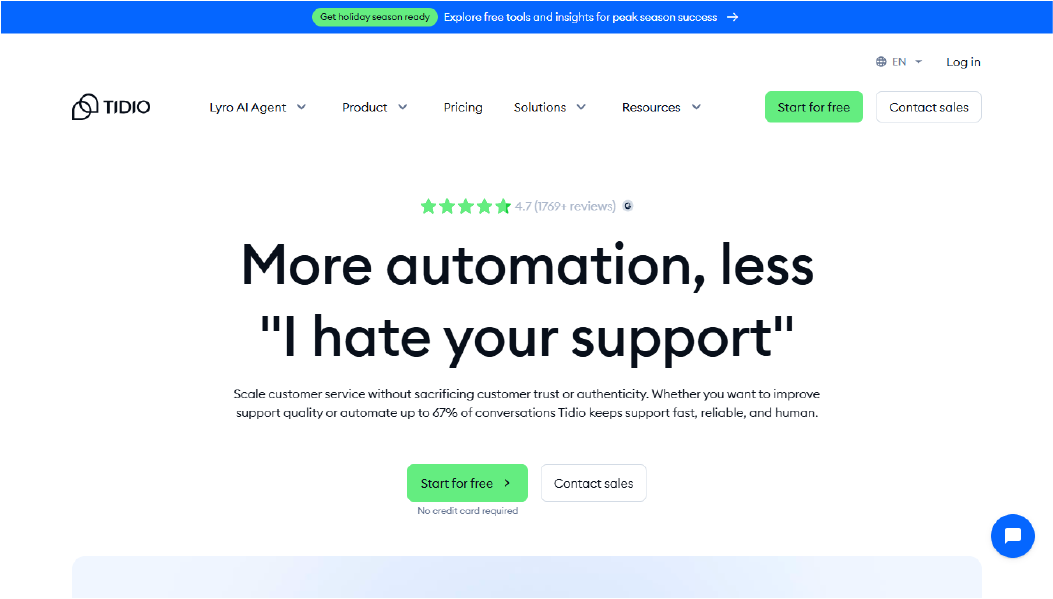
Tidio is a live chat and chatbot platform designed to help teams manage website conversations and automate responses in real time. It centralizes chat from websites, Messenger, and email into a single dashboard, making it easier to respond quickly and keep conversation histories organized.
The platform supports automated replies, visitor tracking, and chatbot workflows. Small to mid-sized teams can use Tidio without complex setup, which makes it ideal for businesses that want real-time engagement without heavy technical overhead.
Why It’s a Strong Kustomer Alternative
Teams look for Kustomer alternatives when workflow complexity and thread management create friction. Kustomer centralizes multi-channel support but often requires technical knowledge for workflows and integrations.
Tidio makes customer engagement simple with visual chatbot builders, automated responses, and effortless visitor management. Teams can respond faster, minimize manual follow-ups, and efficiently manage high-volume inquiries in retail, travel, and finance.
Tidio Core Strengths
-
Visual chatbot builder with automation flows
-
Live chat with real-time visitor tracking
-
Automated email and Messenger responses
-
Knowledge base for quick answers
-
Integration with CRM and e-commerce platforms
Why Is Tidio Better Than Kustomer
Tidio focuses on making real-time customer engagement simple and efficient. While Kustomer provides centralized conversation management, it can be technical and complex for teams without engineering support.
Tidio reduces the need for manual ticket handling by automating common questions and organizing chats in a single dashboard. Teams experience faster responses, easier onboarding, and minimal technical friction, making it practical for smaller teams or fast-moving support operations.
Limitations
-
Workflow automation is simpler than advanced CRMs
-
Reporting features are limited compared to enterprise solutions
-
Best suited for chat-focused customer support rather than complex ticketing
Best For
-
Small to mid-sized teams needing live chat automation
-
E-commerce businesses handling website inquiries
-
Travel or service teams requiring real-time visitor engagement
-
Teams that want simple, visual chat workflows
Pricing Snapshot
-
Tiered subscription based on features and number of contacts
-
Scales with website traffic and team size
-
Includes live chat, chatbots, and email integration
-
Higher tiers unlock advanced automation and CRM integrations
Check out the best Tidio alternatives available on the market today.
5. Intercom - Conversational Engagement Platform
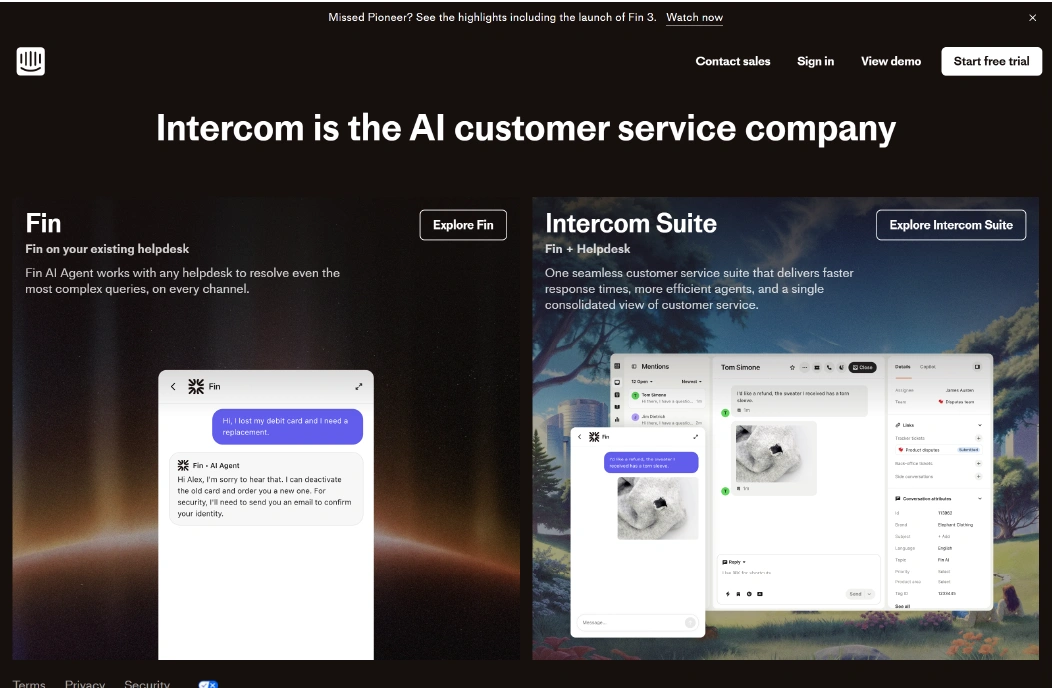
Intercom is a conversational engagement platform designed to help businesses communicate with customers across websites, apps, and email. It centralizes messages, live chat, and automated campaigns in one dashboard, allowing teams to manage conversations efficiently without juggling multiple tools.
The platform supports targeted messaging, automated workflows, and real-time chat. Teams can set up triggered messages, chatbots, and live support easily, making it suitable for customer-facing operations in retail, travel, and finance.
Why It’s a Strong Kustomer Alternative
Teams look for Kustomer alternatives when workflow setup and conversation continuity cause friction. Kustomer provides centralized multi-channel support but can require technical knowledge for integrations and workflow customization.
Intercom streamlines customer engagement using visual automation, chatbots, and targeted messaging campaigns. It helps teams cut repetitive questions, maintain thread continuity, and manage multi-channel interactions without complex technical setup.This allows support teams to focus on resolving issues rather than managing complex workflows.
Intercom Core Strengths
-
AI-powered chatbots for automated responses
-
Real-time live chat with visitor tracking
-
Targeted in-app and email messaging campaigns
-
Conversation tagging and team assignment
-
Integration with CRM and marketing platforms
Why Is Intercom Better Than Kustomer
Intercom focuses on conversational engagement and proactive messaging rather than requiring deep workflow configuration. While Kustomer centralizes conversations, teams often face complex setup and integration challenges.
Intercom reduces manual follow-ups by automating responses and managing threads efficiently. It also enables triggered messages for specific visitor behavior, improving response speed and continuity. This makes it suitable for teams handling high volumes of customer interactions with minimal engineering dependency.
Limitations
-
Automation options are not as advanced as full CRM systems
-
Pricing can scale quickly for larger teams
-
Reporting and analytics are more limited compared to enterprise ticketing tools
Best For
-
SaaS companies needing proactive user engagement
-
E-commerce teams managing website and app chats
-
Travel or finance teams handling high-volume inquiries
-
Teams that want automated and targeted customer messaging
Pricing Snapshot
-
Tiered subscription based on features and team size
-
Higher plans unlock advanced automation and customization
-
Includes chat, messaging campaigns, and basic chatbot functionality
-
Designed to scale with user interactions and business growth
Check out the top Intercom alternatives and select one that best suits your business.
6. Zoho Desk - Customer Support & Help Desk Platform
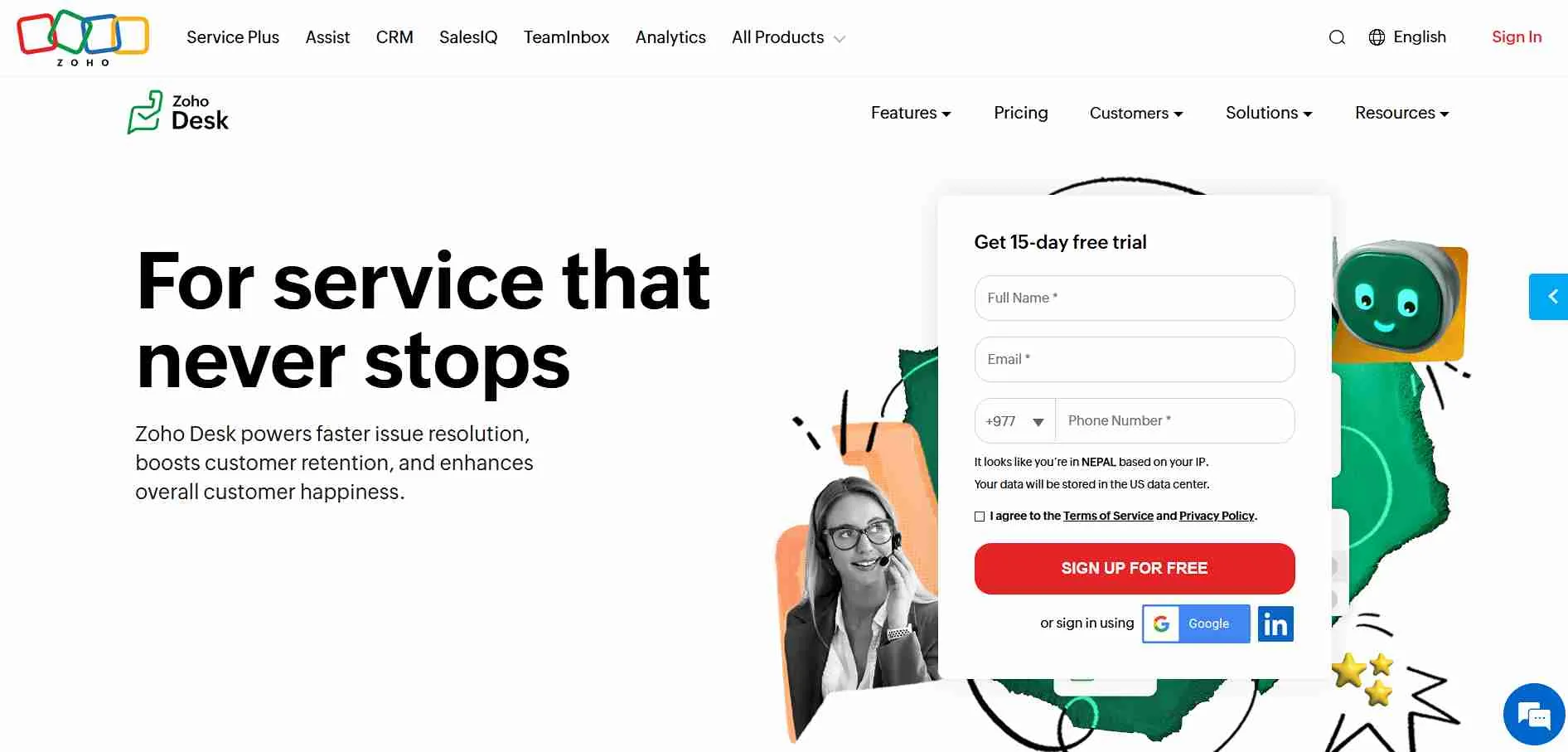
Zoho Desk is a cloud-based help desk platform designed to manage customer tickets, emails, calls, and social media messages in one workspace. It centralizes interactions so support teams can track issues, assign tickets, and maintain conversation history without switching between tools.
The platform supports automation rules, SLA management, and multi-channel support. Teams can set priorities, create custom workflows, and monitor performance through dashboards, making it suitable for retail, travel, and finance businesses that need structured ticket management.
Why It’s a Strong Kustomer Alternative
Businesses look for Kustomer alternatives when workflow complexity and integration requirements slow down support operations. Kustomer provides a centralized timeline but often requires technical expertise for setup and multi-channel integration.
Zoho Desk eases ticket management with ready-made workflows, automated routing, and transparent SLA monitoring. It helps teams maintain thread continuity and manage customer interactions efficiently without relying heavily on engineering resources.
Zoho Desk Core Strengths
-
Multi-channel ticketing including email, calls, chat, and social media
-
Workflow automation and SLA monitoring
-
Knowledge base for self-service support
-
Reporting dashboards for agent and team performance
-
Integration with CRM and third-party business apps
Why Is Zoho Desk Better Than Kustomer
Zoho Desk focuses on operational clarity and ease of use rather than requiring technical workflow setup. While Kustomer centralizes conversations, non-technical teams may struggle with complex configuration and integration challenges.
Zoho Desk prevents thread disruptions through automated routing and strict SLA enforcement. It also provides easy-to-use dashboards for tracking tickets, making it easier for retail, travel, and finance teams to maintain consistent customer support without engineering dependency.
Limitations
-
Advanced automation may not match highly customizable CRMs
-
Some integrations require higher-tier plans
-
Reporting for complex metrics may need manual configuration
Best For
-
Support teams handling multi-channel inquiries
-
Retail businesses managing customer service tickets
-
Travel and booking platforms with SLA requirements
-
Small to mid-sized teams needing structured ticket management
Pricing Snapshot
-
Tiered subscription plans based on features and team size
-
Higher plans unlock advanced automation, SLA control, and reporting
-
Includes ticketing, multi-channel support, and knowledge base in standard plans
-
Scales to support growing teams and customer volume
Read more: Discover the best Zoho Desk alternatives and compare features to choose the right helpdesk for your team.
7. Gladly - Customer-Centric Conversation Platform
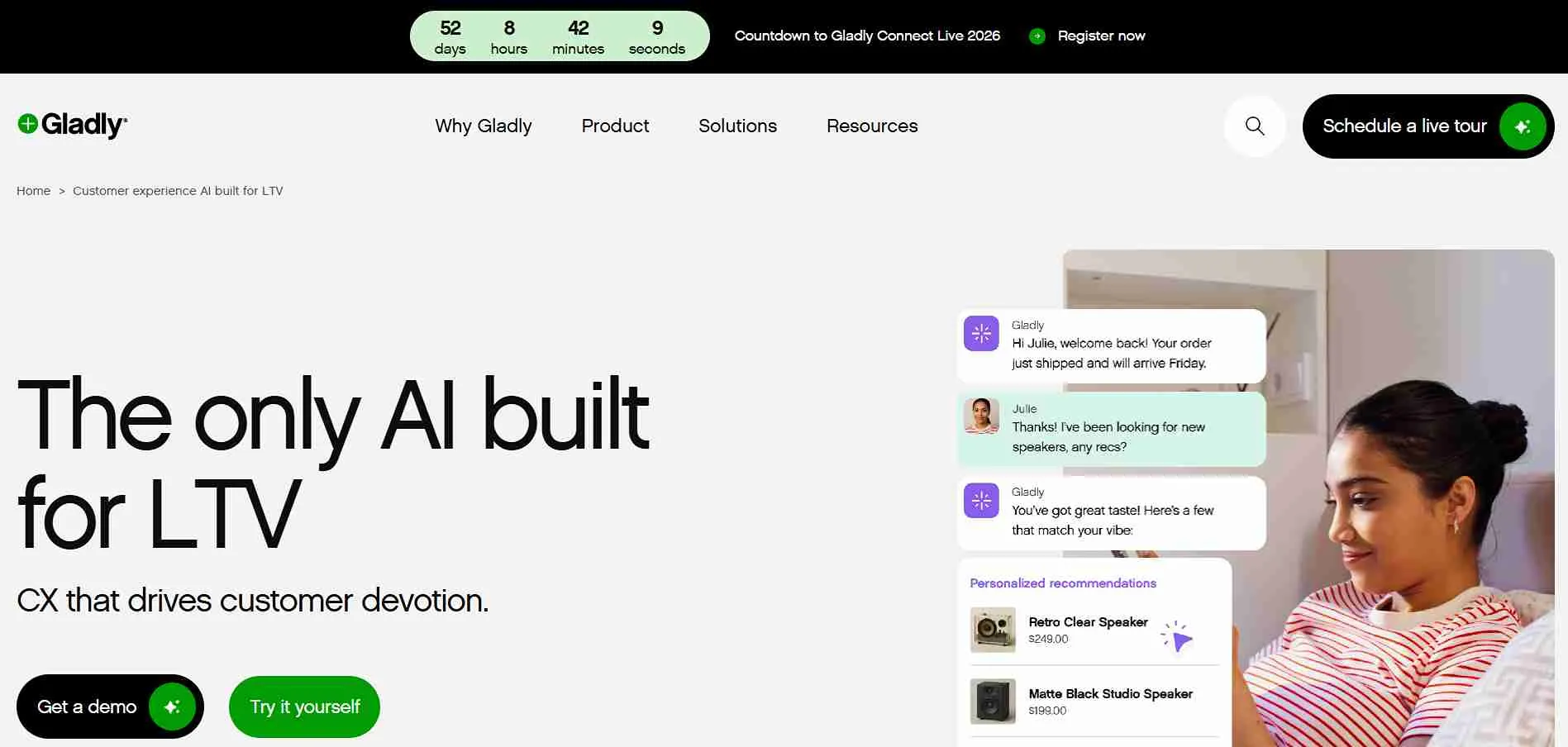
Gladly is a customer service platform designed to unify conversations across email, chat, phone, and social media into a single workspace. It allows teams to view a customer’s entire history in one place, helping agents respond quickly and maintain continuity across interactions.
The platform emphasizes customer-centric workflows, allowing teams to prioritize tickets, assign tasks, and track response times. It’s particularly suited for retail, travel, and finance businesses that need a consistent support experience without losing context between channels.
Why It’s a Strong Kustomer Alternative
Businesses look for Kustomer alternatives when managing multi-channel conversations becomes technically complex. Kustomer centralizes customer timelines but often requires technical setup and workflow customization that non-technical teams may find challenging.
Gladly streamlines conversation management by linking messages to customer records and maintaining thread continuity. It reduces manual tracking, allows SLA monitoring, and supports multi-channel prioritization, making it easier for teams to deliver consistent support without heavy engineering involvement.
Gladly Core Strengths
-
Unified customer conversation history across all channels
-
Automatic ticket and thread management
-
SLA enforcement and priority tracking
-
Customer-centric workflows for efficient resolution
-
Integration with CRMs, e-commerce platforms, and other business tools
Why Is Gladly Better Than Kustomer
Gladly focuses on conversation continuity and reducing workflow complexity rather than requiring technical configuration. While Kustomer centralizes customer data, it can create friction for non-technical teams, especially when integrating with existing systems.
Gladly keeps threads intact across all channels while automatically enforcing SLA rules. This reduces the risk of lost messages, speeds up agent onboarding, and provides a more predictable workflow for retail, travel, and finance teams managing high volumes of customer requests.
Limitations
-
Advanced automation is less flexible than some CRMs
-
Enterprise integrations may require higher-tier plans
-
Reporting customization can be limited for complex metrics
Best For
-
Retail teams handling high-volume customer interactions
-
Travel and booking platforms prioritizing continuity
-
Finance and fintech customer support operations
-
Small to mid-sized teams seeking multi-channel clarity
Pricing Snapshot
-
Tiered subscription plans based on features and team size
-
Higher tiers unlock advanced workflow management and integrations
-
Includes conversation tracking, SLA enforcement, and multi-channel support
-
Scales to support growing teams and customer volumes
8. Freshdesk - Scalable Support System
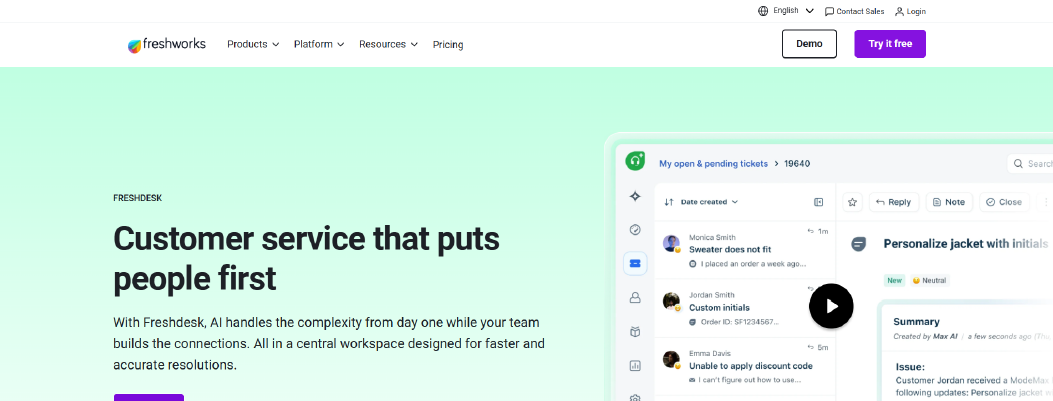
Freshdesk is a help desk platform designed to centralize customer support across email, chat, phone, and social media in a single workspace. It allows teams to track tickets, automate routine tasks, and maintain a complete customer conversation history without switching tools.
The platform provides SLA monitoring, priority management, and customizable workflows, helping teams respond faster while keeping support organized. Freshdesk is ideal for businesses in retail, travel, and finance that handle a high volume of tickets and need a scalable support solution.
Why It’s a Strong Kustomer Alternative
Teams look for Kustomer alternatives when workflow configuration and thread management create friction. Kustomer centralizes customer timelines but often requires technical knowledge for workflows and integration, which can slow down non-technical teams.
Freshdesk streamlines support with automated ticket routing, SLA monitoring, and multi-channel support in an intuitive dashboard. This lowers operational overhead, allowing agents to focus on resolving issues instead of juggling tools or complex workflows.
Freshdesk Core Strengths
-
Multi-channel ticketing with email, chat, phone, and social media
-
Automated ticket assignment and SLA enforcement
-
Knowledge base for self-service support
-
Reporting dashboards for team performance tracking
-
Integrations with CRMs, e-commerce platforms, and third-party apps
Why Is Freshdesk Better Than Kustomer
Freshdesk focuses on simplifying multi-channel ticket management and workflow automation without requiring extensive technical setup. While Kustomer centralizes conversations, it can be complex for non-technical teams and integration into existing systems.
Freshdesk provides clear SLA monitoring, automated ticket routing, and organized multi-channel support in a single dashboard. This reduces thread disruptions, improves onboarding speed for new agents, and lowers dependency on engineering support, making it suitable for retail, travel, and finance teams managing high ticket volumes.
Limitations
-
Advanced automation may be less flexible than highly customizable CRMs
-
Some reporting features require higher-tier plans
-
Custom workflow options may need manual configuration for complex scenarios
Best For
-
Support teams managing high-volume tickets
-
E-commerce businesses handling multi-channel inquiries
-
Travel and booking platforms requiring SLA enforcement
-
Small to mid-sized customer service teams
Pricing Snapshot
-
Tiered subscription plans based on features and user count
-
Higher tiers unlock advanced automation, reporting, and integrations
-
Includes multi-channel support, ticketing, and knowledge base in standard plans
-
Scales for enterprise-level support needs
Read more: Discover the best Freshdesk alternatives and compare features to choose the right helpdesk for your team.
9. Hiver - Gmail-Based Support Alternative
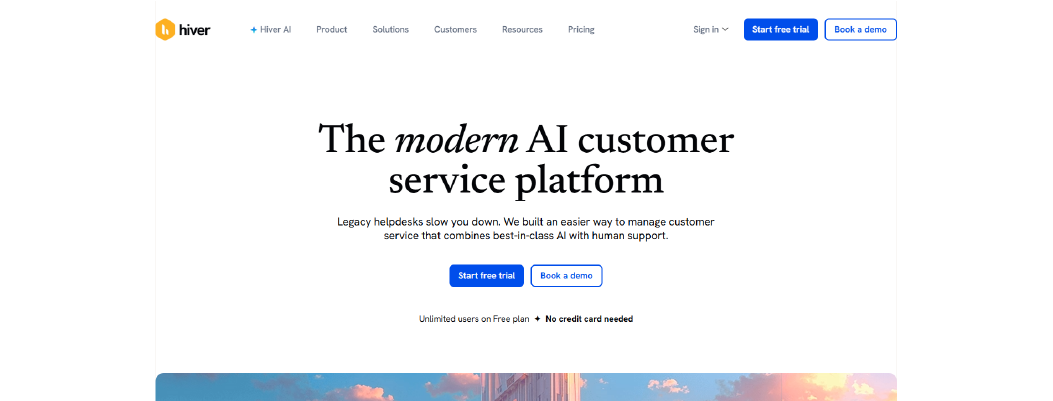
Hiver is a help desk platform built directly on top of Gmail, turning your inbox into a collaborative support workspace. It allows teams to manage shared email accounts, assign tickets, track SLAs, and collaborate on customer requests without leaving Gmail.
Hiver is ideal for teams that prefer minimal onboarding and want to leverage the Gmail environment they already use. It centralizes email communication, assigns ownership of messages, and provides reporting dashboards to monitor team performance.
Why It’s a Strong Kustomer Alternative
Teams look for Kustomer alternatives when complex workflows and technical setup slow down support operations. Kustomer centralizes customer conversations but often requires technical knowledge for workflow creation and integration.
Hiver transforms shared inboxes into a structured ticketing system for streamlined email support. Agents can assign conversations, track SLAs, and add internal notes directly within Gmail. This prevents thread confusion and keeps conversations organized without complex technical setup.
Hiver Core Strengths
-
Gmail-integrated ticket management for shared inboxes
-
SLA tracking and automated reminders
-
Collision detection to prevent multiple agents responding to the same email
-
Reporting dashboards for team activity and performance
-
Simple workflow rules and tagging for organization
Why Is Hiver Better Than Kustomer
Hiver focuses on making email-based support simple and structured without technical configuration. While Kustomer centralizes multi-channel conversations, it can be challenging for non-technical teams and complex integrations.
With Hiver, teams get clear ownership of tickets, automated SLA alerts, and streamlined collaboration directly inside Gmail. This reduces thread confusion, speeds up response times, and lowers dependency on engineering support, making it suitable for small to mid-sized retail, travel, and finance teams.
Limitations
-
Limited support for non-email channels compared to multi-channel CRMs
-
Automation and workflow rules are basic compared to full-featured CRMs
-
Advanced reporting may require higher-tier plans
Best For
-
Teams using Gmail as their primary communication channel
-
Small to mid-sized support teams managing email inquiries
-
Businesses needing structured email workflows without additional platforms
-
Retail, travel, and finance companies with moderate ticket volume
Pricing Snapshot
-
Tiered subscription plans based on users and features
-
Includes SLA tracking, shared inbox collaboration, and reporting in standard plans
-
Higher tiers unlock advanced automation, analytics, and integration capabilities
-
Scales for growing teams without adding complex technical setup
Check out the best Hiver alternatives available on the market today.
10. Gorgias - Ecommerce-Focused Support Platform
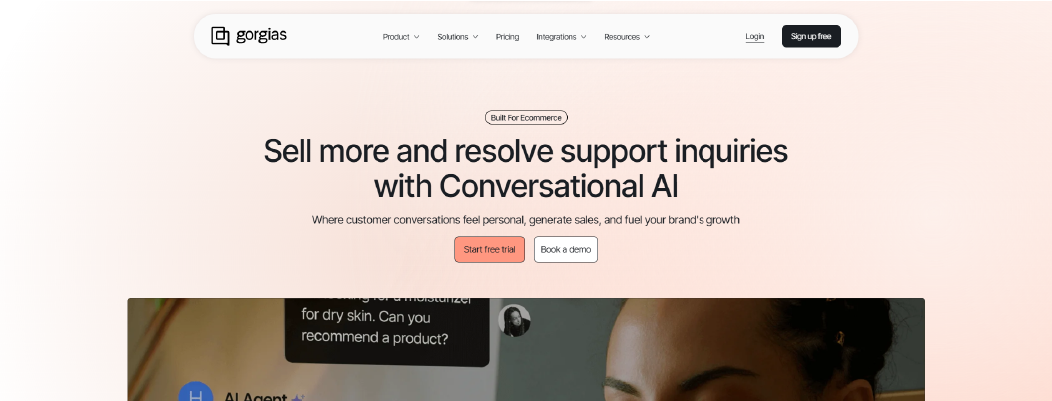
Gorgias is a help desk platform designed specifically for ecommerce brands. It centralizes customer support from email, live chat, social media, and SMS into a single dashboard. Gorgias allows teams to automate responses, track order-related inquiries, and link support interactions directly with ecommerce platforms like Shopify, Magento, and BigCommerce.
Gorgias is ideal for ecommerce teams that need fast, personalized support while keeping customer order data accessible. It provides automation rules, macros, and ticket tagging to streamline workflows and improve response efficiency.
Why It’s a Strong Kustomer Alternative
Teams look for Kustomer alternatives when high-volume workflows and technical setup slow down support operations. Kustomer centralizes multi-channel conversations but often requires technical knowledge for workflows and integration.
Gorgias streamlines e-commerce support by integrating directly with your online store. Tickets are automatically enriched with order details, making it easier for agents to respond quickly. Automation rules handle repetitive inquiries, reducing manual follow-ups and operational friction for retail teams.
Gorgias Core Strengths
-
Multi-channel support for email, chat, social media, and SMS
-
Ecommerce integration with Shopify, Magento, and BigCommerce
-
Automated responses and macros for common inquiries
-
Order data visible in tickets for faster issue resolution
-
Performance reporting and SLA tracking
Why Is Gorgias Better Than Kustomer
Gorgias focuses on reducing friction for ecommerce customer support. While Kustomer centralizes conversations, it can be complex for non-technical teams and for integrating into existing ecommerce platforms.
Gorgias allows agents to view order histories in tickets, automate repetitive questions, and keep conversations continuous across channels. This reduces thread disruptions, accelerates response times, and minimizes reliance on technical support for setup. It works well for retail brands managing high volumes of customer inquiries.
Limitations
-
Primarily built for ecommerce support; less suitable for non-retail businesses
-
Advanced workflow customization may require higher-tier plans
-
Limited internal team collaboration features outside of customer support
Best For
-
Ecommerce businesses using Shopify, Magento, or BigCommerce
-
Retail support teams managing high volumes of order inquiries
-
Small to mid-sized teams needing structured ticket workflows
-
Brands seeking automated responses for common questions
Pricing Snapshot
-
Tiered subscription plans based on ticket volume and features
-
Includes multi-channel support and ecommerce integrations in standard plans
-
Higher tiers unlock advanced automation, analytics, and team management features
-
Scales efficiently for growing retail teams without complex technical setup
Kustomer Competitors Compared Side-by-Side
Here’s a detailed comparison to help you evaluate each Kustomer alternative by workflow setup, thread management, multi-channel support, integration options, usability for non-technical teams, and transparent pricing in 2026.
|
Tool
|
Setup Complexity
|
Custom Workflow Control
|
Native Multi-Channel Support
|
AI / Chatbot Automation
|
Knowledge Base Integration
|
Reporting Depth
|
Seat-Based Billing Impact
|
|
Chatboq
|
Low (guided setup, ready flows)
|
Strong (chat routing, SLA & priority control)
|
Web chat + messaging integrations
|
Advanced AI chatbot responses
|
Moderate
|
Conversation + SLA dashboards
|
Flexible (workspace-based, reduces agent load)
|
|
LiveAgent
|
Low
|
Moderate workflow rules
|
Email, chat, calls, social media
|
Moderate chatbot automation
|
Built-in help center
|
Conversation analytics
|
Per-user tier pricing
|
|
Zendesk
|
Moderate
|
Advanced workflow builder
|
Email, chat, messaging apps, voice
|
Moderate AI & automation
|
Built-in knowledge base
|
Reporting dashboards
|
Per-agent pricing
|
|
Tidio
|
Low
|
Simple workflow triggers
|
Web chat, email, Messenger
|
Moderate AI responses
|
Moderate
|
Basic reporting
|
Per-user subscription tiers
|
|
Intercom
|
Moderate
|
Advanced workflow control
|
Web chat, email, in-app messaging
|
Advanced AI & automation
|
Limited
|
Engagement analytics
|
Contact-based scaling
|
|
Zoho Desk
|
Moderate
|
Structured workflow templates
|
Email, chat, social media
|
Moderate automation
|
Built-in knowledge base
|
SLA & ticket reporting
|
Per-agent pricing
|
|
Gladly
|
Moderate
|
Moderate workflow control
|
Email, chat, social media, SMS
|
Moderate automation
|
Limited
|
Conversation analytics
|
Tiered subscription
|
|
Freshdesk
|
Low
|
Moderate workflow + CRM
|
Email, chat, messaging apps
|
Moderate automation
|
Built-in knowledge base
|
SLA & ticket reporting
|
Per-agent subscription
|
|
Hiver
|
Low
|
Basic workflow rules
|
Email
|
Minimal automation
|
None
|
Simple reporting
|
Per-user pricing
|
|
Gorgias
|
Moderate
|
Moderate workflow rules
|
Email, chat, social media, SMS
|
Minimal AI automation
|
Limited
|
Ecommerce-focused reports
|
Tiered subscription by ticket volume
|

 ChatGPT
 Perplexity
 Claude




Leave a Comment
Your email address will not be published. Required fields are marked *
By submitting, you agree to receive helpful messages from Chatboq about your request. We do not sell data.