
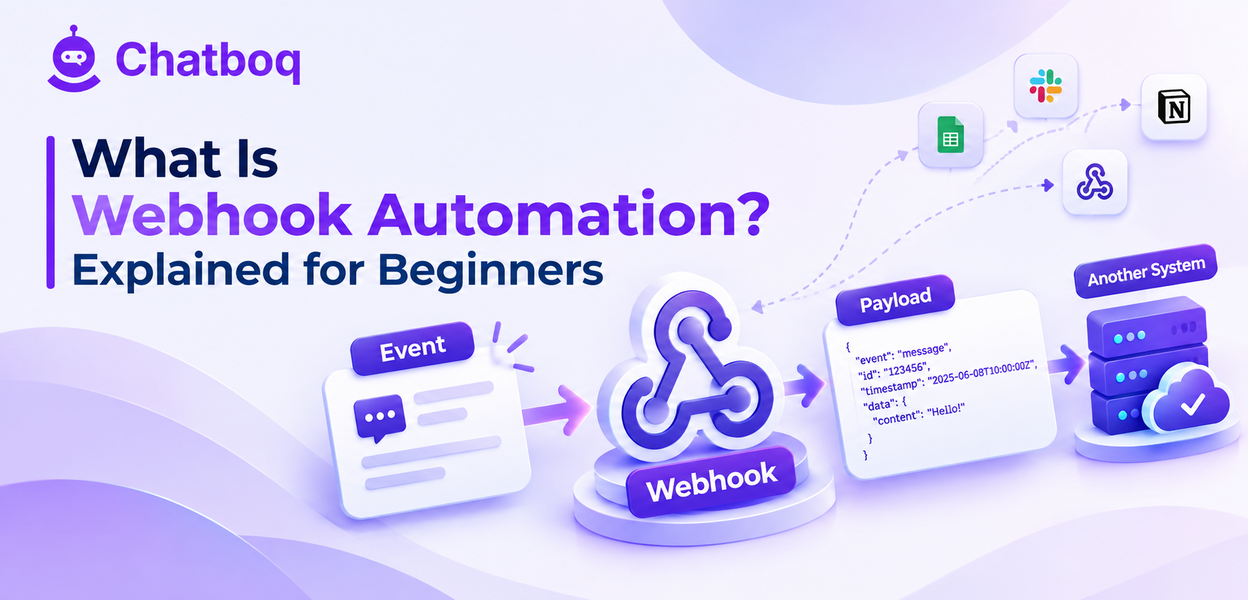
When a defined event occurs, the sending system makes an HTTP request to a URL you configured, carrying details of the event in the request body.
The event and the endpoint
You tell the sending system which events you care about and which web address should receive them, and it contacts that address each time one occurs.
That address is usually an endpoint on your own server or a no-code automation tool, and it needs to be reachable from the internet over a secure connection.
The payload
The request body contains structured details of what happened, typically as JSON, including identifiers, the event type, a timestamp and the relevant data.
Payload contents differ between platforms, so reading the documentation for the specific events you are handling matters more than general webhook knowledge.
The response
Your endpoint should respond quickly with a success code, since a slow response ties up the sender and frequently triggers a timeout and a retry.
The correct pattern is to acknowledge receipt immediately and process the payload afterwards rather than doing the work before responding.
What the receiving system does next
Once received, the payload can create a record, update a field, notify a team, start a workflow or trigger another integration entirely.
This is where the actual value sits, and the webhook itself is only the delivery mechanism that made the action possible.
Webhooks Versus APIs
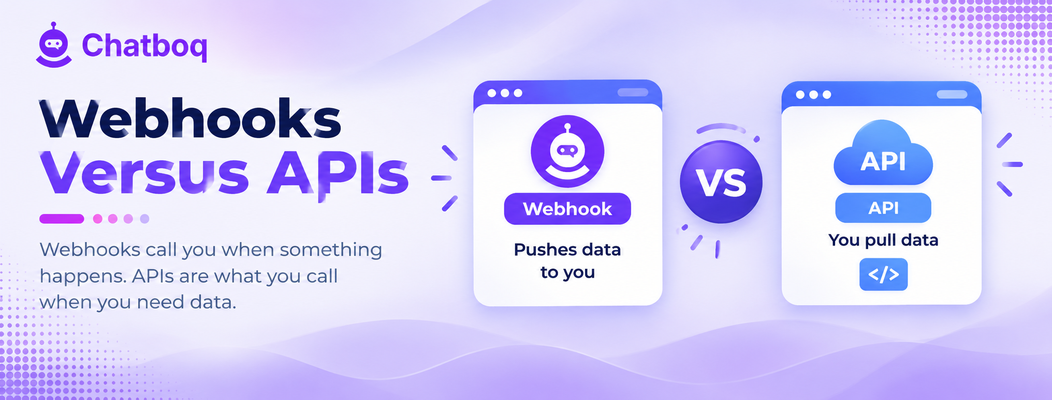
An API is something you call when you want information, while a webhook is something that calls you when there is information to share.
Polling and its cost
Without webhooks, keeping systems in sync means repeatedly asking whether anything changed, which is wasteful when nothing has and slow when something has.
Polling frequently enough to feel real-time generates enormous numbers of requests that return nothing, which is why platforms impose rate limits.
Where each fits
Webhooks suit reacting to events as they happen, while APIs suit fetching data on demand, and most integrations use both for different purposes.
A webhook typically notifies that something happened, and the receiving system then calls an API to fetch the full detail it needs.
Incoming versus outgoing
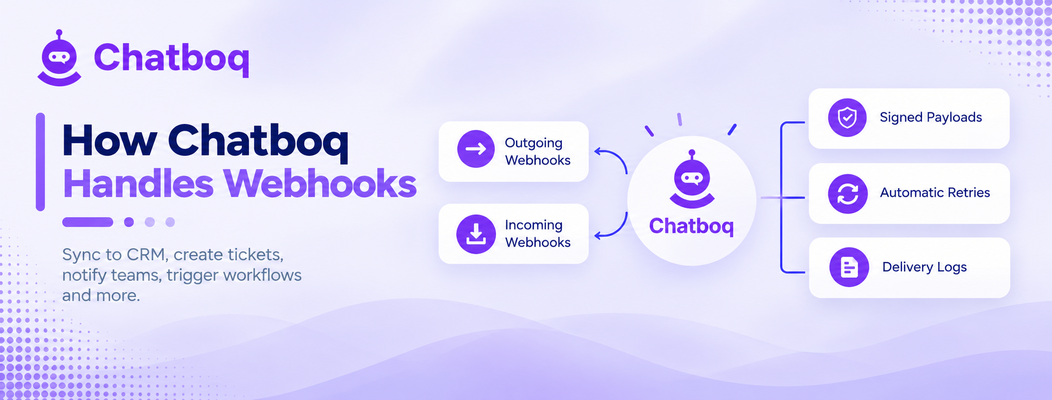
An outgoing webhook is your platform telling another system that something happened, while an incoming one lets another system tell your platform.
Most useful integrations are bidirectional, with events flowing both ways so neither system becomes the only source of truth.
 ChatGPT
 Perplexity
 Claude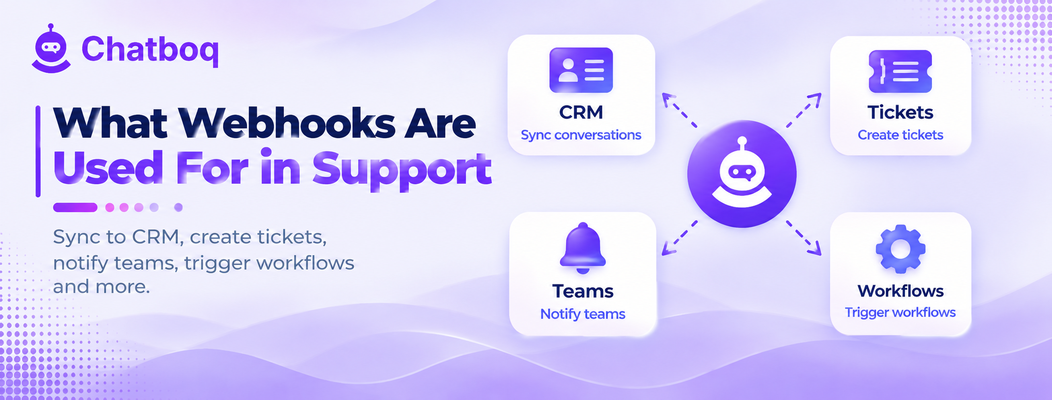



Leave a Comment
Your email address will not be published. Required fields are marked *
By submitting, you agree to receive helpful messages from Chatboq about your request. We do not sell data.