Below are detailed reviews of the top Olark alternatives. Each platform follows the same structure so you can compare workflow setup, thread stability, onboarding ease, automation support, multi-channel capabilities, and pricing transparency clearly.
The goal is to help you evaluate each option based on operational fit and long-term scalability. You can assess each Olark competitor on how it enables stable, multi-channel customer support and reduces technical friction, rather than relying on marketing claims.
Now, let’s take a closer look at each Olark alternative in detail.
1. Chatboq - All-in-One AI Chatbot & Live Chat Platform
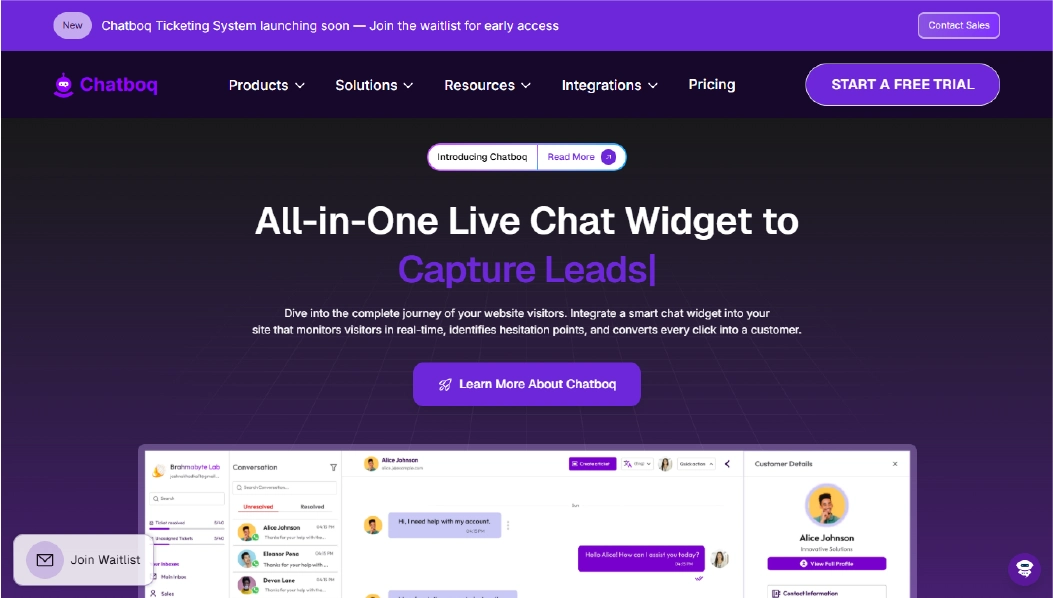
Chatboq is an all-in-one AI chatbot and live chat platform built to centralize customer conversations, ticket management, and SLA tracking in a single workspace. By keeping chats, tickets, SLAs, and agent actions in one place, teams can manage support efficiently without switching between multiple tools.
All interactions from website chat, email, and integrated messaging channels are displayed in a single dashboard for easy tracking. Tickets are organized per organization and managed using custom priorities, statuses, and SLA policies. Each workspace operates independently, which avoids confusion when multiple teams or clients are being handled simultaneously.
Chatboq works well for teams that need clear ticket stages, defined response times, and visibility across multiple communication channels.
Why It’s a Strong Olark Alternative
Businesses look for Olark alternatives when multi-channel support and thread continuity are important but managing workflows becomes tricky. Olark handles simple chat well, but features like structured ticket management and workflow automation are limited.
Chatboq helps reduce operational friction by defining response and resolution times for each organization and sending alerts for SLA breaches. It also automatically adjusts ticket priorities and moves tickets through clear stages with Kanban boards and parent-child linking. This makes managing conversations easier while keeping your team focused on customer support.
Chatboq Core Strengths
-
AI-assisted responses based on historical chats, FAQs, and uploaded knowledge base documents
-
Live chat with typing preview, message seen status, and file/voice support
-
Converts emails into tickets automatically
-
Organization-specific priorities with color-coded hierarchy
-
Custom ticket statuses per workspace
-
SLA definitions with response and resolution timelines
-
Ticket history logs with soft deletion support
-
Merge and parent-child ticket linking for related tickets
-
Manual and admin-controlled agent assignment
-
Workspace creation and isolation to separate teams or clients
-
Role-based permissions with custom team definitions
-
Visitor tracking with IP and country detection
-
Messaging integrations: WhatsApp, Messenger, Instagram, Slack, Telegram, Line, Discord
-
CRM integrations: Zoho CRM, PipeDrive
-
Plan-based subscription with invoice and card management
Why Is Chatboq Better Than Olark
Unlike Olark, Chatboq prioritizes SLA enforcement, structured workflows, and stable conversation threads, not just centralizing chats. Olark provides visibility across channels but can require technical setup for workflow management and thread tracking.
Chatboq handles high ticket volumes by automating priority escalations, SLA alerts, and lifecycle tracking. At the same time, it keeps chat, tickets, and AI assistance in the same workspace. Teams reduce manual follow-ups, improve response speed, and maintain reliable customer support without relying on engineering intervention.
Limitations
-
Not intended as a full IT service management (ITSM) platform
-
AI assistance is limited for complex analytical cases
-
No option for self-hosted deployment
Best For
-
E-commerce customer support teams
-
SaaS companies managing SLAs
-
Support teams handling multi-channel inquiries
-
Agencies managing separate client workspaces
-
Small to mid-sized teams wanting structured ticket lifecycle control
Pricing Snapshot
-
Plan-based subscription
-
Workspace-level billing structure
-
Invoice and card support
-
Not strictly agent-based pricing
-
Scales according to organization usage and workflow complexity
2. Intercom - Conversational Engagement Platform
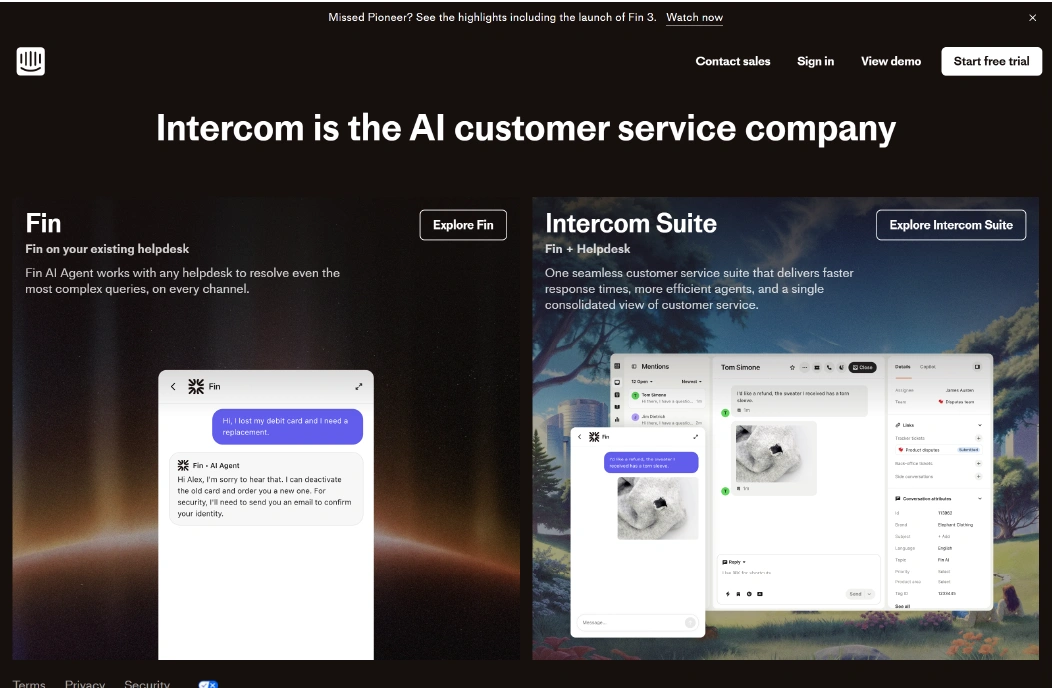
Intercom is a messaging platform that provides live chat widgets customization, targeted messaging, and basic workflow automation to help teams engage with website visitors and customers. Conversations from web chat, email, and in-app messaging flow into a shared inbox. Teams can assign conversations, tag users, and track engagement without juggling multiple systems.
Intercom works well for startups and SMBs that want a unified communication tool for customer support platform and engagement, especially when real-time interaction and user segmentation are key.
Why It’s a Strong Olark Alternative
Businesses switch from Olark when they need more than basic chat. Olark can be limited in workflow automation, multi-channel support, and AI-assisted responses. Intercom adds structured conversation management, automated messaging triggers, and targeted user engagement without fully replacing all support systems.
Intercom Core Strengths
-
Shared inbox for web, email, and in-app messages
-
Sends automated messages triggered by user behavior
-
Basic workflow automation for conversation routing
-
User segmentation for targeted communication
-
Reporting dashboards for engagement tracking
Why Is Intercom Better Than Olark
Unlike Olark, Intercom provides multi-channel conversation tracking with automated routing and message triggers. Olark keeps basic chat threads but can lack structured automation and thread control.
Intercom helps teams manage a higher volume of conversations by routing messages and triggering automated responses. It also tracks engagement analytics, reducing repetitive tasks, improving response times, and supporting customer service without heavy technical setup.
Limitations
-
Automation workflows are less flexible than dedicated workflow builders
-
Limited SLA and ticket management capabilities
-
Advanced multi-channel integrations may require extra setup
Best For
-
SMB customer support teams
-
Startups needing in-app and web engagement
-
Teams wanting user segmentation and targeted messaging
-
Businesses prioritizing real-time chat and simple automation
-
Support teams with low-to-moderate ticket volume
Pricing Snapshot
-
Subscription-based, agent or contact tier pricing
-
No workspace-level SLA enforcement
-
Plans scale based on active contacts and features
Read more: Discover the best Intercom alternatives and compare features to choose the right helpdesk for your team.
3. Drift - AI-Powered Conversational Marketing & Live Chat Platform
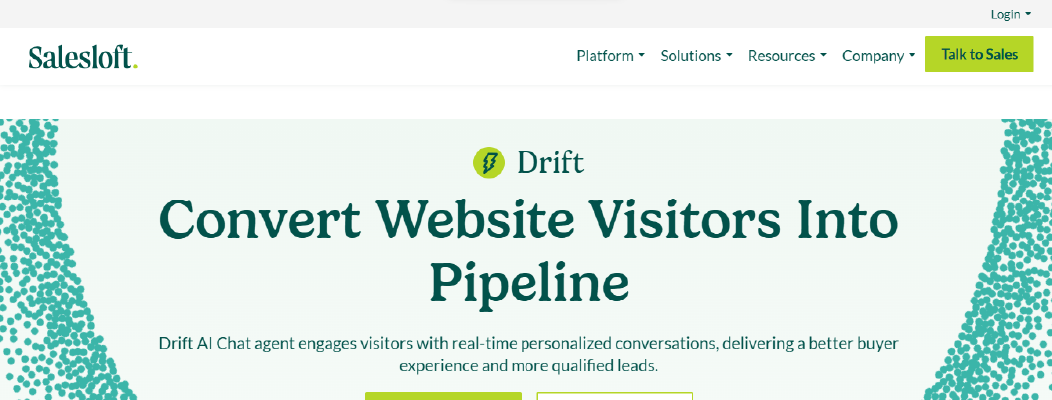
Drift is an AI-powered live chat and conversational marketing platform that helps teams engage website visitors, qualify leads, and manage customer inquiries in one place. Conversations from web chat, email, and connected messaging channels flow into a single dashboard, allowing teams to track interactions without switching tools constantly.
Drift organizes chats by visitor, conversation stage, and priority, helping teams manage both lead generation and support inquiries more effectively. Its AI chat assistant can answer common questions, route visitors, and capture lead information automatically. Drift is well-suited for teams looking to combine live chat with automated conversational workflows for customer engagement.
Why It’s a Strong Olark Alternative
Teams look for Olark alternatives when basic live chat starts creating friction around response times, lead qualification, and message organization. Olark provides straightforward real-time chat, but it lacks automation for routing, AI-driven replies, and structured workflow management.
Drift reduces friction by automating visitor routing and capturing essential information through conversational forms. It also offers AI-suggested replies for common questions. This helps teams maintain consistent, organized conversations, reduce manual follow-ups, and improve response times while keeping engagement personal and trackable.
Drift Core Strengths
-
AI-assisted chat routing to direct visitors to the right team or agent
-
Automated lead capture and qualification using conversational forms
-
Real-time live chat with notifications and visitor context
-
Basic reporting and conversation analytics for engagement tracking
-
Integration with CRM systems for synchronized lead and customer data
Why Is Drift Better Than Olark
Unlike Olark, Drift combines real-time chat with AI-assisted workflows and structured conversation tracking. Olark works for basic messaging but requires agents to manually follow up and organize leads.
Drift handles repetitive interactions automatically and guides visitors through qualification steps. It also provides AI recommendations for responses and focuses on multi-channel integrations to accelerate the sales cycle This allows support and sales teams to focus on complex inquiries while maintaining consistent engagement without relying on manual intervention.
Limitations
-
More focused on lead generation than full support ticketing
-
AI automation is limited for highly complex workflows
-
No workspace-level SLA tracking for multi-team organizations
Best For
-
SMBs and startups needing AI-assisted lead capture
-
Marketing teams combining chat with conversion funnels
-
Support teams handling common repetitive inquiries
-
E-commerce teams engaging website visitors at scale
Pricing Snapshot
-
Tiered subscription plans based on features and volume
-
Per-seat pricing for agents
-
Free trial available
-
Additional costs for advanced AI features and integrations
Check out the top Drift alternatives and select one that best suits your business.
4. LiveChat - Easy-to-Use Live Chat Platform
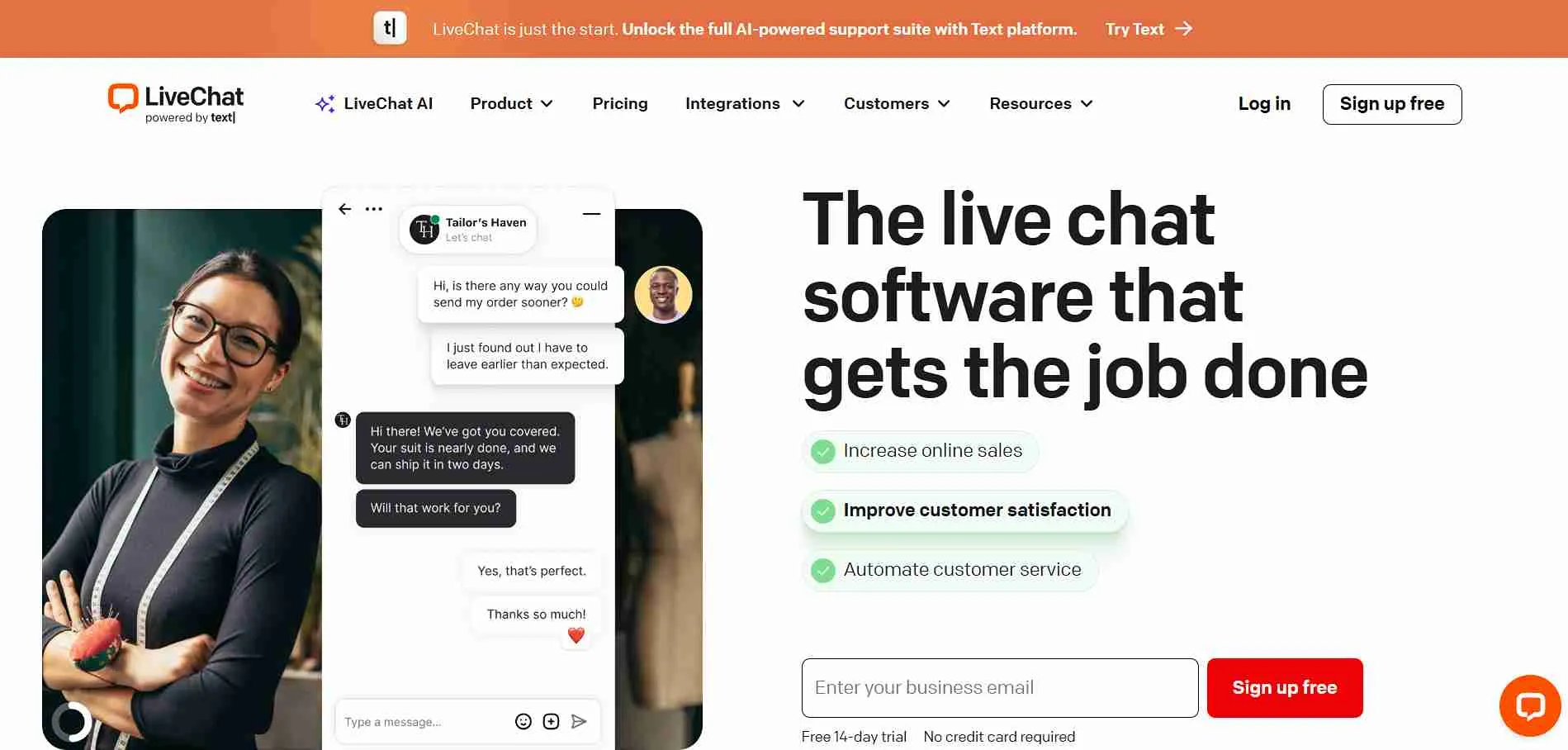
LiveChat is a live chat platform designed to help teams connect with website visitors in real-time while managing conversations efficiently. All chat interactions are stored in a single dashboard, making it easy to track ongoing conversations, assign tickets, and follow up with customers without switching between multiple tools.
It organizes chats by customer, conversation status, and priority, helping teams manage both support inquiries and engagement opportunities. LiveChat offers basic automation, canned responses, and reporting features, making it suitable for small to mid-sized teams that need structured conversation management without overly complex workflows.
Why It’s a Strong Olark Alternative
Businesses look for Olark alternatives when basic chat starts creating delays in responses and workflow organization. Olark provides straightforward messaging but lacks automation for routing and structured conversation tracking, which can slow down growing support teams.
LiveChat reduces friction by automating greeting messages and assigning chats to available agents. It also provides real-time conversation context. This allows teams to respond faster, maintain organized threads, and ensure important customer inquiries don’t get lost, improving overall support quality.
LiveChat Core Strengths
-
Real-time chat with typing previews and message notifications
-
Automated greetings and routing to available agents
-
Canned responses for common questions to save agent time
-
Conversation history tracking for context and follow-up
-
Integration with popular CRM systems to sync customer data
Why Is LiveChat Better Than Olark
Unlike Olark, LiveChat combines live messaging with basic automation and conversation tracking. Olark works for simple chat but can create friction when agents need to manage multiple threads or capture context across channels.
LiveChat helps teams maintain conversation continuity, reduce repetitive tasks, and improve response speed. Its structured approach ensures customers receive timely answers, while agents spend less time on manual follow-ups.
Limitations
-
Limited AI-assisted automation compared to newer platforms
-
Workflow customization is basic
-
Multi-channel support outside web chat is minimal
Best For
-
Small businesses needing real-time chat on websites
-
Support teams managing moderate volumes of inquiries
-
E-commerce teams focusing on visitor engagement
-
Teams that prefer simple, intuitive chat dashboards
Pricing Snapshot
-
Tiered subscription based on features and agent count
-
Per-agent pricing for access to chat features
-
Free trial available
-
Add-ons for reporting and integrations may apply
Check out the best LiveChat alternatives available on the market today.
5. Lime Connect (formerly Userlike) - Enterprise-Ready Chat Solution
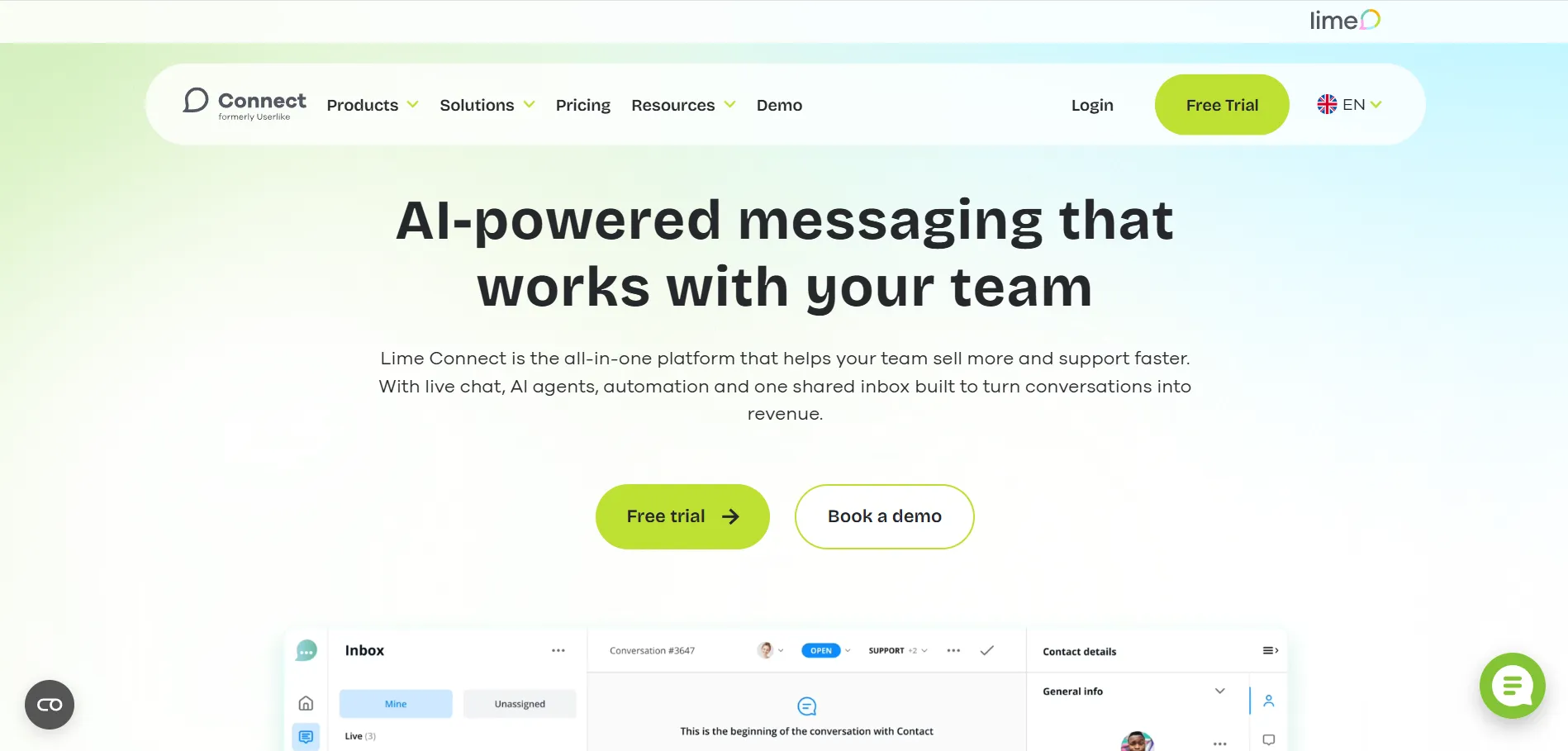
Lime Connect is a chat platform built to support multi-channel customer conversations, combining web chat, messaging apps, and basic ticketing into a unified workspace. It helps teams manage incoming messages efficiently, assign responsibilities, and maintain conversation continuity across departments.
All chats and messages flow into a central dashboard where teams can track ongoing conversations, set priorities, and monitor response times. Lime Connect also offers workflow templates and automated routing for standard inquiries, making it easier for teams to maintain organized support operations without heavy technical setup.
Why It’s a Strong Olark Alternative
Teams often look for alternatives when Olark’s basic chat can’t keep up with growing support demands. Olark’s limitations around multi-channel messaging and thread management can slow down response times as teams scale.
Lime Connect reduces friction by centralizing messages and providing basic workflow automation. It also offers conversation visibility across multiple channels. Teams can prioritize tickets, ensure messages are assigned correctly, and keep customer interactions consistent, improving overall support efficiency.
Lime Connect Core Strengths
-
Centralized chat dashboard for web and messaging apps
-
Basic automated routing of incoming conversations
-
Conversation history tracking for context and follow-up
-
Workflow templates for recurring support scenarios
-
Role-based agent permissions for structured team access
Why Is Lime Connect Better Than Olark
Unlike Olark, Lime Connect combines multi-channel messaging with structured workflow management. Olark works for single-channel chat but doesn’t handle message routing or prioritization as effectively.
With Lime Connect, teams can maintain thread continuity, assign tickets efficiently, and reduce response delays. Agents spend less time managing conversations manually, which improves customer satisfaction and internal workflow efficiency.
Limitations
-
Automation features are less advanced compared to AI-powered platforms
-
Reporting dashboards are basic and may require external tools for deeper insights
-
Integration options are more limited than some competitors
Best For
-
Enterprise teams managing multi-channel messaging
-
Support departments that need structured agent roles
-
Businesses that handle a moderate to high volume of inquiries
-
Companies wanting centralized conversation tracking without heavy technical setup
Pricing Snapshot
-
Tiered subscription depending on features and agent seats
-
Per-agent pricing for chat and ticketing access
-
Custom plans available for enterprise requirements
-
Optional add-ons for integrations and workflow enhancements
6. LivePerson - AI Chat & Messaging Platform
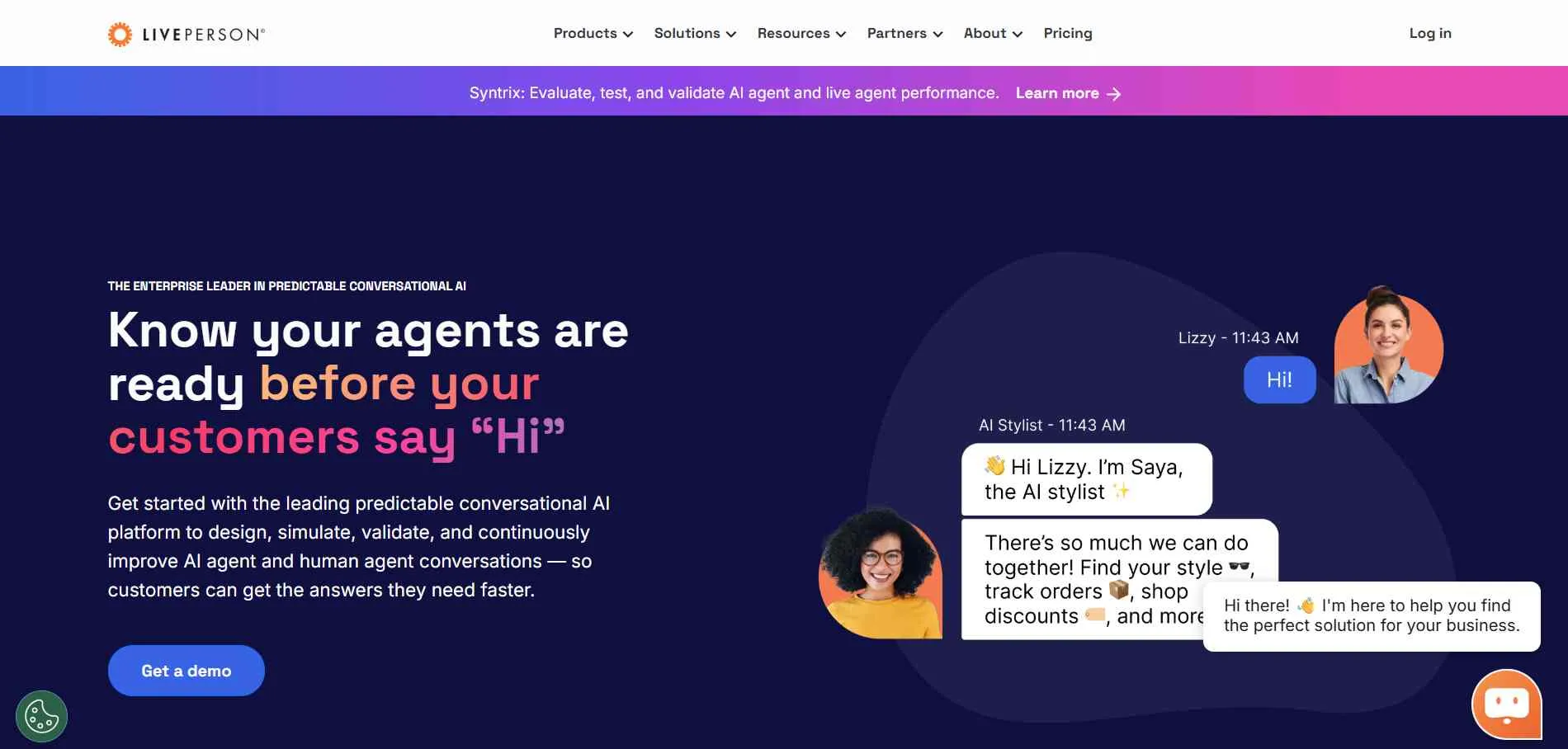
LivePerson is a conversational messaging platform designed to help teams manage customer interactions across web chat, mobile apps, and messaging channels. It focuses on AI-assisted messaging to handle routine questions while keeping agents available for more complex inquiries.
All conversations are centralized in one dashboard, allowing teams to monitor message threads, assign chats, and maintain context across multiple channels. AI-powered suggestions help agents respond faster, while automated workflows manage repetitive tasks without manual intervention. This approach helps support teams maintain efficiency and ensure consistent customer experiences.
Why It’s a Strong Olark Alternative
Companies often look beyond Olark when basic chat features don’t scale with growing support needs. Olark lacks advanced AI assistance and structured workflow automation, which can slow response times and increase agent workload.
LivePerson addresses these challenges by combining AI-driven response suggestions, message routing, and real-time monitoring. This reduces manual effort, keeps threads organized, and improves overall response speed for teams handling multiple channels.
LivePerson Core Strengths
-
AI-powered chat suggestions to support agents in real time
-
Centralized dashboard for web, mobile, and messaging conversations
-
Automated workflows for common inquiries
-
Multi-channel conversation visibility
-
Role-based access and agent assignment
Why Is LivePerson Better Than Olark
Unlike Olark, LivePerson adds AI powered chatbot solutions and workflow automation to routine support, which helps teams reduce repetitive tasks and maintain consistent response times. Olark works well for basic live chat but requires agents to handle most tasks manually.
With LivePerson, teams can prioritize messages, automate common responses, and maintain organized conversation threads. This improves both agent efficiency and customer experience without relying on complex technical setups.
Limitations
-
Advanced AI capabilities may require additional setup and training
-
Reporting dashboards are not as detailed as some competitors
-
Pricing can be higher for smaller teams due to AI features
Best For
-
Teams handling high-volume customer inquiries
-
Support departments that want AI-assisted messaging
-
Businesses needing centralized conversation visibility
-
Companies looking to reduce agent workload on repetitive queries
Pricing Snapshot
-
Tiered subscription based on features and agent seats
-
Per-agent pricing for AI and messaging access
-
Optional add-ons for advanced AI and integrations
-
Enterprise plans available for larger teams
7. Pure Chat - Lightweight Live Chat Platform
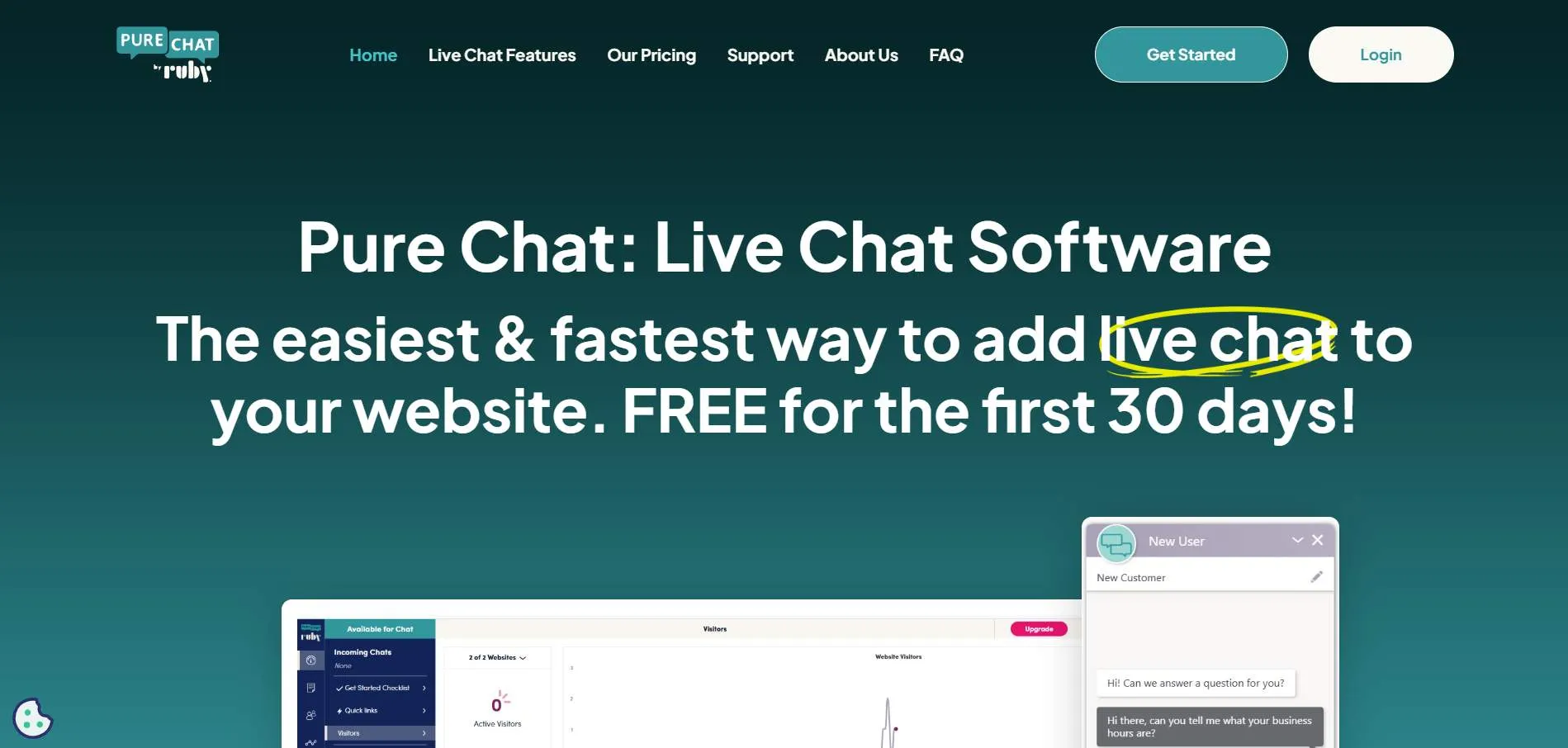
Pure Chat is a simple live chat solution built for small and growing teams who need quick, real-time communication with website visitors. It focuses on providing an easy-to-use chat interface without overwhelming users with complex workflows or features.
All visitor interactions are captured in one dashboard, allowing agents to manage multiple conversations at once. Pure Chat includes basic automated triggers and visitor tracking, which helps teams respond proactively and prioritize leads or support requests efficiently.
Why It’s a Strong Olark Alternative
Businesses often look for Olark alternatives when simple chat features need better organization and automation. Olark’s limited feature set and lack of advanced workflow capabilities can create friction as teams scale.
Pure Chat reduces this friction by offering an intuitive chat interface, live visitor monitoring, and pre-set triggers for common scenarios. Teams can respond faster, track engagement, and manage multiple chats without navigating multiple tools.
Pure Chat Core Strengths
-
Real-time visitor tracking and chat monitoring
-
Customizable chat widgets for branding consistency
-
Automated triggers for lead capture or proactive messaging
-
Centralized dashboard for managing multiple conversations
-
Basic reporting on chat volume and agent activity
Why Is Pure Chat Better Than Olark
Unlike Olark, Pure Chat provides a more user-friendly interface and lightweight automation that helps small teams engage visitors efficiently. While Olark covers basic chat needs, Pure Chat simplifies workflow, reduces setup complexity, and allows faster adoption for non-technical teams.
It helps teams prioritize active chats, capture leads, and maintain continuity across conversations without requiring advanced configuration.
Limitations
-
Limited advanced automation compared to AI-enabled platforms
-
Fewer integrations with third-party systems
-
Not ideal for complex multi-channel support
Best For
-
Small businesses and startups needing lightweight chat
-
Teams with minimal technical resources
-
Businesses prioritizing ease-of-use over complex workflows
-
Companies looking to capture leads via website chat
Pricing Snapshot
-
Free tier for basic live chat features
-
Paid plans with advanced customization and visitor tracking
-
Per-agent subscription model
-
Optional upgrades for increased features and analytics
Read more: Discover the best Pure Chat alternatives and compare features to choose the right helpdesk for your team.
8. LiveAgent - Multi-Channel Help Desk & Live Chat
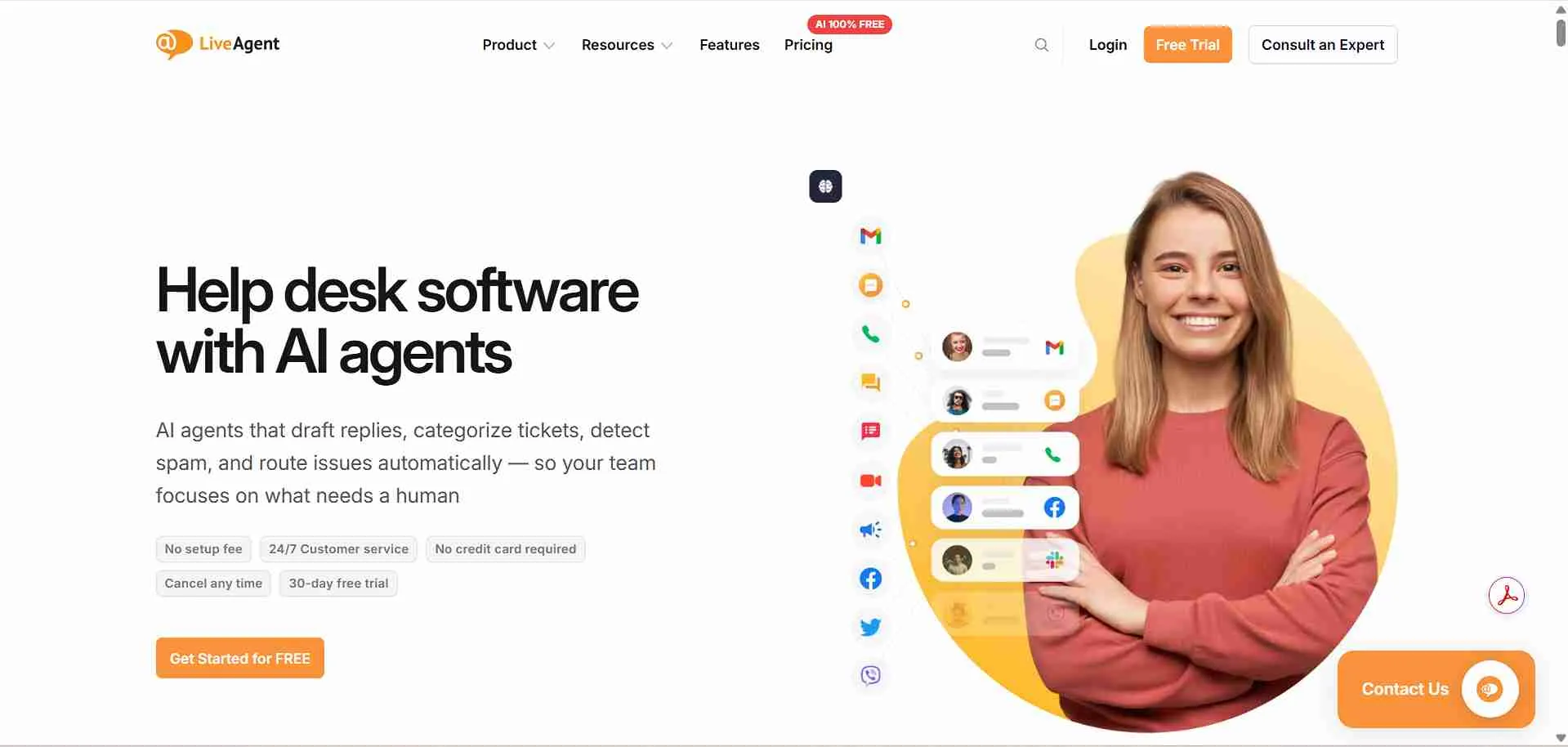
LiveAgent is a help desk and live chat platform designed to centralize customer support across email, chat, calls, and social media. It focuses on providing multi-channel support while keeping workflows simple enough for small-to-medium teams to manage efficiently.
All conversations from website chat, email, and connected messaging channels flow into one dashboard, enabling agents to track inquiries, assign tickets, and maintain conversation continuity. LiveAgent also offers basic automation for routing, SLA monitoring, and ticket prioritization.
Why It’s a Strong Olark Alternative
Teams often look for Olark alternatives when multi-channel support and reliable thread management become critical. Olark works for basic chat but falls short in handling multiple channels or structured workflows.
LiveAgent addresses this by centralizing messages from multiple channels, providing SLA tracking, and enabling rule-based ticket routing. Agents can see ticket history, assign priorities, and maintain conversation flow without jumping between tools. This reduces response delays and improves customer engagement.
LiveAgent Core Strengths
-
Centralized inbox for email, chat, calls, and social media
-
Ticket prioritization and SLA monitoring
-
Predefined automation rules for routing and task assignment
-
Multi-channel reporting and analytics
-
Role-based permissions and agent management
Why Is LiveAgent Better Than Olark
Unlike Olark, LiveAgent handles multi-channel support with more structured workflows and thread reliability. While Olark offers basic chat, LiveAgent helps teams reduce operational friction by managing conversations from email, chat, and social media in a unified platform.
This allows agents to respond faster, track SLA adherence, and maintain clear records for follow-ups, all without requiring extensive technical setup.
Limitations
-
Automation and AI features are basic compared to AI-enabled platforms
-
Interface can feel cluttered for very small teams
-
Limited advanced reporting unless on higher-tier plans
Best For
-
SMBs and startups needing multi-channel support
-
Support teams managing high ticket volumes
-
Companies requiring SLA monitoring and structured workflows
-
Teams looking for reliable thread continuity across channels
Pricing Snapshot
-
Tiered subscription plans based on features and agent count
-
Per-agent pricing with optional add-ons
-
Multi-channel support included in higher-tier plans
-
Free trial available to test core functionalities
Read more: Discover the best LiveAgent alternatives and compare features to choose the right helpdesk for your team.
9. Tawk.to - Free & Scalable Live Chat Platform
Tawk.to is a free live chat platform designed for small-to-medium businesses to engage website visitors in real-time without upfront costs. It focuses on simplicity and accessibility, allowing teams to monitor chats, respond to customers, and manage basic support workflows from a single dashboard.
All conversations from website chat flow into an easy-to-navigate interface, with features for ticket management, chat history tracking, and basic automation. Tawk.to also allows multiple team members to collaborate on incoming messages and provides integrations with popular messaging channels and platforms.
Why It’s a Strong Olark Alternative
Teams often seek Olark alternatives when budget constraints limit the use of paid chat software, or when they need straightforward live chat without complex setup. Some users find Olark’s prepaid plans less flexible and the feature set limited for scaling support teams.
Tawk.to reduces friction by offering a free solution that centralizes chat interactions, tracks visitor activity, and provides basic ticketing. Teams can respond to multiple chats simultaneously, assign chats to specific agents, and maintain conversation continuity without paying per agent.
Tawk.to Core Strengths
-
Free live chat with unlimited agents
-
Ticket creation and chat history tracking
-
Basic automation for greetings and responses
-
Multi-device access (desktop, mobile, tablet)
-
Simple integrations with CMS platforms and messaging apps
Why Is Tawk.to Better Than Olark
Unlike Olark, Tawk.to provides a fully free platform that covers essential live chat and basic ticketing needs. It allows small teams to manage conversations efficiently, track visitor interactions, and collaborate internally without worrying about per-agent costs or subscription limits.
This makes it ideal for startups and small businesses looking for scalable chat support while keeping operational overhead minimal.
Limitations
-
Lacks advanced AI chat capabilities
-
Limited workflow automation compared to premium platforms
-
Reporting and analytics are basic
Best For
-
Small businesses and startups on a tight budget
-
Teams needing simple, real-time live chat
-
Businesses that want free, scalable chat support
-
Companies managing website visitor engagement without complex workflows
Pricing Snapshot
-
Free for unlimited agents and chats
-
Optional paid add-ons for removing branding or adding advanced features
-
No per-agent fees, making it ideal for cost-conscious teams
-
Core chat and ticketing features available immediately
Olark Competitors Compared Side-by-Side
Here’s a detailed comparison to help you evaluate each Olark alternative by workflow setup, thread management, multi-channel support, integration options, usability for non-technical teams, and transparent pricing in 2026. This table focuses on operational fit, showing which tools reduce friction and support stable, scalable customer service.
|
Tool
|
Setup Complexity
|
Custom Workflow Control
|
Native Multi-Channel Support
|
AI / Chatbot Automation
|
Knowledge Base Integration
|
Reporting Depth
|
Seat-Based Billing Impact
|
|
Chatboq
|
Low (guided setup, ready flows)
|
Strong (chat routing, SLA & priority control)
|
Web chat + email + messaging integrations
|
Advanced AI chatbot responses
|
Moderate
|
Conversation + SLA dashboards
|
Flexible (workspace-based, reduces agent load)
|
|
LiveAgent
|
Low
|
Moderate workflow rules
|
Email, chat, calls, social media
|
Moderate chatbot automation
|
Built-in help center
|
Conversation analytics
|
Per-user tier pricing
|
|
Zendesk
|
Moderate
|
Advanced workflow builder
|
Email, chat, messaging apps, voice
|
Moderate AI & automation
|
Built-in knowledge base
|
Reporting dashboards
|
Per-agent pricing
|
|
Tidio
|
Low
|
Simple workflow triggers
|
Web chat, email, Messenger
|
Moderate AI responses
|
Moderate
|
Basic reporting
|
Per-user subscription tiers
|
|
Intercom
|
Moderate
|
Advanced workflow control
|
Web chat, email, in-app messaging
|
Advanced AI & automation
|
Limited
|
Engagement analytics
|
Contact-based scaling
|
|
Lime Connect
|
Moderate
|
Moderate workflow templates
|
Email, chat, social media
|
Moderate automation
|
Built-in knowledge base
|
SLA & ticket reporting
|
Per-agent subscription
|
|
LivePerson
|
Moderate
|
Moderate workflow control
|
Messaging apps, SMS, web chat
|
Advanced AI
|
Limited
|
Conversation analytics
|
Tiered subscription
|
|
Pure Chat
|
Low
|
Basic workflow triggers
|
Web chat
|
Minimal AI support
|
None
|
Simple reporting
|
Per-user subscription
|
|
Tawk.to
|
Low
|
Basic chat assignment
|
Web chat
|
Minimal automation
|
None
|
Basic reporting
|
Free, optional paid add-ons
|

 ChatGPT
 Perplexity
 Claude




Leave a Comment
Your email address will not be published. Required fields are marked *
By submitting, you agree to receive helpful messages from Chatboq about your request. We do not sell data.