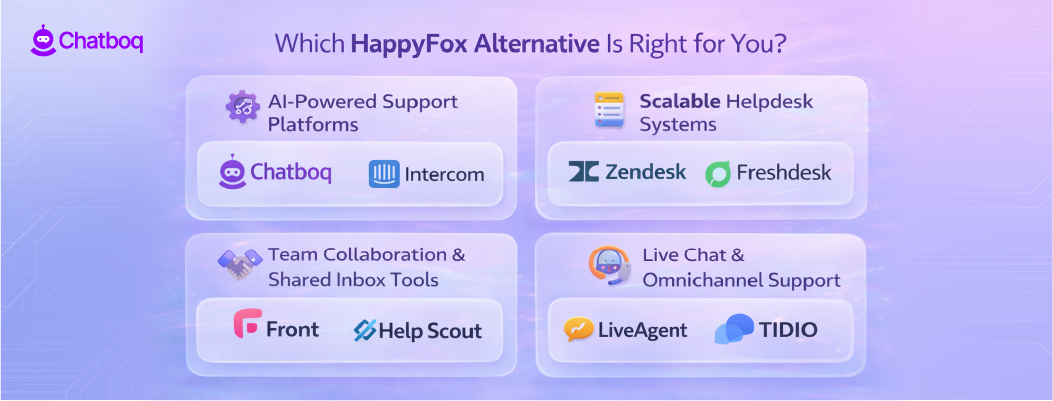
Below are detailed reviews of each HappyFox alternative listed above.
Each platform follows the same structure so you can clearly compare automation capabilities, reporting depth, collaboration features, integrations, and pricing scalability.
Now, let’s examine each HappyFox competitor in detail.
1. Chatboq - All-in-One AI Chatbot & Live Chat Platform
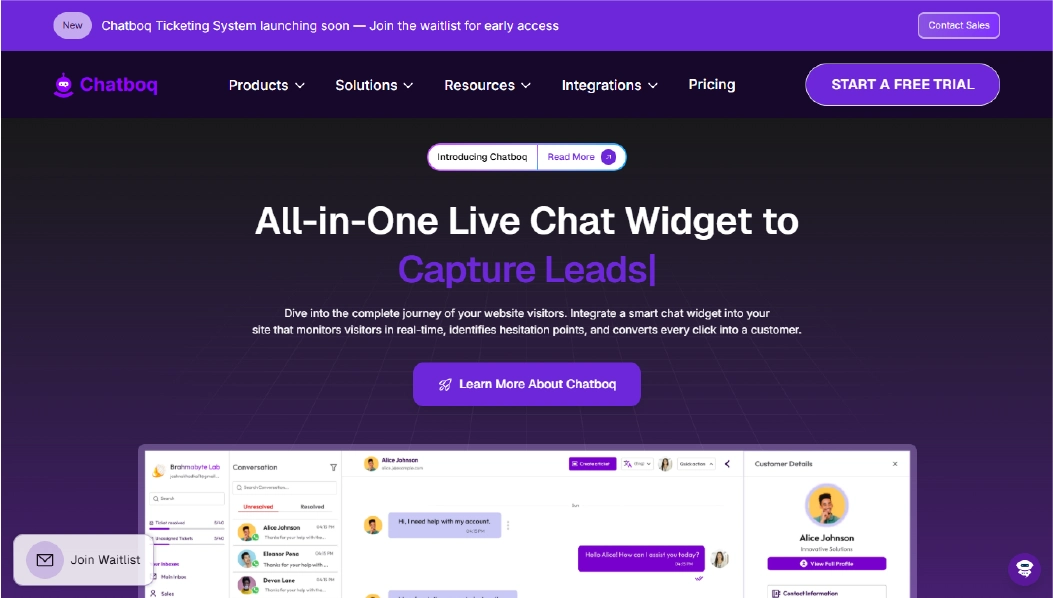
Chatboq is a live chat and AI chatbot platform designed for businesses that want to manage real-time customer conversations while reducing repetitive support work. It combines website live chat, chatbot automation, shared inbox management, and visitor tracking inside one workspace.
Instead of relying only on ticket queues, Chatboq focuses on handling conversations instantly. When a visitor starts a chat, the chatbot can answer common questions automatically. If human assistance is required, the conversation is routed to a team member inside a shared inbox. This helps reduce response delays and keeps conversations organized.
hatboq offers a straightforward setup for standard workflows, allowing teams to launch the chat widget quickly and create automated flows. While basic configuration is simple, enterprise-level workflow customization may require additional planning.
Why It’s a Strong HappyFox Alternative
HappyFox is built primarily around structured ticket management and SLA tracking. It works well for teams that operate through ticket queues and defined workflows.
Chatboq takes a more conversation-first approach. Instead of waiting for tickets to be created and processed, businesses can respond instantly through live chat and automation. For example, if a customer asks about order tracking or pricing, the chatbot can provide immediate answers. If the issue is more complex, it can be transferred to a human agent without losing context.
For businesses that prioritize faster engagement, lead capture, and automated responses directly on their website, this approach can feel more dynamic than traditional ticket-heavy systems.
If your team wants to reduce email dependency and handle more conversations in real time, this difference becomes important.
Core Strengths
-
Website live chat for real-time visitor communication
-
AI chatbot automation for frequently asked questions
-
Shared inbox for managing all conversations in one place
-
Visitor tracking to monitor active users
-
Conversation analytics for performance visibility
-
Automated chat flows without complex configuration
-
CRM integrations for syncing customer data
-
Multi-channel messaging support
-
Role-based access for team management
Why Is Chatboq Better Than HappyFox
HappyFox focuses on structured ticket workflows and SLA-based management. Chatboq, in contrast, emphasizes instant engagement and automation, helping teams resolve many questions immediately through chat flows.
Chatboq is built for speed and engagement, not heavy ITSM layers. For businesses focused on real-time customer interaction, automation, and lead capture, Chatboq delivers faster results than ticket-heavy systems like HappyFox.
HappyFox is strong for structured ticket operations. Chatboq is stronger for businesses that want proactive chat engagement, automated responses, and real-time visitor interaction.
For ecommerce brands, SaaS businesses, and sales-driven teams handling high website traffic, this real-time model can improve responsiveness and lead conversion.
Limitations
-
Not positioned as a full IT service management platform
-
Does not focus heavily on complex SLA enforcement
-
Enterprise-level workflow customization may be more limited compared to large help desk systems
Best For
-
Ecommerce teams managing high website chat volume
-
SaaS companies handling onboarding and live support
-
Marketing and sales teams focused on lead engagement
-
Growing businesses wanting automation without complex ticket layers
Pricing Snapshot
-
Plan-based subscription model
-
Not strictly per-agent pricing
-
Scales based on features and business requirements
2. Freshdesk - Structured & Scalable Support Alternative
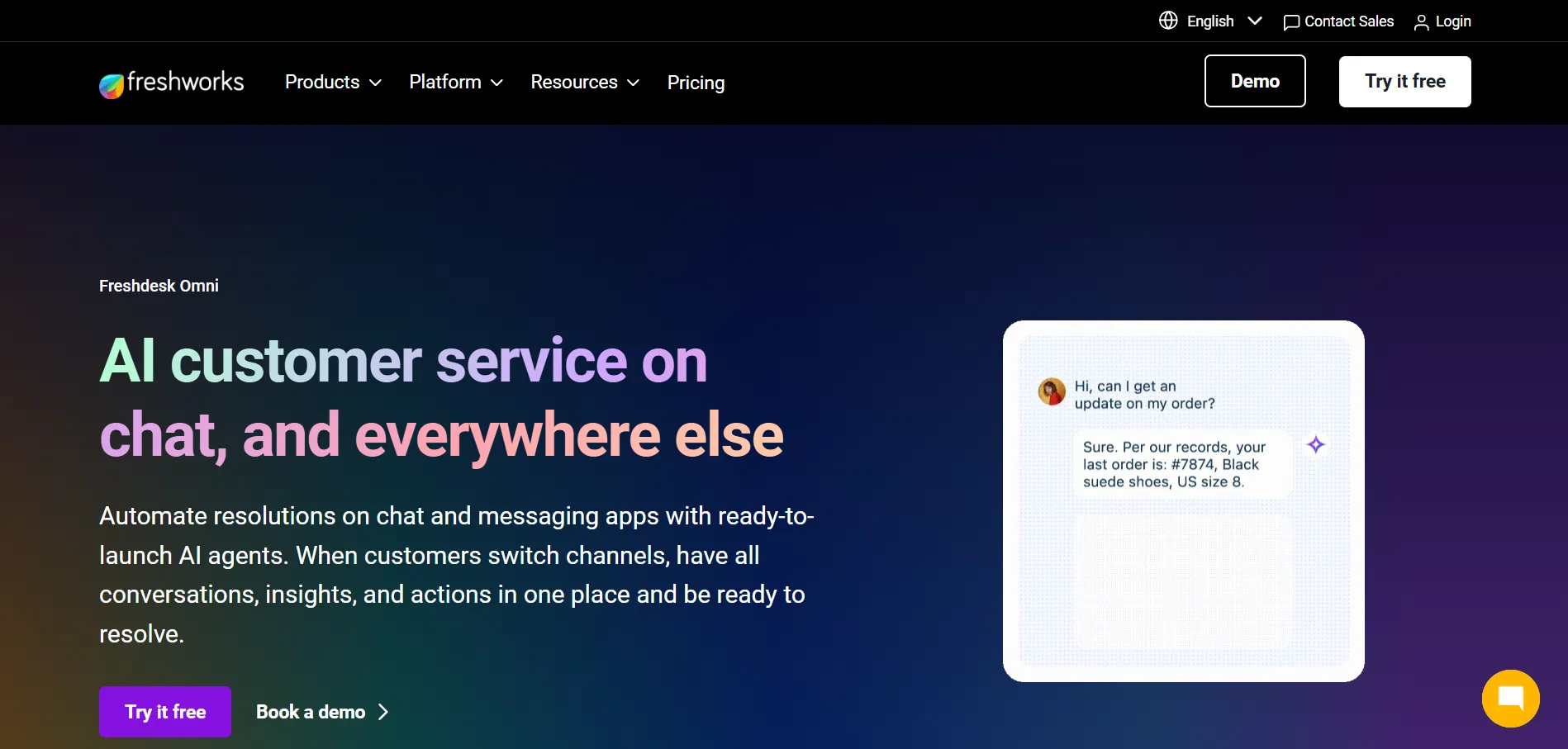
Freshdesk is a cloud-based help desk platform designed to streamline ticket management and customer support workflows. It combines email ticketing, automation rules, reporting, and multi-channel support in a single workspace, making it easier for teams to manage incoming requests from multiple sources.
Instead of managing tickets separately across email and chat, Freshdesk centralizes conversations in one platform. Automation rules can assign tickets based on priority, department, or agent workload, reducing manual handling. The system also includes SLA tracking, canned responses, and reporting dashboards to help teams monitor performance efficiently.
Freshdesk provides guided onboarding and workflow templates for small and mid-sized teams. While initial setup is straightforward, more complex workflow customizations may need additional configuration.
Why It’s a Strong HappyFox Alternative
HappyFox works well for structured ticketing and SLA enforcement but can show friction with email CC visibility, notification reliability, and multi-department workflows as teams scale.
Freshdesk adds clarity and automation around these areas. For example, if a customer emails about a service request, Freshdesk can automatically assign it to the correct department, track SLA timelines, and notify the right agent before deadlines. Reporting dashboards provide visibility into team performance and ticket trends, helping managers make informed decisions.
Teams looking for a scalable, structured help desk with multi-channel support often find Freshdesk a practical alternative to HappyFox.
Core Strengths
-
Centralized email ticketing and multi-channel support
-
Automation rules for ticket assignment and escalation
-
Reporting dashboards with performance metrics
-
Team collaboration features like internal notes
-
Shared inbox for multi-department visibility
-
CRM and third-party integrations for seamless data flow
Why Is Freshdesk Better Than HappyFox
While HappyFox is strong in structured ticket workflows, Freshdesk improves on multi-channel integration and automation clarity. Tickets are assigned automatically, SLAs are enforced without extra configuration, and reporting dashboards are more flexible for team-wide insights.
For teams that rely on email, chat, and social messaging, Freshdesk reduces the risk of missed tickets and ensures consistent workflow visibility across departments.
Limitations
-
Customization of complex workflows may require setup time
-
Some advanced reporting features are available only on higher plans
-
Certain integrations may need additional configuration
Best For
-
Small to mid-sized support teams seeking centralized ticketing
-
Multi-department organizations with cross-functional workflows
-
Teams needing SLA tracking and automated ticket routing
-
Businesses wanting visibility into team performance
Pricing Snapshot
-
Tiered subscription plans based on features and agent count
-
Automation and reporting features scale with plan level
-
Flexible per-agent billing
Read more: Discover the best Freshdesk alternatives and compare features to choose the right helpdesk for your team.
3. Zoho Desk - Customization-Focused Support Platform
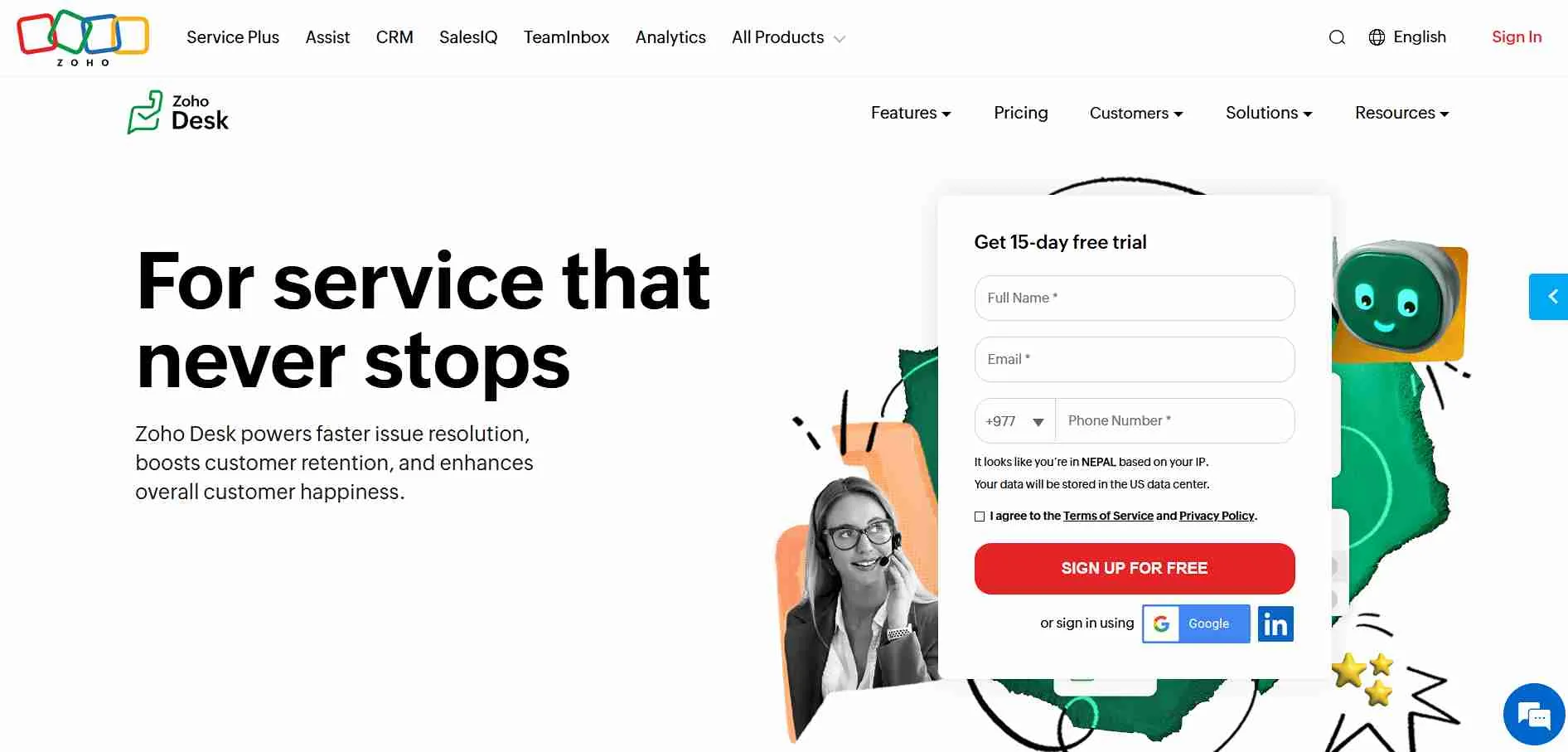
Zoho Desk is a cloud-based help desk solution designed to give teams greater flexibility in managing customer support workflows. It combines email ticketing, multi-channel support, automation rules, reporting dashboards, and AI-powered features in one unified platform.
Instead of keeping support channels separate, Zoho Desk centralizes tickets from email, chat, social media, and phone calls. Automation allows tickets to be assigned based on department, priority, or agent availability. AI tools, such as Zia, assist in predicting ticket urgency, suggesting responses, and analyzing sentiment to help teams prioritize effectively.
Zoho Desk offers customizable workflow templates, making it adaptable for teams of all sizes, from small businesses to large enterprises.
Why It’s a Strong HappyFox Alternative
HappyFox provides structured ticketing and SLA management but can have limitations in workflow customization and advanced segmentation as teams grow.
Zoho Desk enhances flexibility and control. For example, a support request about a product issue can automatically be routed to the right department, assigned a priority, and tracked through custom workflow stages. Zia AI can flag high-priority tickets and suggest responses, helping teams maintain response quality. Reporting dashboards give visibility across departments, allowing managers to monitor SLA adherence and team performance.
Core Strengths
-
Centralized ticketing across email, chat, phone, and social channels
-
Custom workflow automation with conditional routing
-
Departmental reporting and performance dashboards
-
Knowledge base management for self-service support
-
CRM and third-party integrations for seamless data flow
-
Role-based access and team management
Why Is Zoho Desk Better Than HappyFox
Zoho Desk provides deeper workflow customization and AI-driven support insights than HappyFox, allowing teams to automate complex routing and ticket prioritization.
However, advanced AI features may require some setup and training to fully leverage the platform’s capabilities.
Tickets move automatically based on rules, priority, and department. Managers can track team performance across multiple channels, which supports structured growth and reduces missed tickets.
For organizations needing advanced automation, cross-channel visibility, and customizable workflows, Zoho Desk provides operational flexibility beyond basic help desk features.
Limitations
-
Advanced AI features may require setup and training
-
Some reporting and customization options are plan-dependent
-
Multi-channel configuration may take time for new teams
Best For
-
Growing support teams needing customizable workflows
-
Enterprises managing multi-channel customer interactions
-
Teams requiring AI-assisted ticket prioritization
-
Organizations needing detailed departmental reporting
Pricing Snapshot
-
Tiered subscription plans based on agent count and features
-
AI and workflow automation scale with plan levels
-
Flexible per-agent and per-feature billing
Read more: Discover the best Zoho Desk alternatives and compare features to choose the right helpdesk for your team.
4. Zendesk - Enterprise-Grade Support Infrastructure
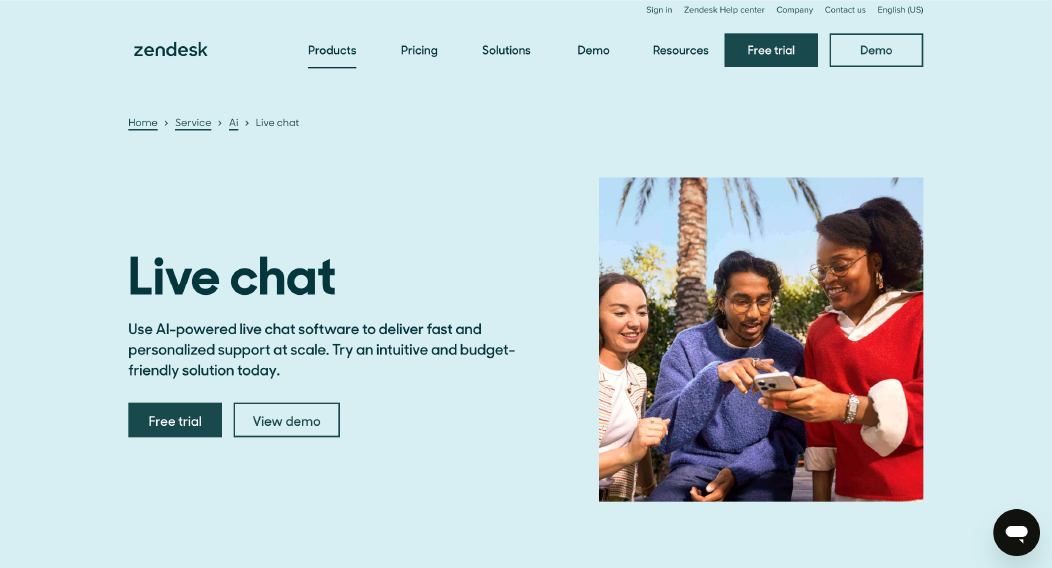
Zendesk is a cloud-based customer service platform built for structured, scalable support operations. It combines ticket management, multi-channel support, automation, reporting dashboards, and AI-assisted workflows in a single system.
Unlike basic ticketing tools, Zendesk centralizes customer inquiries from email, live chat, phone, messaging apps, and social channels. Automation and routing rules ensure tickets reach the right agents quickly. AI features, such as predictive triage and answer suggestions, help teams respond faster and maintain service quality. Its advanced reporting provides managers with deep insights into performance metrics, SLA adherence, and customer satisfaction trends.
Zendesk is suitable for teams ranging from SMBs to large enterprises needing enterprise-level reliability and workflow control.
Why It’s a Strong HappyFox Alternative
HappyFox offers structured ticketing, SLA management, and automation for small to mid-sized teams, but larger operations may find reporting and workflow flexibility limited.
Zendesk provides a scalable alternative with advanced routing, cross-department visibility, and AI-assisted ticket prioritization. For instance, a high-volume support team can have tickets automatically routed based on customer tier, urgency, or product line. SLA alerts and escalation rules help prevent missed deadlines, while reporting dashboards allow team leaders to monitor performance across multiple channels in real time.
Core Strengths
-
Centralized multi-channel ticketing (email, chat, phone, social)
-
AI-assisted ticket triage and response suggestions
-
Workflow automation with conditional routing and escalations
-
Advanced reporting dashboards with team and departmental metrics
-
Knowledge base and self-service portal for customers
-
CRM and third-party integrations for seamless data flow
Why Is Zendesk Better Than HappyFox
While HappyFox handles standard ticket workflows effectively, Zendesk excels for large-scale support operations with complex routing, deep reporting, and AI-assisted ticket handling. Teams can monitor SLA compliance across departments, automate repetitive tasks, and integrate with multiple platforms to maintain continuity.
For enterprises or high-volume teams, Zendesk provides the infrastructure to manage customer interactions reliably while scaling operations.
Limitations
-
Higher pricing compared to simpler help desk tools
-
Advanced features may require onboarding and configuration
-
Smaller teams may not need full enterprise capabilities
Best For
-
Large support teams managing multi-channel communications
-
Enterprises needing SLA enforcement and advanced reporting
-
Teams leveraging AI for ticket triage and response suggestions
-
Organizations requiring robust workflow automation
Pricing Snapshot
-
Tiered subscription plans per agent with feature-based tiers
-
AI tools and advanced automation available in higher plans
-
Flexible scalability for growing enterprises
Check out the best Zendesk alternatives available on the market today.
5. Help Scout - Customer-Centric Email Helpdesk Alternative
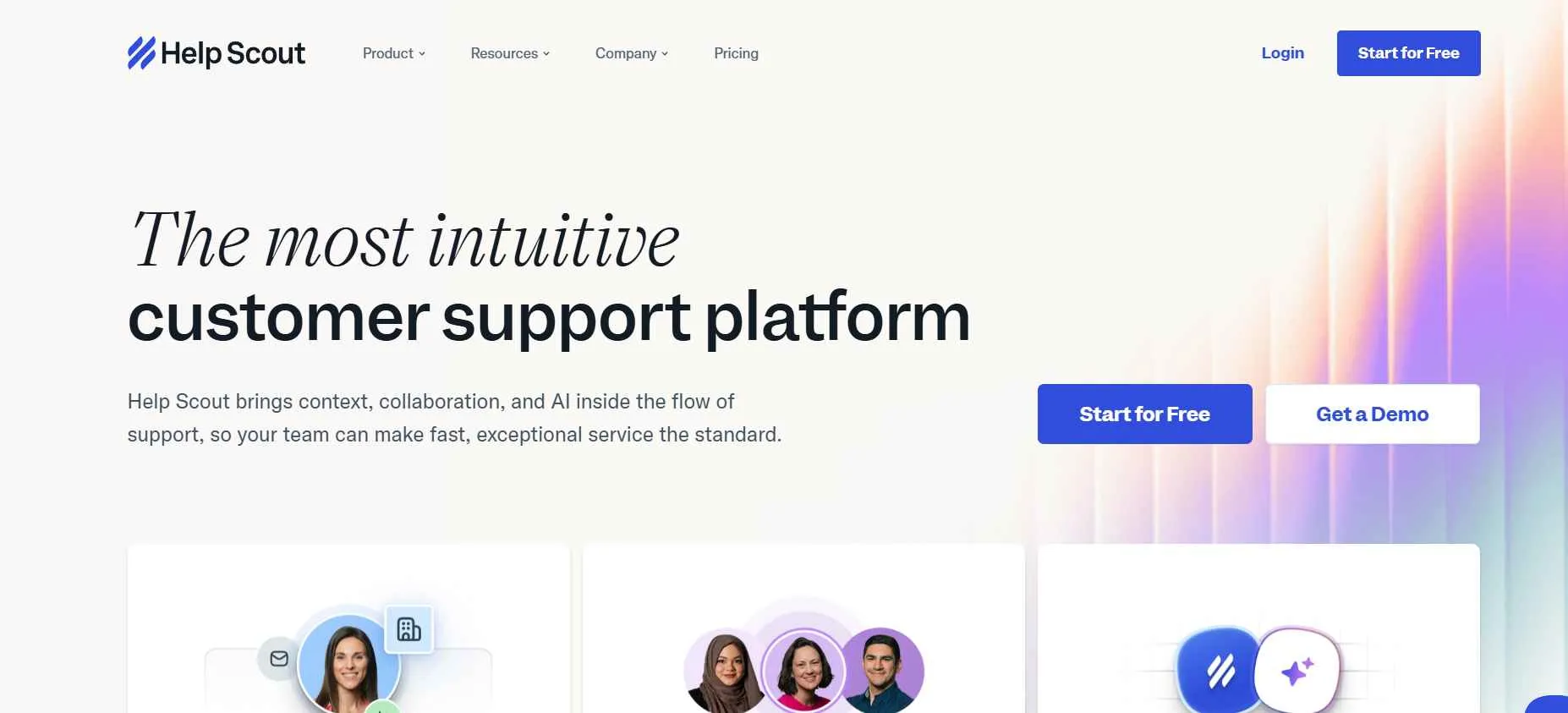
Help Scout is a cloud-based helpdesk platform designed to manage customer inquiries through email, live chat, and messaging apps. It focuses on simplicity and efficiency, giving teams a shared inbox where conversations are tracked, assigned, and managed without complicated workflows.
Unlike traditional ticketing systems, Help Scout emphasizes an email-style interface that’s familiar to most users. Teams can collaborate on threads, add notes, and maintain conversation context across channels. Built-in reporting provides insights on response times, agent performance, and customer satisfaction. Integrations with CRMs, ecommerce platforms, and productivity tools help teams maintain smooth workflows.
Help Scout is ideal for small to mid-sized teams that prioritize email-based support and want clear, straightforward customer interaction management.
Why It’s a Strong HappyFox Alternative
HappyFox provides structured ticketing and workflow automation but can feel complex for teams mainly handling email support. Help Scout simplifies the process by offering a shared inbox with collaborative features and actionable reporting, making it easier to maintain visibility and accountability.
For example, a support agent can see all customer emails in one place, assign conversations, leave internal notes, and use tagging to organize tickets. SLA tracking and reporting dashboards help ensure timely responses without overcomplicating the workflow.
Core Strengths
-
Shared inbox for email, chat, and messaging apps
-
Custom workflows and automation for common tasks
-
Reporting dashboards for team performance
-
Integrations with CRMs, ecommerce platforms, and collaboration tools
-
Customer satisfaction ratings and follow-ups
-
Role-based permissions for team management
Why Is Help Scout Better Than HappyFox
While HappyFox provides structured ticketing with automation, Help Scout focuses on simplicity and email-first workflows. Its shared inbox reduces confusion over CCs, improves team collaboration, and keeps customer interactions organized. Reporting and SLA tools are accessible without complex setup, making it easier for teams to maintain efficiency.
For small to mid-sized teams handling mostly email inquiries, Help Scout offers clarity and collaboration without the overhead of advanced ticketing systems.
Limitations
-
Limited AI-assisted automation compared to larger platforms
-
Less suitable for large-scale, multi-channel enterprise operations
-
Fewer advanced workflow customization options
Best For
-
Small to mid-sized teams focusing on email support
-
Teams that prefer simple, collaborative inbox management
-
Customer service operations that value clarity and ease of use
-
Companies seeking lightweight reporting without complex setup
Pricing Snapshot
-
Subscription-based per user, tiered by features
-
Automation and reporting available in higher plans
-
Scales efficiently for growing teams
Check out the best Help Scout alternatives available on the market today.
6. TeamSupport - B2B Collaboration-Focused Alternative
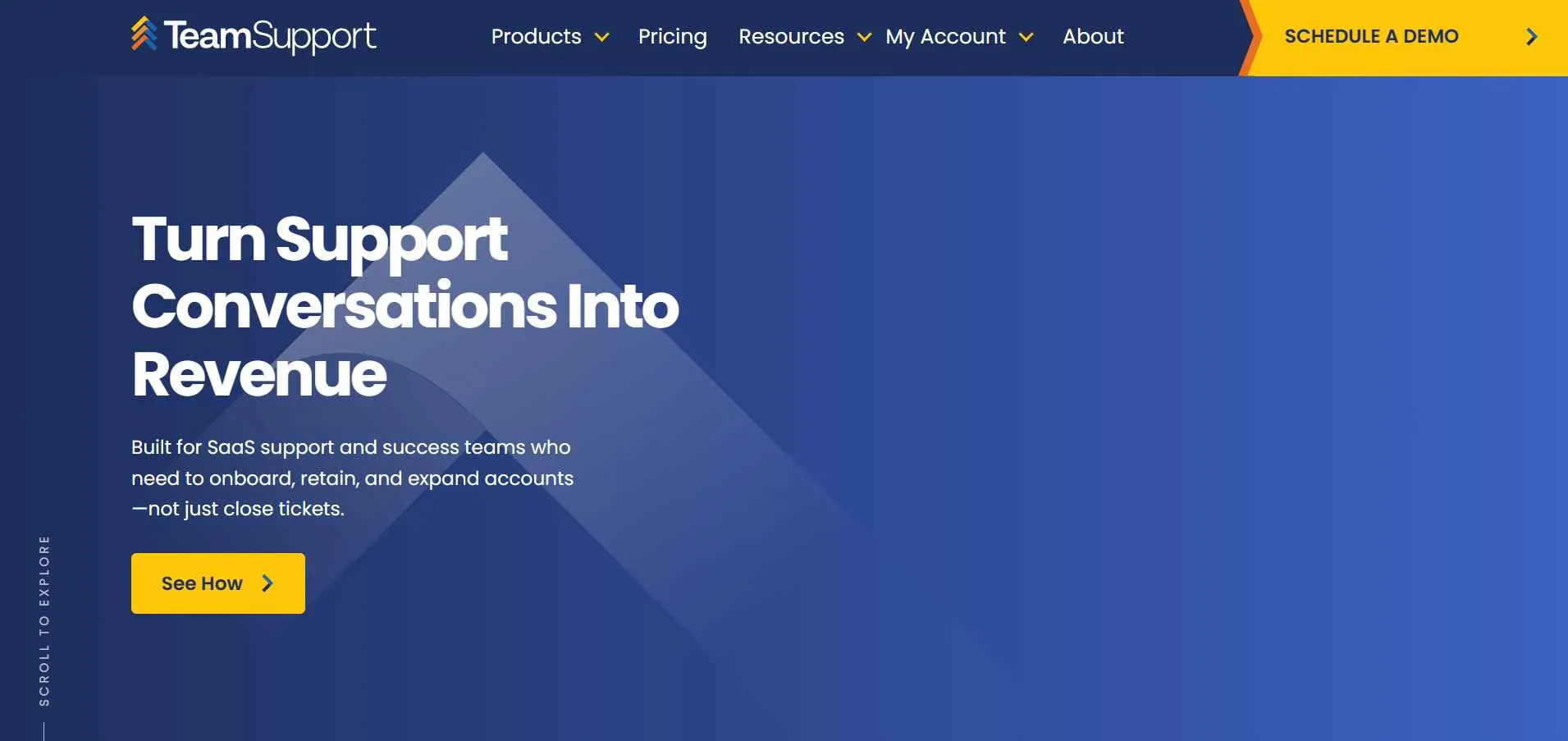
TeamSupport is a customer support platform built for B2B teams that need visibility across departments and structured ticketing workflows. It centralizes customer interactions, allowing teams to track, assign, and escalate tickets while maintaining collaboration across sales, support, and account management.
Unlike simpler helpdesk tools, TeamSupport is designed to handle multi-department operations. It includes workflow automation, SLA tracking, reporting dashboards, and integrations with CRM, email, and chat tools. The platform ensures that tickets are not siloed, and teams can view the full customer context across different touchpoints.
TeamSupport is suitable for organizations with complex customer support processes that require structured workflows and cross-team collaboration.
Why It’s a Strong HappyFox Alternative
HappyFox works well for ticket management and workflow automation, but larger B2B teams may need more visibility across departments. TeamSupport emphasizes collaborative ticketing, allowing teams to assign, escalate, and manage tickets with transparency.
For example, when a customer submits a technical issue, the platform can automatically assign it to the right department, trigger SLA alerts, and allow multiple team members to add notes without losing context. Reporting dashboards show team performance and ticket resolution metrics, helping managers monitor workload and compliance.
Core Strengths
-
Centralized ticketing for multi-department teams
-
Workflow automation with conditional routing
-
Custom dashboards for reporting team performance
-
CRM, email, and chat integrations
-
Role-based permissions and access control
-
Internal notes for collaborative ticket handling
Why Is TeamSupport Better Than HappyFox
HappyFox provides structured ticketing but can be limited when multiple departments need visibility into customer interactions. TeamSupport offers a collaborative workspace that reduces duplicated work, tracks ownership clearly, and automates ticket routing. Managers can monitor team performance and SLA compliance across departments, which supports larger B2B operations effectively.
Limitations
-
Interface may feel complex for smaller teams
-
AI-assisted automation is limited compared to platforms like Chatboq
-
Pricing can be higher for extensive multi-department setups
Best For
-
B2B organizations managing multi-department support
-
Teams that need clear visibility and collaboration
-
Companies with structured SLA requirements
-
Support, account management, and sales teams working together
Pricing Snapshot
-
Subscription-based per user
-
Automation and reporting tiers vary by plan
-
Designed to scale for medium to large B2B teams
7. LiveAgent - Ticketing + Live Chat Hybrid Alternative
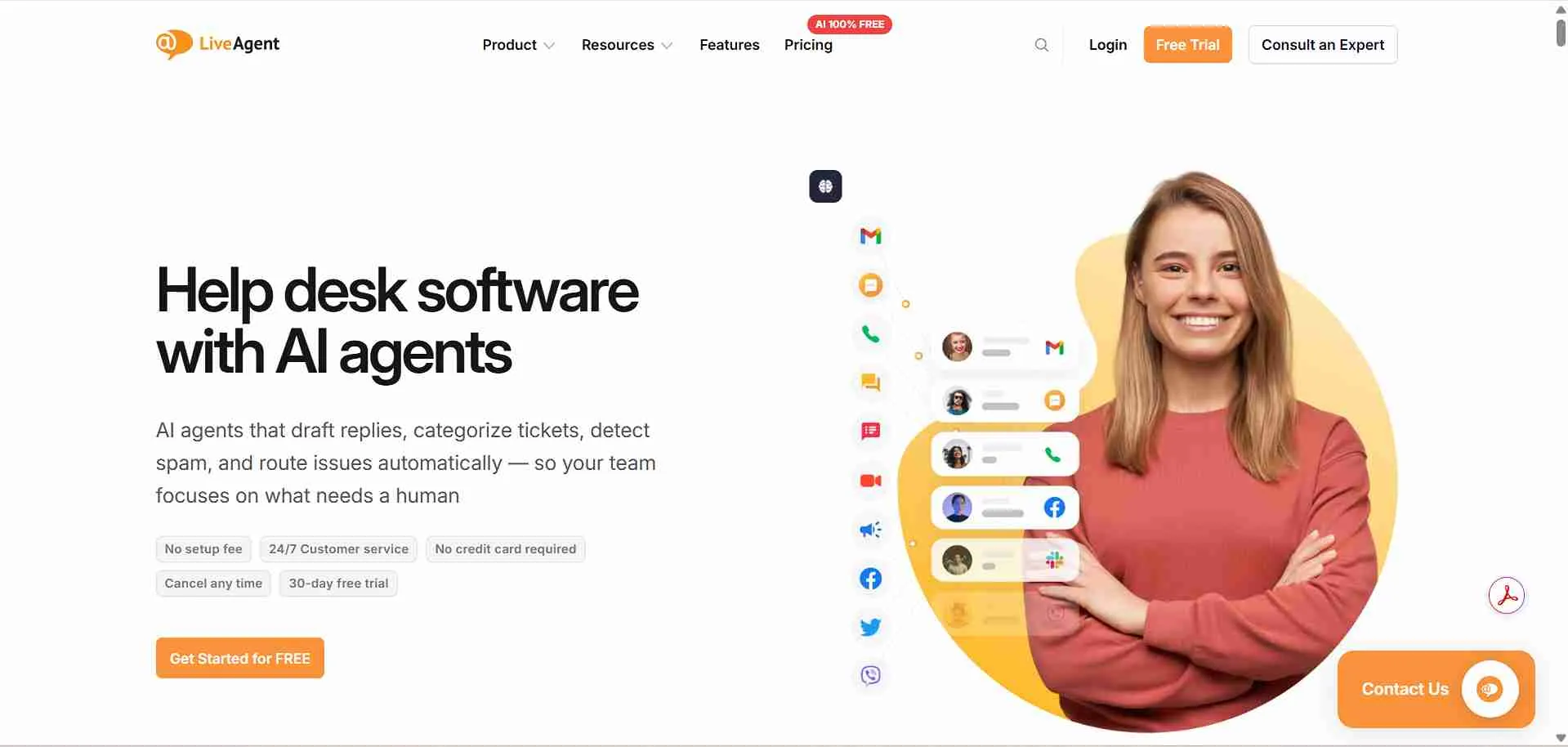
LiveAgent is a helpdesk platform that combines ticket management, live chat, and call support in a single interface. It is designed for teams that need both structured ticket workflows and real-time communication with customers across multiple channels.
The platform unifies email, chat, calls, social media, and customer portals, allowing agents to manage all conversations from one place. Automation features, SLA tracking, and reporting dashboards help teams organize support operations efficiently without losing visibility. LiveAgent is particularly suited for businesses handling both reactive support tickets and proactive live chat interactions.
Why It’s a Strong HappyFox Alternative
While HappyFox handles tickets, LiveAgent unifies all communication in a single dashboard, so your team never misses a customer inquiry.
For instance, when a customer submits a question via chat or email, LiveAgent can automatically create a ticket, assign it based on team rules, and notify agents in real time. Reporting dashboards allow managers to monitor resolution times, agent performance, and channel-specific metrics.
Core Strengths
-
Unified ticketing across email, chat, and calls
-
Real-time live chat with visitor tracking
-
Automation rules for ticket routing and workflow
-
Customer portal with knowledge base
-
Role-based access and agent permissions
-
Integration with CRM, e-commerce, and messaging tools
Why Is LiveAgent Better Than HappyFox
HappyFox focuses on structured ticketing with email automation. LiveAgent extends this with integrated live chat and call handling, providing full visibility across channels. Automation rules ensure tickets are routed correctly, while SLAs and escalation workflows help maintain response targets. For teams managing high communication volume across multiple touchpoints, LiveAgent reduces missed tickets and improves operational efficiency.
Limitations
-
The user interface can be complex for smaller teams
-
Advanced reporting may require configuration
-
Some integrations may need paid plans
Best For
-
SMBs and mid-sized companies needing multi-channel support
-
Teams handling both tickets and live chats
-
Customer service teams with SLA requirements
-
Businesses wanting unified dashboards for email, chat, and calls
Pricing Snapshot
-
Tiered subscription model per agent
-
Automation and advanced reporting included in higher plans
-
Scales with the number of agents and channels
Read more: Discover the best LiveAgent alternatives and compare features to choose the right helpdesk for your team.
8. Kayako - Unified Support Journey Alternative
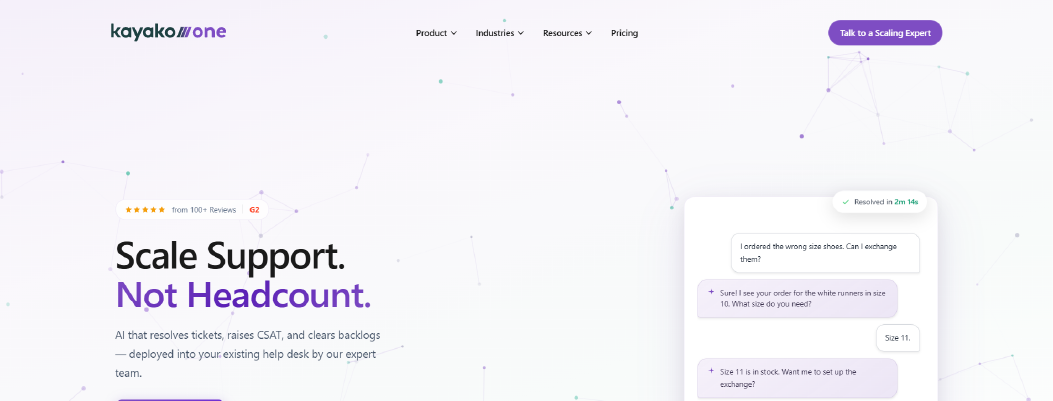
Kayako is a helpdesk platform designed to unify customer conversations across email, live chat, and social channels. It provides a single workspace where teams can manage all interactions, track customer histories, and deliver consistent support across multiple touchpoints.
The platform emphasizes shared inboxes, conversation threading, and context-rich interactions. Automation rules, SLA tracking, and reporting tools help teams manage workloads efficiently while keeping visibility into customer journeys. Kayako is particularly suited for teams that prioritize a seamless support experience and need cross-channel continuity for every customer interaction.
Why It’s a Strong HappyFox Alternative
HappyFox provides structured ticketing and automation for email-based workflows, but teams increasingly need a platform that centralizes all channels. Kayako consolidates emails, chats, and social messages, ensuring teams see full customer histories. This reduces duplicate responses, improves resolution times, and maintains consistent service standards.
For example, if a customer sends a question via chat and later emails the same issue, Kayako threads the conversation under a single ticket. Agents can see the full history, assign tasks, and escalate issues without losing context. Reporting dashboards allow monitoring of team performance, ticket resolution times, and channel-specific activity.
Core Strengths
-
Unified inbox for email, chat, and social media
-
Conversation threading with full customer history
-
Custom workflow automation and routing
-
Reporting dashboards for team and ticket performance
-
Knowledge base integration for self-service support
-
Integrations with CRM, e-commerce, and collaboration tools
Why Is Kayako Better Than HappyFox
HappyFox focuses on structured ticketing and email workflows. Kayako adds multi-channel unification, conversation threading, and shared inboxes, allowing teams to manage all interactions without switching tools. SLA tracking and automation reduce manual work, and reporting provides insights across channels. For teams supporting customers via email, chat, and social messaging, this level of visibility prevents missed tickets and ensures consistent service.
Limitations
-
Advanced features may require higher-tier plans
-
Setup for multi-channel workflows can be complex
-
Smaller teams may find the interface heavier than needed
Best For
-
Teams managing cross-channel support (email, chat, social)
-
Businesses needing shared inboxes and conversation threading
-
Customer service teams with SLA and escalation requirements
-
Companies aiming for consistent multi-channel support experiences
Pricing Snapshot
-
Subscription-based pricing per agent
-
Multi-channel and automation features included in mid and higher tiers
-
Scales with agent count and supported channels
Read more: Discover the best Kayako Alternative and choose the right one for your business.
9. Intercom - Conversational AI Support Platform Alternative
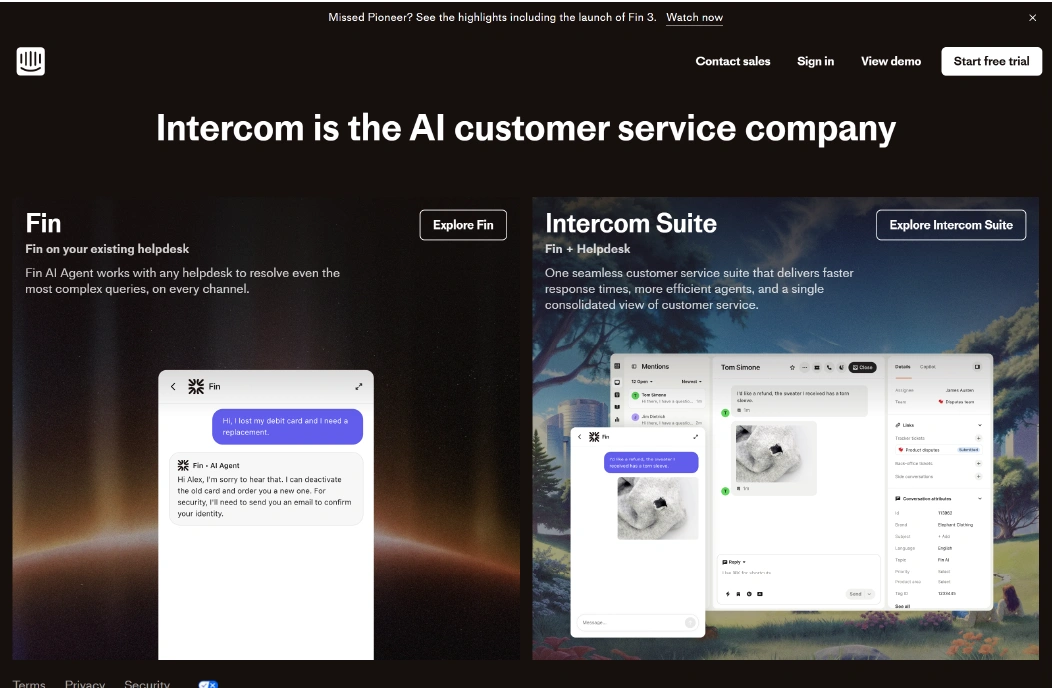
Intercom is a conversational support platform that combines live chat, AI chatbots, and customer engagement tools in a single workspace. It focuses on helping teams deliver proactive support, automate repetitive tasks, and maintain personalized communication across websites, apps, and messaging channels.
The platform includes AI-powered chatbots, workflow automation, ticketing, and messaging campaigns. Teams can route conversations based on customer behavior, assign tickets automatically, and track response times. Intercom is designed for companies that want to scale support while maintaining consistent engagement and faster response times.
Why It’s a Strong HappyFox Alternative
HappyFox provides structured ticketing and automation primarily for email workflows. Intercom extends these capabilities with AI-driven chat, proactive messaging, and behavior-based routing. For example, a customer visiting your pricing page can be automatically engaged with a relevant message, and common questions are handled by AI bots before reaching an agent. This reduces manual workload and speeds up response times.
Core Strengths
-
Live chat with real-time visitor tracking
-
AI chatbots for handling repetitive queries
-
Automated workflows and conditional routing
-
Reporting dashboards for agent performance and customer engagement
-
Integration with CRM and product analytics tools
-
Omnichannel messaging across web, mobile, and email
Why Is Intercom Better Than HappyFox
HappyFox manages tickets and automates email responses. Intercom adds conversational AI, proactive messaging, and behavior-driven routing, enabling teams to resolve issues faster and engage customers contextually. Automated workflows and AI responses reduce repetitive work, while reporting provides actionable insights across all interactions. For companies scaling support with high customer engagement, Intercom offers more dynamic control than traditional ticketing systems.
Limitations
-
Advanced features may require higher-tier plans
-
Smaller teams may find setup and configuration complex
-
Pricing scales with active contacts, which may impact budgets
Best For
-
SaaS companies with in-app support needs
-
Teams aiming for AI-driven automation
-
Customer engagement and marketing-driven support
-
High-volume chat teams needing proactive messaging
Pricing Snapshot
-
Per-seat and usage-based subscription
-
AI and automation features included in mid and higher tiers
-
Scales with active contacts and messaging volume
Check out the top Intercom alternatives and select one that best suits your business.
10. Hiver - Gmail-Native Support Alternative
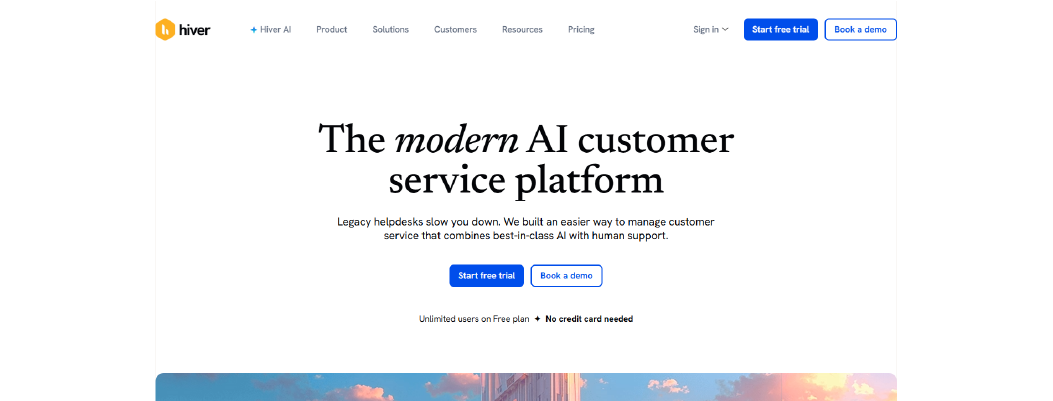
Hiver is a Gmail-integrated help desk platform designed for teams that prefer managing customer support directly from their email inbox. It allows teams to convert emails into tickets, assign ownership, track response times, and collaborate internally without leaving Gmail.
Hiver includes shared inboxes, automation rules, SLA tracking, and reporting dashboards. It simplifies email-based support workflows by keeping everything within Gmail while providing visibility and accountability for multi-agent teams.
Why It’s a Strong HappyFox Alternative
HappyFox offers structured ticketing and automation, but its workflow is separate from the native email environment. Hiver keeps support inside Gmail, reducing context-switching and speeding up response times. For example, emails from customers can automatically be assigned to agents, tagged for priority, and tracked against SLA rules. Teams can collaborate internally using notes without sending additional emails.
Core Strengths
-
Gmail-integrated shared inboxes
-
Internal collaboration via private notes
-
Automation rules for recurring email tasks
-
Reporting dashboards for team performance and metrics
-
Role-based access for team management
-
Integration with Google Workspace apps and CRM systems
Why Is Hiver Better Than HappyFox
HappyFox separates email workflows from ticket management. Hiver centralizes everything in Gmail, reducing the learning curve for teams and keeping communication streamlined. Automatic assignment, SLA alerts, and internal collaboration improve accountability and ensure emails don’t get lost or delayed. For teams using Gmail extensively, this approach is simpler and faster than switching between separate interfaces.
Limitations
-
Limited support for non-email channels (chat, social, phone)
-
Advanced automation requires higher-tier plans
-
Reporting is less detailed than full-service help desk platforms
Best For
-
Small to mid-sized teams using Gmail for customer support
-
Businesses wanting lightweight email-centric workflows
-
Teams that need minimal onboarding and fast setup
-
Support operations with moderate volume
Pricing Snapshot
Check out the best Hiver alternatives available on the market today.
HappyFox Competitors Compared Side-by-Side
Below is a focused comparison to help you evaluate each HappyFox alternative based on setup complexity, workflow flexibility, AI automation strength, multi-channel capability, reporting depth, and pricing scalability.
|
Tool
|
Setup Complexity
|
Custom Workflow Control
|
Native Multi-Channel Support
|
AI / Chatbot Automation
|
Knowledge Base Integration
|
Reporting Depth
|
Seat-Based Billing Impact
|
|
Chatboq
|
Low (guided setup, pre-configured automation)
|
Strong (roles, SLAs, smart routing)
|
Web chat + messaging integrations
|
Advanced (AI-trained chatbot responses)
|
Strong
|
SLA + performance dashboards
|
Flexible (automation reduces seat dependency)
|
|
Freshdesk
|
Low-Moderate
|
Strong rule-based workflows
|
Email, chat, phone, social
|
Moderate AI
|
Built-in KB
|
Strong reporting dashboards
|
Per-agent scaling
|
|
Zendesk
|
Moderate
|
Advanced enterprise workflow builder
|
Full omnichannel
|
Advanced AI automation
|
Integrated help center
|
Deep enterprise analytics
|
Per-agent enterprise pricing
|
|
Zoho Desk
|
Low
|
Moderate automation rules
|
Email, chat, social
|
Moderate AI
|
Integrated KB
|
Standard dashboards
|
Per-agent tiered pricing
|
|
Salesforce Service Cloud
|
High
|
Highly customizable enterprise workflows
|
Full omnichannel
|
Advanced AI (Einstein AI)
|
Advanced KB tools
|
Enterprise analytics depth
|
Enterprise licensing
|
|
Help Scout
|
Low
|
Moderate workflow rules
|
Email + chat
|
Basic–Moderate AI
|
Strong knowledge base
|
Team performance reporting
|
Per-user pricing
|
|
LiveAgent
|
Low-Moderate
|
Rule-based ticket workflows
|
Email, chat, phone, social
|
Limited AI
|
Built-in KB
|
SLA + ticket reporting
|
Per-agent tiered pricing
|
|
Kayako
|
Moderate
|
Conversation-based workflow control
|
Email, chat, social
|
Moderate AI
|
Integrated help center
|
Team dashboards
|
Per-agent subscription
|
|
Intercom
|
Moderate
|
Automation via conversation flows
|
Web, app, email
|
Advanced AI chatbot training
|
Integrated help center
|
Product + support analytics
|
Per-seat + usage-based
|
|
Hiver
|
Low
|
Email-based automation rules
|
Email (Gmail-native)
|
Basic AI assistance
|
Basic KB support
|
Email analytics dashboards
|
Per-user pricing
|


 ChatGPT
 Perplexity
 Claude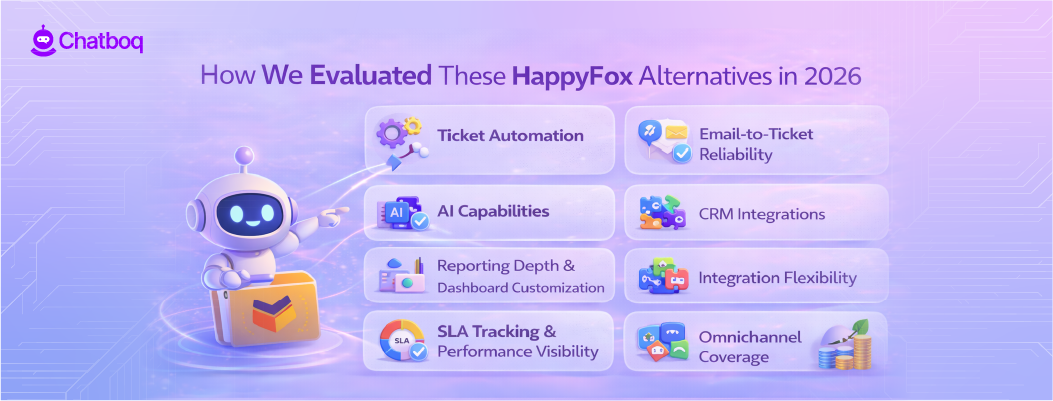




Leave a Comment
Your email address will not be published. Required fields are marked *
By submitting, you agree to receive helpful messages from Chatboq about your request. We do not sell data.