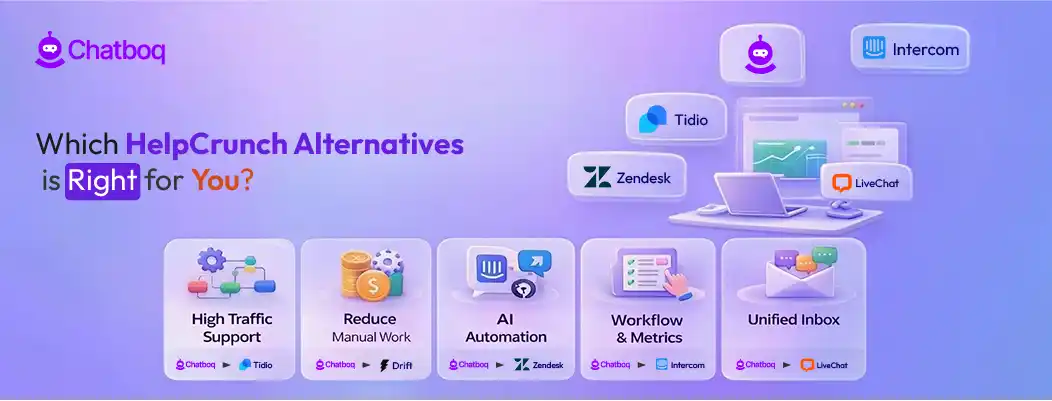
Let’s explore the top HelpCrunch alternatives and how they support different team operations. Each platform is assessed for AI automation, workflow flexibility, integrations, reporting capabilities, and pricing structure. This helps teams identify the platform that best fits their operational needs as support workflows grow.
1. Chatboq - All-in-One AI Chatbot and Live Chat Platform
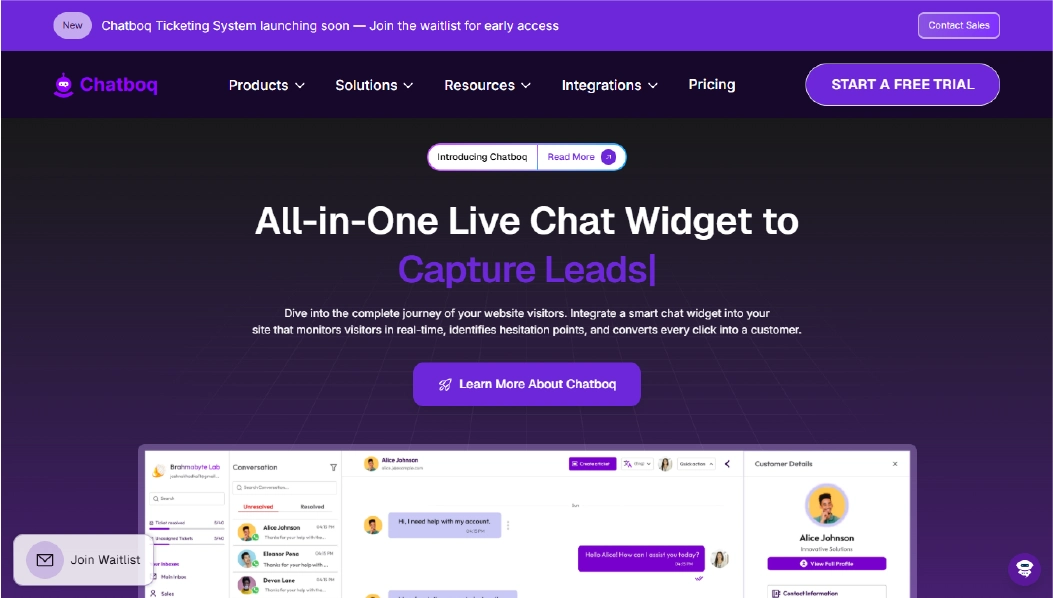
Chatboq centralizes live chat, AI chatbot automation, ticketing, analytics, and CRM tools in a single workspace, helping teams respond faster and maintain full conversation context. This means teams can respond to customers quickly while keeping all messages organized in a single dashboard.
It’s widely adopted by e-commerce, SaaS, and agency teams who need to handle frequent questions, track customer interactions, and maintain complete conversation history across channels. Agents can manage live chat, emails, and social messages from one interface without losing context or repeating responses.
Why It’s a Strong HelpCrunch Alternative
Teams consider alternatives like Chatboq when they need more control over customer engagement workflows and better visibility into team performance. Chatboq centralizes messaging so that every live chat, chatbot interaction, and email inquiry is tracked and easy to follow.
Automation helps handle repetitive inquiries, while more complex requests are smoothly escalated to human agents. Managers can track performance metrics, response times, and ticket resolution trends in real time. This structure helps teams reduce manual work and ensure every interaction is logged and actionable.
Chatboq Core Strengths
-
AI chatbot automation with automatic escalation to agents
-
Live chat widget for immediate visitor support
-
Unified inbox combining chat, email, and social messages
-
Ticketing system for tracking requests and follow-ups
-
Analytics to monitor response times and engagement patterns
-
Visitor tracking for page activity and interaction history
-
Built-in CRM to manage customer profiles and conversations
-
Integrations with marketing, CRM, and team collaboration tools
-
Mobile apps for on-the-go conversation management
Why Chatboq Is Better Than HelpCrunch
Chatboq unifies all customer interactions in one dashboard, enabling automation of repetitive tasks and full visibility of team performance without switching between multiple tools.
The platform makes it easier to track tickets, measure engagement, and manage workflow efficiency for growing teams, giving managers insight into customer interactions and agent activity in real time.
Limitations
-
Guided onboarding makes setup straightforward, while complex automation workflows may require extra configuration
-
Integration options cover common CRMs, marketing, and ecommerce tools
-
Highly specific reporting or workflow customization may require extra setup
Best For
-
E-commerce teams handling customer inquiries on websites
-
SaaS companies managing onboarding and support conversations
-
Teams combining chat automation with ticket tracking
-
Businesses aiming to consolidate messaging across multiple channels
Pricing Snapshot
-
Flexible plans suited for small to mid-size teams
-
Basic plans cover live chat functionality
-
Higher tiers add AI chatbot automation and workflow customization
-
Pricing increases with more advanced features and integrations
2. Intercom - Conversational AI Customer Messaging Platform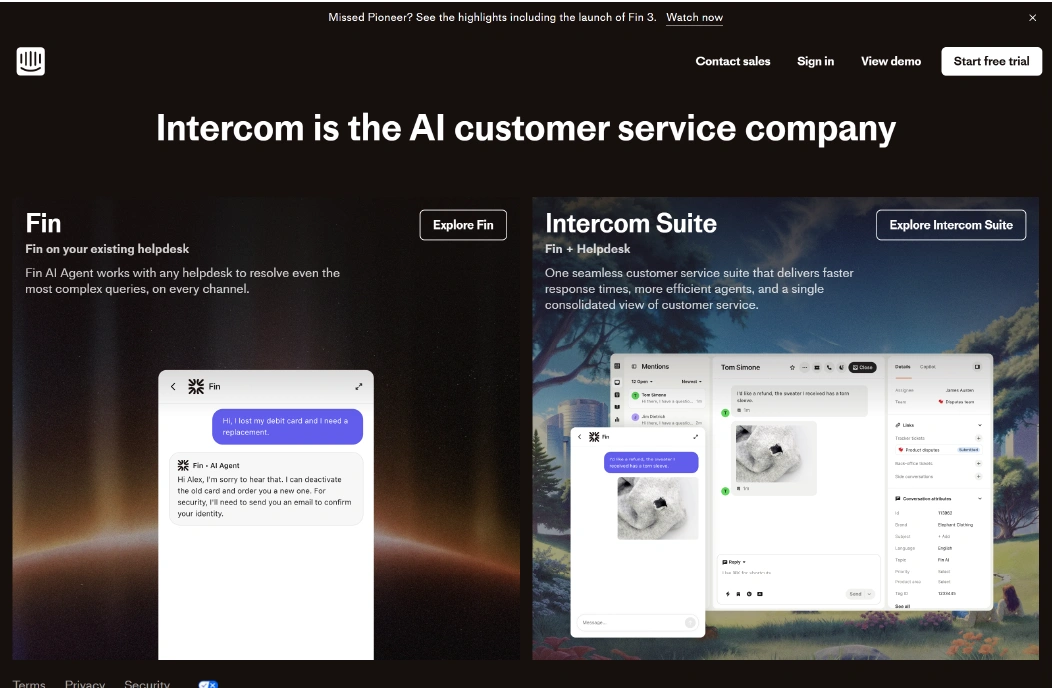
Intercom is a messaging platform that combines live chat, AI-assisted chatbots, and customer engagement tools. It helps teams interact with website visitors, manage support requests, and track customer activity across web and mobile apps. Intercom is commonly used by SaaS teams and growing businesses looking to implement product-led messaging and proactive engagement.
The platform allows teams to route messages, automate common support tasks, and maintain a shared inbox for conversations. While it offers robust automation options, managing multiple channels often requires navigating several dashboards, which can add complexity for smaller teams.
Why It’s a Strong HelpCrunch Alternative
Teams explore Intercom when they need automated messaging with AI guidance and in-app engagement tools. It allows businesses to respond to customers more efficiently and to create targeted messaging campaigns based on behavior or customer attributes.
Automation workflows handle repetitive questions, while priority queries are routed to human agents. Managers can review conversation histories and track engagement metrics, though visibility across channels may require additional setup compared to a unified platform.
Intercom Core Strengths
-
AI-assisted chatbots for handling common queries
-
In-app messaging for product engagement
-
Shared inbox for team collaboration
-
Customer segmentation for targeted messaging
-
Integrations with CRMs and marketing tools
Why Intercom Is Better Than HelpCrunch
Intercom centralizes messaging for SaaS teams and supports proactive engagement campaigns. Its AI features can reduce response times and improve customer experience, making it suitable for growing organizations that need structured messaging workflows.
However, it may not offer the same level of all-in-one unification as some other platforms, requiring teams to switch between dashboards to monitor performance across channels.
Limitations
-
Advanced workflows can be complex to configure
-
Managing multiple channels may require additional dashboards
-
Reporting customization is limited for smaller teams
Best For
Pricing Snapshot
Evaluate the top-tier Intercom alternatives to optimize your 2026 support stack.
3. Help Scout - Customer Support Platform with Shared Inbox and Knowledge Base
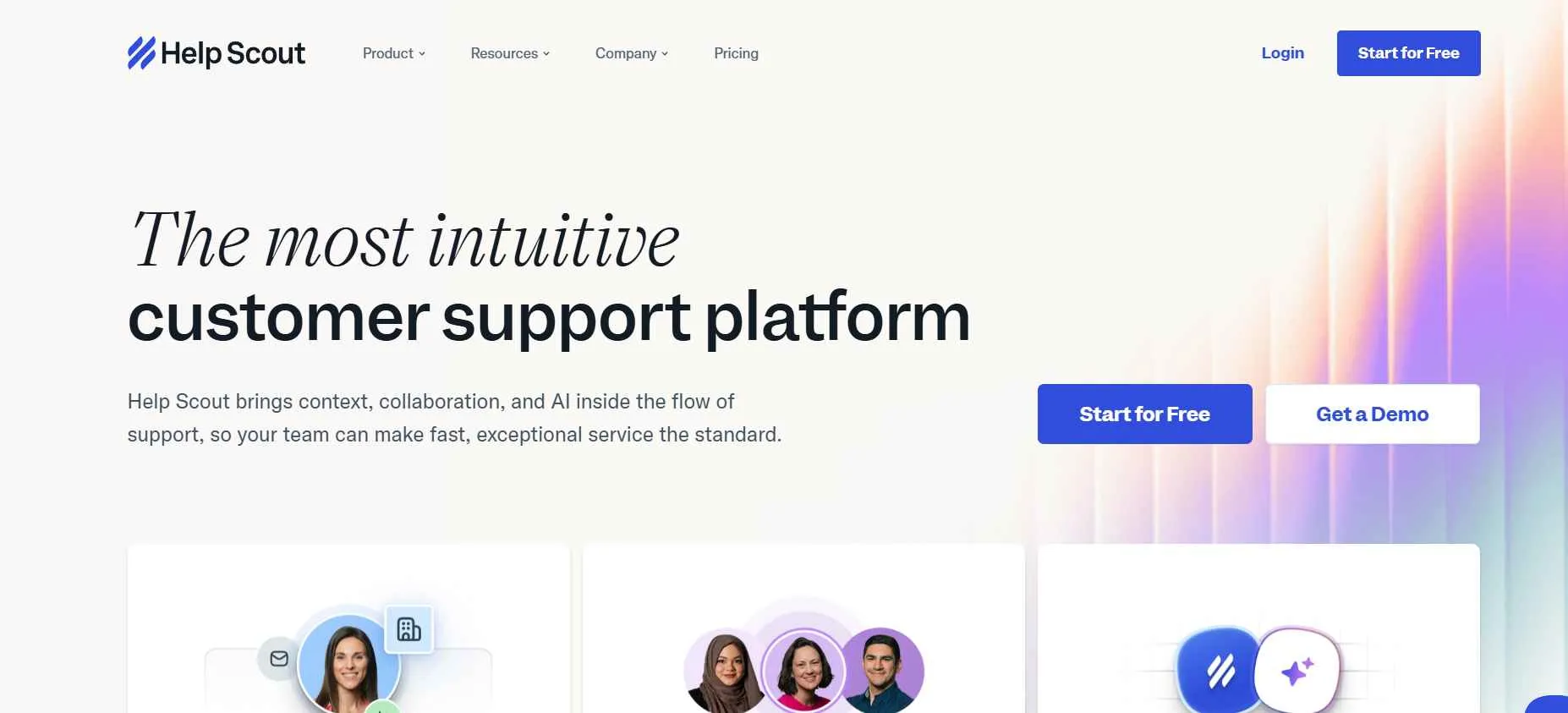
Help Scout is a customer support platform built around a shared inbox and knowledge base system. Instead of focusing mainly on live chat automation, it is designed to help teams manage email-based support conversations in a more organized and collaborative way. Many growing businesses use it to handle customer requests while keeping communication simple and personal.
The platform allows support teams to manage customer emails, live chat messages, and documentation from one place. Agents can track conversation history, assign tickets internally, and share responses through saved replies. Help Scout also includes a knowledge base tool that lets businesses create help articles so customers can find answers without contacting support.
Why It’s a Strong HelpCrunch Alternative
Businesses often consider Help Scout when they want a more structured ticketing and email support system. The platform focuses on organizing conversations in a shared inbox so that multiple team members can collaborate without losing context.
For teams that handle a large volume of support emails, this approach can make workflows easier to manage. Conversations are converted into tickets, agents can assign or prioritize requests, and customers receive consistent responses through a centralized system.
Help Scout Core Strengths
-
Shared inbox designed for collaborative email support
-
Built-in knowledge base for self-service help articles
-
Conversation tracking with internal notes and assignments
Why Help Scout Is Better Than HelpCrunch
Help Scout places a stronger focus on structured ticket management and email-based support. Teams can manage conversations like support tickets, assign them to agents, add internal notes, and maintain a clear history of each request. This can make it easier for support teams to stay organized when handling a high number of inquiries.
The platform also includes a built-in knowledge base system that allows businesses to publish help articles for customers. This helps reduce repetitive support requests by giving users a place to find answers on their own before contacting the team.
Limitations
-
Automation and chatbot capabilities are limited
-
Live chat features are simpler compared to dedicated chat platforms
-
Advanced workflow customization is relatively basic
Best For
Pricing Snapshot
Examine the best Help Scout alternatives to select the right solution for your business growth.
4. LiveAgent - Multi-Channel Helpdesk and Live Chat Platform
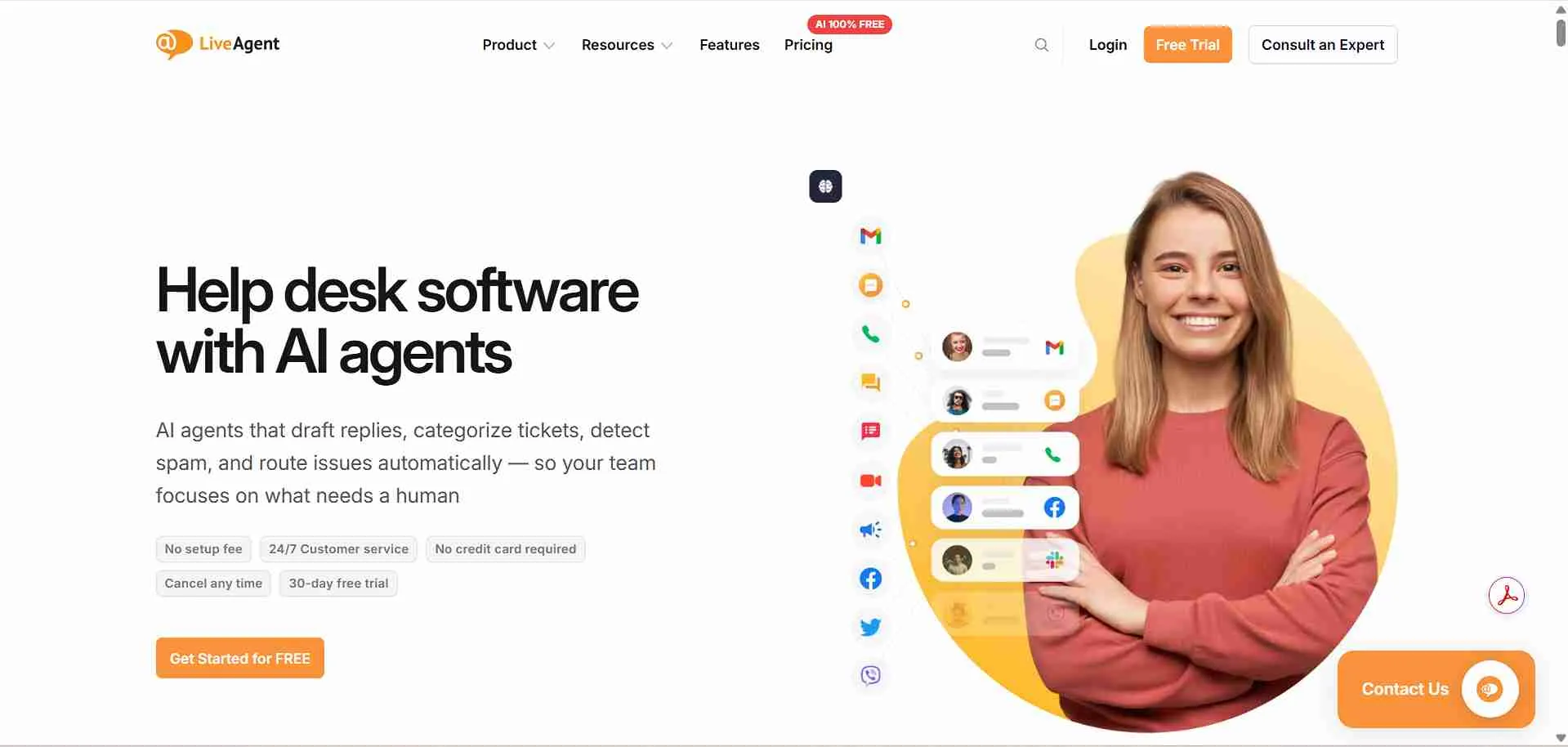
LiveAgent is a customer support platform that combines helpdesk ticketing, live chat, and call center support in one system. It is designed for teams that need to manage customer conversations coming from multiple channels such as email, website chat, social media, and phone calls. Many support teams use LiveAgent to centralize communication and keep track of every customer request from one dashboard.
The platform converts incoming messages into support tickets so teams can organize, prioritize, and respond to them more efficiently. Agents can collaborate internally, assign tickets, and track the full history of each conversation. For businesses that handle support across several communication channels, this structure helps ensure that no customer inquiry gets missed.
Why It’s a Strong HelpCrunch Alternative
Businesses often explore LiveAgent when they need broader multi-channel support and helpdesk functionality. Instead of focusing mainly on live chat and messaging, LiveAgent brings together email, phone, social media, and website chat into one ticketing system.
This allows support teams to track conversations from different channels while maintaining a clear record of interactions. Managers can monitor response times, ticket queues, and agent performance to keep support operations running smoothly as the team grows.
LiveAgent Core Strengths
-
Multi-channel ticketing system for email, chat, and social messages
-
Built-in live chat with real-time visitor monitoring
-
Call center features with VoIP support
-
Internal ticket assignments and collaboration tools
-
Reporting dashboards for support performance tracking
Why LiveAgent Is Better Than HelpCrunch
LiveAgent offers a broader helpdesk structure that includes call center functionality and deeper ticket management. Teams can convert conversations from different channels into tickets and manage them within a single support workflow. This helps organizations that handle both chat and phone-based customer support.
The platform also provides built-in call center features, which are not commonly available in messaging-focused tools. For businesses that need voice support alongside chat and email, this capability can make LiveAgent a more suitable option.
Limitations
-
Interface can feel complex for new users
-
Automation setup may require time to configure
-
Some advanced features are available only in higher plans
Best For
-
Support teams managing multiple communication channels
-
Businesses needing call center and ticketing features together
-
Customer service teams handling large ticket volumes
-
Organizations that require structured helpdesk workflows
Pricing Snapshot
-
Tiered pricing based on features and support channels
-
Entry plans focus on ticketing and basic live chat
-
Higher tiers add automation, analytics, and call center tools
-
Pricing increases as advanced support features are enabled
Identify the Liveagent Alternative that aligns with your long-term business goals.
5. Crisp - Omnichannel Messaging Platform for Customer Conversations
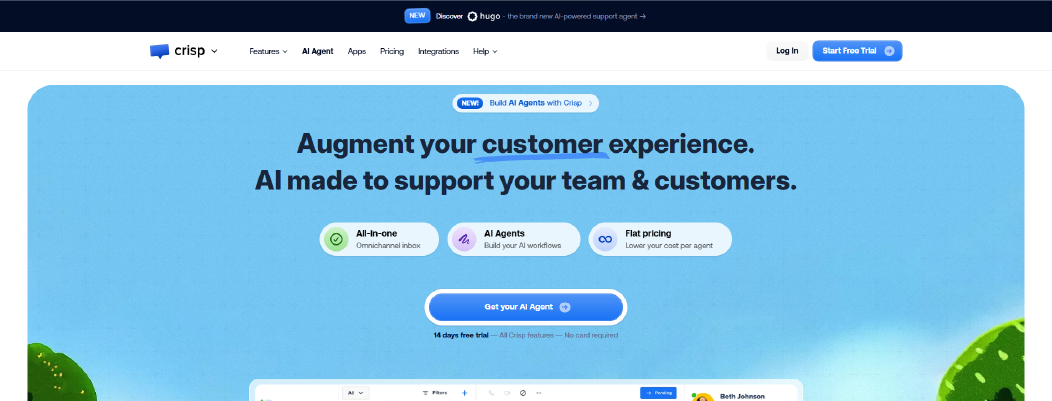
Crisp is a customer messaging platform that combines live chat, email, and social messaging into a single inbox. It is designed to help teams communicate with customers across multiple channels while keeping conversations organized in one workspace. Many startups and small businesses use Crisp to manage website chats and respond to customer inquiries quickly.
The platform allows support teams to track conversations, view visitor activity on the website, and collaborate internally on responses. Crisp also includes chatbot automation, knowledge base tools, and integrations that help businesses handle support conversations while maintaining context for each customer interaction.
Why It’s a Strong HelpCrunch Alternative
Businesses sometimes explore Crisp when they want an omnichannel messaging system that brings several communication channels together. The platform allows teams to manage website chat, email conversations, and messaging platforms from one shared inbox.
This setup can help support teams respond faster and maintain conversation history across channels. By centralizing communication, teams can reduce the chances of missing messages while maintaining a clearer overview of ongoing support interactions.
Crisp Core Strengths
-
Shared inbox for chat, email, and messaging platforms
-
Live chat with visitor activity tracking
-
Chatbot automation for handling repetitive questions
-
Knowledge base tools for customer self-service
-
Integrations with CRM and productivity platforms
Why Crisp Is Better Than HelpCrunch
Crisp provides broader omnichannel messaging capabilities that allow teams to manage more communication channels in one place. Businesses that receive messages through different platforms can track conversations from a unified inbox, making collaboration between agents easier.
The platform also includes visitor tracking features that help teams understand what customers are doing on the website before they start a conversation. This context can help support agents respond more accurately to customer questions.
Limitations
-
Advanced automation options are limited compared to specialized chatbot platforms
-
Reporting capabilities can be basic for larger teams
-
Some integrations and automation features require higher-tier plans
Best For
Pricing Snapshot
-
Free plan available with basic live chat features
-
Paid plans add automation, integrations, and advanced messaging tools
Discover powerful Crisp alternatives and choose the best tool to enhance your support operations.
6. Freshdesk - Helpdesk and Ticketing Platform for Customer Support
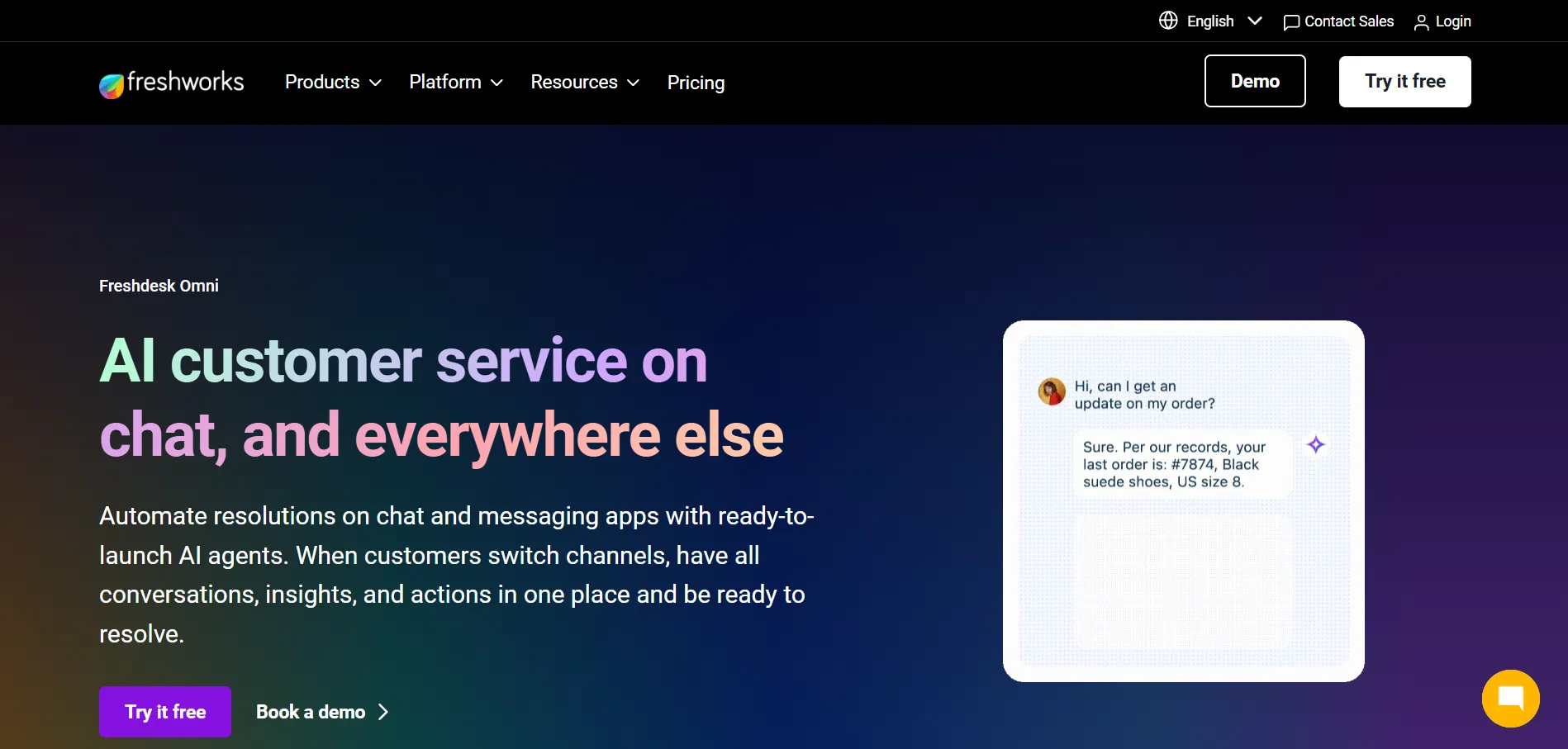
Freshdesk is a helpdesk platform designed to help support teams manage customer inquiries through a structured ticketing system. It allows businesses to handle requests coming from email, chat, phone, and social media while keeping conversations organized in one support dashboard. Many growing companies use Freshdesk to streamline customer service operations and maintain consistent response workflows.
The platform converts incoming messages into support tickets so agents can track, assign, and resolve issues more efficiently. Teams can collaborate through internal notes, automate ticket routing, and monitor response times. Freshdesk also includes a knowledge base system that allows businesses to publish help articles so customers can find answers without contacting support.
Why It’s a Strong HelpCrunch Alternative
Businesses sometimes explore Freshdesk when they need a more structured helpdesk environment for managing customer requests. The platform focuses heavily on ticket management, allowing support teams to organize conversations, prioritize urgent issues, and assign requests to the right agents.
This approach can be helpful for companies handling a high volume of customer inquiries across multiple channels. Managers can track ticket queues, monitor response times, and review support performance to maintain consistent service as the support team grows.
Freshdesk Core Strengths
-
Multi-channel ticketing system for email, chat, phone, and social messages
-
Automation rules for ticket routing and prioritization
-
Knowledge base for self-service customer support
-
Collaboration tools with internal notes and ticket assignments
-
Reporting dashboards for tracking support performance
Why Freshdesk Is Better Than HelpCrunch
Freshdesk offers a more comprehensive helpdesk structure built around ticket management and support workflows. Teams can manage large volumes of customer requests through organized ticket queues, automated routing, and internal collaboration tools.
The platform also provides more advanced reporting and analytics features, allowing managers to monitor team performance, resolution times, and customer satisfaction trends. For companies that rely heavily on structured support operations, these capabilities can provide deeper visibility into service performance.
Limitations
-
Interface can feel complex for smaller teams
-
Custom workflow configuration may require time to set up
-
Advanced automation and reporting features are limited to higher plans
Best For
Pricing Snapshot
-
Free plan available for small support teams
-
Paid plans add automation, reporting, and advanced ticketing features
-
Pricing increases based on team size and functionality
-
Higher tiers unlock more advanced workflow and analytics tools
Modernize your helpdesk by exploring these high-performance Freshdesk Alternatives.
7. Zendesk - Enterprise Customer Service and Support Platform
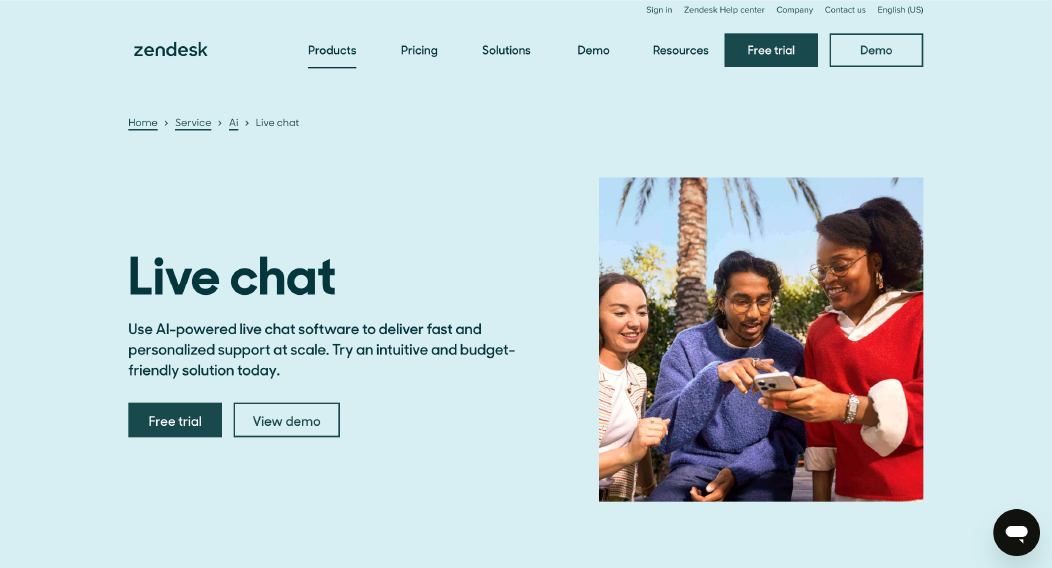
Zendesk is a widely used customer service platform designed to help businesses manage support operations at scale. It combines ticketing, live chat, messaging, knowledge base tools, and reporting into a single ecosystem. Many mid-size and enterprise companies rely on Zendesk to organize customer requests and maintain structured support workflows across multiple communication channels.
The platform converts incoming messages from email, chat, phone, and social platforms into support tickets. Agents can assign, prioritize, and track these tickets while maintaining full conversation history. Zendesk also provides knowledge base tools so businesses can create help centers where customers can search for answers before contacting support.
Why It’s a Strong HelpCrunch Alternative
Businesses often consider Zendesk when they need a more advanced helpdesk system with deeper workflow control. The platform is designed to manage large volumes of support requests while maintaining structured ticket management and team collaboration.
Support managers can track response times, monitor ticket queues, and generate performance reports to understand how their support teams are performing. For organizations handling complex support operations, these features help maintain consistency and accountability across large teams.
Zendesk Core Strengths
-
Enterprise-level ticketing system for managing large support volumes
-
Omnichannel support for email, chat, phone, and social platforms
-
Knowledge base tools for creating customer help centers
-
Workflow automation for routing and prioritizing tickets
-
Advanced reporting dashboards for support performance
Why Zendesk Is Better Than HelpCrunch
Zendesk provides a more mature helpdesk infrastructure built for organizations with larger support teams and higher customer interaction volumes. The platform offers deeper ticket management, workflow automation, and reporting capabilities that help companies maintain structured support processes.
It also supports a wide ecosystem of integrations and extensions, allowing businesses to connect Zendesk with CRM systems, analytics tools, and other business platforms. This flexibility makes it a common choice for companies that need a scalable customer support environment.
Limitations
-
Setup and configuration can be complex for new teams
-
Pricing can increase significantly as features and agents grow
-
Interface may feel overwhelming for smaller support teams
Best For
-
Mid-size to enterprise companies managing large support teams
-
Businesses requiring advanced helpdesk workflows
-
Organizations handling high volumes of customer requests
-
Companies needing detailed analytics and reporting
Pricing Snapshot
-
Pricing based on per-agent subscription plans
-
Entry plans include basic ticketing and support tools
-
Higher tiers add advanced automation, analytics, and customization
-
Costs increase as more agents and advanced features are added
Browse these Zendesk Alternatives and select the most effective tool for your business.
8. Drift - Conversational Marketing and Sales Chat Platform
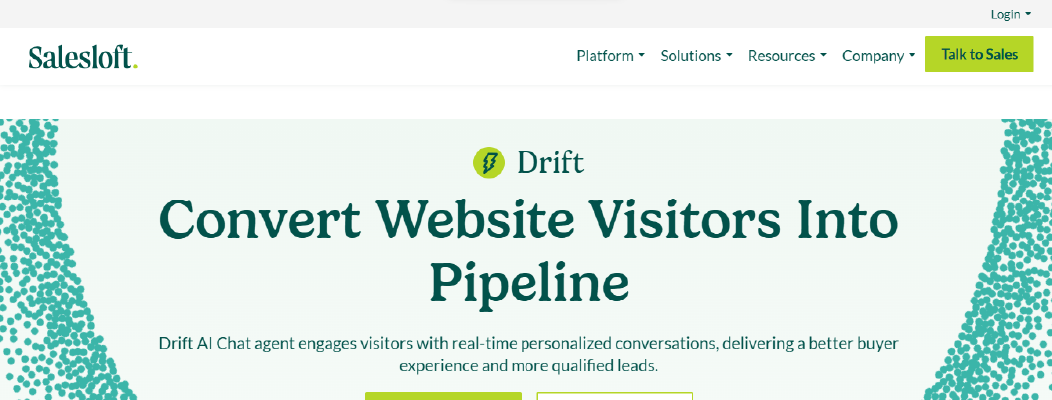
Drift is a conversational marketing platform designed to help businesses engage website visitors and turn conversations into sales opportunities. Instead of focusing primarily on customer support, Drift is built to help marketing and sales teams capture leads, qualify prospects, and schedule meetings through real-time chat.
The platform allows companies to add chat widgets to their websites, automate initial conversations with chatbots, and route qualified leads directly to sales representatives. This approach helps businesses respond to potential customers immediately rather than relying only on traditional contact forms or email follow-ups.
Why It’s a Strong HelpCrunch Alternative
Some businesses explore Drift when their main goal is lead generation and sales conversations rather than customer support. The platform helps teams interact with website visitors in real time and guide them toward booking meetings or requesting demos.
For companies that prioritize marketing and sales engagement, Drift can help streamline how prospects connect with sales teams. Conversations can be routed to the right representative, making it easier to respond quickly and move leads through the sales process.
Drift Core Strengths
-
Real-time website chat designed for lead capture
-
Chatbots that qualify visitors before routing them to sales teams
-
Meeting scheduling directly within chat conversations
-
Visitor identification and engagement tracking
-
Integrations with CRM and marketing platforms
Why Drift Is Better Than HelpCrunch
Drift focuses heavily on conversational marketing and sales engagement. Businesses can use chatbots to qualify website visitors, ask targeted questions, and connect high-intent prospects with sales representatives quickly.
The platform also allows teams to schedule meetings directly from chat conversations, helping reduce delays between initial interest and sales follow-up. For organizations focused on generating leads through their website, this workflow can simplify the process of connecting prospects with the right sales team.
Limitations
-
Designed more for sales and marketing than support operations
-
Pricing can be higher compared to many chat tools
-
Customer support features are more limited than helpdesk platforms
Best For
-
B2B companies focused on website lead generation
-
Marketing teams running conversational campaigns
-
Sales teams qualifying prospects through live chat
-
Businesses prioritizing demo bookings and meeting scheduling
Pricing Snapshot
-
Pricing typically based on team size and platform features
-
Plans focus on conversational marketing capabilities
-
Advanced automation and integrations available in higher tiers
-
Costs increase as additional sales tools and users are added
Uncover the best Drift alternatives for growing support teams.
9. Tidio - Live Chat and AI Chatbot Platform for Small Businesses
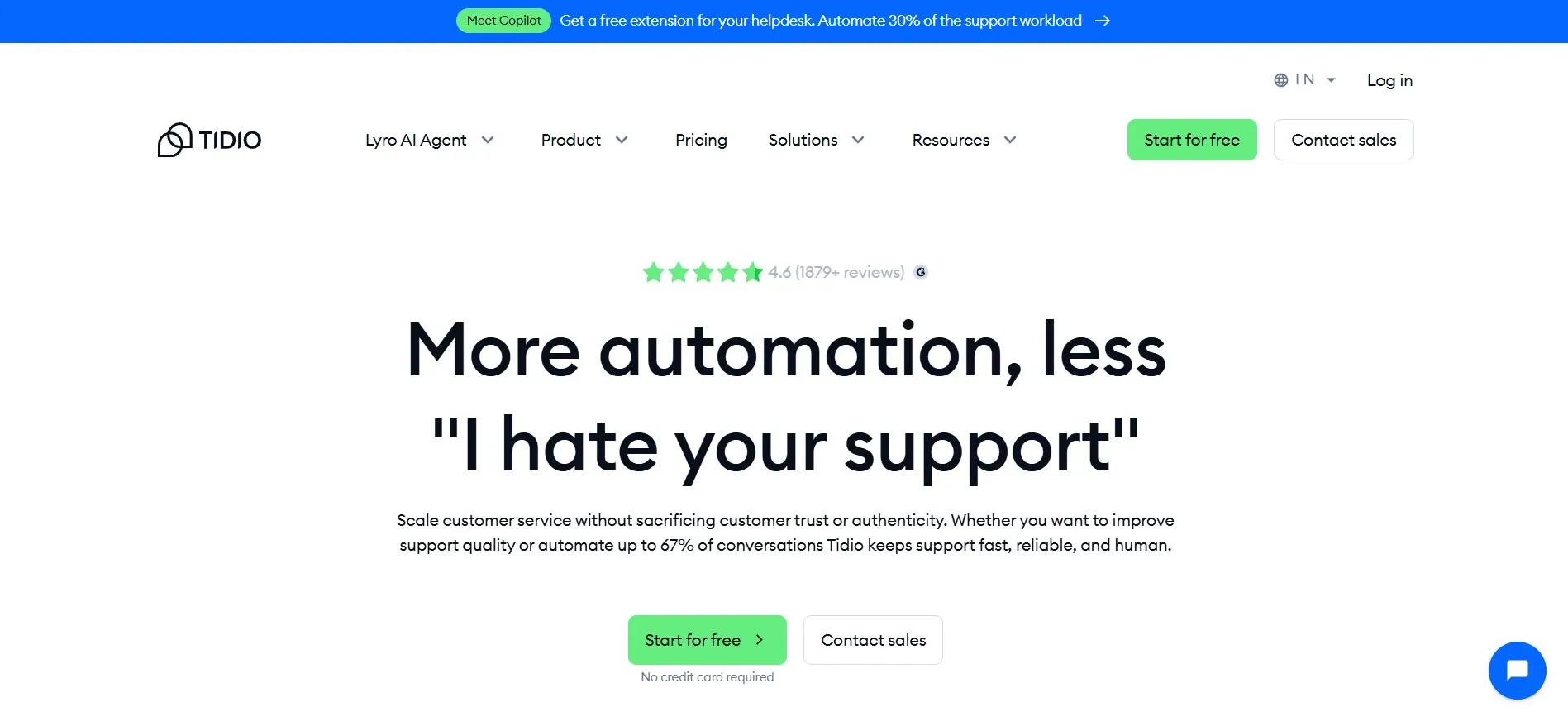
Tidio is a customer communication platform that combines live chat, chatbot automation, and messaging tools in one dashboard. It is designed to help small businesses and online stores respond to customer questions quickly while automating common support conversations.
The platform allows businesses to add a chat widget to their website and manage customer messages from different channels in a shared inbox. Tidio also includes chatbot automation that can answer common questions, collect customer information, and route more complex inquiries to human agents.
Why It’s a Strong HelpCrunch Alternative
Businesses sometimes explore Tidio when they want a simple live chat and chatbot system that is quick to set up. The platform focuses on helping small teams respond to website visitors faster while automating repetitive questions.
For companies running online stores or small service businesses, Tidio can help handle routine inquiries such as product questions, order updates, or basic support requests. This reduces the workload on support teams and ensures customers receive responses even outside working hours.
Tidio Core Strengths
-
Live chat widget for real-time website conversations
-
AI chatbot automation for answering common questions
-
Shared inbox for managing messages from multiple channels
-
Visitor tracking to see activity before conversations start
-
Integrations with e-commerce and marketing platforms
Why Tidio Is Better Than HelpCrunch
Tidio focuses heavily on chatbot automation and quick setup for small teams. Businesses can deploy automated chat flows to handle frequently asked questions, collect visitor information, and direct customers to the right support resources.
The platform is also commonly used by online stores because of its integrations with e-commerce platforms. These integrations allow businesses to automate responses for order updates, product inquiries, and other common customer requests.
Limitations
-
Advanced workflow customization is limited for complex support operations
-
Reporting features are basic compared to larger helpdesk platforms
-
Some automation capabilities are restricted to higher plans
Best For
-
Small businesses looking for simple live chat support
-
E-commerce stores managing product and order questions
-
Teams wanting basic chatbot automation
-
Companies that need quick chat setup without complex configuration
Pricing Snapshot
-
Free plan available with basic live chat features
-
Paid plans add chatbot automation and integrations
-
Pricing increases with advanced automation capabilities
-
Higher tiers unlock additional messaging and analytics features
Browse our curated list of professional Tidio Alternatives.
10. LiveChat - Real-Time Customer Chat Support Platform
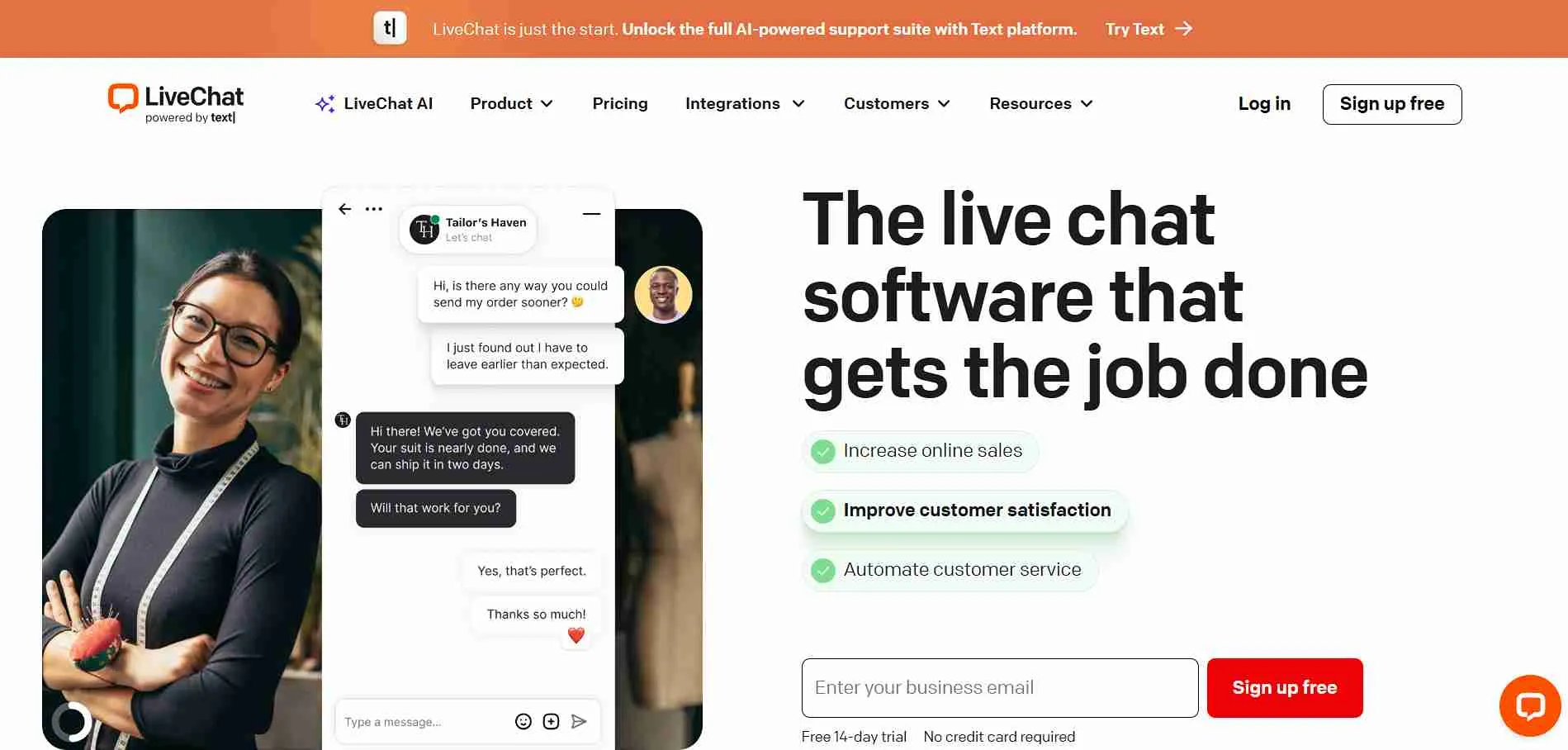
LiveChat is a customer communication platform focused on real-time website chat support. It helps businesses interact with website visitors instantly, answer questions, and guide customers during the buying process. Many companies use LiveChat to provide immediate assistance to visitors who need help before completing a purchase or requesting support.
The platform provides a chat widget that can be added to websites so agents can respond to customers directly from a shared dashboard. Teams can manage conversations, track visitor behavior, and use saved responses to reply faster to common questions. LiveChat also allows businesses to monitor chat activity and maintain conversation history for better support continuity.
Why It’s a Strong HelpCrunch Alternative
Businesses sometimes explore LiveChat when they want a platform dedicated specifically to live website conversations. The tool focuses on helping teams respond to visitors quickly while maintaining clear conversation tracking.
For companies that rely heavily on real-time engagement, this approach can improve response speed and customer satisfaction. Agents can handle multiple conversations at once, and managers can monitor how chats are being handled across the support team.
LiveChat Core Strengths
-
Real-time website chat for customer support and sales
-
Shared inbox for managing team conversations
-
Visitor monitoring to see activity before chat begins
-
Saved replies for faster responses to common questions
-
Integrations with CRM and helpdesk tools
Why LiveChat Is Better Than HelpCrunch
LiveChat focuses specifically on real-time chat engagement, which allows businesses to prioritize quick responses to website visitors. The platform helps agents handle multiple conversations simultaneously while keeping messages organized in a single interface.
It also provides visitor monitoring tools that allow agents to see which pages customers are browsing before starting a chat. This context can help support teams respond more effectively and assist visitors during their decision-making process.
Limitations
-
Primarily focused on live chat rather than full helpdesk operations
-
Automation features are more limited compared to chatbot platforms
-
Advanced analytics and integrations may require higher plans
Best For
Pricing Snapshot
-
Pricing based on per-agent subscription plans
-
Entry plans focus on basic live chat functionality
-
Higher tiers add automation, integrations, and analytics
-
Costs increase as more agents and advanced features are added
Identify the most reliable LiveChat alternatives on the market today.
HelpCrunch Competitors Compared Side-by-Side
Here’s a detailed comparison to help you evaluate each HelpCrunch alternative based on setup complexity, workflow control, ecommerce integrations, AI capabilities, knowledge base support, reporting depth, and seat-based billing impact in 2026.
This table helps teams quickly understand how different platforms handle automation, collaboration, and scalability so they can choose a tool that fits their support operations as they grow.
|
Tool
|
Setup Complexity
|
Custom Workflow Control
|
Native Ecommerce Integrations
|
AI Training Control
|
Knowledge Base Integration
|
Reporting Depth
|
Seat-Based Billing Impact
|
|
Chatboq
|
Low (guided onboarding and workspace setup)
|
Strong (ticket tracking, automation routing, SLA monitoring)
|
Web chat, email, and social messaging integrations
|
AI-assisted responses using conversation context
|
Upload-based knowledge base support
|
Conversation analytics and response dashboards
|
Workspace-based structure (less dependent on per-seat scaling)
|
|
Intercom
|
Moderate-High
|
High
|
Moderate
|
Advanced AI chatbot configuration
|
Integrated knowledge base
|
Strong reporting dashboards
|
Yes (per-seat + usage pricing)
|
|
Help Scout
|
Low-Moderate
|
Moderate
|
Limited–Moderate
|
Limited AI assistance
|
Strong built-in knowledge base
|
Moderate reporting
|
Yes (per-user pricing)
|
|
LiveAgent
|
Moderate
|
High
|
Moderate
|
Tier-based AI features
|
Integrated knowledge base
|
High reporting depth
|
Yes (per-agent pricing)
|
|
Crisp
|
Low
|
Moderate
|
Moderate
|
Limited AI chatbot control
|
Built-in knowledge base
|
Moderate reporting
|
Yes (per-agent pricing)
|
|
Freshdesk
|
Moderate
|
High
|
Moderate
|
AI ticket automation in higher tiers
|
Integrated knowledge base
|
High reporting capabilities
|
Yes (per-agent pricing tiers)
|
|
Zendesk
|
High
|
Very High
|
Moderate
|
Advanced AI automation and knowledge tools
|
Enterprise-grade knowledge base
|
Very strong analytics and reporting
|
Yes (per-agent / seat-based)
|
|
Drift
|
Moderate
|
Moderate
|
Moderate
|
AI-assisted routing and qualification
|
Built-in knowledge base
|
Moderate reporting
|
Yes (per-seat pricing)
|
|
Tidio
|
Low
|
Moderate
|
Moderate
|
Basic AI chatbot automation
|
Built-in knowledge base
|
Moderate reporting
|
Yes (per-seat pricing)
|
|
LiveChat
|
Low
|
Moderate
|
Moderate
|
Basic rule-based AI automation
|
Built-in knowledge base
|
Moderate reporting
|
Yes (per-agent scaling)
|

 ChatGPT
 Perplexity
 Claude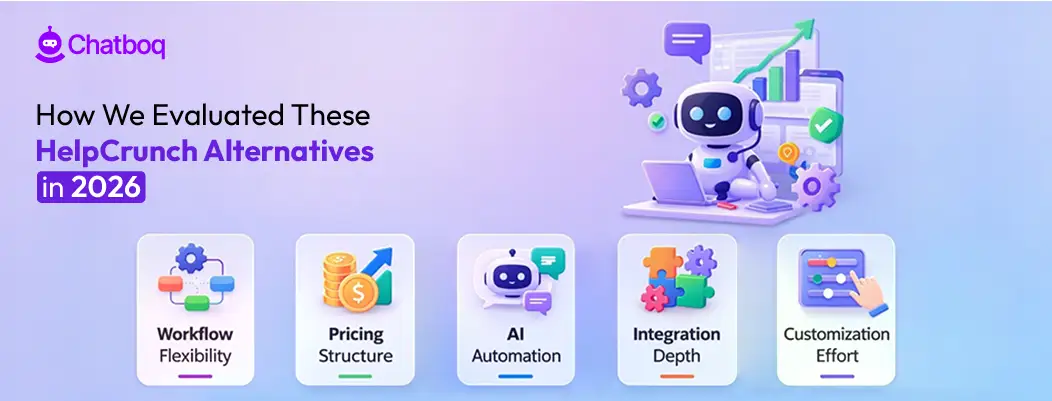




Leave a Comment
Your email address will not be published. Required fields are marked *
By submitting, you agree to receive helpful messages from Chatboq about your request. We do not sell data.