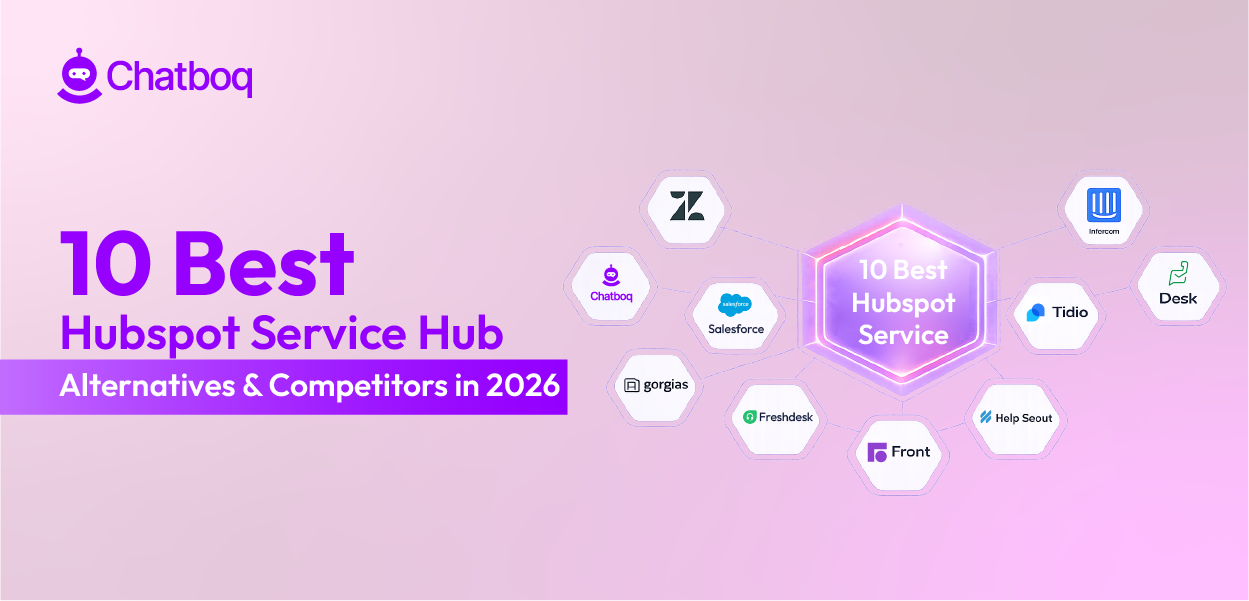
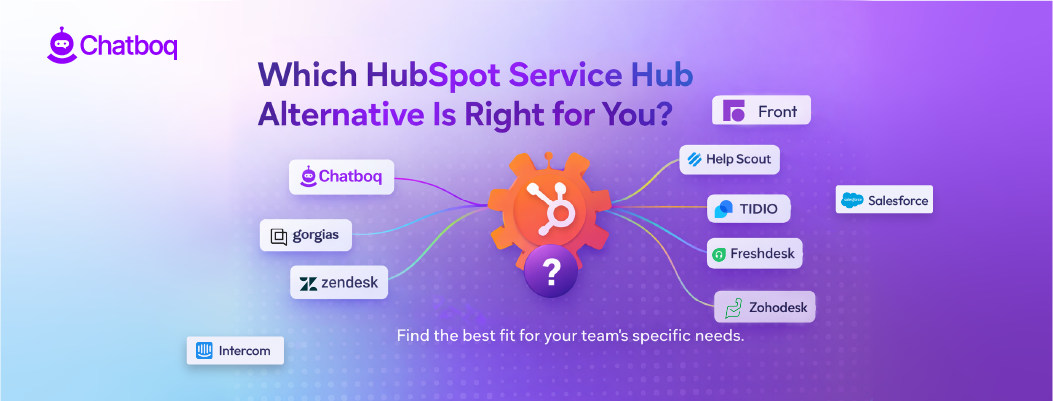
Below are the most relevant HubSpot Service Hub competitors in 2026. Each platform is evaluated against the structural limits teams report after scaling inside HubSpot Service Hub.
1. Chatboq - All-in-One AI Chatbot & Live Chat Platform Alternative to HubSpot Service Hub
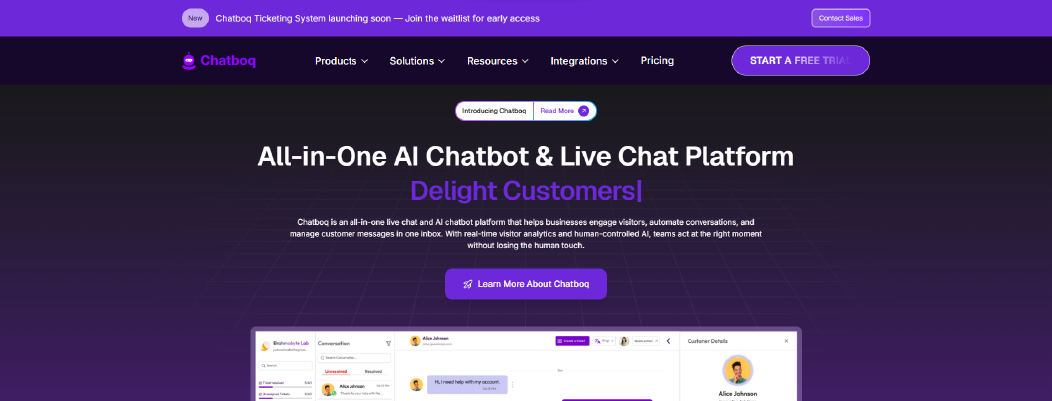
Chatboq is an all-in-one AI chatbot and live chat platform built for teams that need structured ticket management, real-time messaging, and controlled workflow automation inside a single workspace. It combines live chat, ticketing, AI reply assistance, SLA governance, visitor tracking, and messaging integrations without separating features across multiple hubs.
While HubSpot Service Hub centers support inside a broader CRM ecosystem, Chatboq is built around workspace-level control, SLA enforcement, and real-time conversation sync without requiring Sales or Marketing hub expansion.
Why It’s a Strong HubSpot Service Hub Alternative
HubSpot Service Hub users often value its clean interface, Kanban-style ticket visibility, and CRM-connected workflows. However, G2 and Trustpilot feedback suggests that scaling can introduce feature gating, pricing escalation across hubs, workflow rigidity, and CRM data sync friction.
Chatboq addresses those structural concerns differently.
Real-time sync is native. Messages update instantly between admin and customer. There is no dependency on external plugins or hub upgrades for live visibility.
Automation layering is built into the ticket system itself. Chatboq supports:
-
Organization-specific SLA policies
-
Response time and resolution time control
-
85% SLA threshold warnings
-
Automatic priority escalation when thresholds are crossed
-
Custom statuses per organization
-
Validation rules that prevent cross-organization misuse
For teams that need strict SLA compliance and backlog control, SLA warnings and priority escalation reduce manual monitoring.
CRM integration is optional, not foundational. Chatboq integrates with Zoho CRM and Pipedrive, but ticket workflows remain fully operational even if CRM sync is limited. This reduces CRM dependency risk during scaling because ticket workflows can run even when CRM sync is limited.
Chatboq Core Strengths
-
AI-powered helpdesk software with knowledge-base training
-
AI reply assistant trained on FAQs, documents (PDF, DOCX, CSV), articles, and conversation history
-
Live chat and shared inbox with typing indicators, voice messages, file attachments, and edit/delete controls
-
Structured ticket management with Kanban view, merge support, parent-child tickets, and history logs
-
SLA governance with automatic priority change at 85% resolution threshold
-
Custom ticket priorities and statuses per organization
-
Email-to-ticket creation and email templating
-
Multi-workspace management with role-based permissions
-
Team scheduling with time-shift control
-
Visitor tracking with IP monitoring, country detection, and real-time logs
-
Messaging integrations: WhatsApp, Slack, Messenger, Telegram, Discord, Instagram, Line
-
CRM integrations including Zoho CRM and Pipedrive
These features support structured ticket lifecycle management from triage to resolution without relying on separate product bundles.
Where It Differs from HubSpot Service Hub
Focused workflow governance.
HubSpot Service Hub emphasizes CRM-connected case management. Chatboq emphasizes SLA enforcement, ticket validation rules, and structured automation inside the support workspace.
Less hub dependency.
HubSpot separates Sales, Marketing, and Service billing. Chatboq keeps support operations inside one plan structure.
More explicit SLA automation.
Chatboq automatically escalates ticket priority at defined resolution thresholds. SLA warnings are system-triggered rather than manual reminders.
Real-time messaging control.
Chatboq unifies live chat, widget communication, and messaging integrations in one sync layer.
Limitations
-
Does not replace full marketing automation or lead scoring tools
-
Requires structured setup of SLAs, priorities, and workflow rules
-
Designed for support-first operations, not full CRM orchestration
Teams must define routing rules, SLA policies, and status hierarchy during implementation.
Best For
-
Ecommerce teams managing live chat and ticket workflows together
-
SaaS support teams that require SLA enforcement
-
Agencies managing multiple client workspaces
-
Organizations seeking predictable billing without hub expansion
Pricing Snapshot
-
Plan-based subscription model.
-
Includes workspace management, billing dashboard, invoice tracking, and free trial visibility.
-
Pricing scales by plan level rather than per-agent inflation.
2. Zendesk - Enterprise-Scale Help Desk Alternative to HubSpot Service Hub
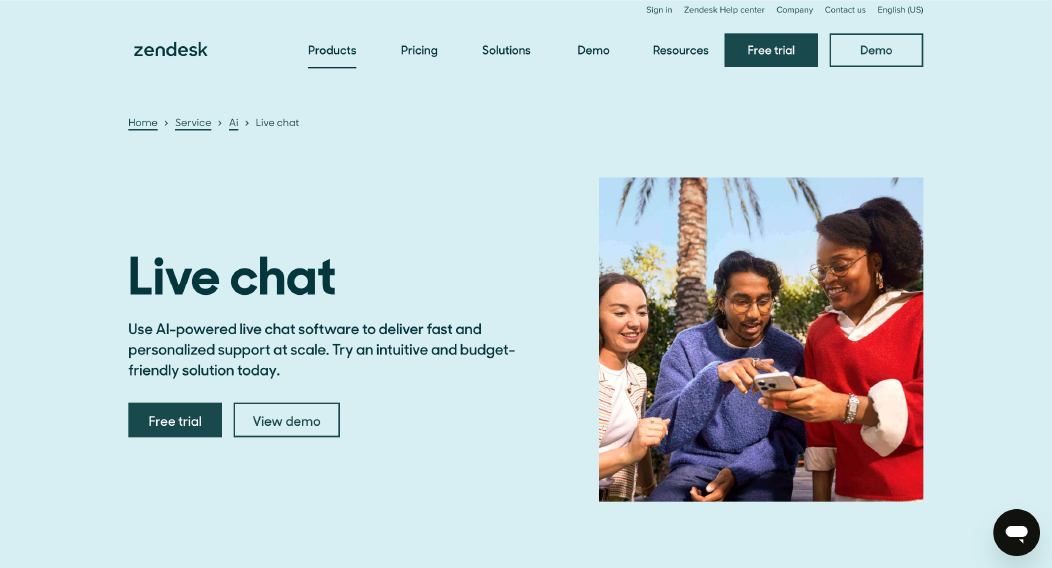
Zendesk is enterprise-grade customer service software built for high-volume support teams that require advanced ticket routing, deep customization, and a large integration ecosystem. It functions as a help desk and ticketing system with omnichannel support, reporting dashboards, and marketplace-driven extensibility.
HubSpot Service Hub competes with Zendesk when teams move beyond CRM-first support and require more granular workflow configuration. Zendesk supports customization and app marketplace expansion for complex support operations.
While HubSpot Service Hub connects support closely to its CRM, Zendesk is structured as a dedicated support platform with deeper customization layers and a broad app marketplace.
Why It’s a Strong HubSpot Service Hub Alternative
Teams consider Zendesk when HubSpot Service Hub workflow logic feels limited or when integrations outside the HubSpot ecosystem become necessary.
Zendesk addresses those needs through:
-
Advanced ticket routing and assignment control
-
Configurable SLA policies with countdown tracking
-
Custom views and trigger-based automation rules
-
Broader integrations via the Zendesk Marketplace
Zendesk supports customization + app marketplace depth.
Its API access allows external systems to connect more flexibly than CRM-bound workflows. This supports teams that require structured ticket lifecycle management independent of marketing automation tools.
Zendesk is often selected by teams that prioritize support governance over CRM bundling.
Zendesk Core Strengths
-
Mature ticket management system with trigger and macro automation
-
SLA management with configurable policies
-
Omnichannel support including email, live chat, voice, and messaging
-
Extensive integrations ecosystem through the Zendesk Marketplace
-
Advanced reporting dashboards with ticket volume, backlog, and resolution time visibility
-
Community forums for customer engagement
These features support complex enterprise environments where ticket routing and escalation rules require strict control.
Where It Differs from HubSpot Service Hub
Zendesk differs from HubSpot Service Hub in structural design. It is built primarily as a dedicated support platform rather than a CRM-first service layer.
It offers more configurable workflow logic through trigger-based automation and deeper ticket routing controls than HubSpot Service Hub’s standard workflow builder. This gives support teams more granular control over ticket lifecycle rules.
Its app marketplace is broader, allowing teams to extend functionality with a wider range of third-party integrations. The Zendesk Marketplace supports customization across reporting, messaging, and workflow extensions.
Unlike HubSpot Service Hub, which is built around a unified CRM context inside its ecosystem, Zendesk integrates with CRM systems but does not depend on bundled CRM architecture. This makes Zendesk more support-centric rather than CRM-centric by default.
Limitations
-
Per-agent pricing can increase as teams scale
-
Advanced customization may require onboarding and configuration time
-
Some features are available only in higher-tier plans
-
Complex setups may require dedicated admin management
Zendesk supports scale, but deeper trigger-based automation often requires structured admin oversight.
Best For
-
Enterprise or high-volume support teams
-
Organizations requiring advanced ticket routing and SLA governance
-
Teams needing a large integrations marketplace
-
Companies separating support operations from marketing CRM systems
Pricing Snapshot
Read more: Discover the best Zendesk alternatives and compare features to choose the right helpdesk for your team.
3. Intercom - AI Messaging and In-App Support Alternative to HubSpot Service Hub
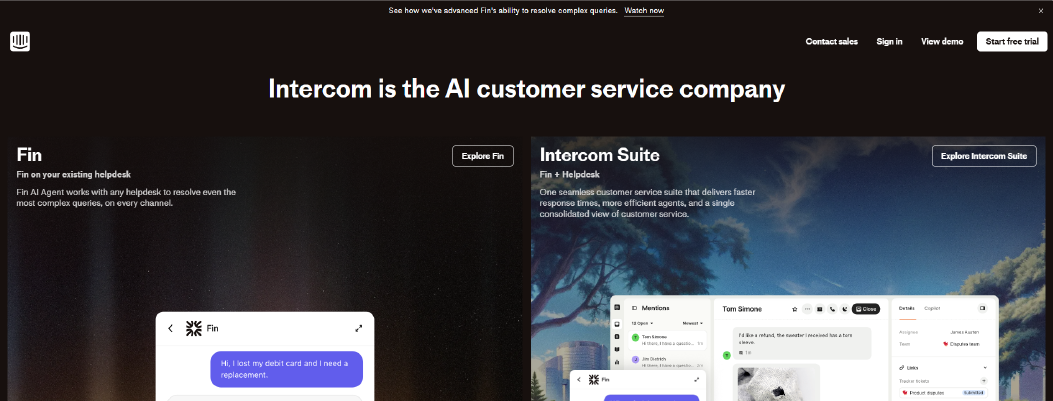
Intercom is customer support software built around live chat, AI chatbots, and in-app messaging. It combines messaging, automation, and help center content inside one unified agent workspace.
Teams often compare Intercom with HubSpot Service Hub when CRM-based ticketing feels too rigid for conversational support. HubSpot Service Hub is structured around CRM records and case tracking. Intercom is structured around real-time conversations inside websites and apps.
Why It’s a Strong HubSpot Service Hub Alternative
Intercom works well for teams that want to engage users before a ticket is created. Messages can trigger based on user behavior, page visits, or in-app activity. This enables proactive communication instead of waiting for inbound tickets.
Its AI chatbots handle common questions using knowledge base content. This reduces response time for predictable questions by answering from the knowledge base.
Live chat routing is built into the system. Conversations can escalate into structured support tickets when needed. This keeps ticket lifecycle visibility while keeping messaging central.
For SaaS companies that rely on product engagement, this messaging-first model can feel more natural than CRM-driven support workflows.
Intercom Core Strengths
-
AI chatbots trained on help center content
-
In-app and website messaging campaigns
-
Knowledge base, self-service portal, and customer portals
-
Customer segmentation for targeted messaging
-
Reporting dashboards for conversation analytics
-
Integrations with CRM and product tools
These features support teams that combine support, onboarding, and product communication.
Where It Differs from HubSpot Service Hub
Intercom prioritizes real-time messaging and in-product engagement. HubSpot Service Hub prioritizes CRM-connected ticket management.
Intercom supports proactive campaigns inside apps. HubSpot Service Hub focuses more on structured case handling within CRM context.
Intercom pricing often combines seat and usage components. HubSpot Service Hub pricing expands across Sales, Marketing, and Service hubs.
Limitations
-
Usage costs can increase with higher message volume
-
Stronger for SaaS and digital products than traditional email-heavy support
-
Automation setup may require planning for larger teams
Best For
-
SaaS companies with in-app communication
-
Product-led growth teams
-
Businesses that rely on live chat and chatbot engagement
-
Teams blending support with lifecycle messaging
Pricing Snapshot
Read more: Check the top Intercom alternatives and choose the best ecommerce helpdesk solution for Shopify support.
4. Salesforce Service Cloud - Enterprise CRM Support Alternative to HubSpot Service Hub
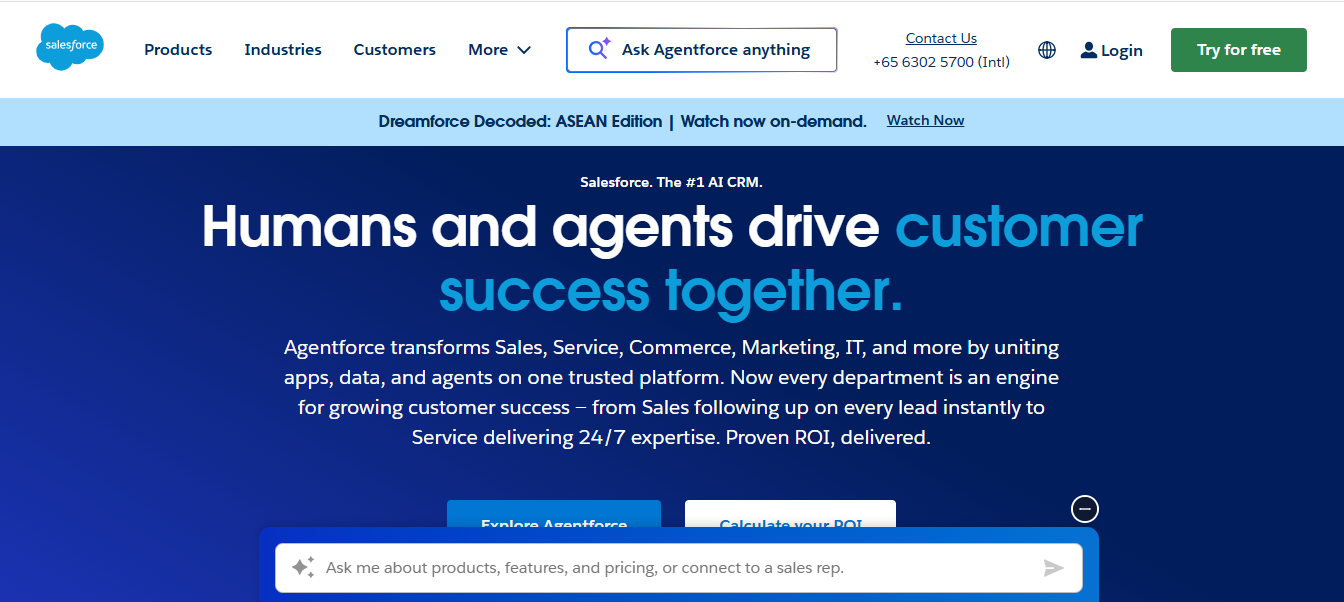
Salesforce Service Cloud is enterprise customer service software built inside the Salesforce CRM ecosystem. It supports case management, automation, reporting, and omnichannel support for large organizations.
Salesforce Service Cloud becomes a common shortlist option when CRM depth and customization matter more than simple setup. HubSpot Service Hub connects support to its CRM. Salesforce Service Cloud builds support directly inside a highly configurable CRM framework.
Why It’s a Strong HubSpot Service Hub Alternative
Salesforce Service Cloud is designed for complex service environments. It supports detailed case routing, approval processes, and automation rules across departments.
It includes AI features through Einstein AI. Salesforce Service Cloud uses Einstein AI to support case classification, response suggestions, and routing at scale.
It also supports advanced reporting dashboards and analytics. Large organizations can track SLA compliance, resolution time, CSAT, and service performance across multiple teams.
For companies already using Salesforce CRM, this integration reduces data sync risk because customer records, contact management, and service cases share one data model.
Salesforce Service Cloud Core Strengths
-
Enterprise-grade case management system
-
Advanced workflow automation and routing
-
Einstein AI for predictive case handling
-
Omnichannel support including email, chat, and voice
-
Detailed reporting dashboards and analytics
These features support organizations managing complex service operations across teams.
Where It Differs from HubSpot Service Hub
Salesforce Service Cloud offers deeper CRM customization. HubSpot Service Hub focuses on simpler CRM-connected support.
Salesforce supports highly complex workflow automation. HubSpot Service Hub offers structured workflows but with less configuration depth.
Salesforce requires more setup and administrative control. HubSpot Service Hub is typically easier to implement for smaller teams.
Limitations
-
Higher licensing cost compared to mid-market tools
-
Requires configuration planning and administrative management
-
Implementation can take longer than lighter help desk systems
Best For
-
Enterprise organizations with complex CRM requirements
-
Companies already using Salesforce CRM
-
Teams requiring advanced workflow control and governance
-
Large support operations with strict SLA policies
Pricing Snapshot
5. Gorgias - Ecommerce-Focused Support Alternative to HubSpot Service Hub
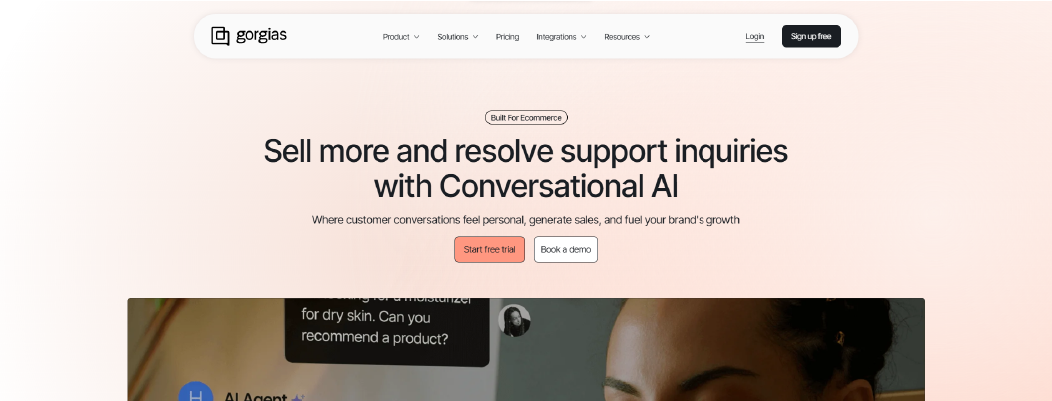
Gorgias is customer support software built mainly for ecommerce brands. It combines live chat, email, social messaging, and ticket management inside one help desk built for online stores.
Gorgias becomes relevant when ecommerce workflows become the priority. HubSpot Service Hub connects service to CRM and marketing automation. Gorgias connects support directly to ecommerce platforms like Shopify and order systems.
Why It’s a Strong HubSpot Service Hub Alternative
Gorgias is designed around order-related support. Agents can view order details, edit orders, and process refunds directly from the ticket view, depending on integrations. This reduces context switching by bringing order actions into the ticket view.
Automation rules can trigger based on order status, shipping conditions, or customer tags. This routes tickets related to refunds, delivery delays, or returns more efficiently.
For ecommerce brands managing high ticket volume tied to purchases, this operational focus can feel more aligned than CRM-centered case management.
Gorgias Core Strengths
-
Ecommerce-native ticket management
-
Omnichannel support including email, chat, and social messaging
-
Shared inbox for support teams
-
Reporting dashboards for response time and revenue attribution
-
Integrations with ecommerce platforms and payment systems
These features support faster handling of order-related tickets.
Where It Differs from HubSpot Service Hub
Gorgias is built specifically for ecommerce operations. HubSpot Service Hub is designed as general-purpose customer service software inside a CRM ecosystem.
Gorgias centers ticket routing around order data. HubSpot centers workflows around CRM contact records and lifecycle stages.
HubSpot Service Hub supports broader marketing automation. Gorgias focuses primarily on ecommerce support workflows.
Limitations
-
Best suited for ecommerce brands rather than SaaS or service businesses
-
Per-agent pricing can increase as support teams grow
-
Less focused on complex CRM customization
Best For
Pricing Snapshot
6. Freshdesk - Scalable Help Desk Alternative to HubSpot Service Hub
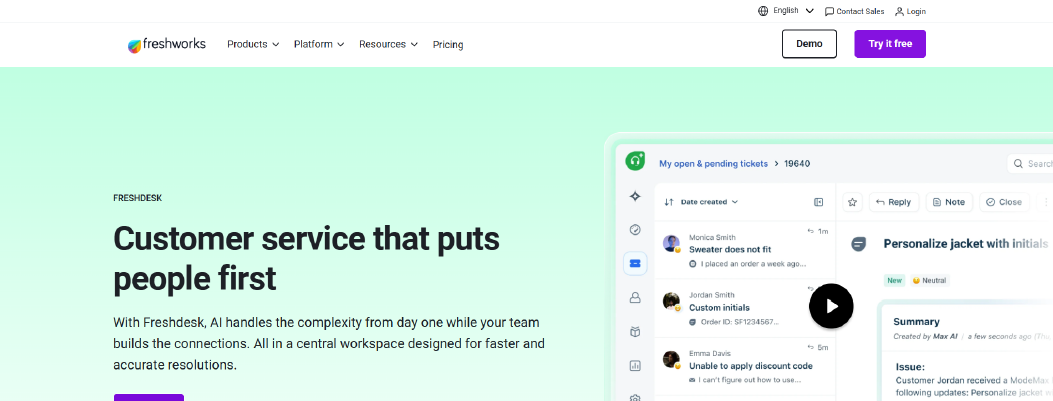
Freshdesk is customer support software built for multichannel ticket management and structured automation. It works as a help desk that supports email, live chat, phone, and social messaging inside one system.
Freshdesk is evaluated when teams need stronger ticket routing and automation without depending on a CRM-first model. HubSpot Service Hub connects service tightly to its CRM. Freshdesk focuses directly on support workflows.
Why It’s a Strong HubSpot Service Hub Alternative
Freshdesk supports detailed automation through rules, triggers, and ticket assignment logic. This reduces manual routing when ticket volume grows.
It includes AI features called Freddy AI. Freshdesk uses Freddy AI to assist with ticket classification, suggested responses, and repetitive query handling.
Freshdesk also supports SLA policies with time-based controls. Teams can define response and resolution targets to maintain SLA compliance as the backlog grows.
For mid-market teams that need structured ticket lifecycle control without expanding across multiple CRM hubs, Freshdesk provides a support-focused alternative.
Freshdesk Core Strengths
-
Multichannel ticket management system
-
Automation rules for ticket routing and prioritization
-
Freddy AI for ticket suggestions and classification
-
Reporting dashboards and analytics
-
Knowledge base and self-service portal
This supports backlog control as ticket volume increases.
Where It Differs from HubSpot Service Hub
Freshdesk is designed as standalone customer support software. HubSpot Service Hub operates inside a broader CRM ecosystem.
Freshdesk provides structured automation without requiring marketing automation expansion. HubSpot Service Hub ties many workflows to CRM lifecycle stages.
Freshdesk pricing is primarily per-agent and tiered. HubSpot Service Hub pricing expands across hubs.
Limitations
-
Advanced automation features require higher-tier plans
-
CRM functionality is lighter compared to CRM-native platforms
-
Customization depth may vary by subscription level
Best For
-
Growing mid-market support teams
-
Businesses needing structured ticket routing and SLA governance
-
Teams that want help desk functionality without CRM bundling
-
Organizations managing multichannel support
Pricing Snapshot
Read More: Get the best alternatives of Freshdesk available in the market.
7. Front - Collaborative Shared Inbox Alternative to HubSpot Service Hub
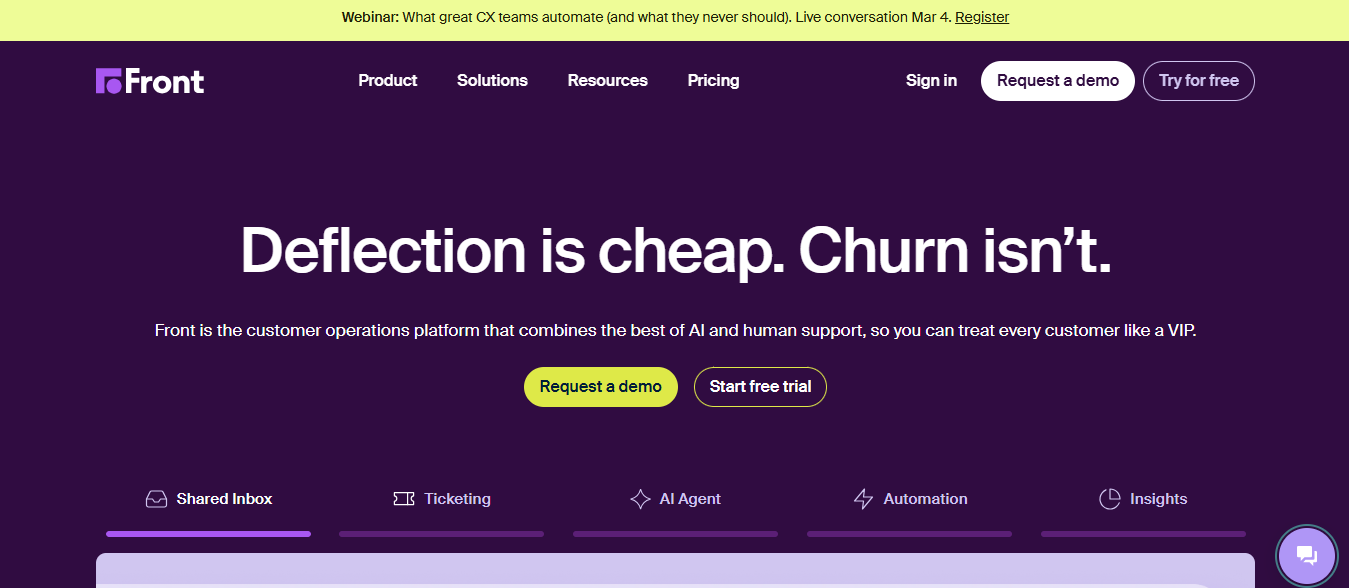
Front is customer support software built around a shared inbox model. It combines email, live chat, and messaging channels into one collaborative workspace where teams can respond together.
Front is a fit when internal collaboration becomes more important than CRM depth. HubSpot Service Hub connects tickets closely to CRM records and workflows. Front focuses on team visibility and shared conversation management.
Why It’s a Strong HubSpot Service Hub Alternative
Front is designed to make email and messaging collaboration simple. Multiple team members can comment internally on a conversation without exposing notes to the customer. This speeds up decision-making during complex cases.
It includes rules for routing messages to the right team or agent. Automation handles assignment, tagging, and status updates without requiring advanced configuration.
For teams that rely heavily on email and need cross-functional visibility, Front reduces context switching by keeping threads and internal notes in one inbox. Conversations stay visible inside one shared inbox instead of being split across tools.
Front Core Strengths
-
Shared inbox for team-based collaboration
-
Multichannel support including email, chat, and social
-
Reporting dashboards for response time and workload tracking by inbox and agent
-
Integrations with CRM and productivity tools
-
Role-based access control
These features support collaborative handling of customer conversations across teams.
Where It Differs from HubSpot Service Hub
Front prioritizes team collaboration over CRM-centered case management. HubSpot Service Hub emphasizes structured ticket lifecycle inside CRM context.
Front is email-first in structure. HubSpot Service Hub is ticket-first with CRM record linkage.
Front focuses on conversation visibility and internal coordination. HubSpot focuses more on automation rules tied to CRM data and lifecycle stages.
Limitations
-
Less advanced SLA governance compared to enterprise help desks
-
Not built for highly complex ticket hierarchy structures
-
CRM depth depends on external integrations
Best For
-
Teams managing high email volume
-
Cross-functional support and account teams
-
Businesses prioritizing internal collaboration
-
Companies seeking shared inbox simplicity
Pricing Snapshot
Choose the best Front Alternatives in the market.
8. Help Scout – Lightweight Help Desk Alternative to HubSpot Service Hub
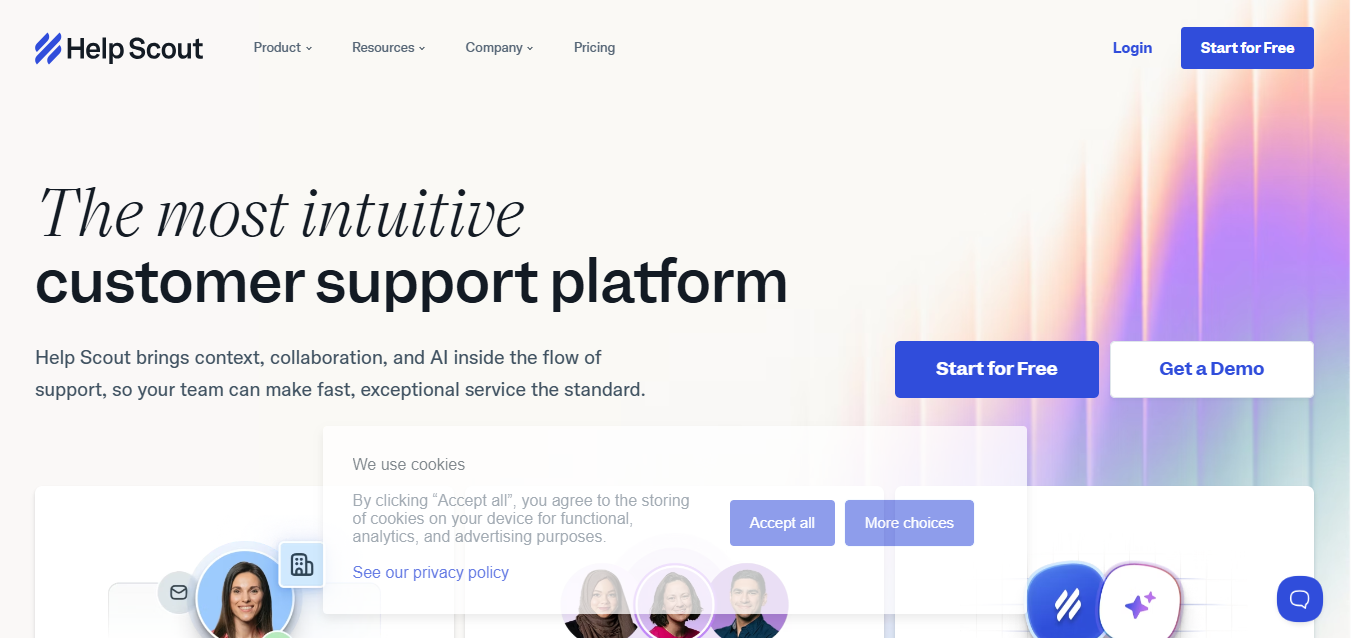
Help Scout is customer support software built around a shared inbox and knowledge base model. It focuses on clear ticket management, simple workflows, and customer communication without heavy CRM configuration.
Help Scout is often chosen when teams want a cleaner help desk experience without expanding into broader marketing or sales automation. HubSpot Service Hub connects service deeply to CRM records and lifecycle data. Help Scout keeps support operations lighter and more focused.
Why It’s a Strong HubSpot Service Hub Alternative
Help Scout works well for teams that need structured ticket management but do not require complex CRM bundling.
Its shared inbox allows multiple agents to manage conversations with internal notes and assignment controls. Automation rules support tagging, routing, and status changes without advanced configuration.
Help Scout also includes a knowledge base and self-service portal. This reduces ticket volume by letting customers find answers before submitting a request.
For small to mid-sized teams, this simpler structure can feel easier to manage than CRM-centered case workflows.
Help Scout Core Strengths
-
Help Scout provides a shared inbox designed for small teams that need fast handoffs and internal notes.
-
Internal notes and conversation assignment
-
Automation rules for tagging and routing
-
Knowledge base and help center
-
Reporting dashboards for response time, backlog, and team workload visibility
-
Integrations ecosystem and API access
These features support straightforward help desk operations without deep CRM complexity across hubs.
Where It Differs from HubSpot Service Hub
Help Scout prioritizes email-style ticket management and self-service. HubSpot Service Hub emphasizes CRM-connected workflows and marketing alignment.
Help Scout keeps automation simple. HubSpot Service Hub connects automation to lifecycle stages and CRM data.
Help Scout pricing is more predictable for smaller teams. HubSpot Service Hub pricing can expand as additional hubs and advanced features are added.
Limitations
-
Limited advanced workflow branching for large enterprise teams
-
Lighter CRM integration compared to CRM-native platforms
-
Advanced automation depth may not match enterprise help desks
Best For
-
Small to mid-sized support teams
-
Businesses prioritizing shared inbox simplicity
-
Teams focused on knowledge base and self-service
-
Organizations seeking lower operational complexity
Pricing Snapshot
9. Zoho Desk - Workflow-Focused Help Desk Alternative to HubSpot Service Hub
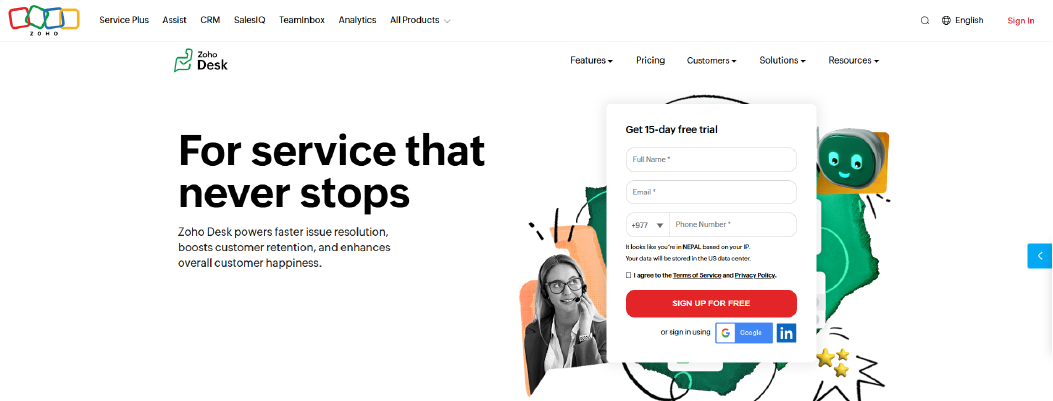
Zoho Desk is customer support software built for structured ticket management and automation. It supports email, live chat, social channels, and phone inside one help desk system.
Zoho Desk becomes a practical option when teams want stronger workflow flexibility without committing to a single CRM ecosystem. HubSpot Service Hub connects service directly to its CRM. Zoho Desk can operate independently or connect to Zoho CRM when needed.
Why It’s a Strong HubSpot Service Hub Alternative
Zoho Desk provides detailed control over ticket routing and workflow automation. It supports department-level configuration and allows teams to define custom statuses and priorities.
The platform enables no-code workflows. Zoho Desk enables no-code workflows for routing and notifications without developer support. This automates ticket movement, assignments, and notifications without developer involvement.
Zoho Desk also supports SLA policies with response and resolution tracking. This helps teams manage backlog and maintain SLA compliance when routing grows complex.
For businesses that want automation depth without cross-hub billing expansion, Zoho Desk offers a structured help desk approach.
Zoho Desk Core Strengths
-
Multichannel ticket management system
-
Custom ticket statuses and priorities
-
Reporting dashboards and analytics
-
Knowledge base and self-service portal
-
Integrations ecosystem and API access
These features support teams that need workflow control with flexible configuration across departments.
Where It Differs from HubSpot Service Hub
Zoho Desk emphasizes ticket workflow automation and department segmentation. HubSpot Service Hub emphasizes CRM-connected case handling.
Zoho Desk can function without a CRM-first structure. HubSpot Service Hub is closely tied to its CRM data model.
Zoho Desk pricing scales by tier and features. HubSpot Service Hub pricing expands across multiple hubs.
Limitations
-
User interface depth may vary across tiers
-
Advanced automation features require higher plans
-
Stronger when combined with Zoho ecosystem tools
Best For
-
Mid-sized support teams
-
Organizations needing structured workflow control
-
Businesses seeking automation without CRM bundling
-
Companies operating within the Zoho ecosystem
Pricing Snapshot
Read more: Discover the best Zohodesk Alternatives and choose the right one for your business.
10. Tidio - Chat-First Automation Alternative to HubSpot Service Hub
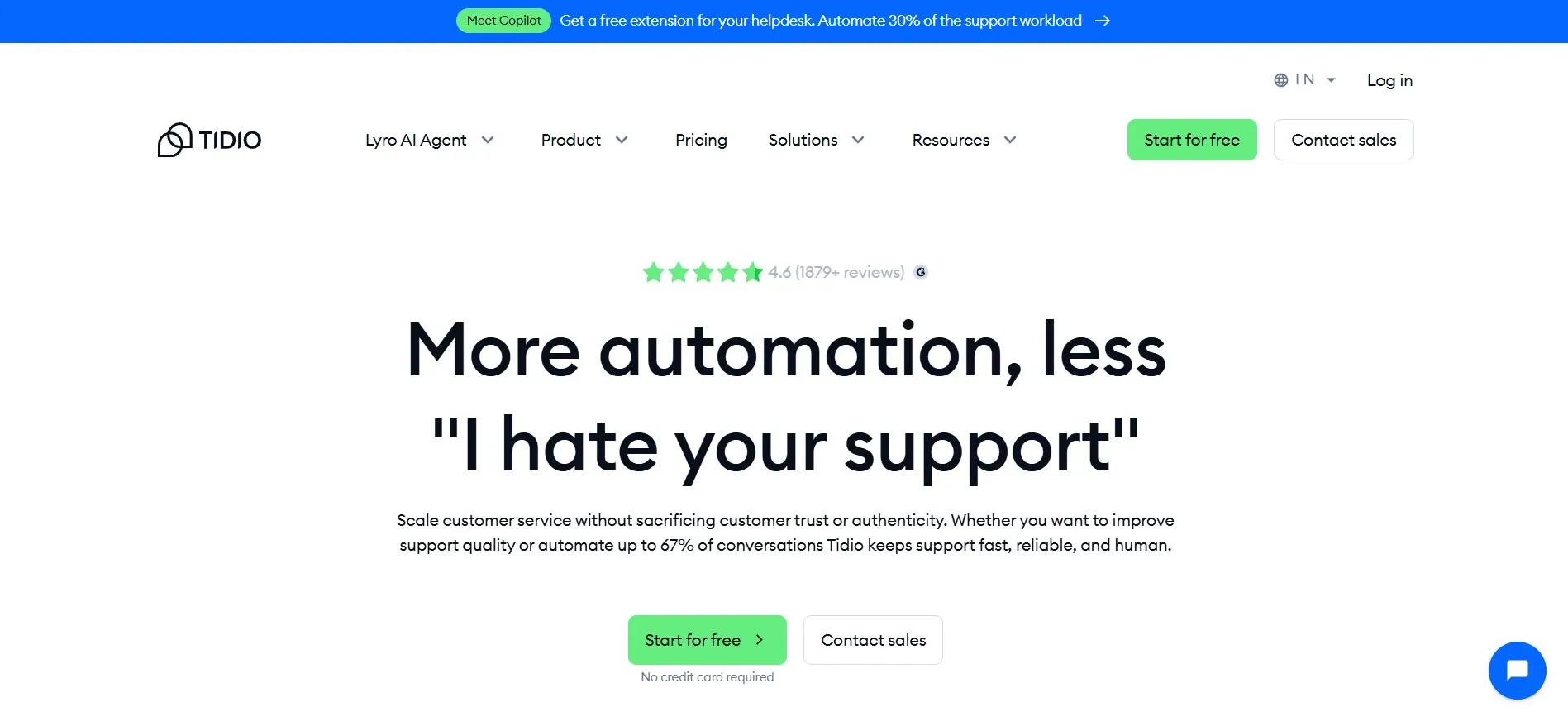
Tidio is customer support software built around live chat and AI chatbots. It focuses on website messaging, basic automation, and simple ticket handling for small teams.
Tidio is often used when teams want a lighter setup centered on chat rather than CRM-connected case management. HubSpot Service Hub is structured around the ticket lifecycle inside its CRM. Tidio is structured around real-time chat engagement with optional ticket tracking.
Why It’s a Strong HubSpot Service Hub Alternative
Tidio works well for businesses that rely on website chat as the primary support channel. Its AI chatbot can handle common questions and route conversations before an agent steps in.
Automation rules allow chat routing based on visitor behavior, page visits, or simple triggers. This reduces response time for predictable queries.
For small businesses that do not need complex CRM workflows or cross-hub billing, Tidio offers a simpler entry point into automation and live support.
Tidio Core Strengths
-
Live chat widget for website engagement
-
AI chatbot for automated responses
-
Basic ticket management system
-
Reporting dashboards for chat performance
-
Integrations ecosystem and API access
These features support teams managing lower ticket volume with chat-first support.
Where It Differs from HubSpot Service Hub
Tidio prioritizes live chat and chatbot automation. HubSpot Service Hub prioritizes structured ticket management inside CRM context.
Tidio is lighter in workflow branching and SLA governance. HubSpot Service Hub provides more structured case handling and reporting across departments.
Tidio pricing is typically tiered with usage components. HubSpot Service Hub pricing expands across hubs and advanced feature tiers.
Limitations
-
Limited advanced SLA governance and complex ticket routing
-
Less suitable for high-volume enterprise support
-
CRM functionality depends on external integrations
Best For
-
Small businesses and startups
-
Ecommerce stores relying on website chat
-
Teams beginning with chatbot automation
-
Organizations seeking lower initial cost
Pricing Snapshot
Tiered pricing with usage-based components for chat volume and automation features.
Explore the new Tidio Alternatives available in the market.
HubSpot Service Hub Competitors Compared (2026 Snapshot)
The table below compares each HubSpot Service Hub alternative based on setup effort, workflow flexibility, ecommerce alignment, AI control, reporting depth, and billing impact. The goal is to understand operational fit, not feature volume.
|
Tool
|
Setup Complexity
|
Custom Workflow Control
|
Native Ecommerce Integrations
|
AI Training Control
|
Knowledge Base Integration
|
Reporting Depth
|
Seat-Based Billing Impact
|
|
Chatboq
|
Low
|
High (SLA rules, priority escalation, validation)
|
Strong (CRM + messaging integrations, ecommerce workflows supported)
|
Structured (knowledge-based training using documents and FAQs)
|
Knowledge base supported with AI training linkage
|
Strong (pre-built SLA and performance dashboards)
|
No (plan-based)
|
|
Zendesk
|
Moderate to High
|
Advanced trigger-based routing
|
Via integrations
|
Limited direct training control
|
Yes
|
Advanced analytics & SLA tracking
|
Per-agent pricing scales
|
|
Intercom
|
Moderate
|
Moderate branching
|
Limited native ecommerce
|
AI trained on help center
|
Yes
|
Engagement-focused reporting
|
Seat + usage-based
|
|
Salesforce Service Cloud
|
High (enterprise setup)
|
Highly configurable
|
Via integrations
|
Enterprise AI configuration
|
Yes
|
Deep enterprise analytics
|
License-based enterprise pricing
|
|
Gorgias
|
Low to Moderate
|
Ecommerce-focused routing
|
Strong Shopify-native
|
Limited structured training
|
Basic
|
Revenue-linked reporting
|
Per-agent pricing scales
|
|
Freshdesk
|
Moderate
|
Structured automation rules
|
Via integrations
|
AI suggestions (Freddy AI)
|
Yes
|
Detailed SLA & performance reporting
|
Per-agent pricing scales
|
|
Front
|
Low
|
Basic routing & team assignment
|
Limited
|
Minimal AI control
|
Limited
|
Conversation analytics
|
Per-seat pricing
|
|
Help Scout
|
Low
|
Simple tagging & routing
|
Limited
|
Minimal AI depth
|
Strong help center
|
Basic performance reports
|
Per-user pricing
|
|
Zoho Desk
|
Moderate
|
Strong no-code workflows
|
Via Zoho ecosystem
|
Limited structured training
|
Yes
|
Structured analytics
|
Tiered per-agent pricing
|
|
Tidio
|
Low
|
Limited advanced routing
|
Ecommerce-friendly chat
|
Basic chatbot training
|
Basic
|
Chat-focused analytics
|
Tiered + usage-based
|
HubSpot Service Hub bundles support into its CRM ecosystem, while many alternatives separate support from CRM expansion.

 ChatGPT
 Perplexity
 Claude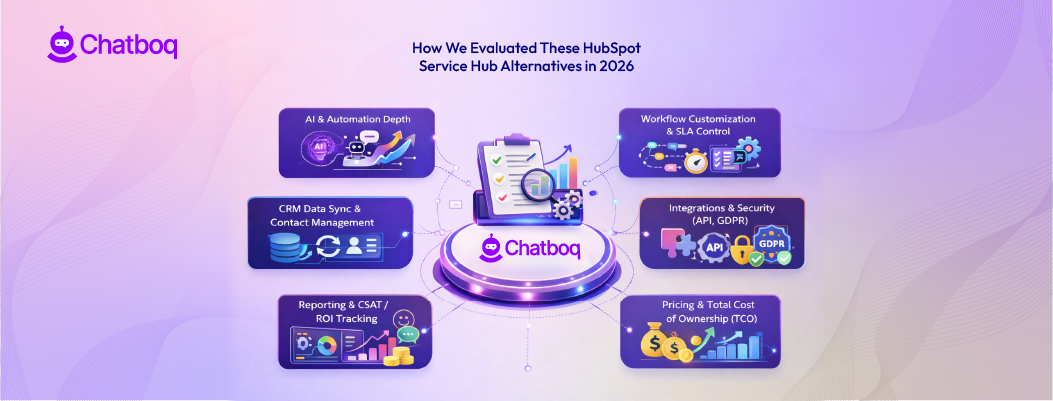




Leave a Comment
Your email address will not be published. Required fields are marked *
By submitting, you agree to receive helpful messages from Chatboq about your request. We do not sell data.